Feedbird vs Postly
Compare Feedbird vs Postly and see which AI Social Media Assistant tool is better when we compare features, reviews, pricing, alternatives, upvotes, etc.
Which one is better? Feedbird or Postly?
When we compare Feedbird with Postly, which are both AI-powered social media assistant tools, Both tools have received the same number of upvotes from aitools.fyi users. Your vote matters! Help us decide the winner among aitools.fyi users by casting your vote.
Does the result make you go "hmm"? Cast your vote and turn that frown upside down!
Feedbird
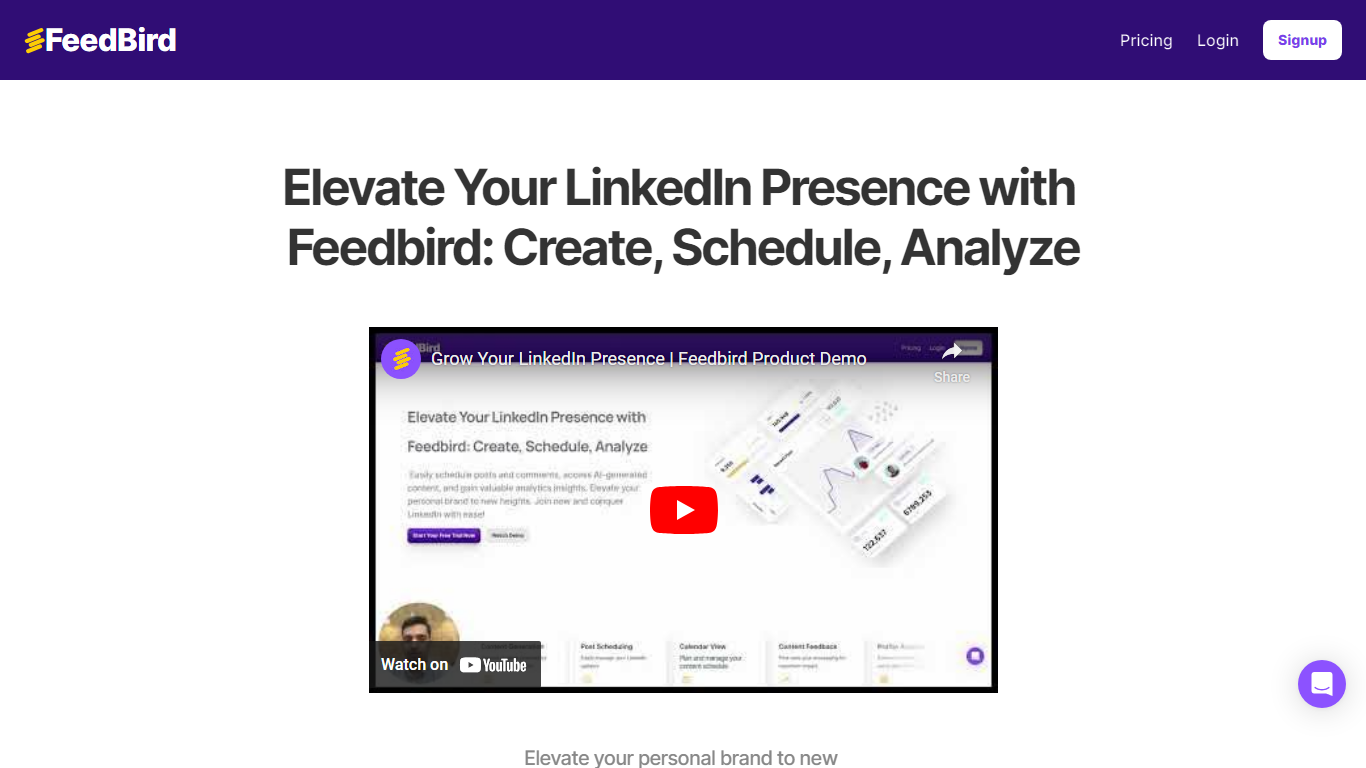

What is Feedbird?
Feedbird is a social media assistant that turns a YouTube or podcast URL into LinkedIn posts, tweets, and blog drafts written from your perspective. You paste a link, it extracts insights and screenshots, then generates original text in your voice rather than a transcript summary.
Most repurposing tools assume you already publish video. Feedbird targets people who consume industry talks and want to post their take without spending 20 minutes fighting a generic ChatGPT workflow. Voice calibration learns from 2 to 3 of your past posts, and perspective steering can push a hot take, tactical breakdown, or personal story angle.
Founders, marketers, and agencies use it to post consistently from content they already watch. The homepage cites 1,200+ users and promises a first post in about 60 seconds, with screenshot extraction for slides and diagrams embedded in blog output.
Postly
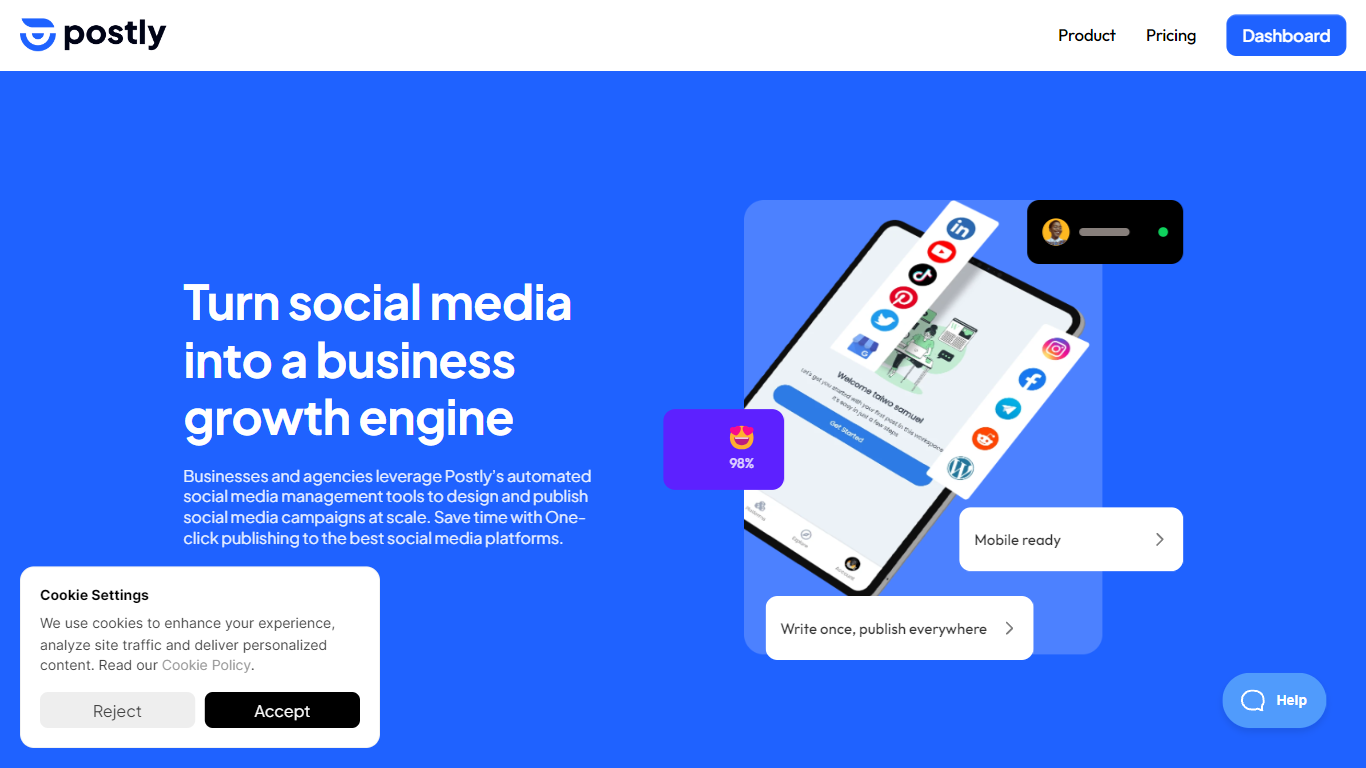
What is Postly?
Teams use Postly to plan campaigns, publish to social networks, messaging apps, blogs, and email from one calendar, and manage customer conversations without switching tools. The workspace bundles AI writing, platform-specific previews, approval queues, and analytics so every campaign carries context from draft to published post. Agencies run separate client workspaces with roles and notes, while marketers and creators handle multi-channel distribution from a single login.
Most schedulers stop at Instagram and LinkedIn. Postly treats blogs, email destinations, WhatsApp templates, and bio pages as first-class publish targets alongside 10 social networks. The per-channel pricing model also scales differently from flat-seat tools, so a team managing many profiles pays per connected destination rather than per user seat.
Marketing teams, agencies, and solo creators who publish across multiple channels benefit most. Postly CRM catches Facebook and Instagram comments and DMs, captures contact details, and exports qualified leads. Auto Post turns RSS feeds, YouTube videos, product catalogs, and documents into repeatable publishing workflows.
Feedbird Upvotes
Postly Upvotes
Feedbird Top Features
Paste any public YouTube or podcast URL and generate content in under 60 seconds
Free plan includes 3 videos per month and 15 content pieces per video
Pro plan at $29 per month raises limits to 15 videos and 30 pieces per video
Voice calibration matches tone from 2 to 3 pasted sample posts during onboarding
Outputs LinkedIn posts, Twitter threads, and long-form blog articles from one video
Smart screenshot extraction pulls slides, diagrams, and charts into blog drafts
Postly Top Features
Publish to 19+ destinations including Instagram, YouTube, WordPress, and Mailchimp
Pro includes 5 channels at $16 per month on yearly billing ($3.20 per channel)
Unlimited scheduled posts, team members, and workspaces on Pro
Postly CRM automates Facebook and Instagram comments and DM follow-up
100GB cloud storage and up to 10GB per video upload on Pro
API and MCP access included on Pro for agent-driven publishing
Feedbird Category
- Social Media Assistant
Postly Category
- Social Media Assistant
Feedbird Pricing Type
- Freemium
Postly Pricing Type
- Freemium