BugFree.ai vs ScreenApp
In the face-off between BugFree.ai vs ScreenApp, which AI Education tool takes the crown? We scrutinize features, alternatives, upvotes, reviews, pricing, and more.
In a face-off between BugFree.ai and ScreenApp, which one takes the crown?
If we were to analyze BugFree.ai and ScreenApp, both of which are AI-powered education tools, what would we find? Both tools have received the same number of upvotes from aitools.fyi users. Be a part of the decision-making process. Your vote could determine the winner.
Feeling rebellious? Cast your vote and shake things up!
BugFree.ai

What is BugFree.ai?
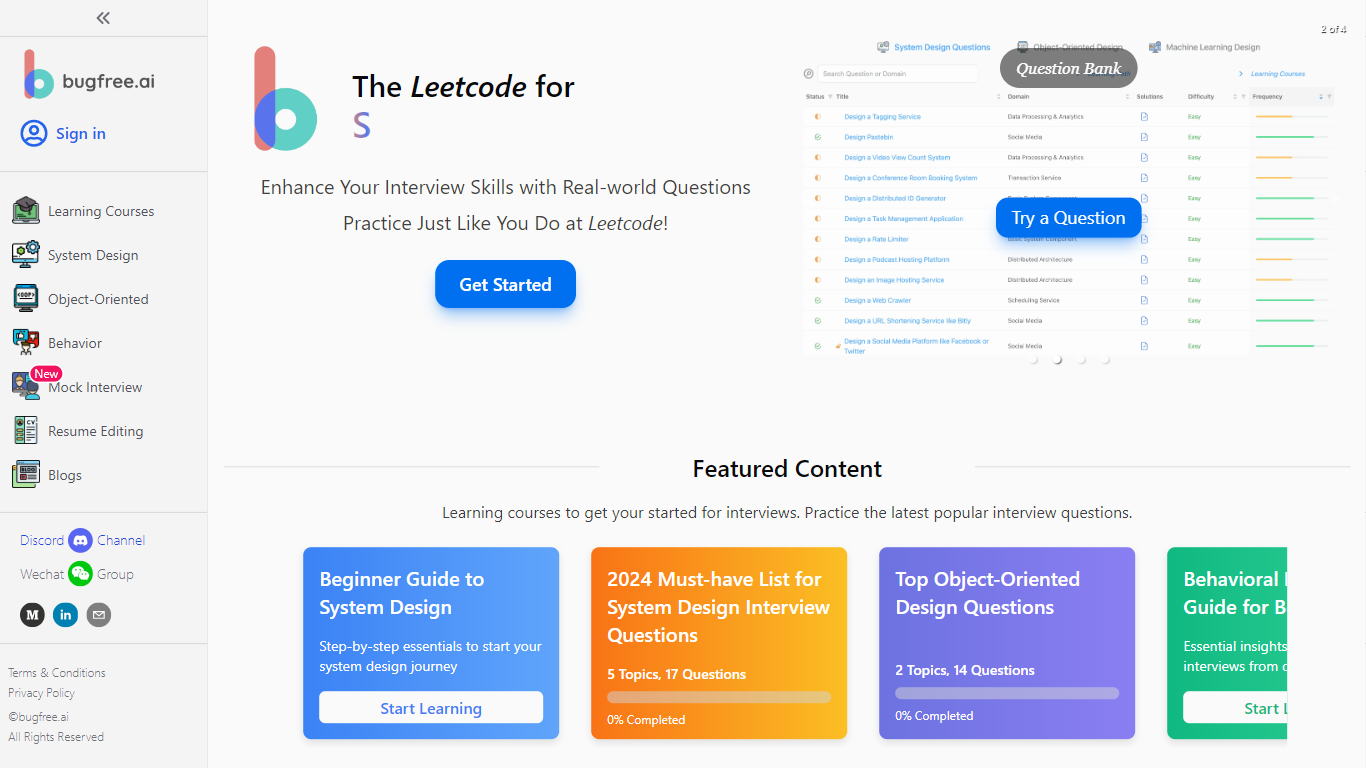
BugFree.ai is an interview prep platform built around interactive practice for system design, data, and behavioral rounds. It positions itself as a LeetCode-style experience for non-coding interview formats, with guided walkthroughs, scored feedback, and curated question banks you work through step by step.
The platform splits prep into distinct tracks: system design (including object-oriented and machine learning design), data interviews covering metrics, SQL, A/B testing, and case studies, plus behavioral questions with STARL-style answer frameworks. Learning paths are organized by experience level, from junior to specialist, with topics like distributed architecture, messaging systems, and collaborative tools.
Mock interview modes simulate real sessions across system design, OOD, ML, behavioral, data, and LeetCode-style coding questions. A separate interview experiences library lets you browse reports from candidates at companies like Google, Meta, Amazon, and Stripe, filterable by role and company.
It is aimed at software engineers, data scientists, and machine learning engineers preparing for technical interviews at top tech companies.
ScreenApp
What is ScreenApp?
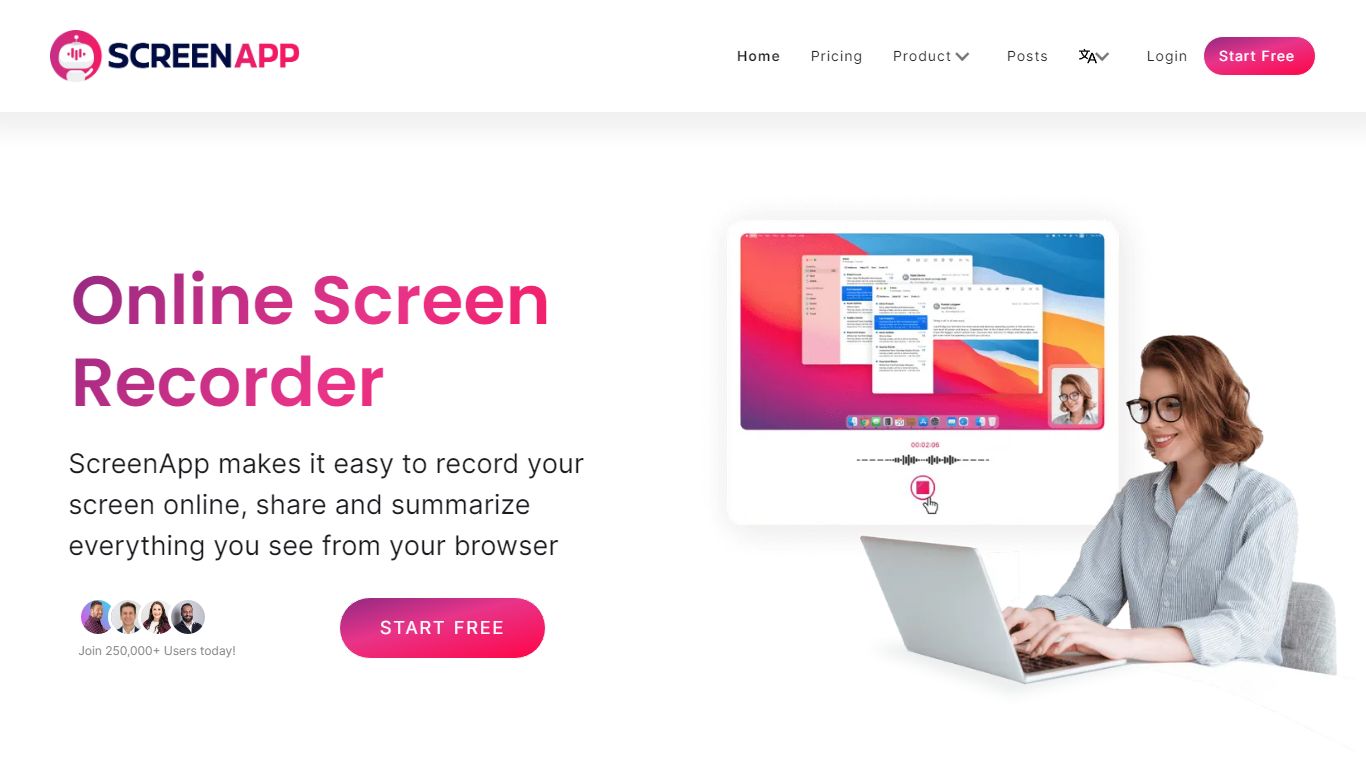
ScreenApp records your screen, webcam, or in-person audio in the browser and turns those captures into searchable transcripts, summaries, and notes. Teachers, trainers, and students use it as an education-focused recorder when they need lecture clips, meeting walkthroughs, or tutorial videos without installing desktop software first. The free tier includes 3 recordings with AI summaries and a full transcript on each file.
Compared with basic screen recorders that stop at MP4 exports, ScreenApp layers AI chat, templates, and cross-file search on top of every recording. Growth and Business plans add a meeting bot, video frame analysis, and API access, while the site advertises 351 feature-specific tools from lecture note taking to SOP generation. That breadth makes it closer to an AI video workspace than a single-purpose capture button.
ScreenApp runs on the web plus Chrome, Mac, Windows, iOS, and Android apps, so teams can record a class session on a laptop and review AI notes on a phone. It fits educators recording lessons, sales teams sharing async demos, and anyone who wants spoken content turned into text they can skim later.
BugFree.ai Upvotes
ScreenApp Upvotes
BugFree.ai Top Features
150+ system design problems with guided walkthroughs on requirements, trade-offs, and diagrams
Mock interviews across system design, OOD, ML, behavioral, data, and 2000+ LeetCode questions
500+ data interview questions covering metrics, SQL, A/B testing, and business cases
60+ behavioral problems with resume-customized answers and STARL framework examples
3000+ real interview experience reports from candidates at Meta, Amazon, Google, and more
Curated learning paths from junior to specialist across distributed systems, ML, and OOD topics
ScreenApp Top Features
Free plan with 3 recordings, full transcripts, and 3 AI generations per month
Growth plan at $19 per month (billed annually) with 600 AI credits per year and unlimited recordings
Meeting bot on paid plans that joins calls and produces summaries without a visible bot avatar on some flows
Video analysis on Business plans with up to 120 analyses per year and unlimited on Enterprise
351 listed AI feature pages covering transcription, lecture notes, SOP generation, and converters
Apps for Web, Chrome extension, Mac, Windows, iOS, and Android with SOC 2 Type II certification
BugFree.ai Category
- Education
ScreenApp Category
- Education
BugFree.ai Pricing Type
- Freemium
ScreenApp Pricing Type
- Freemium