bulluga vs Otter.ai
In the contest of bulluga vs Otter.ai, which AI Meeting Assistant tool is the champion? We evaluate pricing, alternatives, upvotes, features, reviews, and more.
If you had to choose between bulluga and Otter.ai, which one would you go for?
When we examine bulluga and Otter.ai, both of which are AI-enabled meeting assistant tools, what unique characteristics do we discover? The upvote count favors bulluga, making it the clear winner. bulluga has garnered 7 upvotes, and Otter.ai has garnered 5 upvotes.
Think we got it wrong? Cast your vote and show us who's boss!
bulluga


What is bulluga?
Bulluga stands out as a remarkable tool that revolutionizes the traditional note-taking process. It's designed to simplify your workflow by taking over the task of jotting down notes, allowing you more time to focus on important activities. By leveraging advanced technology, Bulluga provides a seamless and intuitive experience that caters to a wide range of users - from busy professionals to active students.
With its user-friendly interface, Bulluga ensures that note-taking is no longer a laborious process but a convenient and efficient one. Its capabilities are not only functional but also save valuable time, reduce the potential for human error, and enhance overall productivity. Whether it's during meetings, lectures, or brainstorming sessions, Bulluga captures the essence of discussions without the need for manual input.
Experience the future of notetaking with Bulluga, where your thoughts and ideas are effortlessly transformed into written form. Embrace the power of Bulluga and elevate your note-taking to the next level.
Otter.ai
What is Otter.ai?
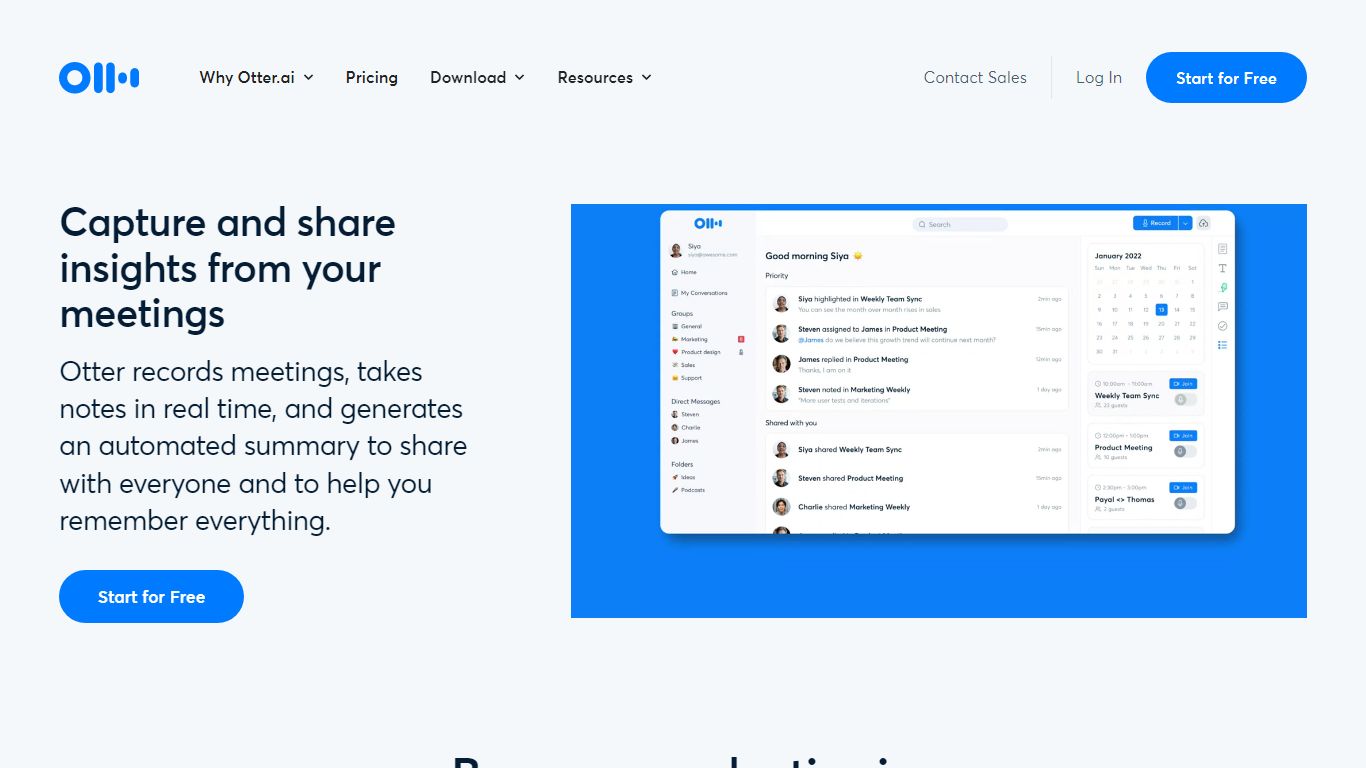
Otter.ai is an AI meeting agent that transcribes conversations in real time and turns them into searchable meeting knowledge. It joins Zoom, Google Meet, and Microsoft Teams calls, records from desktop, mobile, or web, and produces live transcripts, summaries, and action items.
Otter AI Chat lets you search across meetings and connected apps to answer questions and draft follow-ups, reports, and content. The platform also supports bot-free desktop recording on Mac and Windows, multilingual transcription, CRM integrations, and an MCP Server that connects meeting knowledge to ChatGPT and Claude.
Otter positions itself as a Conversational Knowledge Engine for sales, education, media, recruiting, and enterprise teams, with apps for iOS, Android, desktop, and a Chrome extension.
bulluga Upvotes
Otter.ai Upvotes
bulluga Top Features
Efficiency: Automates the process of taking notes to save time and effort.
User-Friendly: Offers an intuitive interface that makes it easy to capture information.
Productivity Booster: Enhances productivity by reducing manual tasks related to note-taking.
Error Reduction: Decreases the chances of human error in note transcription.
Versatile Use: Ideal for various settings such as professional meetings and academic lectures.
Otter.ai Top Features
Real-time meeting transcription with speaker recognition across Zoom, Google Meet, and Microsoft Teams
Automated AI summaries, action items, and searchable meeting knowledge
Otter AI Chat to query meetings and connected apps for follow-ups and content
Bot-free desktop recording on Mac and Windows plus iOS, Android, web, and Chrome extension apps
Integrations with Slack, Salesforce, HubSpot, Notion, Jira, Google Calendar, and Claude via MCP Server
bulluga Category
- Meeting Assistant
Otter.ai Category
- Meeting Assistant
bulluga Pricing Type
- Freemium
Otter.ai Pricing Type
- Freemium