CalcGen AI vs Seolly
In the battle of CalcGen AI vs Seolly, which AI Analytics tool comes out on top? We compare reviews, pricing, alternatives, upvotes, features, and more.
Between CalcGen AI and Seolly, which one is superior?
Upon comparing CalcGen AI with Seolly, which are both AI-powered analytics tools, The upvote count reveals a draw, with both tools earning the same number of upvotes. Since other aitools.fyi users could decide the winner, the ball is in your court now to cast your vote and help us determine the winner.
You don't agree with the result? Cast your vote to help us decide!
CalcGen AI

What is CalcGen AI?
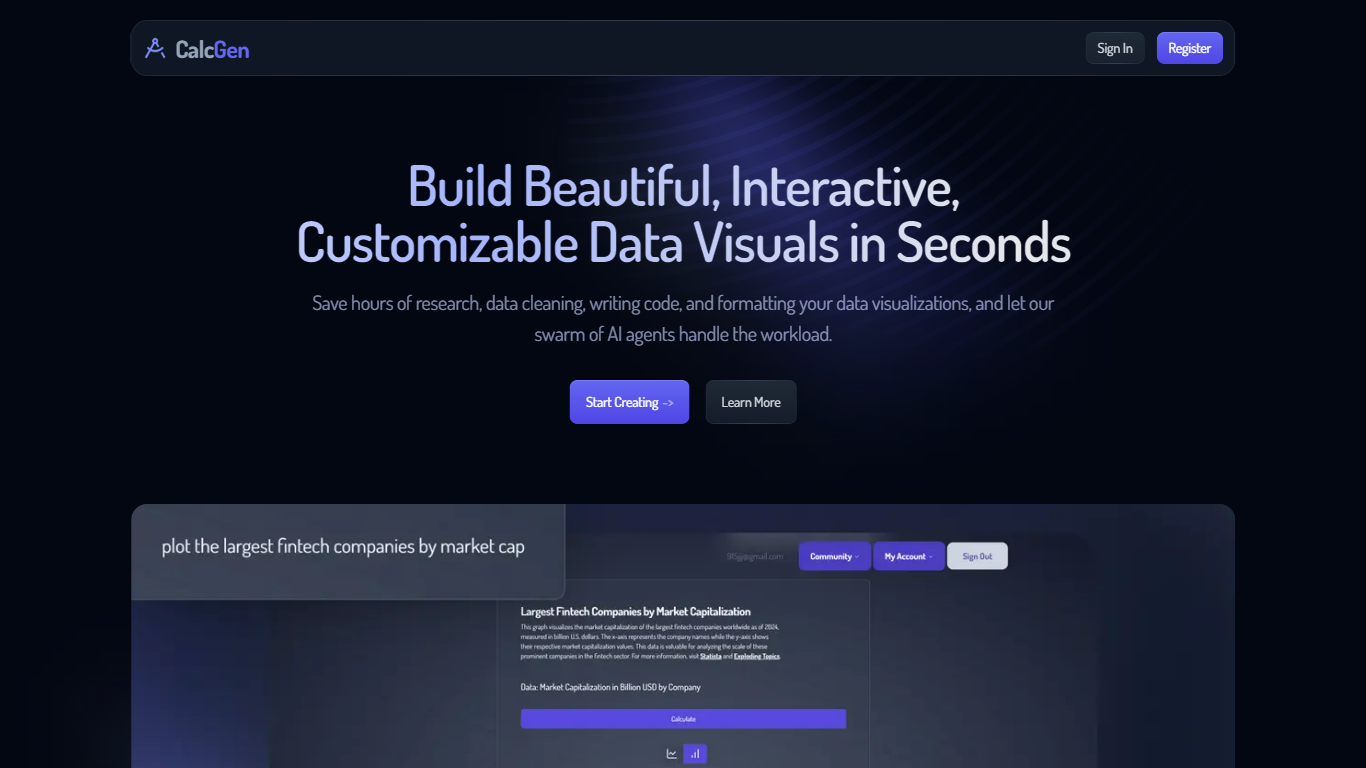
CalcGen AI turns a plain-language question into an interactive chart, graph, or calculator without you writing code or hunting down datasets. Type a prompt like smoking rates in the USA, and a swarm of search, analysis, and visualization agents finds credible sources, writes a summary, and renders a shareable visual you can embed in Notion, PowerPoint, or WordPress.
ChatGPT can sketch a chart from data you paste in. CalcGen goes further by sending a search agent to pull numbers from the web, linking every source, and letting you customize themes, filters, and chart types in a visual editor. The trade-off is beta maturity: the tutorial recommends datasets under 150 points for best results.
Analysts, educators, and marketers use it when they need a polished visualization fast but lack time for spreadsheet cleanup and formatting. CalcGen was featured on Product Hunt as a top 8 launch and in Rundown AI's trending products list in October 2024.
Seolly
What is Seolly?
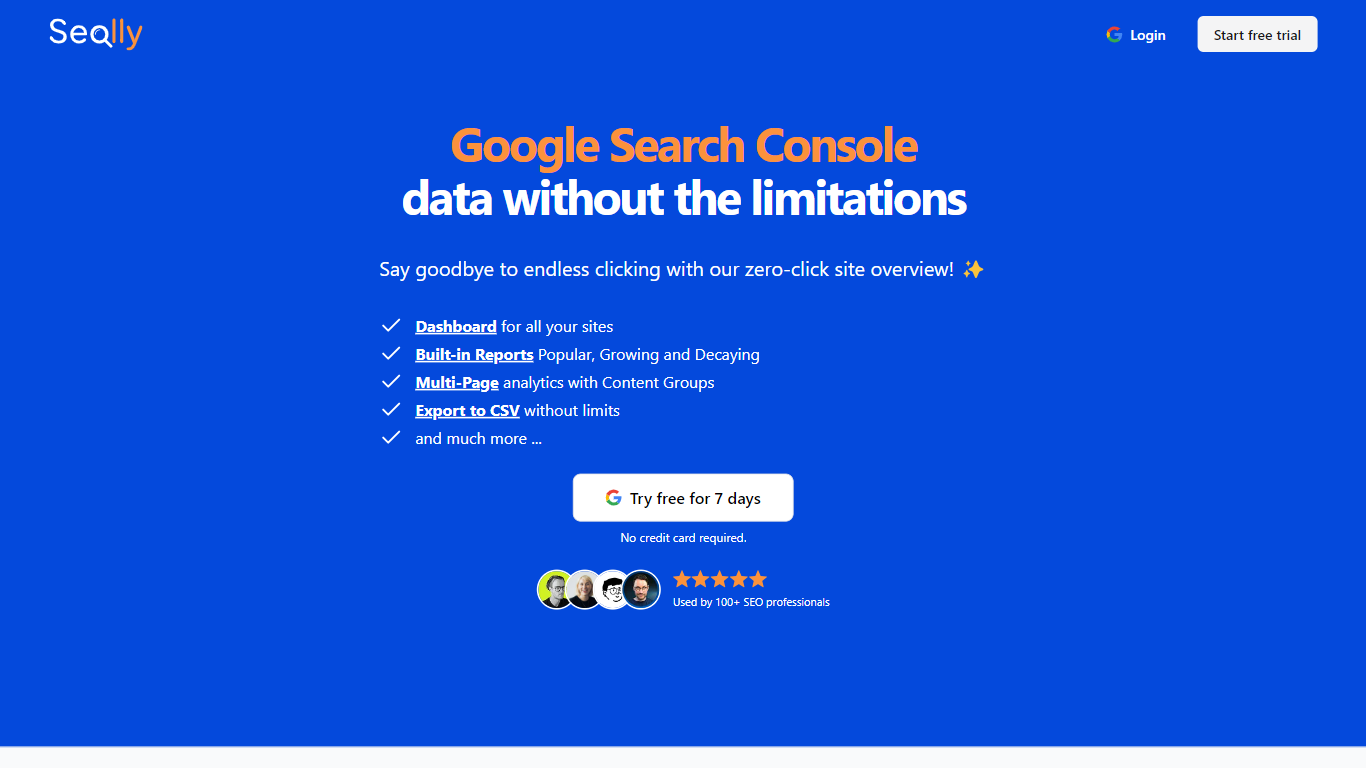
Seolly is an analytics dashboard that pulls read-only Google Search Console data into one place for agencies managing many sites. You connect your GSC properties, see clicks and impressions across every domain on a single overview page, and drill into popular, growing, or decaying pages without clicking through Google's interface. It shows the same underlying numbers as Search Console, not traffic estimates from third-party crawlers.
Rank trackers and all-in-one SEO suites store your performance data on their servers. Seolly markets a privacy-first model where it does not store or resell your GSC metrics, only the Google OAuth key needed to render dashboards until you revoke access. Branded keyword filtering and custom content groups are built for client reporting where you need to strip branded queries or compare landing page clusters quickly.
SEO agencies, consultants, and affiliates with multiple Search Console properties are the core audience. Teams that export CSV reports for clients benefit from unlimited exports and a Privacy Blur mode that hides URLs in screenshots. Lifetime pricing at $49.99 targets freelancers who want to avoid another monthly subscription.
CalcGen AI Upvotes
Seolly Upvotes
CalcGen AI Top Features
Search Agent finds data online and links credible sources to every visualization
Analysis Agent writes chart titles and detailed data summaries automatically
Visualization Agent builds interactive charts with custom filters and sorting from prompts
Embeds into Notion, PowerPoint, WordPress, Wix, and Miro
Theme library lets you match charts to your brand design language
Custom graph calculators plot equations dynamically from user inputs
Paid plans start at $9.99 per month according to the welcome page
Seolly Top Features
Master dashboard shows clicks and impressions for every connected GSC property on one page
Built-in Popular, Growing, and Decaying reports highlight pages and queries trending up or down
One-click branded keyword filtering removes navigational queries from performance views
Custom content groups track landing page clusters without manual spreadsheet tagging
Unlimited CSV exports for client reporting workflows
Privacy Blur hides site URLs when you screenshot or record dashboard walkthroughs
CalcGen AI Category
- Analytics
Seolly Category
- Analytics
CalcGen AI Pricing Type
- Freemium
Seolly Pricing Type
- Freemium