
Last updated 08-15-2026
Category:
Reviews:
Join thousands of AI enthusiasts in the World of AI!
CalcGen AI
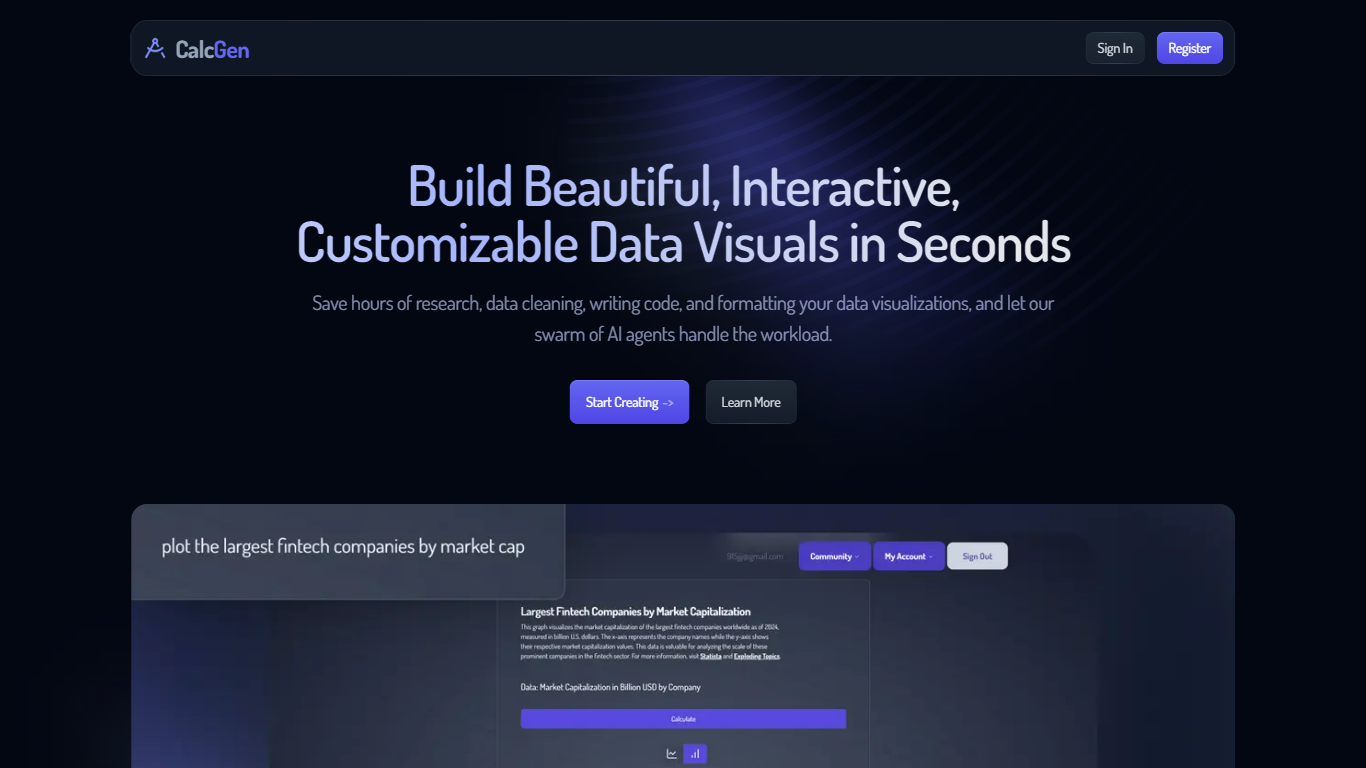
CalcGen AI turns a plain-language question into an interactive chart, graph, or calculator without you writing code or hunting down datasets. Type a prompt like smoking rates in the USA, and a swarm of search, analysis, and visualization agents finds credible sources, writes a summary, and renders a shareable visual you can embed in Notion, PowerPoint, or WordPress.
ChatGPT can sketch a chart from data you paste in. CalcGen goes further by sending a search agent to pull numbers from the web, linking every source, and letting you customize themes, filters, and chart types in a visual editor. The trade-off is beta maturity: the tutorial recommends datasets under 150 points for best results.
Analysts, educators, and marketers use it when they need a polished visualization fast but lack time for spreadsheet cleanup and formatting. CalcGen was featured on Product Hunt as a top 8 launch and in Rundown AI's trending products list in October 2024.
Search Agent finds data online and links credible sources to every visualization
Analysis Agent writes chart titles and detailed data summaries automatically
Visualization Agent builds interactive charts with custom filters and sorting from prompts
Embeds into Notion, PowerPoint, WordPress, Wix, and Miro
Theme library lets you match charts to your brand design language
Custom graph calculators plot equations dynamically from user inputs
Paid plans start at $9.99 per month according to the welcome page
Automates data research, analysis, and chart building from a single prompt.
Links credible sources to every visualization for verifiable data storytelling.
Embeds into popular tools like Notion, PowerPoint, and WordPress.
Still in beta with a recommended dataset cap of 150 points.
Pricing page did not load detailed plan tiers during research.
Low domain authority (DR 12) compared to established analytics platforms.
What does CalcGen AI do?
CalcGen AI generates interactive charts, graphs, and calculators from text prompts. Its search, analysis, and visualization agents work together to find data, summarize it, and build a shareable visual.
How much does CalcGen AI cost?
CalcGen AI paid plans start at $9.99 per month according to the welcome page. The app is in beta with continuous improvements to the underlying AI models.
Can CalcGen AI find data for me?
Yes. CalcGen AI's Search Agent retrieves data from the internet and links the credible sources it uses. You can preview and verify each source before sharing the chart.
Where can I embed CalcGen AI charts?
CalcGen AI supports embedding visualizations into Notion, PowerPoint, WordPress, Wix, Miro, and other platforms. You can also share direct links to interactive charts.
What dataset size works best in CalcGen AI?
CalcGen AI recommends datasets under 150 data points for the best results while the platform remains in beta. Larger datasets may hit performance limits during generation.
Is CalcGen AI still in beta?
Yes. CalcGen AI labels the product as beta on its main app. The team notes daily improvements and invites feedback through its forum and tutorial library.