
Last updated 08-13-2026
Category:
Reviews:
Join thousands of AI enthusiasts in the World of AI!
Content Compass AI
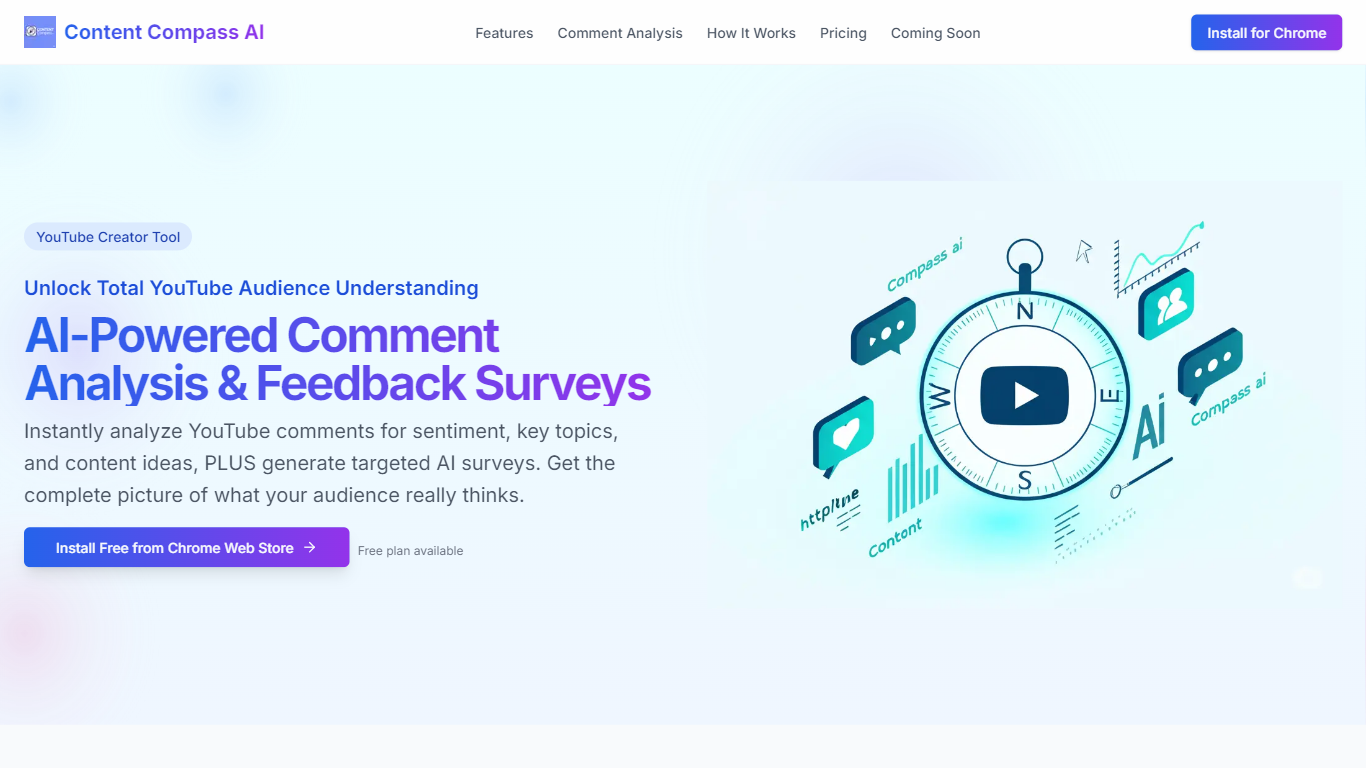
Content Compass AI turns YouTube comment threads into structured audience insights and ready-to-send Google Forms surveys from a Chrome extension. Install it from the Chrome Web Store, open a video, and the extension analyzes comments for sentiment, topics, viewer questions, and content ideas while generating tailored survey questions you can push into Google Forms.
Most YouTube analytics dashboards stop at views and watch time. Content Compass AI focuses on qualitative comment data and pairs it with AI-generated surveys so you get both passive sentiment from existing comments and active responses from structured questions. That combination is its main angle versus standalone survey builders that ignore what viewers already wrote.
YouTube creators, channel managers, and small media teams use it to decode vague comment threads, spot recurring topics, and share Google Forms links through descriptions, cards, and community posts. A free plan is available, and new signups get a 7-day trial with 10 credits to test comment analysis and survey generation before committing.
AI comment analysis for sentiment, topics, viewer questions, and content ideas
Generates survey questions tailored to each YouTube video's content
One-click Google Forms creation and updates from inside the extension
Customizable question editor with short answer and multiple choice types
Analytics dashboard tracks response rates and comment sentiment trends
Easy sharing guidance for descriptions, cards, end screens, and community posts
7-day free trial with 10 credits for new extension signups
Combines passive comment mining with active survey generation in one Chrome workflow
One-click Google Forms export removes manual survey setup
Sentiment and topic extraction turns noisy comment threads into structured insights
Free plan plus 7-day trial with 10 credits lowers the barrier to test on real videos
Chrome extension only, no support for browsers outside Chrome
YouTube-specific scope, not useful for creators on other video platforms
Paid tier pricing is not published on the marketing site
Requires installing a browser extension before any analysis runs
Is Content Compass AI free?
Content Compass AI offers a free plan and a 7-day trial with 10 credits when you sign up through the Chrome extension. Paid tiers extend usage beyond the trial credits for ongoing comment analysis and survey generation.
How does Content Compass AI work on YouTube?
Content Compass AI runs as a Chrome extension. You install it, open a YouTube video, click Generate AI Questions, and the tool analyzes the video and comments to suggest survey questions you can edit and export to Google Forms.
Does Content Compass AI analyze YouTube comments?
Yes. Content Compass AI decodes comment sections for positive, negative, or neutral sentiment, extracts key topics, identifies viewer questions, and surfaces AI-generated content ideas from audience discussion.
Can Content Compass AI create Google Forms?
Yes. Content Compass AI creates and updates Google Forms directly from the extension with one click, so you do not need to manually build surveys after generating questions.
Who should use Content Compass AI?
Content Compass AI is built for YouTube creators and channel managers who want structured audience feedback beyond vague comments. It combines passive comment analysis with active surveys for a fuller audience picture.
Where do I install Content Compass AI?
Content Compass AI is available from the Chrome Web Store as a browser extension. Install it in Chrome, then navigate to any YouTube video to start comment analysis or survey generation.