CallBud vs TranscribeAudio
In the face-off between CallBud vs TranscribeAudio, which AI Meeting Assistant tool takes the crown? We scrutinize features, alternatives, upvotes, reviews, pricing, and more.
In a face-off between CallBud and TranscribeAudio, which one takes the crown?
If we were to analyze CallBud and TranscribeAudio, both of which are AI-powered meeting assistant tools, what would we find? Neither tool takes the lead, as they both have the same upvote count. Join the aitools.fyi users in deciding the winner by casting your vote.
Feeling rebellious? Cast your vote and shake things up!
CallBud
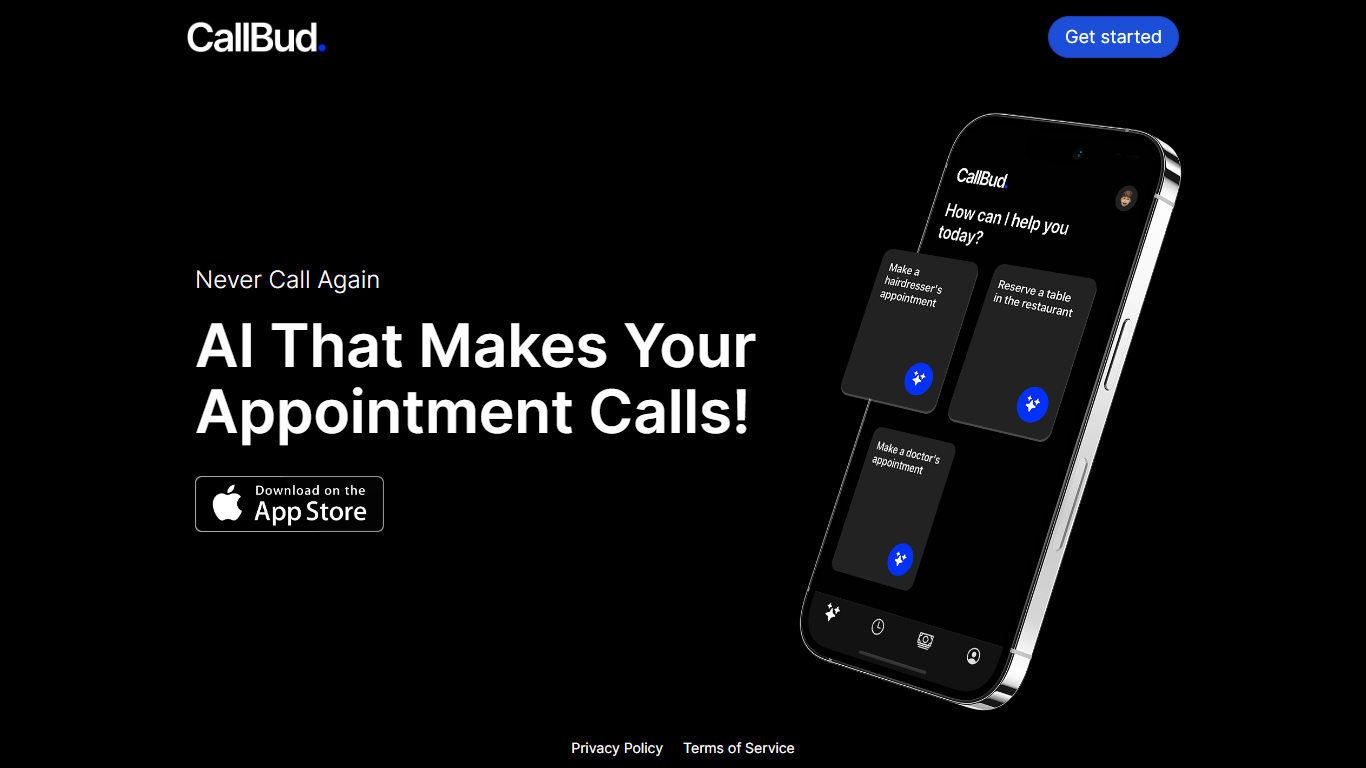

What is CallBud ?
Introducing CallBud, your revolutionary AI Call Assistant, designed to simplify and automate the process of making appointment calls. Our state-of-the-art app employs advanced AI to handle the tedious task of scheduling appointments for services such as haircuts, restaurant reservations, and doctor's visits with ease and efficiency.
With CallBud, the days of spending time on the phone for bookings are over, as our intelligent AI takes over to ensure a seamless appointment-setting experience. Our commitment to privacy is unwavering, and you can trust that your information is secure with our robust privacy policy and terms of service. Join the future of appointment scheduling with CallBud and experience the luxury of never having to make an appointment call yourself again.
TranscribeAudio
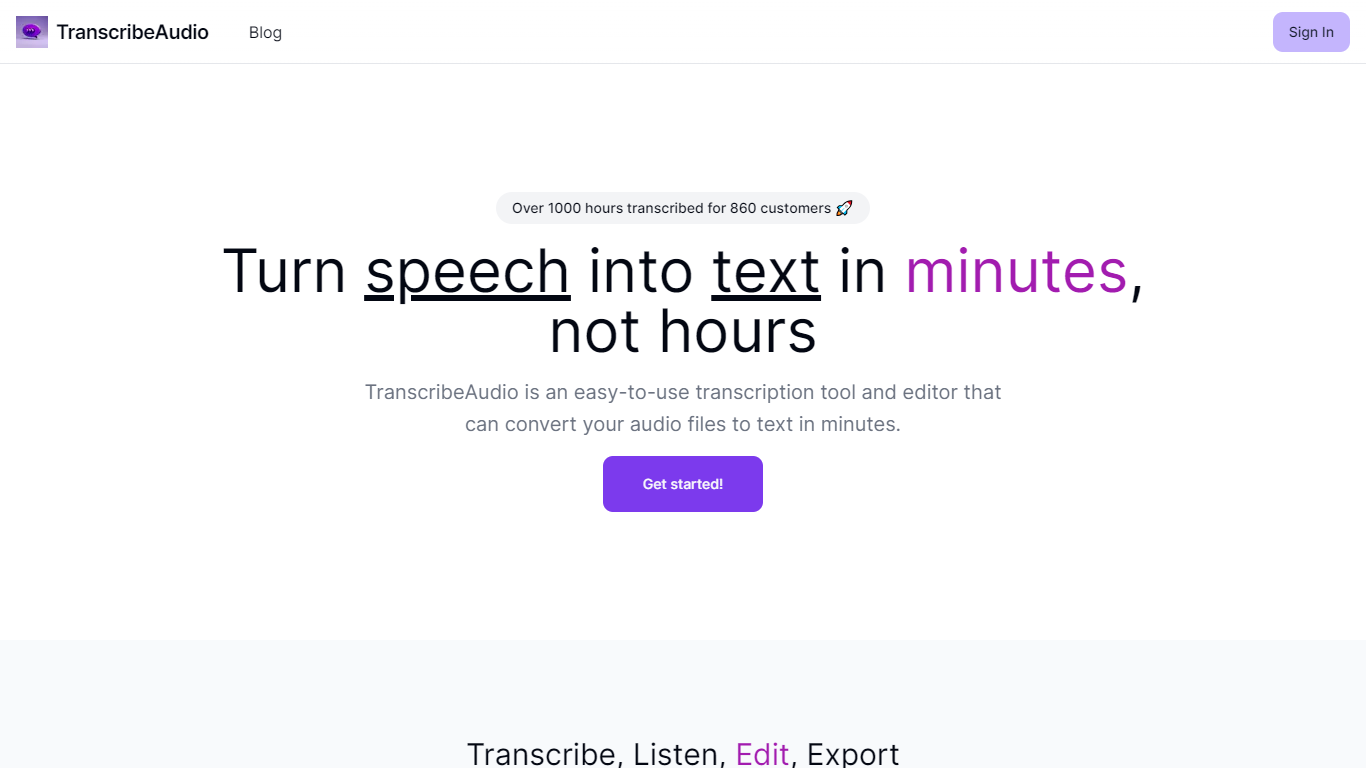
What is TranscribeAudio?
TranscribeAudio is a Chrome extension that turns any audio playing in your browser into live text. Instead of uploading recordings or inviting a bot into your meeting, you click Start on a tab and captions appear in a floating overlay you can drag anywhere on screen.
The extension captures audio directly from the browser tab, so it works with Zoom, Google Meet, YouTube, podcasts, and any other site playing sound in Chrome. Transcription runs on OpenAI's Whisper-based speech recognition and supports 57 languages.
It fits anyone who wants real-time captions during meetings, lectures, or videos without managing separate recording files or waiting for upload-based transcripts to process.
CallBud Upvotes
TranscribeAudio Upvotes
CallBud Top Features
AI-Driven Appointment Scheduling: Automates the appointment booking process for various services.
Convenience: Offers users the luxury of never having to make appointment calls themselves.
Privacy Assurance: Adheres to a strict privacy policy to protect user information.
Broad Service Range: Capable of handling appointments for hairdressers, restaurants, and doctors.
User-Friendly: Designed for ease of use with a focus on a hassle-free experience.
TranscribeAudio Top Features
Captures audio from any Chrome tab and streams live captions without using your microphone
Whisper-based speech recognition with support for 57 languages and regional accents
Floating overlay you can drag anywhere while watching videos or joining calls
Works with Zoom, Google Meet, YouTube, Vimeo, and other sites playing audio in Chrome
Export transcriptions as TXT files for notes and sharing
No meeting bots or participant notifications when transcribing calls
CallBud Category
- Meeting Assistant
TranscribeAudio Category
- Meeting Assistant
CallBud Pricing Type
- Freemium
TranscribeAudio Pricing Type
- Freemium