
Last updated 07-03-2026
Category:
Reviews:
Join thousands of AI enthusiasts in the World of AI!
TranscribeAudio
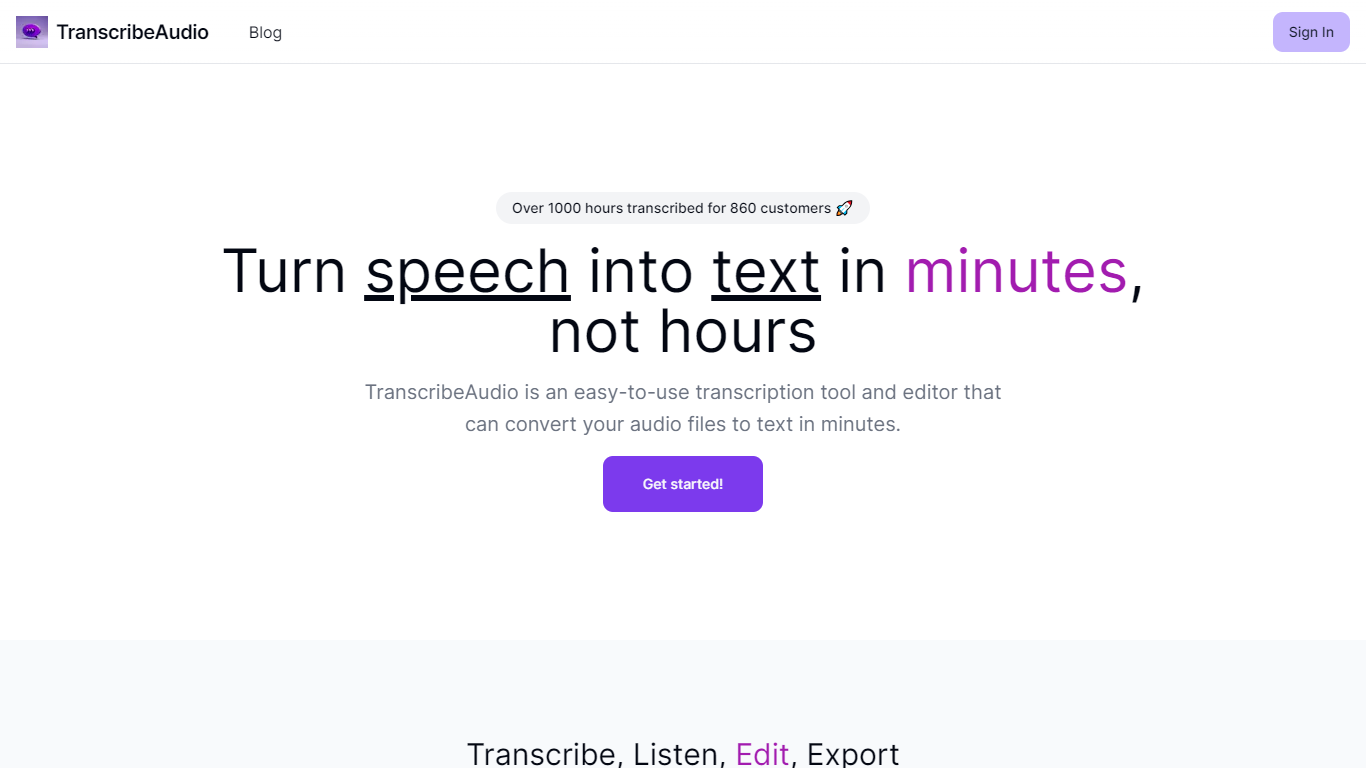
TranscribeAudio is a Chrome extension that turns any audio playing in your browser into live text. Instead of uploading recordings or inviting a bot into your meeting, you click Start on a tab and captions appear in a floating overlay you can drag anywhere on screen.
The extension captures audio directly from the browser tab, so it works with Zoom, Google Meet, YouTube, podcasts, and any other site playing sound in Chrome. Transcription runs on OpenAI's Whisper-based speech recognition and supports 57 languages.
It fits anyone who wants real-time captions during meetings, lectures, or videos without managing separate recording files or waiting for upload-based transcripts to process.
Captures audio from any Chrome tab and streams live captions without using your microphone
Whisper-based speech recognition with support for 57 languages and regional accents
Floating overlay you can drag anywhere while watching videos or joining calls
Works with Zoom, Google Meet, YouTube, Vimeo, and other sites playing audio in Chrome
Export transcriptions as TXT files for notes and sharing
No meeting bots or participant notifications when transcribing calls
Real-time captions from browser tab audio with no file uploads or processing wait.
No meeting bot joins your call, so participants are not notified.
Flat monthly pricing with a free tier that includes 30 minutes per month.
Chrome extension only; no support for Safari, Firefox, or mobile browsers.
Cloud storage for transcriptions is listed as coming soon.
Offline desktop plan is not yet available.
Is TranscribeAudio free to use?
Yes. Every account starts with a free tier that includes 30 minutes of transcription per month. No credit card is required. Paid Starter and Pro plans add more monthly hours and features like language selection and priority support.
Does TranscribeAudio work on Zoom and Google Meet?
Yes. Install the Chrome extension, open your meeting in a browser tab, click the TranscribeAudio icon, and hit Start Transcribing. Captions appear in a floating overlay without a bot joining the call.
What languages does TranscribeAudio support?
All plans support 57 languages powered by OpenAI's Whisper-based speech recognition, including English, Spanish, French, German, Japanese, Chinese, Korean, Arabic, Hindi, and Portuguese.
Does TranscribeAudio require uploading audio files?
No. TranscribeAudio transcribes live audio as it plays in your Chrome tab. There is no recording step, file upload, or wait for processing.
How accurate are the transcriptions?
TranscribeAudio uses OpenAI's Whisper-based speech recognition with a 4.2% word error rate on standard English benchmarks. For clear audio with one or two speakers, accuracy is typically above 95%.