
Last updated 08-22-2026
Category:
Reviews:
Join thousands of AI enthusiasts in the World of AI!
Amie
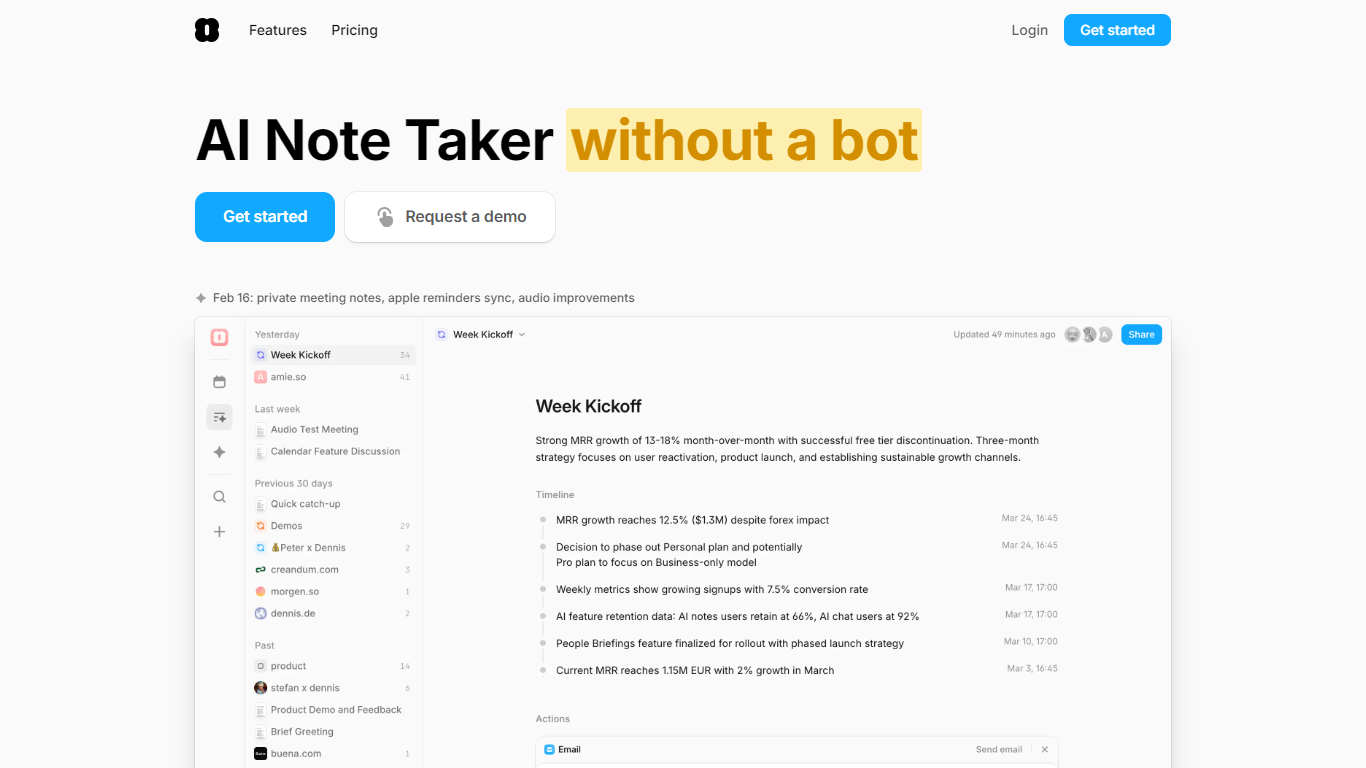
Amie is a meeting note taker, calendar, and task app for people who spend their days in calls. It captures audio from your device without sending a bot into Zoom, Google Meet, or Teams, then turns conversations into summaries, transcripts, and action items you can use immediately.
The pieces are wired together rather than bolted on. Private notes you write before or during a call shape the summary. Action items can land in your todo lists, get scheduled automatically, or export to HubSpot, Notion, Slack, Linear, and Pipedrive with a click. The built-in chat has context from your meetings, calendar, and email, so you can draft follow-ups, create tickets, or ask what someone said in last week's demo.
Sales teams, founders, and customer-facing roles are the core audience. The app runs on macOS, Windows, and iOS, syncs Google and Apple calendars, and transcribes in 17 languages with speaker labeling.
Records calls without a bot joining, controlled from your Mac notch or floating UI
Transcribes 17 languages with speaker labels, plus 82 more without labeling
Private notes before or during a call steer where the summary focuses
Works with Zoom, Meet, Teams, Slack Huddle, Webex, Whereby, and BlueJeans
Chat with meeting, calendar, and email context to draft follow-ups or reschedule
One-click exports to HubSpot, Notion, Slack, Linear, and Pipedrive
Combines calendar, todos, and automatic day scheduling in one workspace
Records meetings without a bot joining the call, from your own device.
Connects notes, calendar, todos, and follow-up actions in one workspace.
Exports summaries to HubSpot, Notion, Slack, Linear, and Pipedrive with one click.
Native apps for macOS, Windows, and iOS with Google and Apple calendar sync.
No permanently free tier; Pro and Business require payment after a 7-day trial.
Android is not listed on the download page.
Business-only features like CRM integrations and custom branding require the higher tier.
Does Amie offer a free plan?
Amie does not list a free plan on its pricing page. Pro and Business both include a 7-day free trial before requiring a paid subscription.
Which video conferencing tools does Amie support?
Amie records calls from Zoom, Google Meet, Microsoft Teams, Slack Huddle, Whereby, Webex, and BlueJeans. It can auto-record when you join through Amie or prompt you to start when joining from Google Calendar.
Does Amie join meetings with a bot?
No. Amie records meetings without a bot participant. You control capture from the Mac notch overlay or a floating UI, and can pause recording, split sessions, or stop when the microphone goes unused.
Which platforms is Amie available on?
Amie offers native apps for macOS, Windows, and iOS from amie.so/download. The download page does not list an Android app.
How much does Amie cost?
Amie Pro costs $20 per user per month billed annually, and Business costs $40 per user per month billed annually. Both plans include a 7-day free trial.
How does Amie handle data privacy?
Amie states in its privacy policy that it complies with GDPR, stores personal information in Germany, and uses Google API data according to Google's Limited Use requirements. Users can request deletion or export of personal data under GDPR rights.
What integrations does Amie support?
Amie integrates with HubSpot, Pipedrive, Notion, Slack, Linear, ClickUp, Craft, and todo apps including Todoist and Apple Reminders. Business plans include CRM integrations with HubSpot and Pipedrive.