Top 13 Transcribe Audio To Text Free AI tools in 2026
Converting audio to text is now as simple as 1-2-3 with advanced AI transcription tools! Whether you’re a student needing lecture notes, a journalist transcribing interviews, or a podcaster generating episode transcripts, these tools are designed to make your life easier. From YouTube videos and podcasts to movies and meetings, these transcription tools handle it all with incredible speed and accuracy.
These tools are perfect for anyone looking to save time and streamline their workflow. Students can turn hours of lectures into searchable text, journalists can focus on storytelling instead of manual transcription, and podcasters can create accessible transcripts for their audience. Whatever your needs, these AI tools are your reliable partners in productivity.
Best of all, many of these transcription services are free to start, allowing you to test them out risk-free. With intuitive interfaces and powerful AI, they’re accessible to everyone, even if you’re not tech-savvy. Simply upload your audio, and in just a few clicks, you’ll have clean, accurate text ready to use.
From improving accessibility to boosting efficiency, these tools are a game-changer for anyone who works with audio. Don’t wait—explore these transcription tools today and experience how effortless audio-to-text conversion can be!
TranscribeGo (formerly TranscribeMe)
Why choose TranscribeGo (formerly TranscribeMe)?
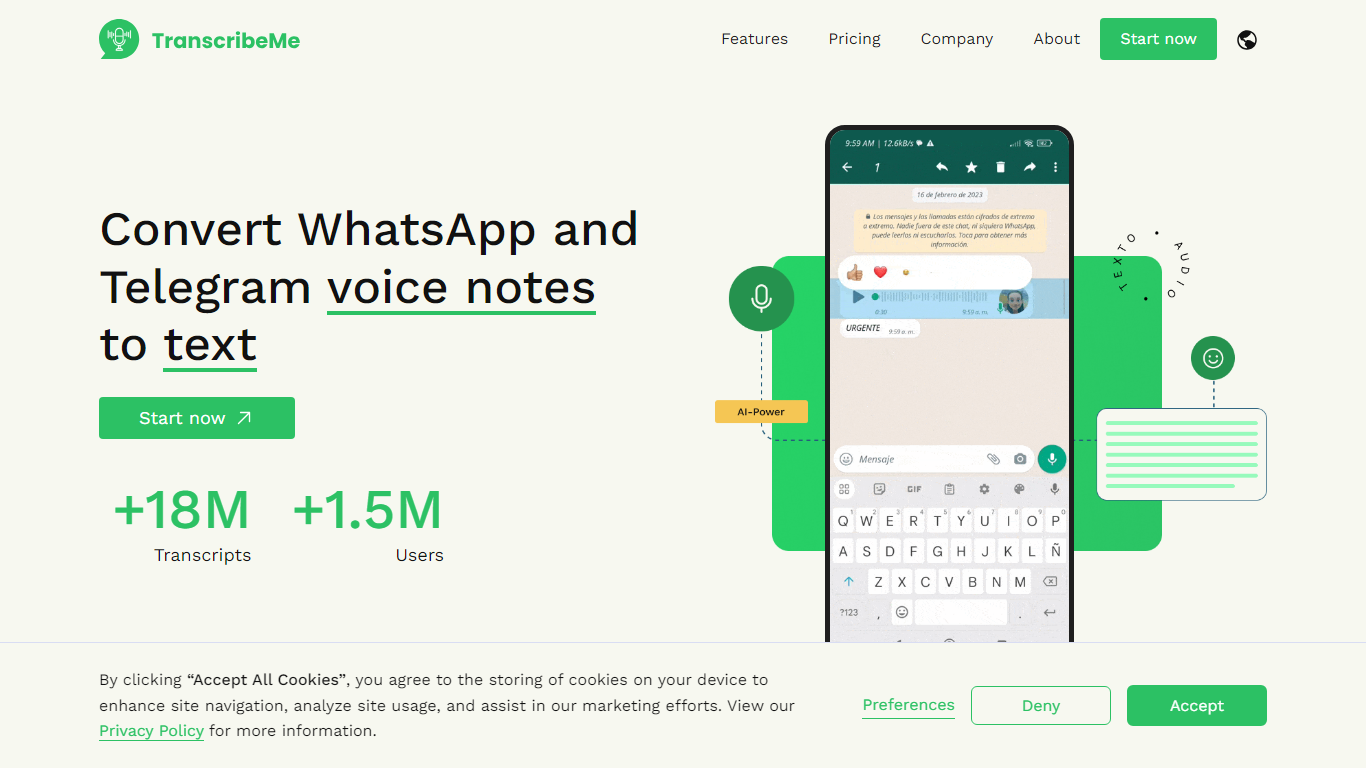
TranscribeGo turns voice notes, video links, and uploaded audio files into searchable text through a web app and messaging bots. You can paste a YouTube, TikTok, or Instagram URL, drop an MP3 or WAV file, or forward a WhatsApp voice note to the TranscribeMe bot and get a transcript back in seconds. The service also generates summaries, translations across 90+ languages, SRT subtitles, and article drafts from long recordings.
Most transcription tools ask you to install a separate app or upload files to a desktop client. TranscribeGo meets users inside WhatsApp and Telegram, where voice notes already live, and adds a browser dashboard for batch uploads and history. That chat-first distribution helped it reach 3 million users and process over 10 million audios, according to the homepage stats.
Journalists, students, content creators, and office workers are the main audiences. The free tier includes 10 minutes per month with no credit card, while paid Starter and Pro plans raise the monthly minute cap to 200 and 1,000 respectively.
WhatsApp and Telegram bots (@TranscribeME_bot) transcribe forwarded voice notes without installing a separate app
Paste YouTube, TikTok, or Instagram links and get full video transcripts with timestamps in the browser
90+ language support with automatic translation to your preferred language after transcription
Free plan includes 10 minutes per month; Starter at $6.99/month adds 200 minutes and long audio support
Export transcriptions as PDF, Word, or SRT subtitle files with speaker diarization and timestamps
AI summaries, article drafts, and auto-generated infographics from interview recordings
EasyTranscribe
What is EasyTranscribe?
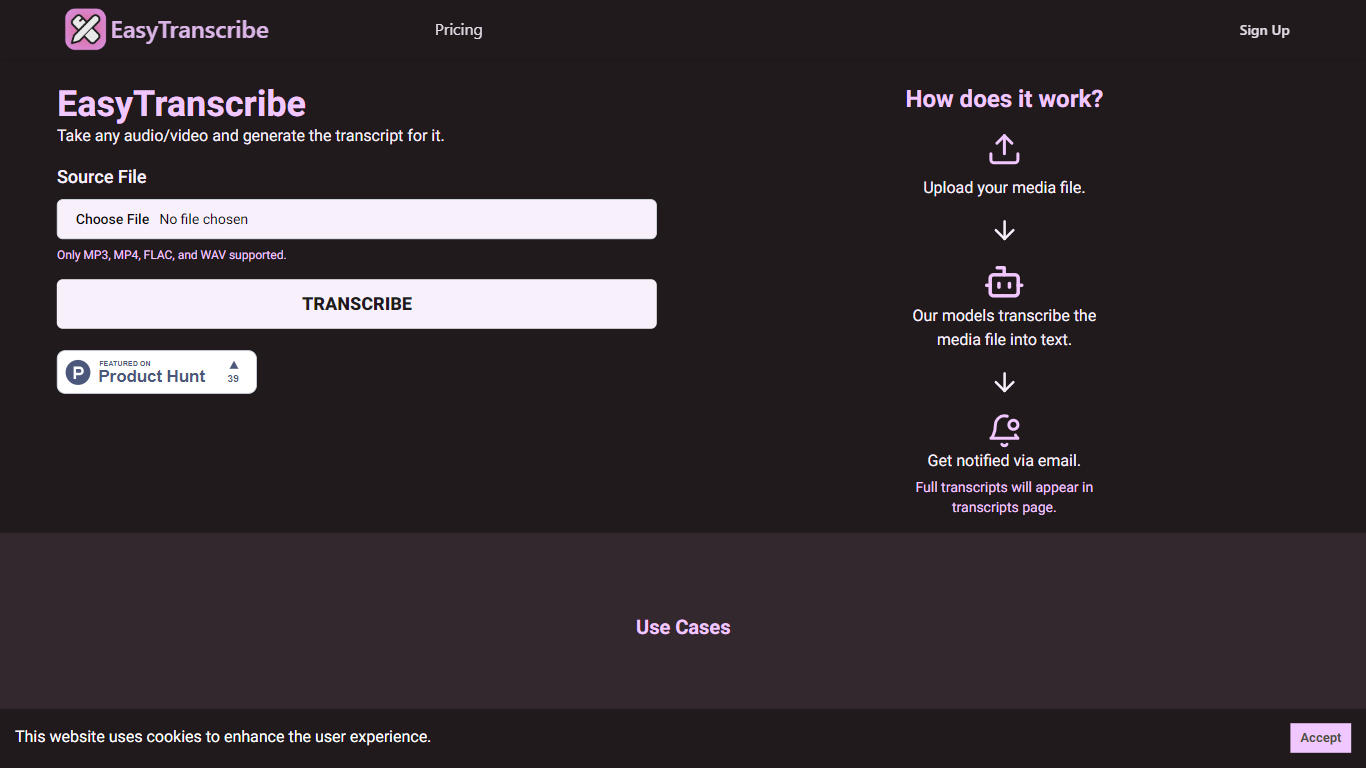
EasyTranscribe converts audio and video files into text by transcribing spoken words into written transcripts. It supports popular formats such as MP3, MP4, FLAC, and WAV, allowing users to upload various media files for transcription. After processing, transcripts are accessible on a dedicated page, and users receive email notifications when their files are ready.
What sets EasyTranscribe apart is its combination of multi-language and dialect support with a built-in transcript editor, enabling users to correct transcripts directly on the platform. It also offers syncing of transcripts with audio to enhance viewer engagement, which is not always available in basic transcription tools.
EasyTranscribe is designed for content creators, educators, podcasters, researchers, and video producers who need accurate and accessible transcripts quickly. Its simple interface requires no technical skills, making it easy to manage transcriptions and improve content accessibility for people with hearing impairments.
The platform focuses on automating transcription to save time and reduce manual note-taking or caption creation. By providing searchable, clear transcripts and ongoing improvements in speed and accuracy, EasyTranscribe supports efficient content management and accessibility needs.
🎧 Supports multiple audio and video formats including MP3, MP4, FLAC, and WAV
⏱️ Fast transcription with email notifications when transcripts are ready
📝 Built-in transcript editor for direct corrections and adjustments
🌍 Multi-language and dialect support for global transcription needs
🔗 Sync transcripts with audio to enhance viewer engagement
TranscribeAudio
What is TranscribeAudio?
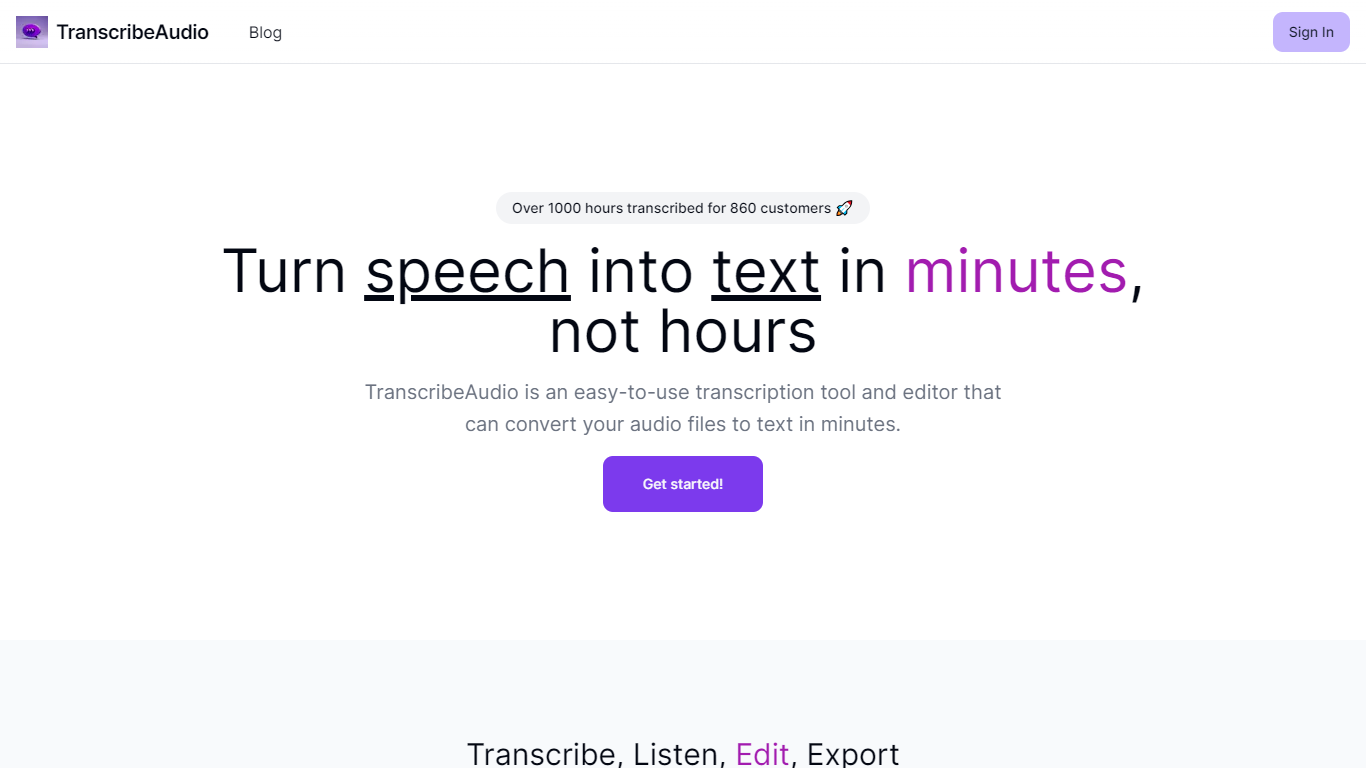
TranscribeAudio is a Chrome extension that turns any audio playing in your browser into live text. Instead of uploading recordings or inviting a bot into your meeting, you click Start on a tab and captions appear in a floating overlay you can drag anywhere on screen.
The extension captures audio directly from the browser tab, so it works with Zoom, Google Meet, YouTube, podcasts, and any other site playing sound in Chrome. Transcription runs on OpenAI's Whisper-based speech recognition and supports 57 languages.
It fits anyone who wants real-time captions during meetings, lectures, or videos without managing separate recording files or waiting for upload-based transcripts to process.
Captures audio from any Chrome tab and streams live captions without using your microphone
Whisper-based speech recognition with support for 57 languages and regional accents
Floating overlay you can drag anywhere while watching videos or joining calls
Works with Zoom, Google Meet, YouTube, Vimeo, and other sites playing audio in Chrome
Export transcriptions as TXT files for notes and sharing
No meeting bots or participant notifications when transcribing calls
TranslateAudio
What does TranslateAudio do?
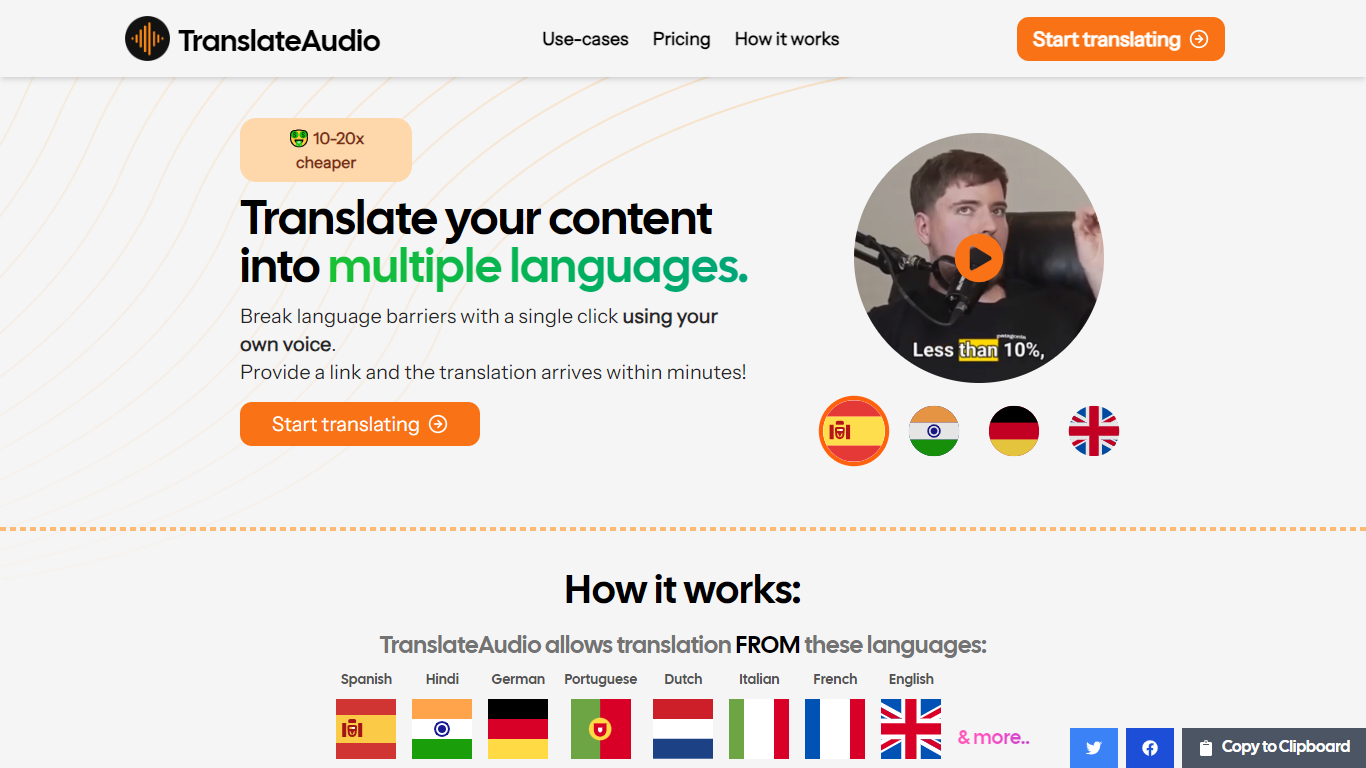
TranslateAudio is an innovative online platform that enables users to convert their voice recordings into text in multiple languages effortlessly. With its advanced technology, TranslateAudio is designed to break language barriers by translating content up to 20 times cheaper than traditional translation services without sacrificing quality.
The process is remarkably straightforward: you provide a YouTube video link, and TranslateAudio takes care of downloading the necessary audio and video details, generates the translation, and delivers the translated audio almost as quickly as the length of the original video. Once completed, a download link is made available on your dashboard and emailed to you.
The service offers translations from various languages including Spanish, Hindi, German, Portuguese, Italian, Dutch, Polish, and many others, catering to a diverse range of linguistic needs.
TranslateAudio offers various subscription plans to accommodate different users, from individuals to content creators seeking to localize their video content. These tiers include features such as multiple people in one video, minutes retention after subscription cancellation, Discord customer support, and more. Moreover, TranslateAudio provides a 10% discount for ProductHunt visitors with the promotional code PHLAUNCH.
Affordable Translation: Offers a cost-effective solution that is 10-20 times cheaper than traditional translation services.
Multi-Language Support: Ability to translate content in a wide range of languages, including European, Asian, and others.
Easy Integration: Simply provide a YouTube video link, and the translation process is initiated automatically.
Fast Translation: Translations are generated approximately in the video's duration, ensuring quick turnarounds.
Flexible Subscription Plans: Different subscription options to suit varying user needs, with features like Discord support and access to new features early.
Transkribieren
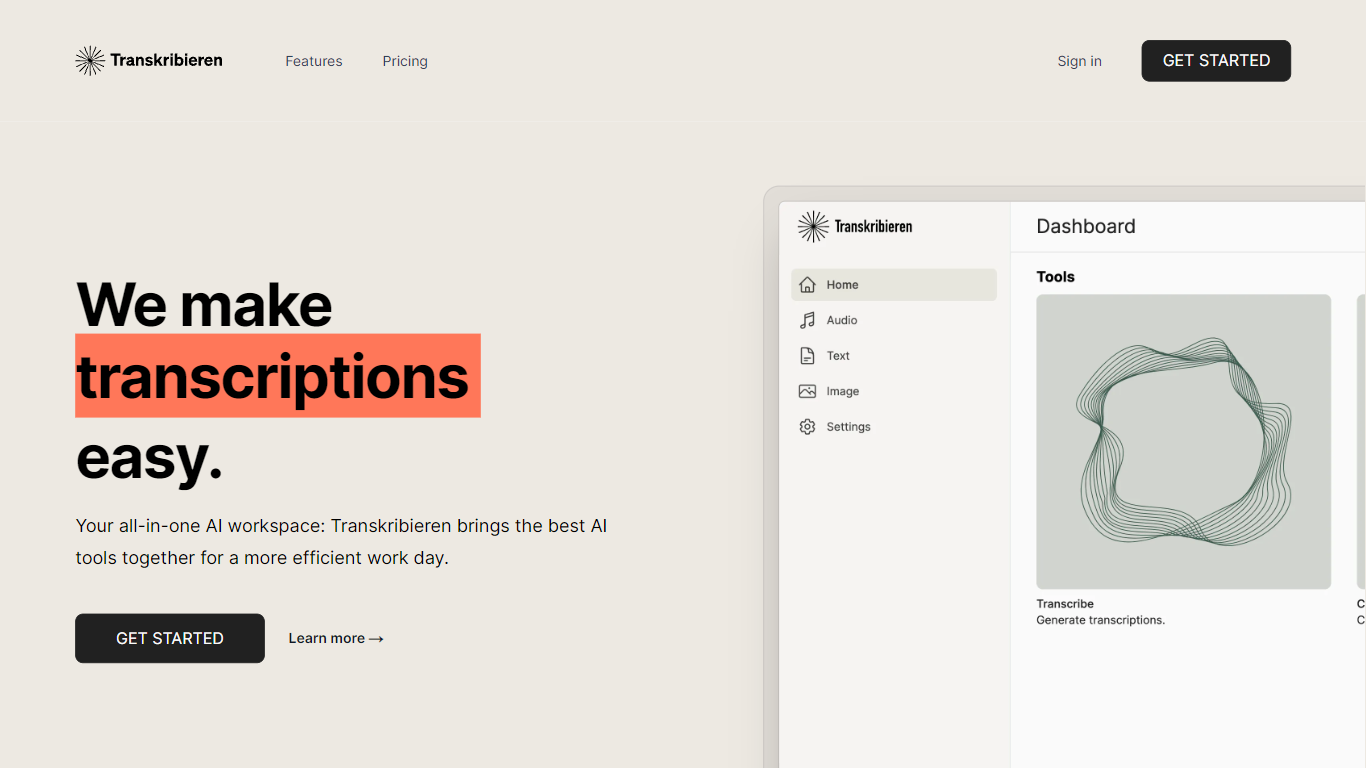
What is Transkribieren? and how does it work?
Transkribieren turns audio and video files into text through a browser workspace built around transcription, subtitles, and AI summaries. You upload MP3, WAV, MP4, MOV, and other common formats, paste a YouTube URL, or run interview mode with speaker detection, then export to Word, PDF, SRT, or VTT.
Many transcription apps stop at a raw transcript. Transkribieren bundles subtitle generation, AI summaries, text chat, and image creation in the paid Ascent and Summit plans, positioning itself as an all-in-one AI workspace rather than a single-purpose converter. The Trust Center highlights zero data retention, GDPR and CCPA compliance, SOC 2 Type II certification, and AES-256 encryption at rest.
Pricing starts with a free Discover plan at €0 per month for one hour of transcription and 57 supported languages. Ascent is €19.90 per month for 20 transcription hours, Word export, and AI actions, while Summit is €49.90 per month for 100 hours. New users can start a trial with 15 minutes of transcription without a credit card before choosing a plan.
Transcribes audio formats including MP3, WAV, M4A, FLAC, OGG, and AAC
Converts video files such as MP4, MOV, AVI, MKV, and WebM to text
YouTube transcription from a pasted URL with speaker detection for interviews
Exports subtitles as SRT or VTT plus Word and PDF document formats
Discover plan includes 1 hour of transcription per month across 57 languages for €0
Ascent plan provides 20 transcription hours per month for €19.90
SOC 2 Type II certified with zero data retention and AES-256 encryption at rest
transcribethis.io
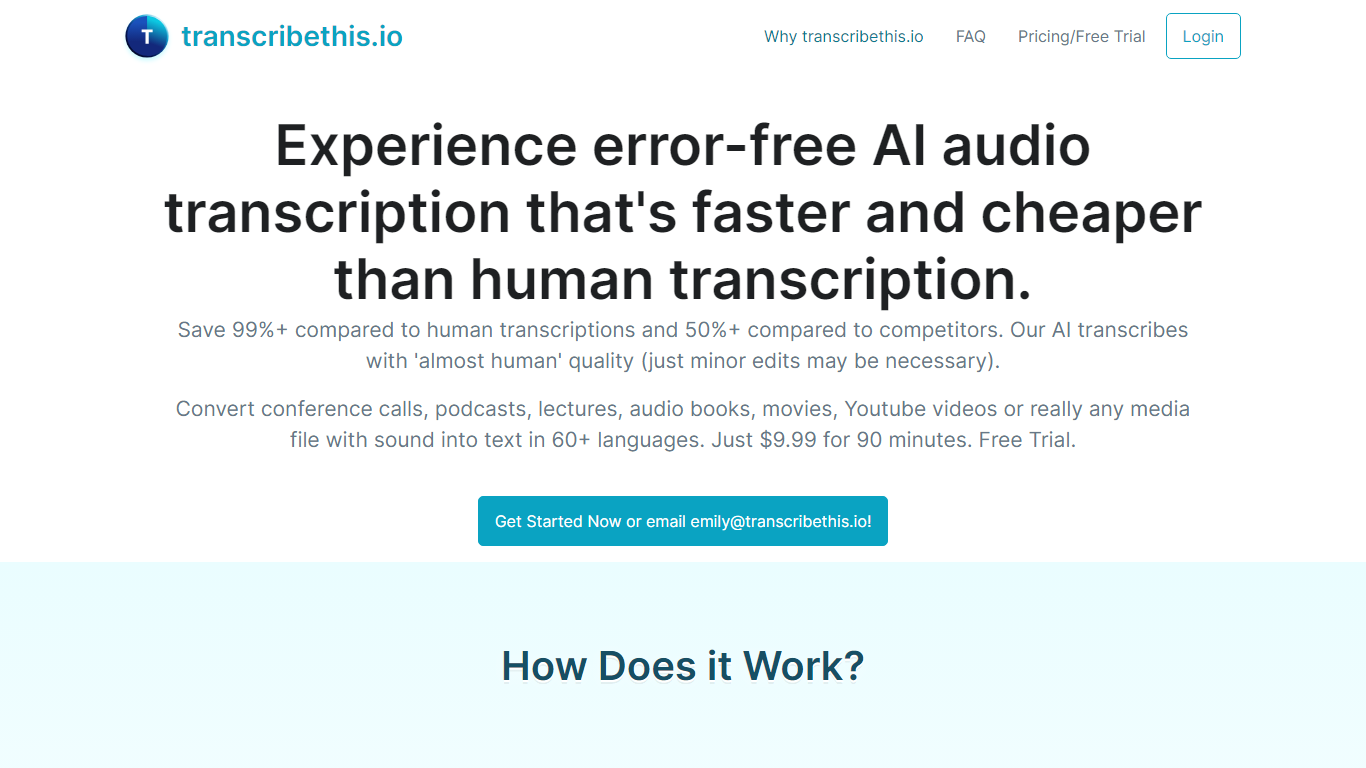
Why choose transcribethis.io?
transcribethis.io converts uploaded audio, video links, YouTube URLs, or live recordings into text with speaker labels, timestamps, and export files. Drop an MP3, WAV, M4A, MP4, or MOV file up to 50 MB and get a transcript preview without creating an account on the free tier.
Desktop transcription suites often cost hundreds per seat and hide speaker diarization behind enterprise sales calls. transcribethis.io keeps a no-card free preview, publishes Standard and Premium monthly prices on the site, and bundles AI summaries, meeting capture for Zoom, Meet, and Teams, plus exports to DOCX, PDF, SRT, and VTT on paid tiers.
Podcasters, sales teams, lecturers, and researchers use transcribethis.io when they need fast turnaround on long recordings. Free users get three files per day with the first five minutes transcribed, while Standard at $19.99 per month raises limits to 20 files, five-hour lengths, and 2 GB uploads.
Free tier allows 3 files per day with 50 MB uploads and no signup required
Standard plan is $19.99 per month for 20 files per day and up to 5-hour recordings
Premium plan is $29.99 per month with unlimited daily files and 8-hour, 5 GB uploads
Supports 90+ languages with up to 99% accuracy claimed on the homepage
Processes about one hour of audio in two minutes per marketing claims
Exports TXT, DOCX, PDF, SRT, VTT, and JSON on paid plans
Meeting recording integrations for Zoom, Google Meet, and Microsoft Teams on Standard
Transcriber
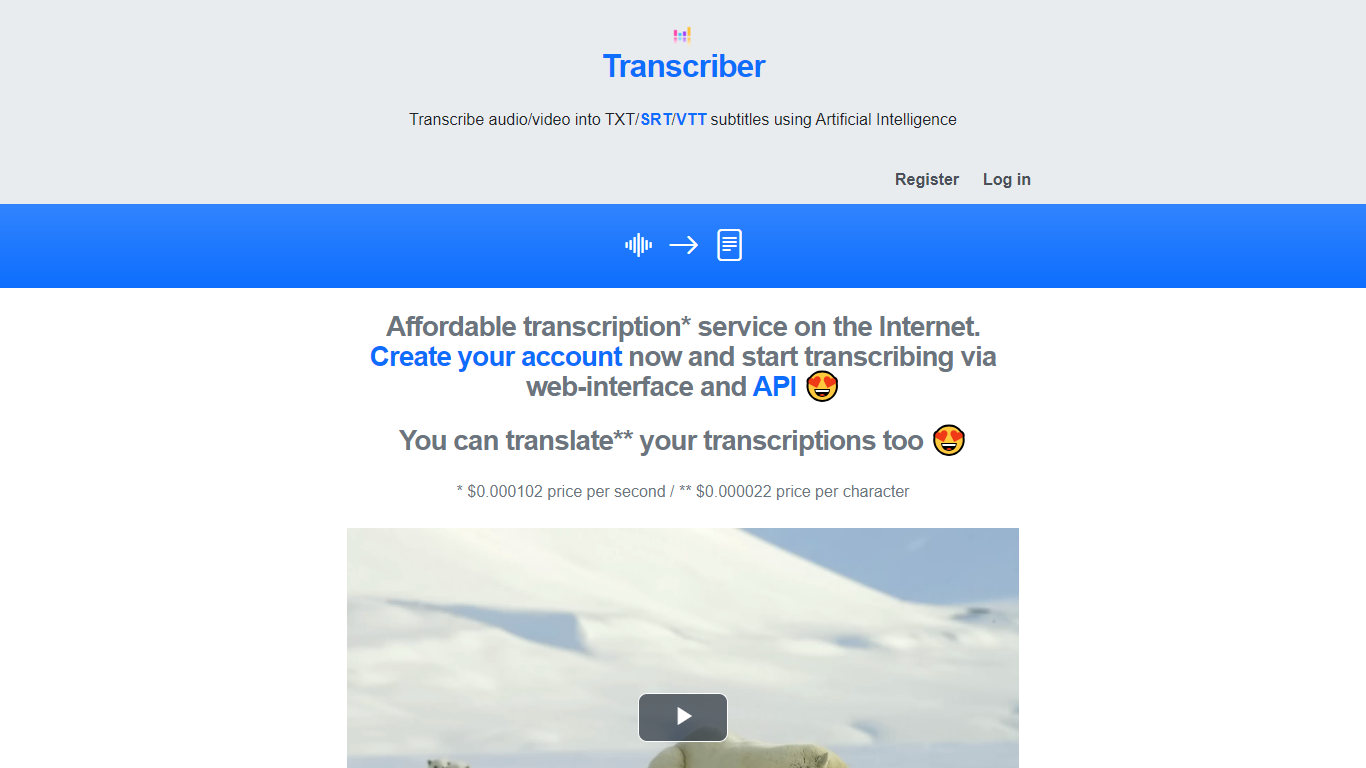
What is Transcriber?
Transcriber is an AI-driven tool that converts audio and video files into text, supporting formats like TXT, SRT, and VTT subtitles. It helps users quickly generate transcripts and subtitles, making content accessible and easier to repurpose. The platform supports multiple languages, enabling users to reach diverse audiences worldwide. Its simple interface allows uploading files and selecting output formats, delivering accurate transcriptions in minutes. Transcriber is suitable for educators, content creators, and businesses aiming to enhance engagement through subtitles and transcripts. While primarily web-based, it offers an API for integration into custom workflows. The tool focuses on efficiency and accuracy, reducing manual transcription time and effort.
🎧 Supports multiple audio and video formats for flexible uploads
🌐 Offers transcription and subtitle output in TXT, SRT, and VTT formats
🕒 Delivers fast transcription results to speed up workflows
🗣️ Supports multiple languages for global audience reach
🔗 Provides an API for easy integration into other applications
Transvribe
Why choose Transvribe? and how does it work?
Transvribe was a YouTube video Q&A web app that let you paste a link and ask natural-language questions about the spoken content. It used AI embeddings over transcript text, built with Next.js, Tailwind CSS, and LangChain, to surface answers without scrubbing the timeline manually.
Unlike generic chatbots, Transvribe focused on a single workflow: turn one YouTube video into a searchable knowledge base. That narrow scope worked until YouTube tightened get_transcript API checks requiring per-session visitorData and configInfo tokens validated against browser fingerprints.
The homepage now states the service is no longer functional, and developer Zahid open-sourced the project on GitHub at zaarheed/transvribe. Students and self-directed learners were the intended audience, but the hosted product no longer processes URLs.
Pasted a YouTube URL to query video transcript content with AI embeddings
Built with Next.js, Tailwind CSS, LangChain, and GPT-backed search
Open-source repository zaarheed/transvribe on GitHub with 85 stars
Homepage shutdown notice documents YouTube get_transcript API blocker
Example video links on the landing page showed the prior search workflow
Transkriptor
What is Transkriptor?
Transkriptor turns audio and video into editable text transcripts for meetings, interviews, lectures, podcasts, and phone calls. It is built for professionals, students, and teams who need accurate speech-to-text without spending hours on manual note taking.
Upload MP3, MP4, WAV, and other common formats, record live in the browser or mobile apps, or connect your calendar to capture Zoom, Microsoft Teams, and Google Meet sessions. Transkriptor transcribes in 100+ languages, identifies speakers, and adds summaries, action items, sentiment analysis, and an Ask feature to search across your transcript library with cited sources.
The product is available on web, Chrome extension, desktop, iOS, and Android. Integrations route transcripts and notes into CRM, storage, and productivity tools such as Salesforce, HubSpot, Notion, Slack, Google Drive, and Dropbox. Security certifications include SOC 2, ISO 27001, and GDPR compliance with EU-hosted infrastructure.
Transcribe uploaded audio or video files, live recordings, and videoconference calls in 100+ languages
Auto-generate meeting summaries, action items, and speaker-labeled transcripts with sentiment analysis
Search across your transcript library with Ask Transkriptor to pull decisions and quotes with cited sources
Record meetings without a bot via desktop and mobile apps, or use calendar sync for Zoom, Teams, and Google Meet
Connect transcripts to CRM, storage, and productivity tools including Salesforce, Notion, Slack, and Google Drive
TranscriptMate
What does TranscriptMate do?
TranscriptMate turns audio and video recordings into searchable text for podcasters, journalists, researchers, and teams who work with spoken content every day. Upload a file or paste a YouTube link, and the service returns a transcript with timestamps and optional speaker labels. The first 15 minutes of each file are free with no account required.
The workspace pairs a synced text editor with an audio player so you can click any word to jump to that moment in the recording. Speaker diarization marks who said what, and renaming a speaker updates the label across the full transcript. Focus group and multi-participant interviews get the same treatment.
TranscriptMate also generates ready-to-publish outputs from transcripts: blog posts, newsletters, podcast show notes, video chapters, summaries, and social clips through built-in templates. Exports cover DOCX, PDF, TXT, SRT, and VTT.
The service supports 30+ languages, runs on GDPR-compliant EU infrastructure, and targets professionals handling interviews, press conferences, lectures, and client recordings at volume.
First 15 minutes free per file with no registration
Click any word to jump to that exact audio timestamp
Speaker diarization with bulk rename across the transcript
Export transcripts as DOCX, PDF, TXT, SRT, or VTT
Paste a YouTube URL to transcribe without downloading
One-click templates for blogs, newsletters, and show notes
Supports 30+ languages with OpenAI Whisper under the hood
WhisperTranscribe
What is WhisperTranscribe? and how does it work?
WhisperTranscribe turns uploaded audio and live meetings into transcripts, summaries, and publish-ready content from a Windows or Mac desktop app. It uses OpenAI Whisper for transcription with speaker recognition, then lets you chat with recordings and generate show notes, chapters, social posts, and blog drafts.
Where many meeting bots join calls as visible participants, WhisperTranscribe captures Zoom, Teams, Google Meet, Slack, and Webex locally without a bot. Transcripts stay on your device under a privacy-first architecture, and paid tiers bundle a Meeting Assistant seat with minute-based transcription plans.
Podcasters, YouTubers, researchers, and teams who repurpose long audio into written content will save the most time here. WhisperTranscribe reports more than 100,000 users and gives every new account 60 free credits with no credit card required.
60 free credits for every new user with no credit card required
Starter transcription plan at $19.99 per month with 320 minutes monthly
Pro plan at $29.99 per month with 800 minutes and 1 Meeting Assistant seat
Meeting Assistant from $16 per seat per month with no bot in calls
Transcribe and translate in 65+ languages with speaker recognition
Export to Word, PDF, SRT, VTT, CSV, XLSX, JSON, and EAF formats
Generate show notes, chapters, summaries, subtitles, and social posts from audio
Transcripo
How does Transcripo work?
Transcripo is an online transcription service that converts audio and video files into text or subtitles. Upload a meeting recording, podcast, interview, or voice memo and get a transcript back in seconds. The platform also generates AI summaries of your transcriptions.
It supports 100+ languages for speech-to-text and exports results in subtitle formats for video workflows. Dedicated tools cover MP3-to-text and video-to-text conversion. You can also record audio directly in the browser instead of uploading a file.
Transcripo runs on a subscription model with monthly hour allowances. A free trial lets you transcribe your first file before committing to a paid plan.
Transcribe uploaded audio or video files into text within seconds
Record audio directly in the browser without a separate recording app
Export transcripts as subtitle files ready for video editing workflows
Generate AI summaries from long meeting or podcast transcriptions
Support for 100+ languages with translation features planned
Transcript.LOL
Why use Transcript.LOL?
Transcript.LOL turns uploaded audio and video into searchable transcripts with speaker labels, timestamps, and export options. You can pull files from direct upload, Google Drive, Dropbox, Zoom, or a URL, then edit the text, generate summaries, and chat with the content inside the dashboard. It fits podcasters, journalists, students, and teams who need meeting notes without sitting through a recording twice.
Most meeting assistants join live calls and charge per seat or per minute. Transcript.LOL is upload-first: you bring the recording after the fact, and the Unlimited plan has no caps on how many files or hours you transcribe on one account. That flat pricing plus a large set of free browser tools for YouTube, TikTok, voice memos, and Zoom recordings makes it a better fit when volume matters more than real-time capture.
Beyond raw transcription, the platform runs on OpenAI Whisper and layers speaker detection, custom vocabulary, and AI summaries across GPT, Gemini, Claude, Llama, and Grok models. You can export to TXT, DOCX, PDF, SRT, or VTT, connect Zapier, Make, or n8n, and hit the REST API when you need transcripts inside another workflow.
Unlimited plan has no per-minute caps; customers regularly transcribe hundreds of hours monthly on one account
Accepts files up to 10 hours long and 5 GB, with 10 simultaneous uploads on the Unlimited tier
Powered by OpenAI Whisper with claimed 99.8% accuracy and automatic speaker detection
Exports transcripts as TXT, DOCX, PDF, SRT, or VTT with customizable formatting options
Imports from Google Drive, Dropbox, Zoom, URLs, plus WhatsApp and Telegram bots
Free tier includes 2 transcripts per day with 20-minute file limits and no credit card required