
Last updated 07-16-2026
Category:
Reviews:
Join thousands of AI enthusiasts in the World of AI!
Transkriptor
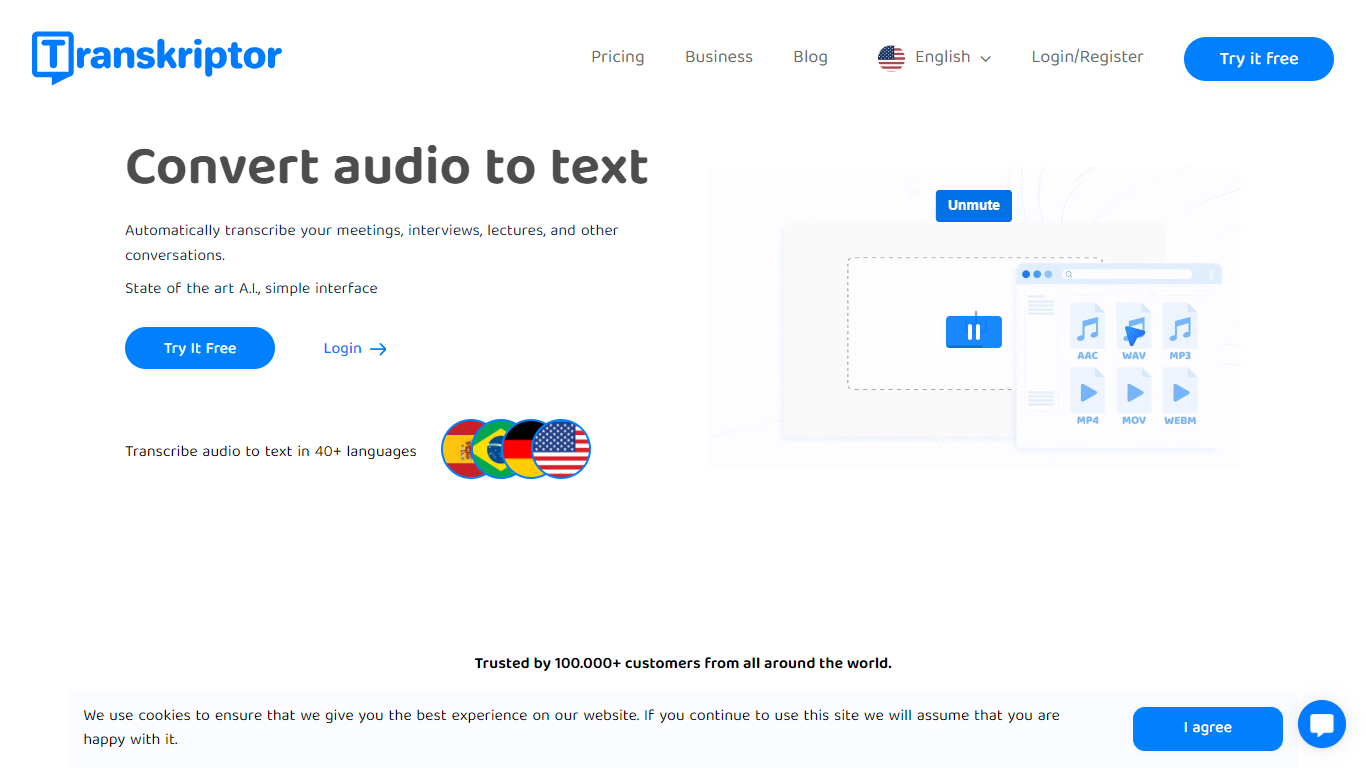
Transkriptor turns audio and video into editable text transcripts for meetings, interviews, lectures, podcasts, and phone calls. It is built for professionals, students, and teams who need accurate speech-to-text without spending hours on manual note taking.
Upload MP3, MP4, WAV, and other common formats, record live in the browser or mobile apps, or connect your calendar to capture Zoom, Microsoft Teams, and Google Meet sessions. Transkriptor transcribes in 100+ languages, identifies speakers, and adds summaries, action items, sentiment analysis, and an Ask feature to search across your transcript library with cited sources.
The product is available on web, Chrome extension, desktop, iOS, and Android. Integrations route transcripts and notes into CRM, storage, and productivity tools such as Salesforce, HubSpot, Notion, Slack, Google Drive, and Dropbox. Security certifications include SOC 2, ISO 27001, and GDPR compliance with EU-hosted infrastructure.
Transcribe uploaded audio or video files, live recordings, and videoconference calls in 100+ languages
Auto-generate meeting summaries, action items, and speaker-labeled transcripts with sentiment analysis
Search across your transcript library with Ask Transkriptor to pull decisions and quotes with cited sources
Record meetings without a bot via desktop and mobile apps, or use calendar sync for Zoom, Teams, and Google Meet
Connect transcripts to CRM, storage, and productivity tools including Salesforce, Notion, Slack, and Google Drive
Supports 100+ languages with speaker identification and editable transcripts.
Works across web, Chrome extension, desktop, iOS, and Android without requiring a meeting bot.
Integrates with Zoom, Teams, Google Meet, and dozens of CRM and productivity apps.
Free signup includes transcription minutes with no credit card required.
AI summaries, chat, and knowledge base features require Pro or Team plans.
Unused monthly transcription minutes expire and do not roll over.
Website billing recommends Visa or Mastercard; debit cards may cause payment errors.
Is Transkriptor free to use?
Yes. Transkriptor offers a free plan with limited transcription minutes and no credit card required to sign up. Paid Lite, Pro, and Team plans add more monthly minutes and advanced AI features such as summaries, chat, and knowledge bases.
What languages does Transkriptor support?
Transkriptor supports transcription in 100+ languages, including English, Spanish, French, German, Portuguese, Turkish, Thai, Arabic, Japanese, and Korean. The interface is also localized across many of these languages.
Does Transkriptor work with Zoom, Google Meet, and Microsoft Teams?
Yes. Transkriptor captures audio and video from Zoom, Google Meet, and Microsoft Teams. You can sync your calendar for automatic recording, use a meeting bot, or record without a bot through the desktop and mobile apps.
Is my data used to train AI models?
No. Transkriptor states that customer content is not used to train or improve AI or machine learning models. Pro and Team plans also note that your data will not be used for training purposes.
Does Transkriptor have mobile apps?
Yes. Transkriptor offers iOS and Android apps for recording and transcribing on the go, alongside its web app, Chrome extension, and desktop application for Windows and Mac.