Video Transcriber AI vs Transkriptor
In the battle of Video Transcriber AI vs Transkriptor, which AI Meeting Assistant tool comes out on top? We compare reviews, pricing, alternatives, upvotes, features, and more.
Between Video Transcriber AI and Transkriptor, which one is superior?
Upon comparing Video Transcriber AI with Transkriptor, which are both AI-powered meeting assistant tools, With more upvotes, Video Transcriber AI is the preferred choice. The upvote count for Video Transcriber AI is 7, and for Transkriptor it's 6.
Feeling rebellious? Cast your vote and shake things up!
Video Transcriber AI

What is Video Transcriber AI?
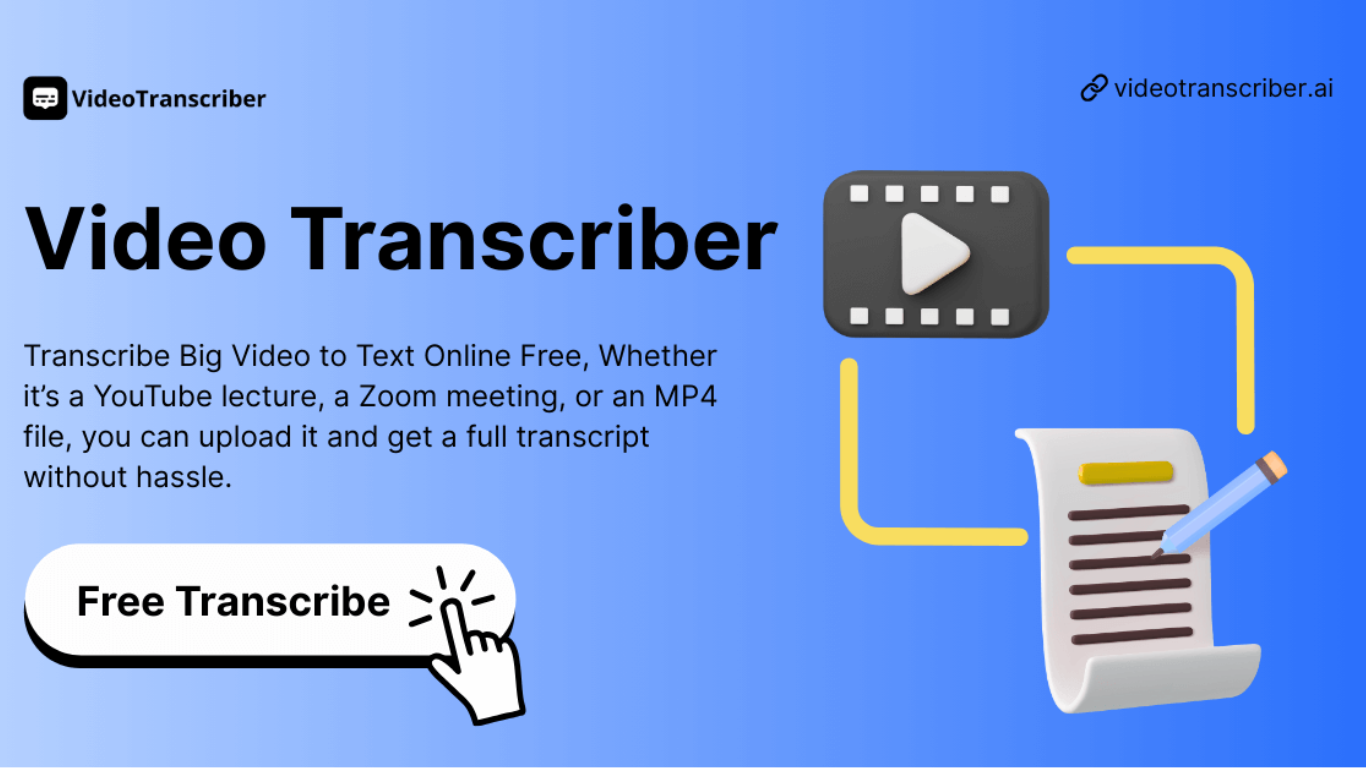
Video Transcriber AI is a meeting and media transcription web app that turns uploaded videos, audio files, or platform links into editable text with speaker labels. You drag in MP4, WAV, or a YouTube URL, pick a note mode like Smart Summary, and download TXT or SRT output from the browser.
Many transcription sites cap free users hard or hide speaker diarization behind enterprise tiers. Video Transcriber AI splits work into Basic and Premium quotas: the free plan allows 10 Basic quotas per day (up to 20 minutes of transcript or translation) while paid plans raise monthly limits and file size caps from 500 MB to 5 GB per upload.
It fits creators, journalists, students, and teams who need YouTube, TikTok, Zoom, or local file support in one place. The product also ships a Transcript API with timestamped JSON, SRT, and VTT export for developers who want the same engine inside their own apps.
Transkriptor
What is Transkriptor?
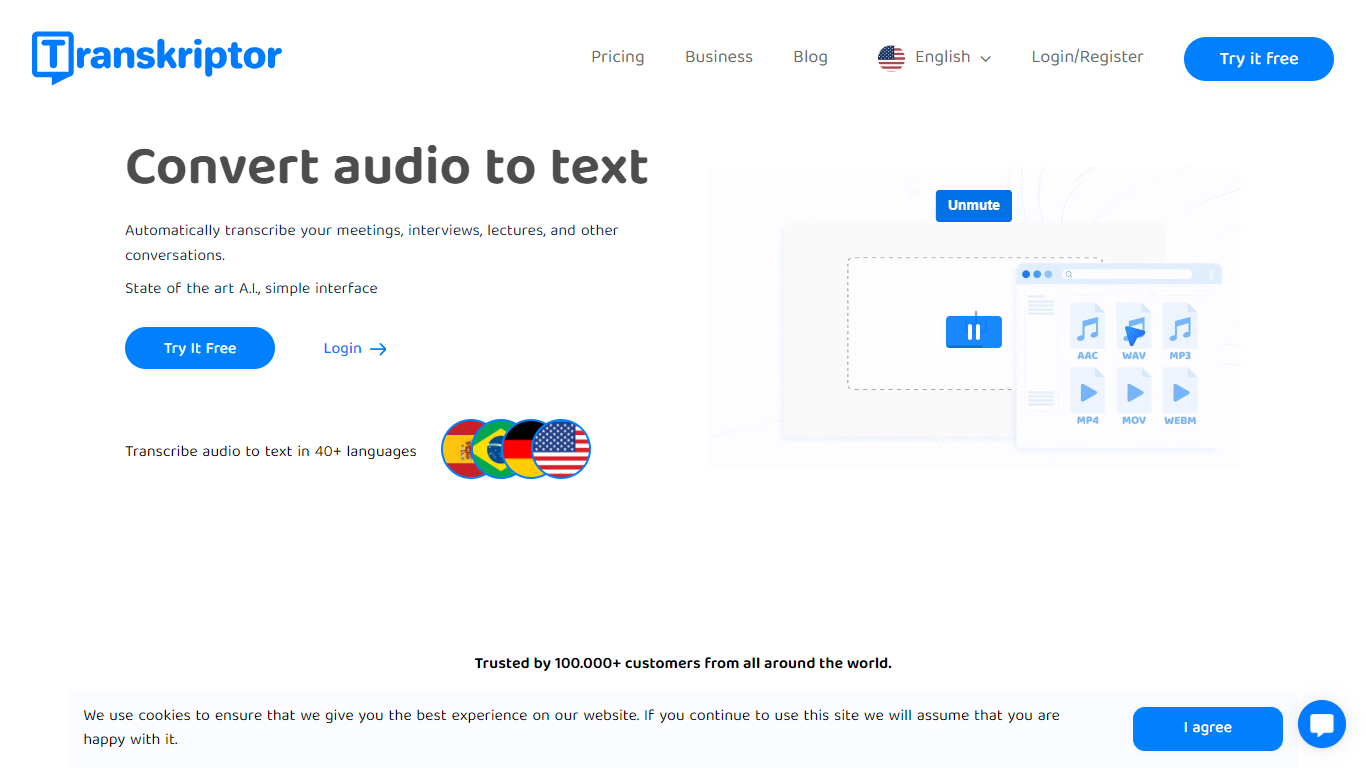
Transkriptor turns audio and video into editable text transcripts for meetings, interviews, lectures, podcasts, and phone calls. It is built for professionals, students, and teams who need accurate speech-to-text without spending hours on manual note taking.
Upload MP3, MP4, WAV, and other common formats, record live in the browser or mobile apps, or connect your calendar to capture Zoom, Microsoft Teams, and Google Meet sessions. Transkriptor transcribes in 100+ languages, identifies speakers, and adds summaries, action items, sentiment analysis, and an Ask feature to search across your transcript library with cited sources.
The product is available on web, Chrome extension, desktop, iOS, and Android. Integrations route transcripts and notes into CRM, storage, and productivity tools such as Salesforce, HubSpot, Notion, Slack, Google Drive, and Dropbox. Security certifications include SOC 2, ISO 27001, and GDPR compliance with EU-hosted infrastructure.
Video Transcriber AI Upvotes
Transkriptor Upvotes
Video Transcriber AI Top Features
Free tier includes 10 Basic quotas per day covering up to 20 minutes of transcript work
Supports 200+ languages with automatic detection and translation
Processes up to 5 audio or video files simultaneously in the queue
Paid plans raise per-file limits from 500 MB on Free to 5 GB on Basic and above
Transcript API accepts YouTube, TikTok, Instagram, and direct uploads in one REST endpoint
Exports SRT, VTT, TXT, and timestamped JSON for subtitles or developer pipelines
Transkriptor Top Features
Transcribe uploaded audio or video files, live recordings, and videoconference calls in 100+ languages
Auto-generate meeting summaries, action items, and speaker-labeled transcripts with sentiment analysis
Search across your transcript library with Ask Transkriptor to pull decisions and quotes with cited sources
Record meetings without a bot via desktop and mobile apps, or use calendar sync for Zoom, Teams, and Google Meet
Connect transcripts to CRM, storage, and productivity tools including Salesforce, Notion, Slack, and Google Drive
Video Transcriber AI Category
- Meeting Assistant
Transkriptor Category
- Meeting Assistant
Video Transcriber AI Pricing Type
- Freemium
Transkriptor Pricing Type
- Freemium