Fellow vs Transkriptor
In the battle of Fellow vs Transkriptor, which AI Meeting Assistant tool comes out on top? We compare reviews, pricing, alternatives, upvotes, features, and more.
Between Fellow and Transkriptor, which one is superior?
Upon comparing Fellow with Transkriptor, which are both AI-powered meeting assistant tools, The upvote count favors Fellow, making it the clear winner. Fellow has received 108 upvotes from aitools.fyi users, while Transkriptor has received 6 upvotes.
You don't agree with the result? Cast your vote to help us decide!
Fellow

What is Fellow?
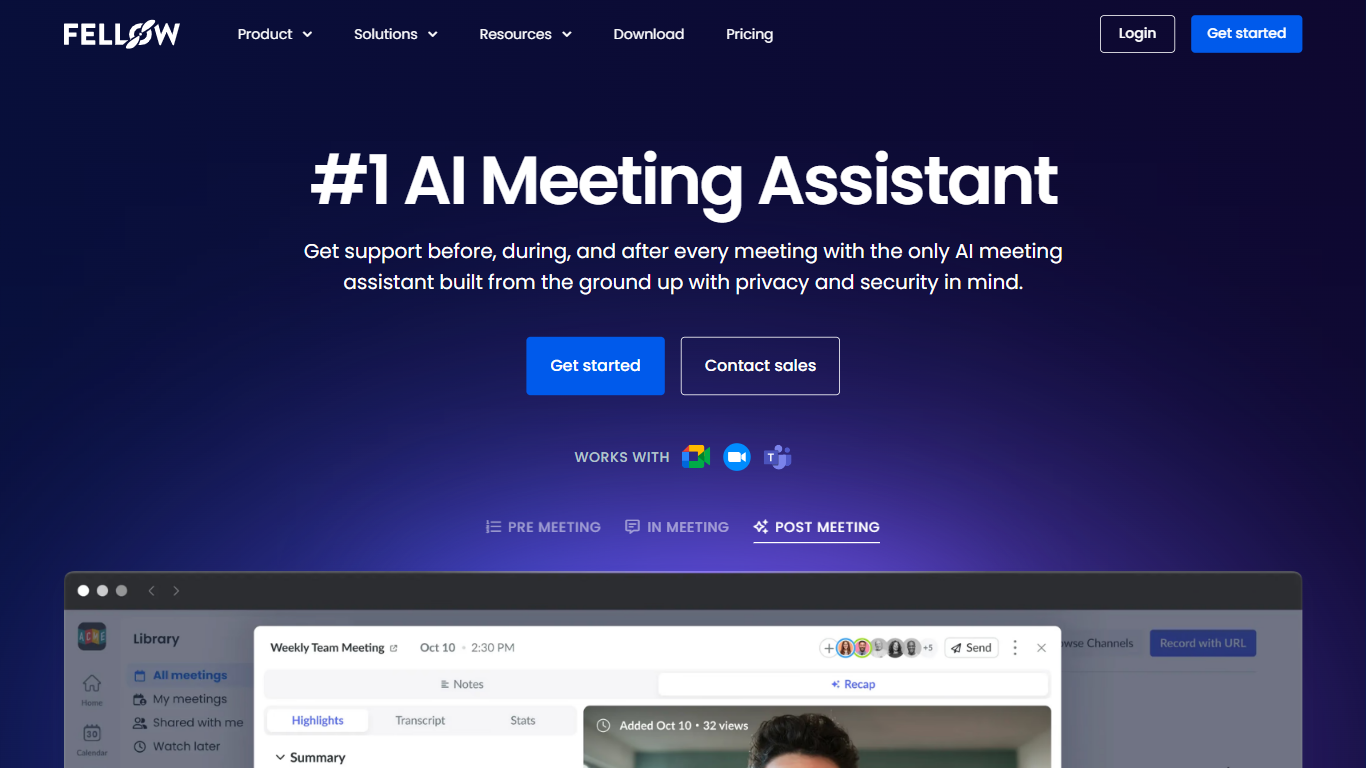
Fellow is a secure AI meeting assistant designed to record, transcribe, and summarize meetings across platforms like Zoom, Microsoft Teams, and Google Meet. It prioritizes privacy, ensuring meeting data is accessible only to authorized users with granular controls and compliance with SOC 2, HIPAA, and GDPR standards. The platform supports pre-meeting preparation with collaborative agendas and AI-generated briefs, helping teams stay focused and productive. Post-meeting, Fellow automates follow-ups, action items, and CRM updates, integrating with over 50 tools including Salesforce, HubSpot, Jira, and Slack. It offers botless recording options for added privacy and supports regulated industries such as finance and healthcare with features like transcript redaction and audit trails. Fellow serves diverse teams from sales and marketing to engineering and operations, centralizing meeting knowledge and streamlining workflows.
Transkriptor
What is Transkriptor?
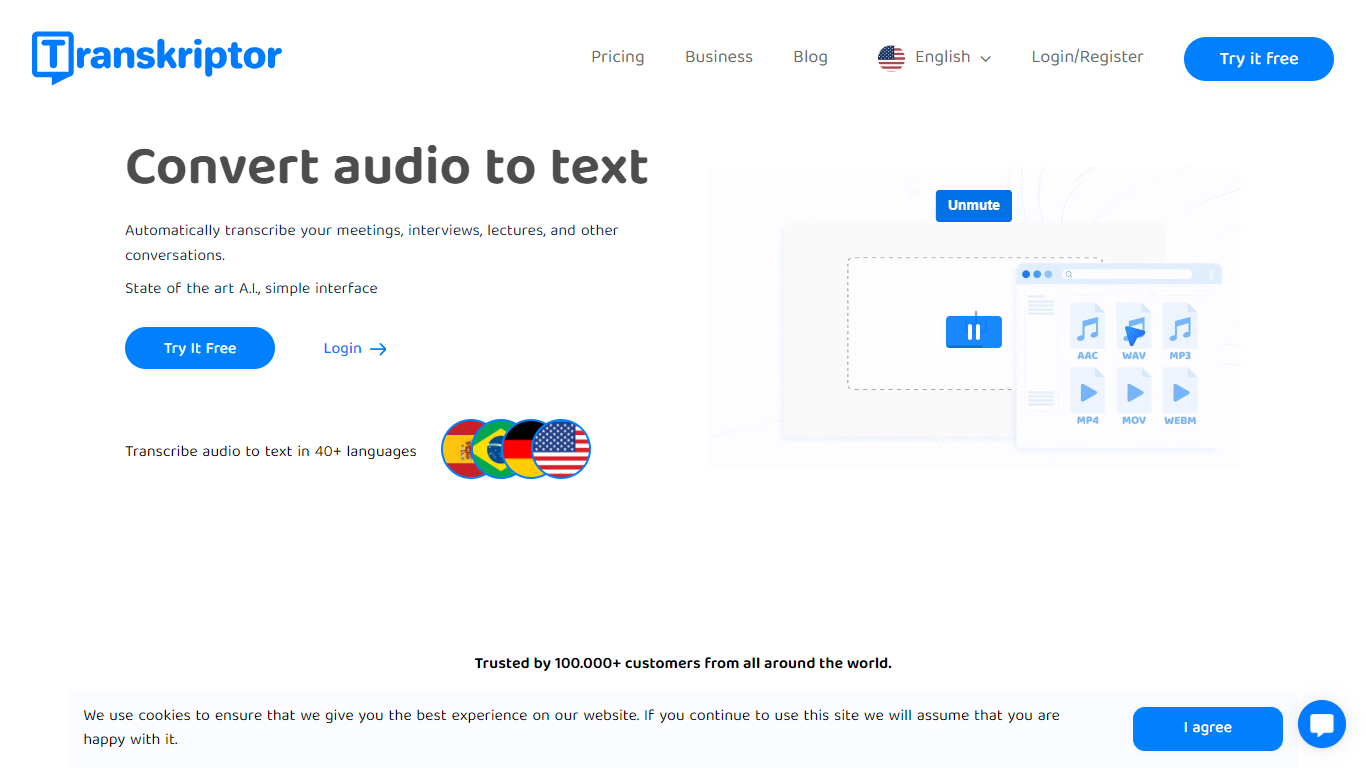
Transkriptor turns audio and video into editable text transcripts for meetings, interviews, lectures, podcasts, and phone calls. It is built for professionals, students, and teams who need accurate speech-to-text without spending hours on manual note taking.
Upload MP3, MP4, WAV, and other common formats, record live in the browser or mobile apps, or connect your calendar to capture Zoom, Microsoft Teams, and Google Meet sessions. Transkriptor transcribes in 100+ languages, identifies speakers, and adds summaries, action items, sentiment analysis, and an Ask feature to search across your transcript library with cited sources.
The product is available on web, Chrome extension, desktop, iOS, and Android. Integrations route transcripts and notes into CRM, storage, and productivity tools such as Salesforce, HubSpot, Notion, Slack, Google Drive, and Dropbox. Security certifications include SOC 2, ISO 27001, and GDPR compliance with EU-hosted infrastructure.
Fellow Upvotes
Transkriptor Upvotes
Fellow Top Features
🔒 Privacy-first design with SOC 2, HIPAA, and GDPR compliance ensures your meeting data stays secure and private.
📝 AI-powered meeting notes and summaries capture key points and action items automatically during calls.
🤖 AskFellow AI agent generates follow-up emails, documents, and CRM updates to keep workflows moving.
📚 Centralized recording library with granular access controls lets teams organize and share meeting knowledge safely.
🔗 Integrates with 50+ tools like Salesforce, HubSpot, Jira, Slack, and Zapier to sync meeting insights across workflows.
Transkriptor Top Features
Transcribe uploaded audio or video files, live recordings, and videoconference calls in 100+ languages
Auto-generate meeting summaries, action items, and speaker-labeled transcripts with sentiment analysis
Search across your transcript library with Ask Transkriptor to pull decisions and quotes with cited sources
Record meetings without a bot via desktop and mobile apps, or use calendar sync for Zoom, Teams, and Google Meet
Connect transcripts to CRM, storage, and productivity tools including Salesforce, Notion, Slack, and Google Drive
Fellow Category
- Meeting Assistant
Transkriptor Category
- Meeting Assistant
Fellow Pricing Type
- Freemium
Transkriptor Pricing Type
- Freemium