
Last updated 07-26-2026
Category:
Reviews:
Join thousands of AI enthusiasts in the World of AI!
Transcriber
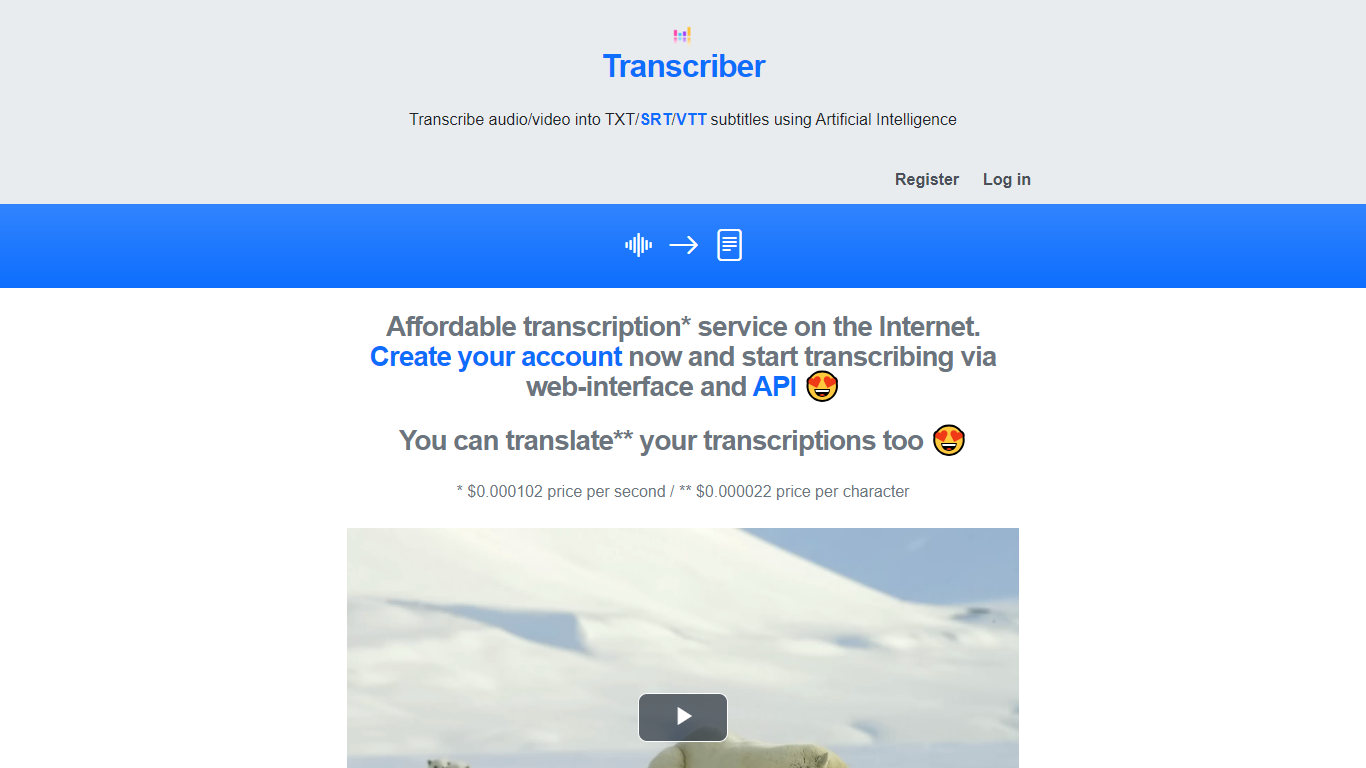
Transcriber is an AI-driven tool that converts audio and video files into text, supporting formats like TXT, SRT, and VTT subtitles. It helps users quickly generate transcripts and subtitles, making content accessible and easier to repurpose. The platform supports multiple languages, enabling users to reach diverse audiences worldwide. Its simple interface allows uploading files and selecting output formats, delivering accurate transcriptions in minutes. Transcriber is suitable for educators, content creators, and businesses aiming to enhance engagement through subtitles and transcripts. While primarily web-based, it offers an API for integration into custom workflows. The tool focuses on efficiency and accuracy, reducing manual transcription time and effort.
🎧 Supports multiple audio and video formats for flexible uploads
🌐 Offers transcription and subtitle output in TXT, SRT, and VTT formats
🕒 Delivers fast transcription results to speed up workflows
🗣️ Supports multiple languages for global audience reach
🔗 Provides an API for easy integration into other applications
Supports various file formats and subtitle types
Multilingual transcription expands audience accessibility
Fast processing reduces manual transcription time
API access enables integration with custom workflows
Limited information on advanced editing features
No explicit mention of offline or desktop versions
What file formats does Transcriber support for upload?
Transcriber supports various audio and video file formats, allowing users to upload files easily for transcription and subtitle generation.
Can I get subtitles in different languages with Transcriber?
Yes, Transcriber supports multiple languages, enabling users to create subtitles and transcripts for diverse audiences.
Is there an API available for integrating Transcriber into other tools?
Transcriber offers an API that allows developers to integrate transcription and subtitle services into their own applications and workflows.
How fast can I expect my transcription results?
Transcriber delivers transcriptions quickly, typically within minutes, helping users save time compared to manual transcription.
Does Transcriber provide subtitle files in standard formats?
Yes, Transcriber outputs subtitles in common formats like SRT and VTT, which are compatible with most video players and platforms.
Is there a free version of Transcriber available?
Transcriber offers a freemium model with a free plan that includes basic transcription features and limited usage.
Who can benefit most from using Transcriber?
Content creators, educators, businesses, and video producers can all benefit from Transcriber to make their content accessible and easier to repurpose.