
Last updated 07-30-2026
Category:
Reviews:
Join thousands of AI enthusiasts in the World of AI!
Transkribieren
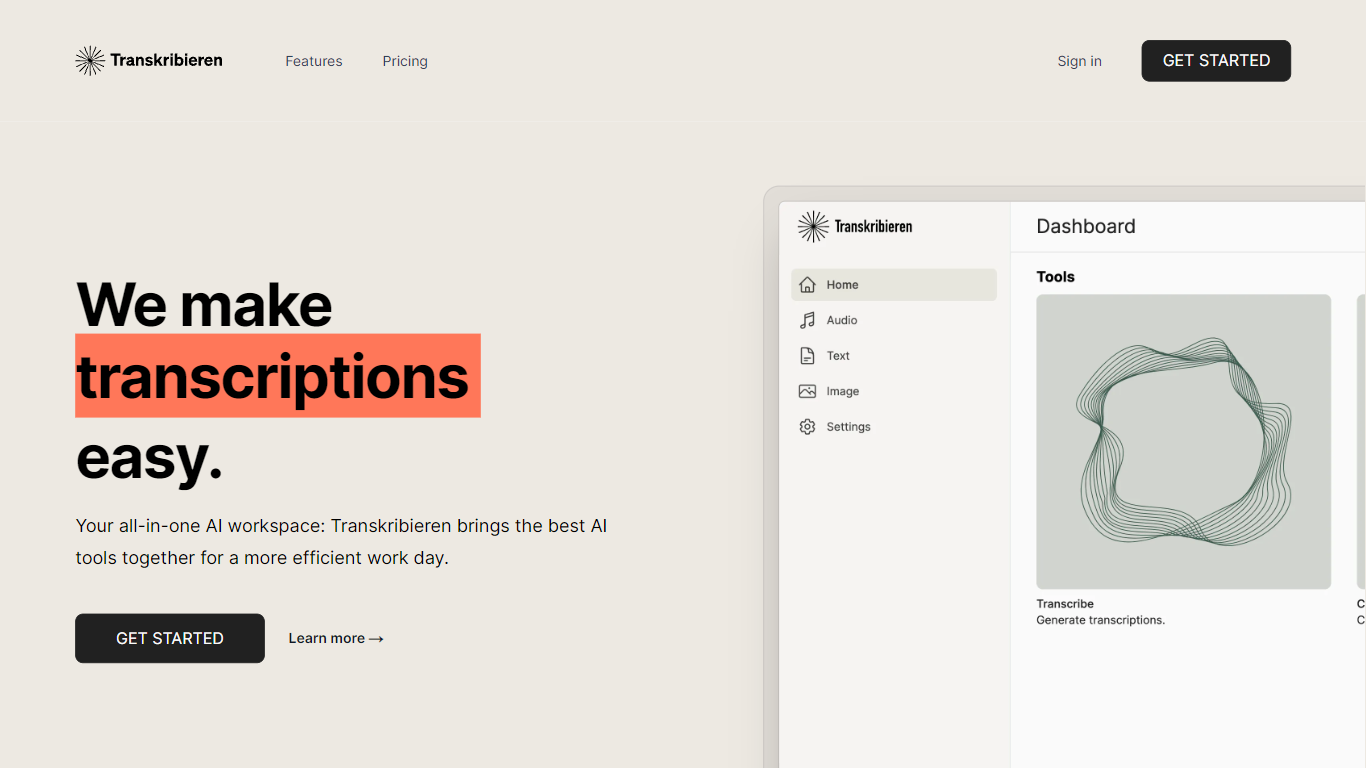
Transkribieren turns audio and video files into text through a browser workspace built around transcription, subtitles, and AI summaries. You upload MP3, WAV, MP4, MOV, and other common formats, paste a YouTube URL, or run interview mode with speaker detection, then export to Word, PDF, SRT, or VTT.
Many transcription apps stop at a raw transcript. Transkribieren bundles subtitle generation, AI summaries, text chat, and image creation in the paid Ascent and Summit plans, positioning itself as an all-in-one AI workspace rather than a single-purpose converter. The Trust Center highlights zero data retention, GDPR and CCPA compliance, SOC 2 Type II certification, and AES-256 encryption at rest.
Pricing starts with a free Discover plan at €0 per month for one hour of transcription and 57 supported languages. Ascent is €19.90 per month for 20 transcription hours, Word export, and AI actions, while Summit is €49.90 per month for 100 hours. New users can start a trial with 15 minutes of transcription without a credit card before choosing a plan.
Transcribes audio formats including MP3, WAV, M4A, FLAC, OGG, and AAC
Converts video files such as MP4, MOV, AVI, MKV, and WebM to text
YouTube transcription from a pasted URL with speaker detection for interviews
Exports subtitles as SRT or VTT plus Word and PDF document formats
Discover plan includes 1 hour of transcription per month across 57 languages for €0
Ascent plan provides 20 transcription hours per month for €19.90
SOC 2 Type II certified with zero data retention and AES-256 encryption at rest
Covers audio, video, and YouTube URLs in one workspace with subtitle and summary tools.
Free Discover tier and no-card trial lower the barrier before committing to paid hours.
SOC 2 Type II, GDPR, and zero data retention messaging suit regulated teams.
Speaker detection and SRT or VTT export help podcast and interview workflows.
Paid plans cap transcription hours per month, so heavy users need Summit or Enterprise.
Homepage language count (99+) differs from the 57 languages listed on pricing plans.
Advanced AI actions and image creation require Ascent or Summit rather than the free tier.
What is Transkribieren?
Transkribieren is an AI transcription workspace that converts audio, video, and YouTube links into text. Transkribieren also generates subtitles, summaries, and exports in formats like Word, PDF, SRT, and VTT.
How much does Transkribieren cost?
Transkribieren's Discover plan is €0 per month with 1 hour of transcription. Ascent costs €19.90 per month for 20 hours, and Summit is €49.90 per month for 100 hours. Enterprise pricing is available on request.
Which file formats does Transkribieren support?
Transkribieren accepts audio files including MP3, WAV, M4A, FLAC, OGG, and AAC, plus video formats such as MP4, MOV, AVI, MKV, and WebM. You can also paste a YouTube URL to fetch a transcript.
Does Transkribieren offer a free trial?
Yes. Transkribieren lets new users access all features with 15 minutes of free transcription and no credit card required. Subscribing to the free Discover plan then provides 60 minutes of transcription per month.
How many languages does Transkribieren support?
Transkribieren supports 57 languages on its published pricing plans with automatic language detection. The homepage also advertises transcription in 99 or more languages across its broader tool set.
Is Transkribieren secure for business use?
Transkribieren states it does not train on customer data, complies with GDPR and CCPA, and holds SOC 2 Type II certification. Data is encrypted with AES-256 at rest and TLS 1.2 or newer in transit.