Transkribieren vs SpeechGPT
In the contest of Transkribieren vs SpeechGPT, which AI Audio Generation tool is the champion? We evaluate pricing, alternatives, upvotes, features, reviews, and more.
If you had to choose between Transkribieren and SpeechGPT, which one would you go for?
When we examine Transkribieren and SpeechGPT, both of which are AI-enabled audio generation tools, what unique characteristics do we discover? Both tools are equally favored, as indicated by the identical upvote count. You can help us determine the winner by casting your vote and tipping the scales in favor of one of the tools.
Think we got it wrong? Cast your vote and show us who's boss!
Transkribieren

What is Transkribieren?
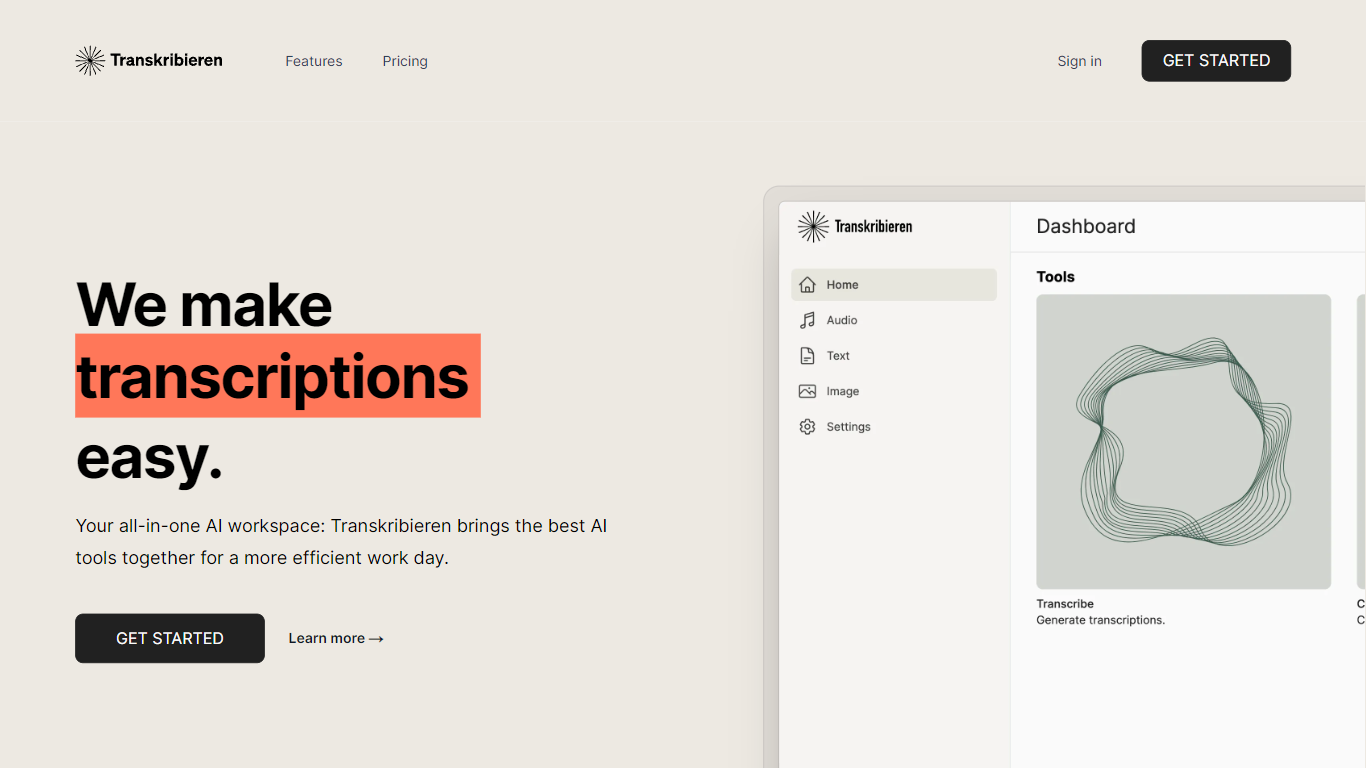
Transkribieren turns audio and video files into text through a browser workspace built around transcription, subtitles, and AI summaries. You upload MP3, WAV, MP4, MOV, and other common formats, paste a YouTube URL, or run interview mode with speaker detection, then export to Word, PDF, SRT, or VTT.
Many transcription apps stop at a raw transcript. Transkribieren bundles subtitle generation, AI summaries, text chat, and image creation in the paid Ascent and Summit plans, positioning itself as an all-in-one AI workspace rather than a single-purpose converter. The Trust Center highlights zero data retention, GDPR and CCPA compliance, SOC 2 Type II certification, and AES-256 encryption at rest.
Pricing starts with a free Discover plan at €0 per month for one hour of transcription and 57 supported languages. Ascent is €19.90 per month for 20 transcription hours, Word export, and AI actions, while Summit is €49.90 per month for 100 hours. New users can start a trial with 15 minutes of transcription without a credit card before choosing a plan.
SpeechGPT

What is SpeechGPT?
SpeechGPT lets you hold voice conversations in the browser using your own OpenAI API key. You type or record messages, send them through a chat interface, and hear spoken replies without installing desktop software.
Unlike hosted TTS services that bundle model costs into a subscription, SpeechGPT runs in the browser and bills you only through the OpenAI, Azure Speech Services, or Amazon Polly accounts you connect. That makes it a lightweight option for developers and language learners who already have API access and want a simple voice chat front end.
The interface supports English, Spanish, and Chinese UI labels, includes a record button for speech input, and stores session data locally in the browser. It suits developers testing voice chat flows, language learners practicing spoken prompts, and anyone who wants a minimal ChatGPT voice client on mobile or desktop.
Transkribieren Upvotes
SpeechGPT Upvotes
Transkribieren Top Features
Transcribes audio formats including MP3, WAV, M4A, FLAC, OGG, and AAC
Converts video files such as MP4, MOV, AVI, MKV, and WebM to text
YouTube transcription from a pasted URL with speaker detection for interviews
Exports subtitles as SRT or VTT plus Word and PDF document formats
Discover plan includes 1 hour of transcription per month across 57 languages for €0
Ascent plan provides 20 transcription hours per month for €19.90
SOC 2 Type II certified with zero data retention and AES-256 encryption at rest
SpeechGPT Top Features
Chat interface accepts typed messages or recorded speech input with Enter to send
Requires your OpenAI API key in settings before the app will run conversations
Optional Azure Speech Services or Amazon Polly access keys for alternate text-to-speech backends
UI available in English, Spanish, and Chinese from the in-app language selector
Shift plus Enter inserts a newline without sending the message
Runs as a web app on Vercel with no separate desktop install required
Transkribieren Category
- Audio Generation
SpeechGPT Category
- Audio Generation
Transkribieren Pricing Type
- Freemium
SpeechGPT Pricing Type
- Free