
Last updated 07-03-2026
Category:
Reviews:
Join thousands of AI enthusiasts in the World of AI!
TranscriptMate
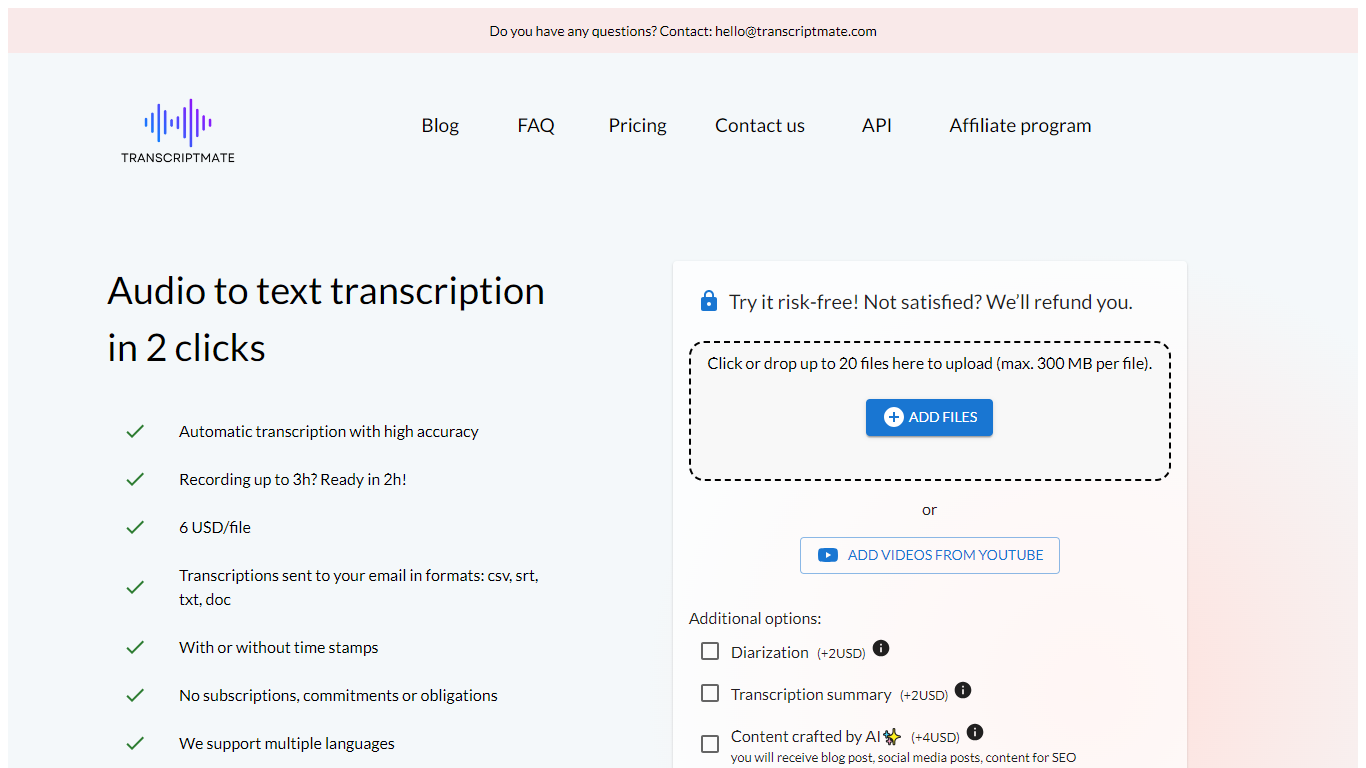
TranscriptMate turns audio and video recordings into searchable text for podcasters, journalists, researchers, and teams who work with spoken content every day. Upload a file or paste a YouTube link, and the service returns a transcript with timestamps and optional speaker labels. The first 15 minutes of each file are free with no account required.
The workspace pairs a synced text editor with an audio player so you can click any word to jump to that moment in the recording. Speaker diarization marks who said what, and renaming a speaker updates the label across the full transcript. Focus group and multi-participant interviews get the same treatment.
TranscriptMate also generates ready-to-publish outputs from transcripts: blog posts, newsletters, podcast show notes, video chapters, summaries, and social clips through built-in templates. Exports cover DOCX, PDF, TXT, SRT, and VTT.
The service supports 30+ languages, runs on GDPR-compliant EU infrastructure, and targets professionals handling interviews, press conferences, lectures, and client recordings at volume.
First 15 minutes free per file with no registration
Click any word to jump to that exact audio timestamp
Speaker diarization with bulk rename across the transcript
Export transcripts as DOCX, PDF, TXT, SRT, or VTT
Paste a YouTube URL to transcribe without downloading
One-click templates for blogs, newsletters, and show notes
Supports 30+ languages with OpenAI Whisper under the hood
15 minutes free per file with no signup, useful for quick tests and short clips.
Synced editor lets you click words to jump to audio timestamps while correcting text.
Unlimited plan caps at 730 hours per month for a flat fee instead of per-minute billing.
Exports cover documents and subtitle formats including SRT and VTT.
GDPR-compliant EU hosting with automatic file deletion after processing.
Free tier limits output to TXT without speaker labels or advanced exports.
Homepage FAQ mentions 2GB uploads while the free tool page lists a 500MB cap.
No dedicated mobile app; the service runs in the browser only.
Does TranscriptMate have a free plan?
Yes. TranscriptMate transcribes the first 15 minutes of each file for free with no credit card or account required. Longer files can be unlocked with a pay-per-file charge or an Unlimited subscription.
What export formats does TranscriptMate support?
TranscriptMate exports transcripts to TXT, DOCX, PDF, SRT, and VTT. Free transcriptions are delivered as TXT; paid plans unlock the full set of document and subtitle formats.
Does TranscriptMate identify different speakers?
Yes. TranscriptMate includes speaker diarization on paid plans, labeling each voice in the recording. You can rename speakers once and the change applies across the entire transcript.
What languages does TranscriptMate support?
TranscriptMate supports more than 30 languages including English, Polish, German, French, Spanish, Italian, Portuguese, Ukrainian, Russian, Czech, and Hebrew. You select the spoken language before uploading.
Is TranscriptMate GDPR compliant?
Yes. TranscriptMate hosts data on EU servers, uses encrypted HTTPS transfers, and automatically deletes files after processing. The company offers data processing agreements on request.
Can I transcribe YouTube videos with TranscriptMate?
Yes. On the Unlimited plan you can paste a YouTube URL and TranscriptMate fetches the video metadata and transcribes it without a manual download. The free tier accepts uploaded audio and video files up to 500MB.
How accurate is TranscriptMate transcription?
TranscriptMate reports up to 98% accuracy on clear audio using OpenAI Whisper. Results depend on recording quality, background noise, accents, and overlapping speech.