TranscriptMate vs BeyondWords
In the contest of TranscriptMate vs BeyondWords, which AI Audio Generation tool is the champion? We evaluate pricing, alternatives, upvotes, features, reviews, and more.
If you had to choose between TranscriptMate and BeyondWords, which one would you go for?
When we examine TranscriptMate and BeyondWords, both of which are AI-enabled audio generation tools, what unique characteristics do we discover? There's no clear winner in terms of upvotes, as both tools have received the same number. The power is in your hands! Cast your vote and have a say in deciding the winner.
Does the result make you go "hmm"? Cast your vote and turn that frown upside down!
TranscriptMate

What is TranscriptMate?
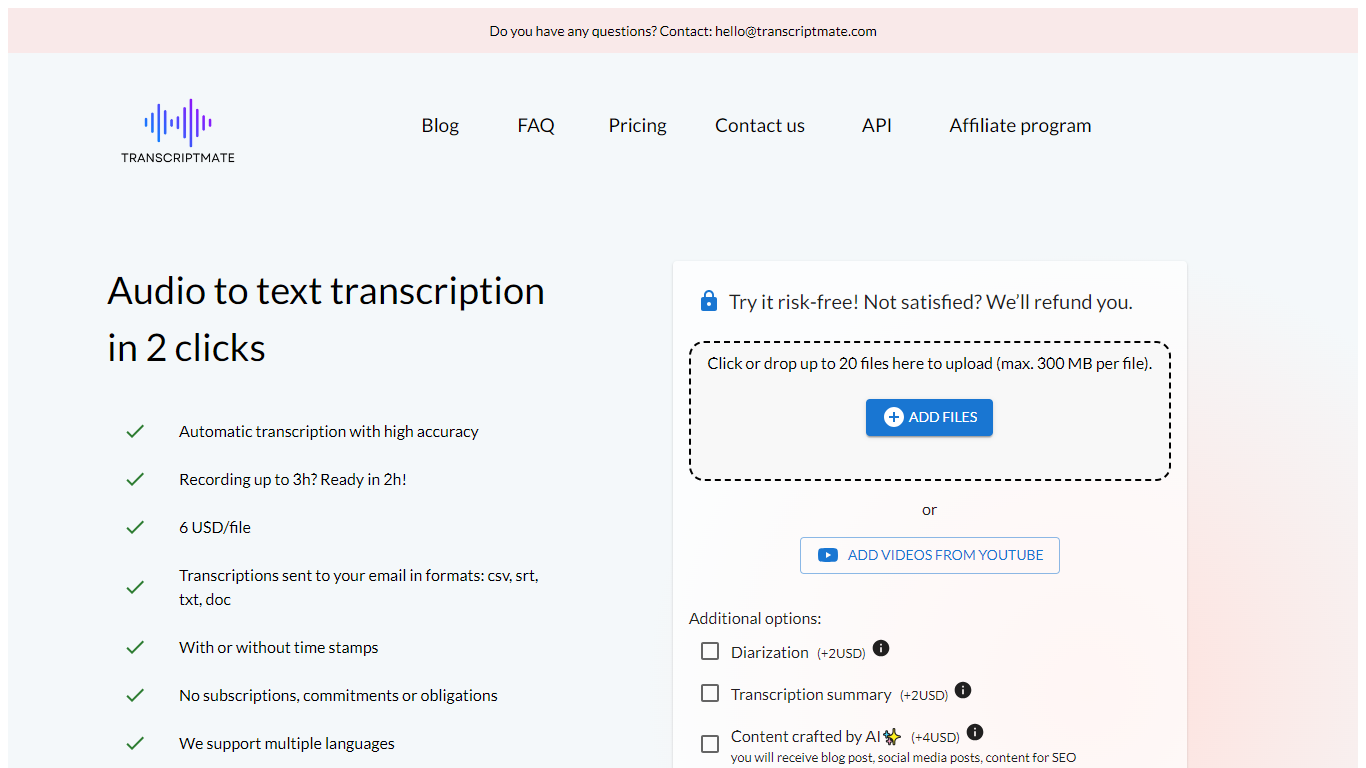
TranscriptMate turns audio and video recordings into searchable text for podcasters, journalists, researchers, and teams who work with spoken content every day. Upload a file or paste a YouTube link, and the service returns a transcript with timestamps and optional speaker labels. The first 15 minutes of each file are free with no account required.
The workspace pairs a synced text editor with an audio player so you can click any word to jump to that moment in the recording. Speaker diarization marks who said what, and renaming a speaker updates the label across the full transcript. Focus group and multi-participant interviews get the same treatment.
TranscriptMate also generates ready-to-publish outputs from transcripts: blog posts, newsletters, podcast show notes, video chapters, summaries, and social clips through built-in templates. Exports cover DOCX, PDF, TXT, SRT, and VTT.
The service supports 30+ languages, runs on GDPR-compliant EU infrastructure, and targets professionals handling interviews, press conferences, lectures, and client recordings at volume.
BeyondWords
What is BeyondWords?
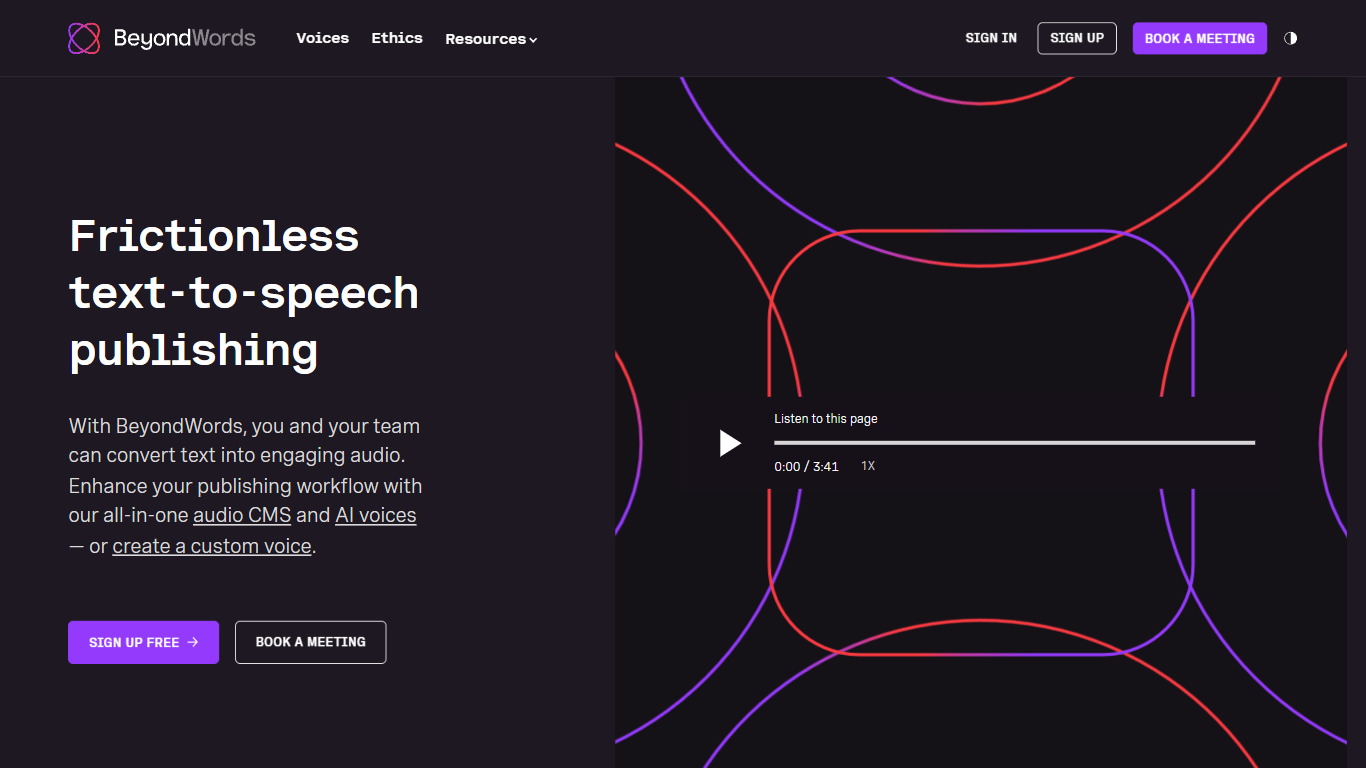
BeyondWords turns written articles into publishable audio through an audio CMS built for newsrooms and digital publishers. Connect WordPress, Ghost, or an RSS feed, and each article gets a narrated version with a branded player you embed in a few lines of code. The platform handles pronunciation rules, metadata mapping, and smart updates that regenerate only changed paragraphs.
Generic text-to-speech tools bill by characters and treat every snippet the same. BeyondWords prices by article and stores audio alongside CMS metadata like authors, categories, and identifiers. That article-first model, plus pronunciation controls for names and industry terms, targets publishers who need predictable costs at scale rather than one-off voice generation.
News publishers, editorial teams, and digital media companies use BeyondWords to add listen buttons without hiring voice actors. Clients include Mediacorp, News Corp, and The Irish Times. Teams can clone editorial voices in 24 hours, mix in music and interview clips, and monetize playback through Google Ad Manager integrations.
TranscriptMate Upvotes
BeyondWords Upvotes
TranscriptMate Top Features
First 15 minutes free per file with no registration
Click any word to jump to that exact audio timestamp
Speaker diarization with bulk rename across the transcript
Export transcripts as DOCX, PDF, TXT, SRT, or VTT
Paste a YouTube URL to transcribe without downloading
One-click templates for blogs, newsletters, and show notes
Supports 30+ languages with OpenAI Whisper under the hood
BeyondWords Top Features
Article-first pricing charges per article, not by character count
Professional voice clones ready in 24 hours from five recorded articles
Instant voice cloning from five seconds of audio sample
154 languages and accents available in the premade voice library
WCAG 2 compliant audio player embeds with a few lines of code
Smart updates regenerate only new paragraphs when articles change
TranscriptMate Category
- Audio Generation
BeyondWords Category
- Audio Generation
TranscriptMate Pricing Type
- Freemium
BeyondWords Pricing Type
- Paid