TranscriptMate vs SpeechGPT
When comparing TranscriptMate vs SpeechGPT, which AI Audio Generation tool shines brighter? We look at pricing, alternatives, upvotes, features, reviews, and more.
In a comparison between TranscriptMate and SpeechGPT, which one comes out on top?
When we put TranscriptMate and SpeechGPT side by side, both being AI-powered audio generation tools, There's no clear winner in terms of upvotes, as both tools have received the same number. Every vote counts! Cast yours and contribute to the decision of the winner.
Not your cup of tea? Upvote your preferred tool and stir things up!
TranscriptMate

What is TranscriptMate?
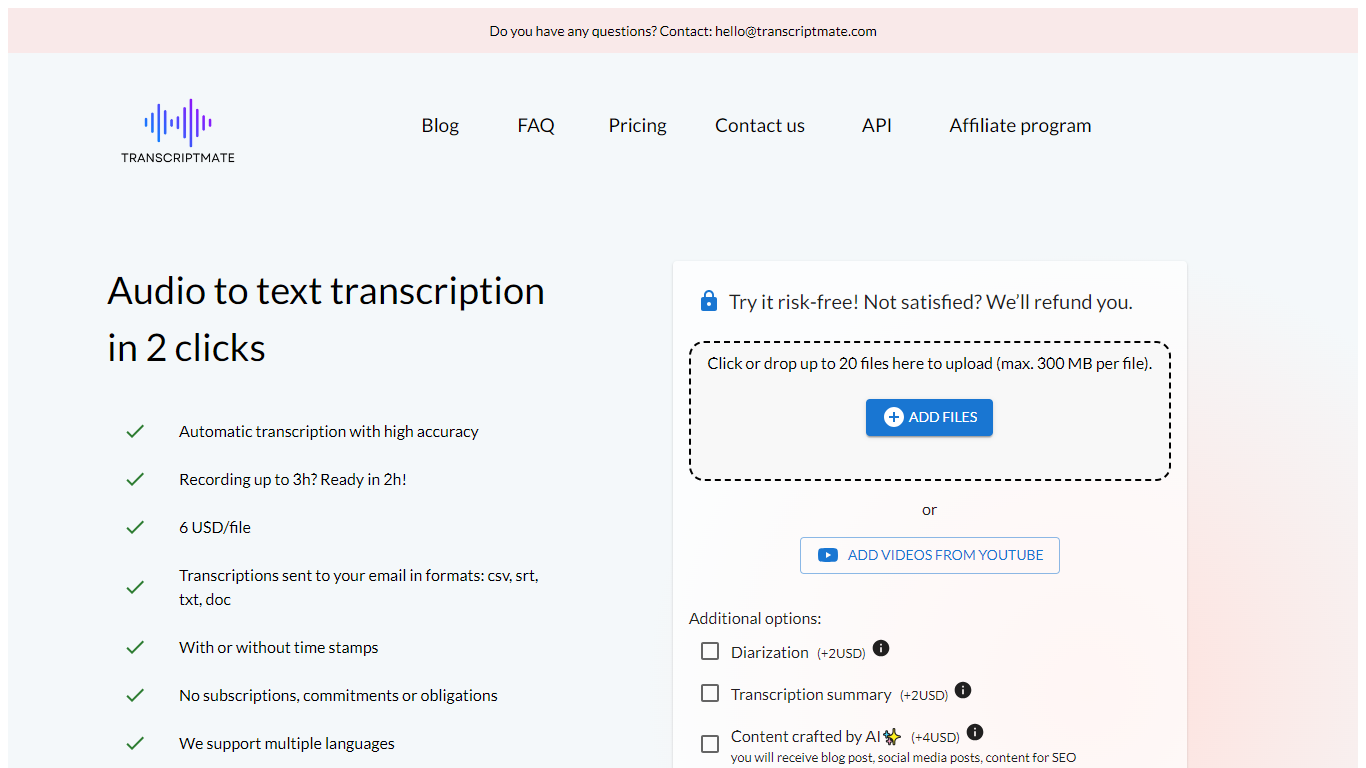
TranscriptMate turns audio and video recordings into searchable text for podcasters, journalists, researchers, and teams who work with spoken content every day. Upload a file or paste a YouTube link, and the service returns a transcript with timestamps and optional speaker labels. The first 15 minutes of each file are free with no account required.
The workspace pairs a synced text editor with an audio player so you can click any word to jump to that moment in the recording. Speaker diarization marks who said what, and renaming a speaker updates the label across the full transcript. Focus group and multi-participant interviews get the same treatment.
TranscriptMate also generates ready-to-publish outputs from transcripts: blog posts, newsletters, podcast show notes, video chapters, summaries, and social clips through built-in templates. Exports cover DOCX, PDF, TXT, SRT, and VTT.
The service supports 30+ languages, runs on GDPR-compliant EU infrastructure, and targets professionals handling interviews, press conferences, lectures, and client recordings at volume.
SpeechGPT

What is SpeechGPT?
SpeechGPT lets you hold voice conversations in the browser using your own OpenAI API key. You type or record messages, send them through a chat interface, and hear spoken replies without installing desktop software.
Unlike hosted TTS services that bundle model costs into a subscription, SpeechGPT runs in the browser and bills you only through the OpenAI, Azure Speech Services, or Amazon Polly accounts you connect. That makes it a lightweight option for developers and language learners who already have API access and want a simple voice chat front end.
The interface supports English, Spanish, and Chinese UI labels, includes a record button for speech input, and stores session data locally in the browser. It suits developers testing voice chat flows, language learners practicing spoken prompts, and anyone who wants a minimal ChatGPT voice client on mobile or desktop.
TranscriptMate Upvotes
SpeechGPT Upvotes
TranscriptMate Top Features
First 15 minutes free per file with no registration
Click any word to jump to that exact audio timestamp
Speaker diarization with bulk rename across the transcript
Export transcripts as DOCX, PDF, TXT, SRT, or VTT
Paste a YouTube URL to transcribe without downloading
One-click templates for blogs, newsletters, and show notes
Supports 30+ languages with OpenAI Whisper under the hood
SpeechGPT Top Features
Chat interface accepts typed messages or recorded speech input with Enter to send
Requires your OpenAI API key in settings before the app will run conversations
Optional Azure Speech Services or Amazon Polly access keys for alternate text-to-speech backends
UI available in English, Spanish, and Chinese from the in-app language selector
Shift plus Enter inserts a newline without sending the message
Runs as a web app on Vercel with no separate desktop install required
TranscriptMate Category
- Audio Generation
SpeechGPT Category
- Audio Generation
TranscriptMate Pricing Type
- Freemium
SpeechGPT Pricing Type
- Free