DialMe vs TranscribeAudio
Explore the showdown between DialMe vs TranscribeAudio and find out which AI Meeting Assistant tool wins. We analyze upvotes, features, reviews, pricing, alternatives, and more.
When comparing DialMe and TranscribeAudio, which one rises above the other?
When we contrast DialMe with TranscribeAudio, both of which are exceptional AI-operated meeting assistant tools, and place them side by side, we can spot several crucial similarities and divergences. Both tools are equally favored, as indicated by the identical upvote count. The power is in your hands! Cast your vote and have a say in deciding the winner.
Does the result make you go "hmm"? Cast your vote and turn that frown upside down!
DialMe
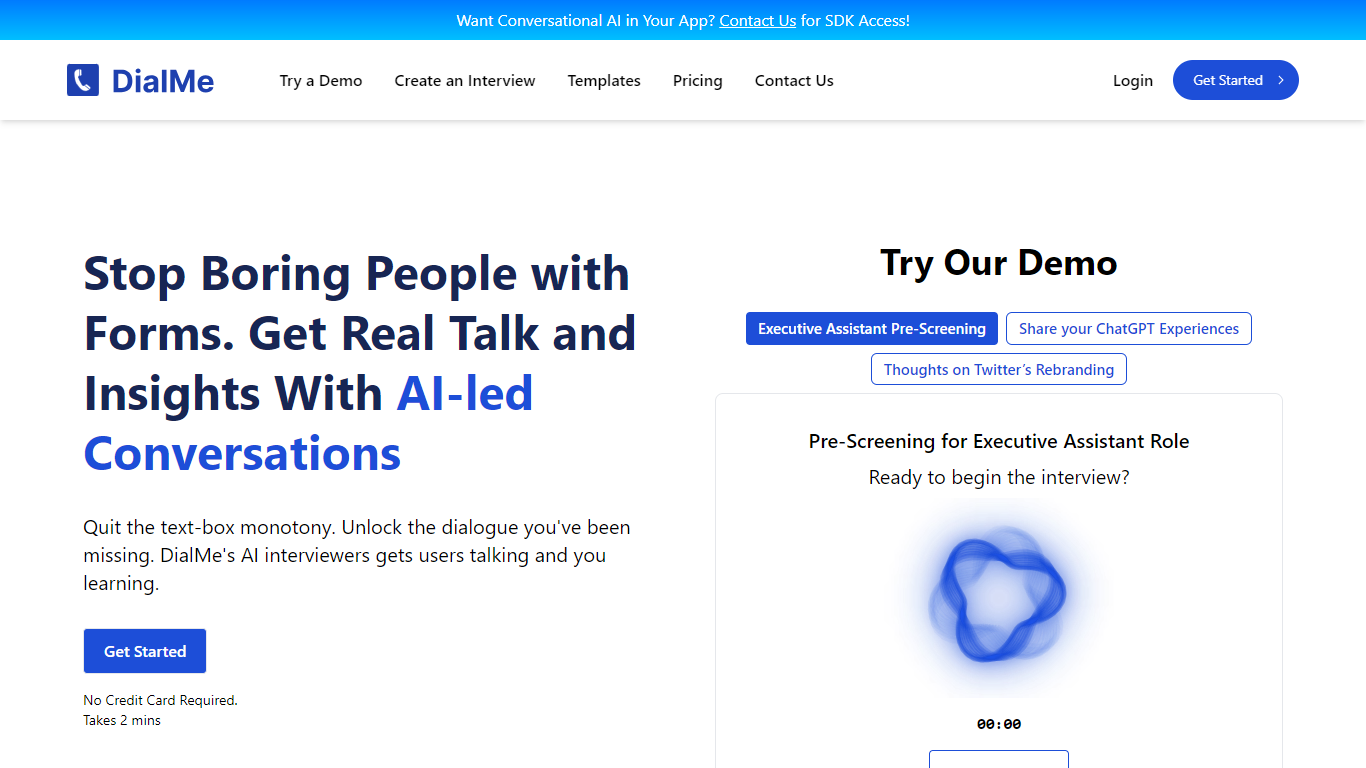

What is DialMe ?
DialMe is an innovative platform designed to revolutionize the traditional interview process by harnessing the power of AI. With a focus on efficiency, DialMe allows you to automate interviews, provide deeper insights, and save precious time. Users can take advantage of DialMe's intuitive basic dashboard, easy-to-use interview templates, and the ability to review transcripts and insights post-interview.
DialMe serves a variety of needs, from HR to market research, making it a versatile tool for gathering critical information without the tediousness of forms. Offering a free plan to get started, users can immediately create interviews and enjoy 30 lifetime minutes of service. DialMe also has advanced plans available for more extensive use cases, ensuring scalability for growing businesses and enterprise-level requirements.
TranscribeAudio
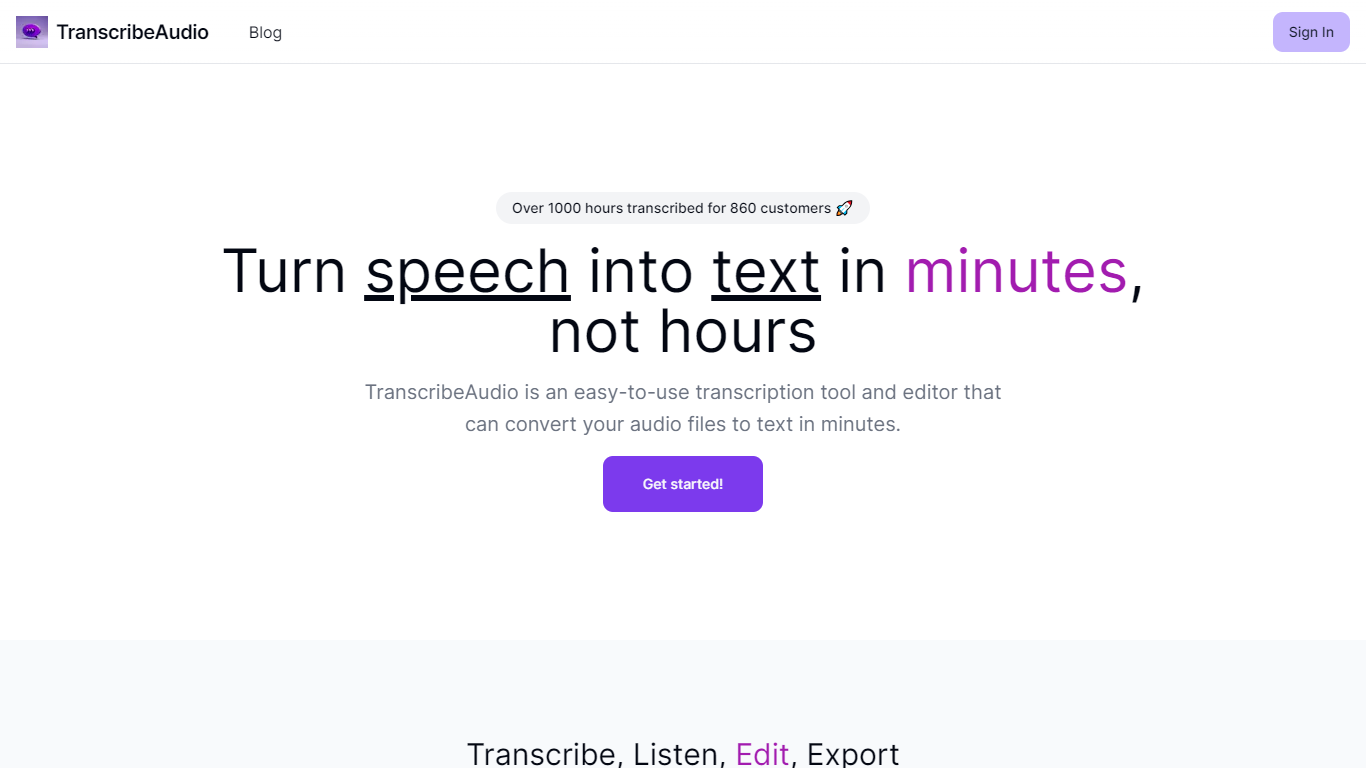
What is TranscribeAudio?
TranscribeAudio is a Chrome extension that turns any audio playing in your browser into live text. Instead of uploading recordings or inviting a bot into your meeting, you click Start on a tab and captions appear in a floating overlay you can drag anywhere on screen.
The extension captures audio directly from the browser tab, so it works with Zoom, Google Meet, YouTube, podcasts, and any other site playing sound in Chrome. Transcription runs on OpenAI's Whisper-based speech recognition and supports 57 languages.
It fits anyone who wants real-time captions during meetings, lectures, or videos without managing separate recording files or waiting for upload-based transcripts to process.
DialMe Upvotes
TranscribeAudio Upvotes
DialMe Top Features
Automate Interviews: Streamline your interview process using advanced AI interviewers.
Insightful Analytics: Review transcripts and glean insights to drive informed decision-making.
Ready-to-use Templates: Access a variety of templates designed for different interview needs.
No Credit Card Required: Get started for free without the hassle of providing payment information upfront.
Easy Integration: Implement DialMe's conversational AI into your applications with available SDK access.
TranscribeAudio Top Features
Captures audio from any Chrome tab and streams live captions without using your microphone
Whisper-based speech recognition with support for 57 languages and regional accents
Floating overlay you can drag anywhere while watching videos or joining calls
Works with Zoom, Google Meet, YouTube, Vimeo, and other sites playing audio in Chrome
Export transcriptions as TXT files for notes and sharing
No meeting bots or participant notifications when transcribing calls
DialMe Category
- Meeting Assistant
TranscribeAudio Category
- Meeting Assistant
DialMe Pricing Type
- Freemium
TranscribeAudio Pricing Type
- Freemium