TranscribeAudio vs MeetGeek
Compare TranscribeAudio vs MeetGeek and see which AI Meeting Assistant tool is better when we compare features, reviews, pricing, alternatives, upvotes, etc.
Which one is better? TranscribeAudio or MeetGeek?
When we compare TranscribeAudio with MeetGeek, which are both AI-powered meeting assistant tools, MeetGeek stands out as the clear frontrunner in terms of upvotes. MeetGeek has attracted 17 upvotes from aitools.fyi users, and TranscribeAudio has attracted 6 upvotes.
You don't agree with the result? Cast your vote to help us decide!
TranscribeAudio
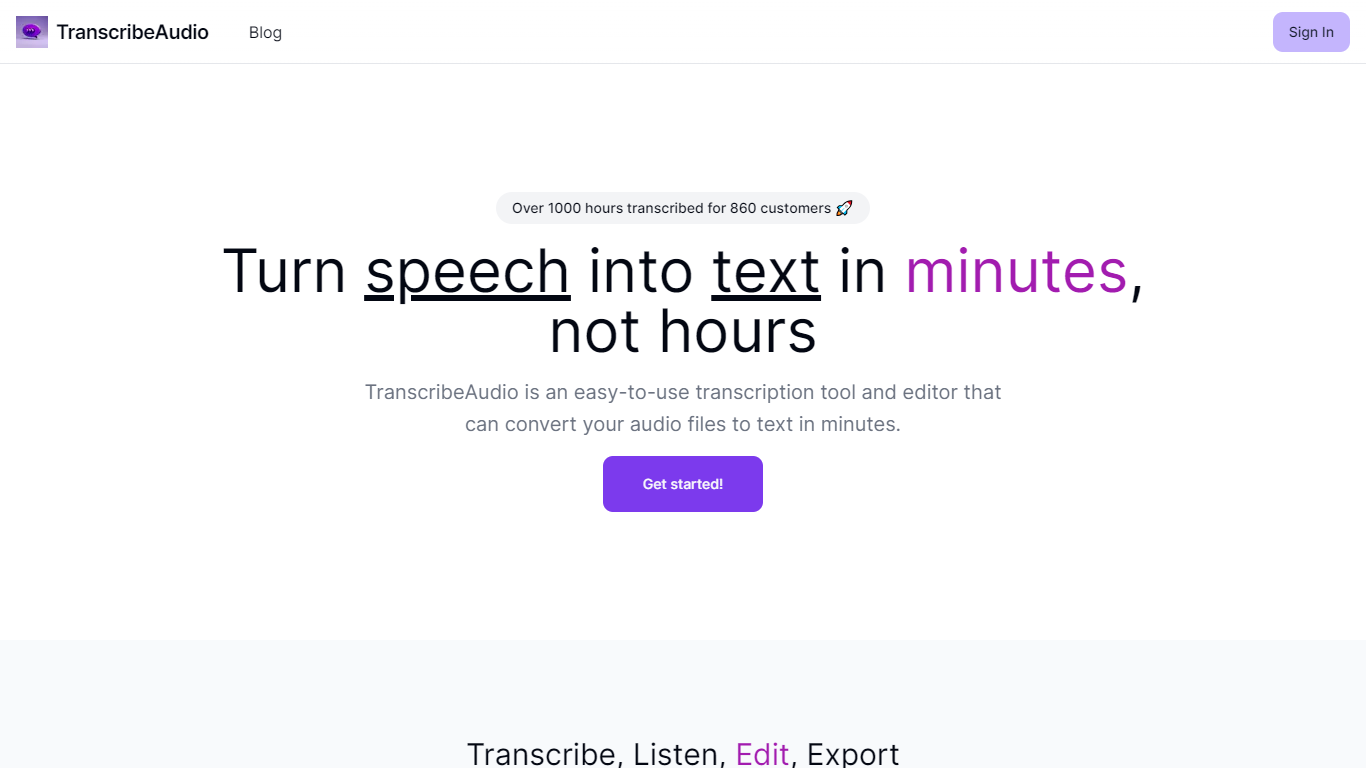

What is TranscribeAudio?
TranscribeAudio is a Chrome extension that turns any audio playing in your browser into live text. Instead of uploading recordings or inviting a bot into your meeting, you click Start on a tab and captions appear in a floating overlay you can drag anywhere on screen.
The extension captures audio directly from the browser tab, so it works with Zoom, Google Meet, YouTube, podcasts, and any other site playing sound in Chrome. Transcription runs on OpenAI's Whisper-based speech recognition and supports 57 languages.
It fits anyone who wants real-time captions during meetings, lectures, or videos without managing separate recording files or waiting for upload-based transcripts to process.
MeetGeek
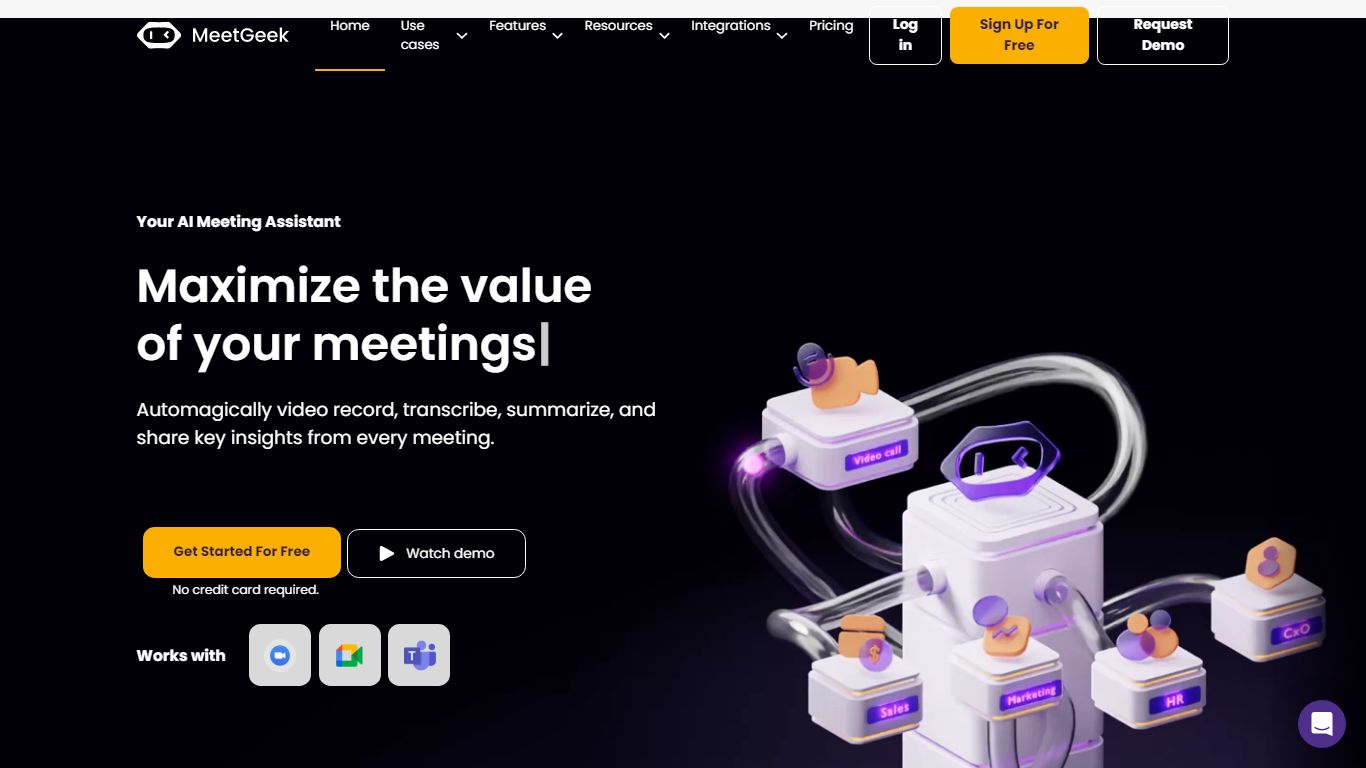
What is MeetGeek?
MeetGeek is a meeting assistant that records, transcribes, and summarizes calls across Zoom, Google Meet, Microsoft Teams, and other conferencing tools. It stores searchable transcripts, AI chat over past meetings, and workflow automations so teams can share notes without rewatching every recording.
Unlike lightweight note bots that only dump a summary, MeetGeek layers meeting templates, CRM integrations, and no-bot browser recording on top of transcription. That stack targets teams that need governance, analytics, and Zapier-style automation rather than a single post-call email.
Sales, customer success, and product teams use MeetGeek for customer calls, interviews, and internal standups. Educators and agencies also adopt it for online classes and client meetings where shared folders and role-based access matter.
TranscribeAudio Upvotes
MeetGeek Upvotes
TranscribeAudio Top Features
Captures audio from any Chrome tab and streams live captions without using your microphone
Whisper-based speech recognition with support for 57 languages and regional accents
Floating overlay you can drag anywhere while watching videos or joining calls
Works with Zoom, Google Meet, YouTube, Vimeo, and other sites playing audio in Chrome
Export transcriptions as TXT files for notes and sharing
No meeting bots or participant notifications when transcribing calls
MeetGeek Top Features
Auto-detects 100+ languages with speaker identification
Records Zoom, Google Meet, Microsoft Teams, and Webex calls
30+ meeting summary templates with meeting type auto-detection
No-bot recording via browser extension and desktop app
CRM sync to HubSpot, Salesforce, Pipedrive, and Zoho
API and MCP access for custom meeting workflows
TranscribeAudio Category
- Meeting Assistant
MeetGeek Category
- Meeting Assistant
TranscribeAudio Pricing Type
- Freemium
MeetGeek Pricing Type
- Freemium