Bliro vs TranscribeAudio
Compare Bliro vs TranscribeAudio and see which AI Meeting Assistant tool is better when we compare features, reviews, pricing, alternatives, upvotes, etc.
Which one is better? Bliro or TranscribeAudio?
When we compare Bliro with TranscribeAudio, which are both AI-powered meeting assistant tools, The community has spoken, Bliro leads with more upvotes. Bliro has attracted 89 upvotes from aitools.fyi users, and TranscribeAudio has attracted 6 upvotes.
Don't agree with the result? Cast your vote and be a part of the decision-making process!
Bliro
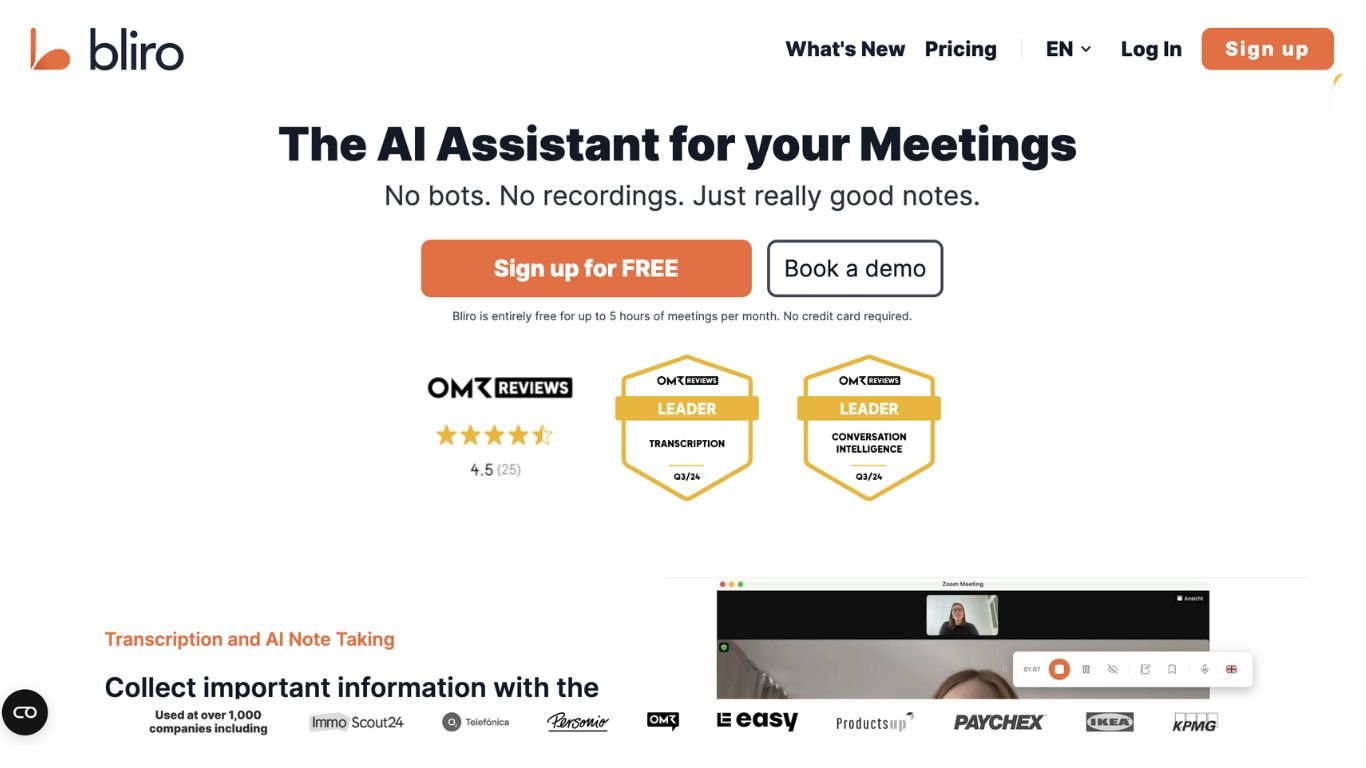

What is Bliro?
Bliro handles the admin work that slows sales teams down: meeting prep, real-time notes, CRM field updates, visit reports, and follow-up emails. Used by more than 2,000 companies, the platform captures conversations through system audio for online meetings or laptop and mobile devices on site, then writes structured summaries without storing audio recordings. Sellers report saving about 8 hours of admin per week while CRM adoption increases up to 10x.
Unlike visible meeting bots that join your Zoom call, Bliro transcribes through system audio with no bot on screen, which matters for GDPR-sensitive European sales teams. It also works as a phone contact you can call for voice-based prep and follow-up guidance. Where generic notetakers stop at transcripts, Bliro pushes field-level updates into Salesforce, HubSpot, SAP, and Microsoft Dynamics 365 and coaches reps against your company playbooks anonymously.
Field sales reps, account managers, and revenue leaders at mid-market and enterprise companies use Bliro to cut documentation time and lift conversion rates. Customer testimonials cite 22% higher conversion and stronger visit report quality across industries from industrial automation to insurance.
TranscribeAudio
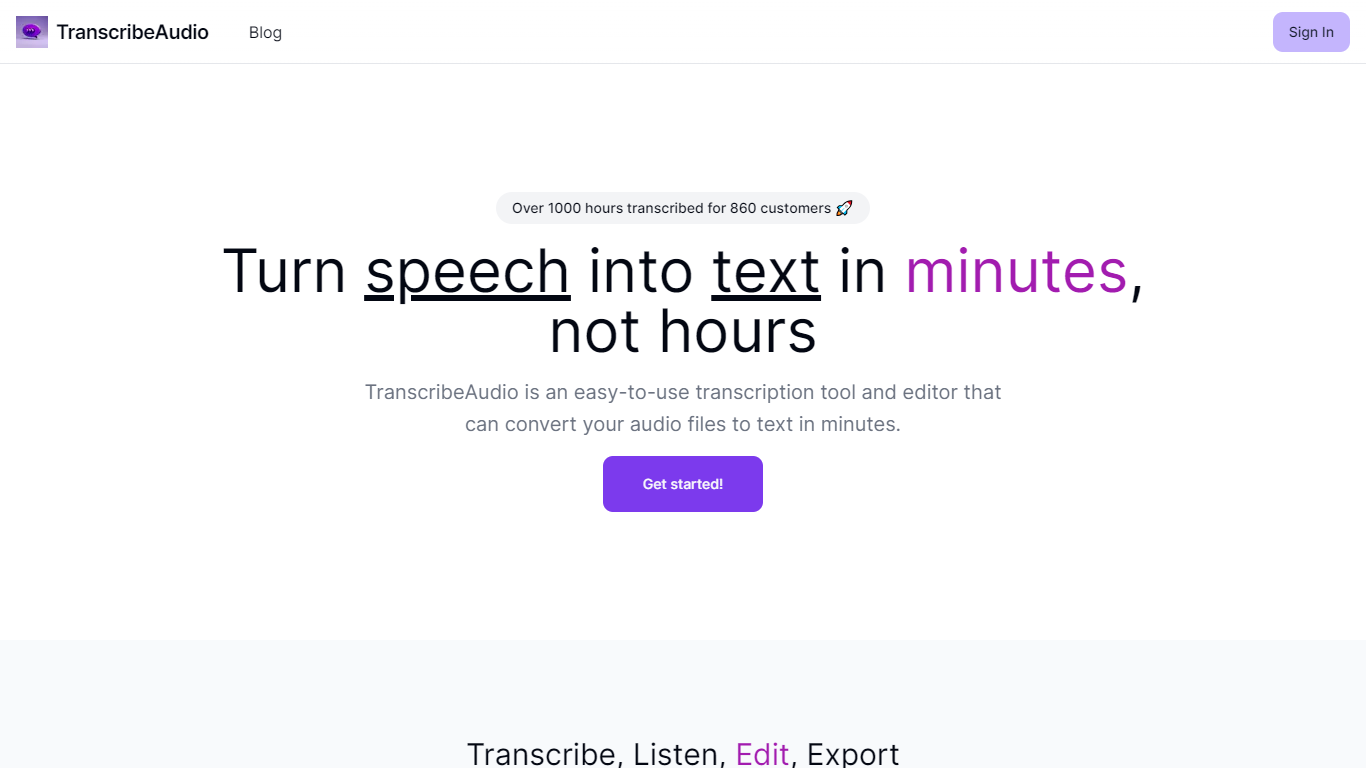
What is TranscribeAudio?
TranscribeAudio is a Chrome extension that turns any audio playing in your browser into live text. Instead of uploading recordings or inviting a bot into your meeting, you click Start on a tab and captions appear in a floating overlay you can drag anywhere on screen.
The extension captures audio directly from the browser tab, so it works with Zoom, Google Meet, YouTube, podcasts, and any other site playing sound in Chrome. Transcription runs on OpenAI's Whisper-based speech recognition and supports 57 languages.
It fits anyone who wants real-time captions during meetings, lectures, or videos without managing separate recording files or waiting for upload-based transcripts to process.
Bliro Upvotes
TranscribeAudio Upvotes
Bliro Top Features
Real-time meeting notes via system audio with no visible bot in online calls
CRM integrations with Salesforce, HubSpot, SAP, and Microsoft Dynamics 365 at field level
GDPR-compliant transcription in 50+ languages without storing audio recordings
Voice-based assistant reachable as a phone contact for prep and follow-up guidance
Automated sales coaching from company playbooks without ride-alongs or surveillance
Windows, Mac, and iOS apps with calendar integration for meeting prep pop-ups
TranscribeAudio Top Features
Captures audio from any Chrome tab and streams live captions without using your microphone
Whisper-based speech recognition with support for 57 languages and regional accents
Floating overlay you can drag anywhere while watching videos or joining calls
Works with Zoom, Google Meet, YouTube, Vimeo, and other sites playing audio in Chrome
Export transcriptions as TXT files for notes and sharing
No meeting bots or participant notifications when transcribing calls
Bliro Category
- Meeting Assistant
TranscribeAudio Category
- Meeting Assistant
Bliro Pricing Type
- Paid
TranscribeAudio Pricing Type
- Freemium