CapGo vs AskExcel
In the battle of CapGo vs AskExcel, which AI Excel tool comes out on top? We compare reviews, pricing, alternatives, upvotes, features, and more.
Which one is better? CapGo or AskExcel?
Upon comparing CapGo with AskExcel, which are both AI-powered excel tools, Both tools have received the same number of upvotes from aitools.fyi users. Every vote counts! Cast yours and contribute to the decision of the winner.
Does the result make you go "hmm"? Cast your vote and turn that frown upside down!
CapGo

What is CapGo?
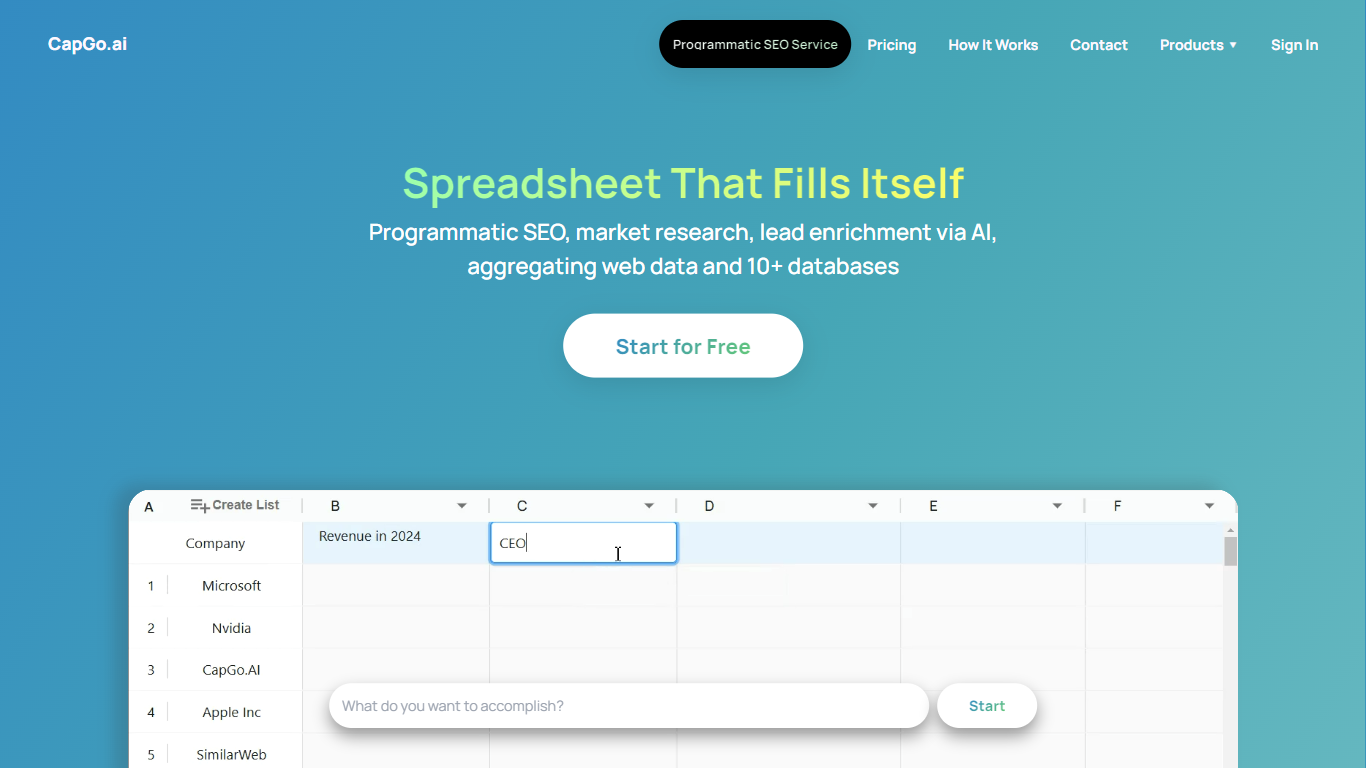
CapGo scales programmatic SEO and GEO content through Google Sheets and browser spreadsheets, with Excel-style columns as workflow steps and rows as publishable landing pages. Each column in a CapGo sheet is an action step, and each row lets you repeat research, generation, optimization, and publishing across hundreds or thousands of pages. The product runs as CapGo Sheets in the browser and as the Sheet2Pages Google Sheets add-on, which lists more than 50,000 installations and a 4.9/5 rating on Google Workspace Marketplace.
Most programmatic SEO tools wire templates inside a CMS or custom codebase. CapGo keeps the full pipeline in a grid you can inspect row by row, which makes it easier to catch a bad template before it scales to thousands of pages. The same workflow also syndicates content to Reddit, X, LinkedIn, and Medium, so web pages and distribution posts do not live in separate tools.
Marketing teams, SEO agencies, and growth leads use CapGo to build local landing pages, product comparison hubs, and answer-focused content aimed at Google search and AI answer engines. Exports reach WordPress, Webflow, Framer, Shopify, Wix, Squarespace, Ghost, Drupal, and other CMS platforms through CSV upload or bulk HTML download.
CapGo is backed by Harvard Innovation Lab and Antler, and names clients including Math-GPT Pro, BlueFocus, Fish.audio, and Final Round AI. Teams that want a managed rollout can also book done-for-you programmatic SEO and GEO consulting through CapGo.
AskExcel
What is AskExcel?
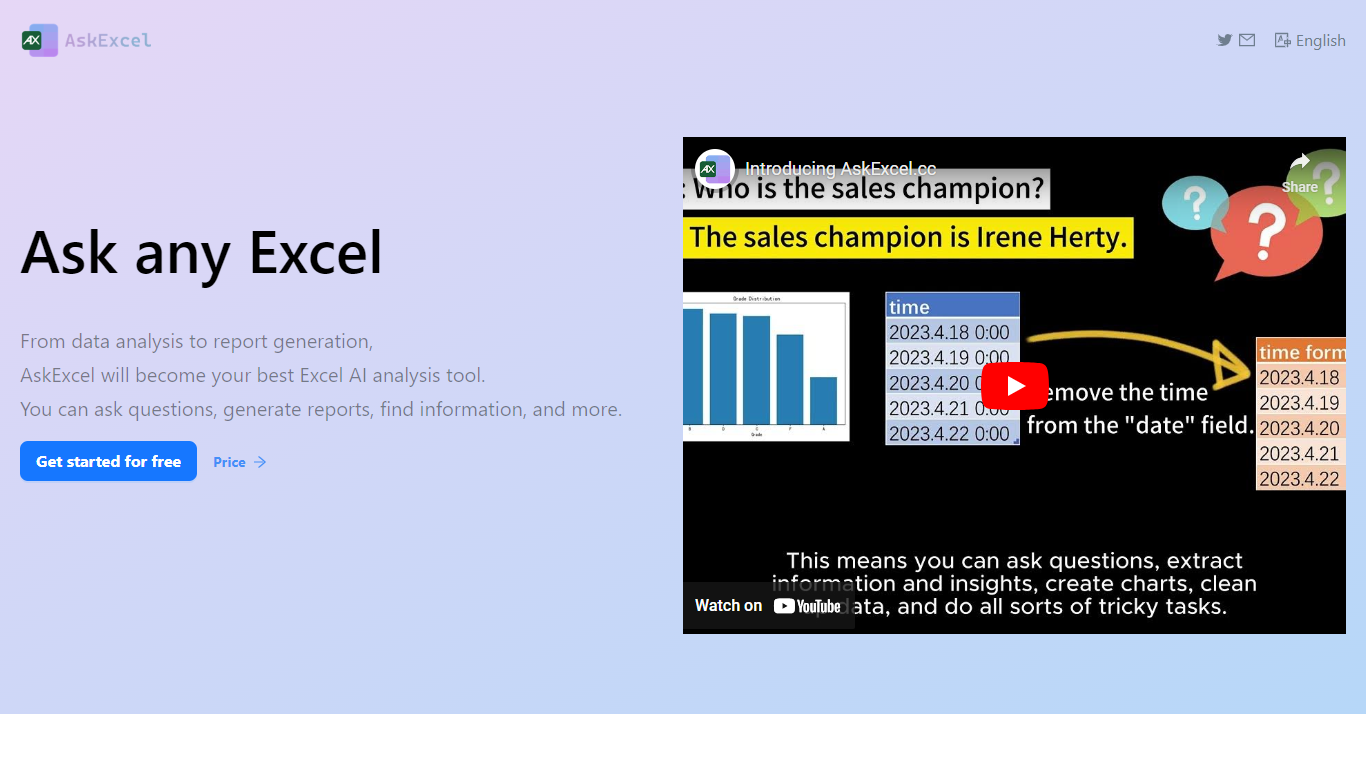
AskExcel is a web-based assistant for spreadsheet work. Upload a CSV or XLSX file, ask a question in plain English, and get formulas, charts, and data insights without digging through Excel menus. It fits analysts, finance teams, and anyone who lives in spreadsheets but would rather describe what they need than memorize function syntax.
The product handles analysis through natural language processing. Ask who topped sales in a dataset and it returns ranked results with a chart. Beyond Q&A, it supports correlation studies, exploratory analysis, KPI tracking, sentiment scoring, and text extraction from unstructured columns.
Spreadsheet-heavy roles get the most from it: sales analysts checking quota performance, operations managers watching KPIs, and small business owners who need answers from their data without hiring outside help. The app runs at app.askexcel.cc with a free tier and paid Plus plans for heavier workloads.
CapGo Upvotes
AskExcel Upvotes
CapGo Top Features
Each spreadsheet column is a workflow step, so one working row scales to thousands of SEO or GEO pages
Sheet2Pages Google Sheets add-on has 50,000+ Marketplace installations and a 4.9/5 user rating
Publish bulk pages to WordPress, Webflow, Framer, Shopify, Wix, Squarespace, Ghost, and Drupal via CSV or HTML export
Premium plan includes 1,200 monthly credits, Pro includes 3,600, and Max includes 9,000 on paid tiers
Syndicate generated content to Reddit, X, LinkedIn, and Medium from the same spreadsheet workflow
Automate meta tags, internal linking, and content variations across large keyword or query sets without coding
AskExcel Top Features
Ask who topped sales or what trend stands out and get ranked answers with charts
Upload CSV or XLSX files up to 10MB on Free or 50MB on Plus
Correlation analysis surfaces relationships and patterns across your columns
Sentiment analysis tags text as positive, negative, or neutral for quick reads
Plus costs $7 per month or $70 per year for unlimited messages and premium AI models
Plus subscribers can download generated charts and output files
CapGo Category
- Excel
AskExcel Category
- Excel
CapGo Pricing Type
- Freemium
AskExcel Pricing Type
- Freemium