CaptureKit vs Ask Command
In the battle of CaptureKit vs Ask Command, which AI Developer tool comes out on top? We compare reviews, pricing, alternatives, upvotes, features, and more.
Which one is better? CaptureKit or Ask Command?
Upon comparing CaptureKit with Ask Command, which are both AI-powered developer tools, CaptureKit is the clear winner in terms of upvotes. CaptureKit has 7 upvotes, and Ask Command has 6 upvotes.
Want to flip the script? Upvote your favorite tool and change the game!
CaptureKit
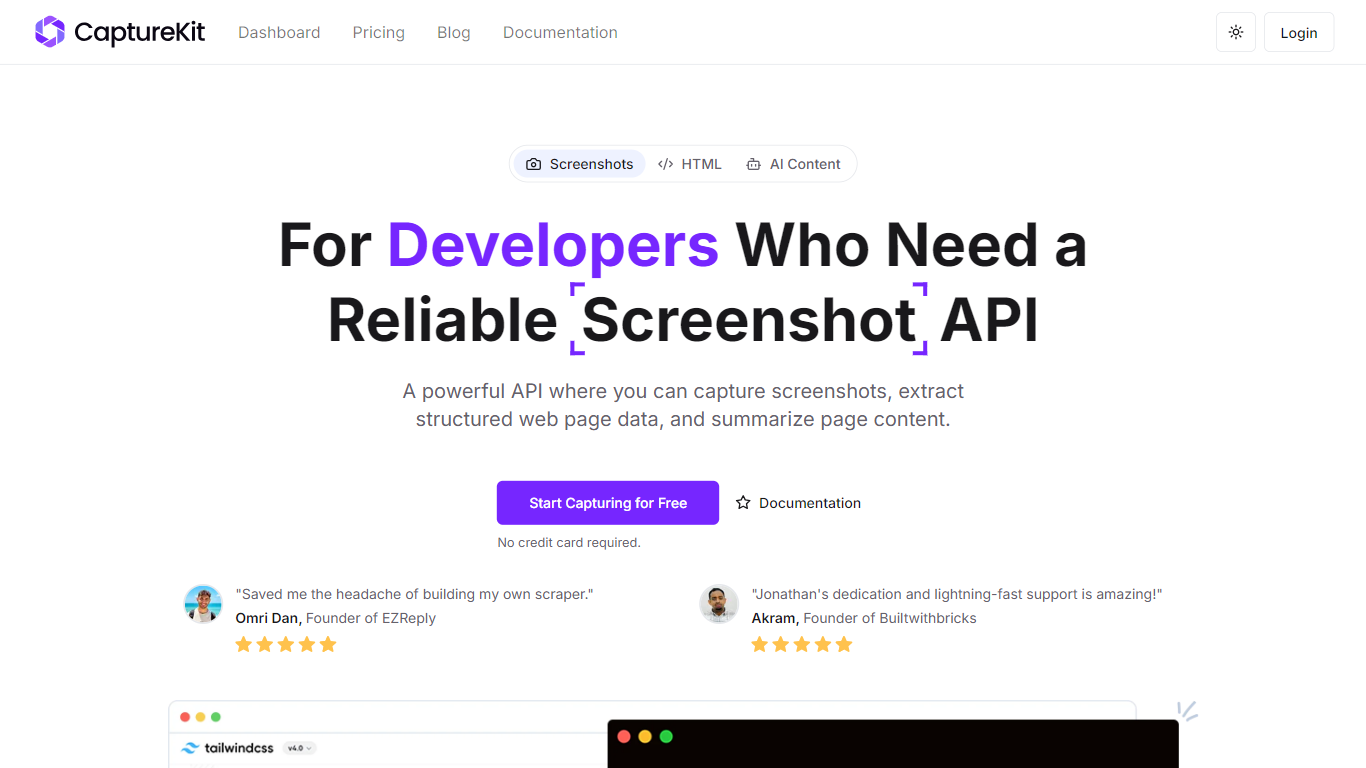

What is CaptureKit?
CaptureKit is a robust API designed to facilitate the capturing of website screenshots, extraction of structured web page data, and summarization of content through straightforward requests. This tool is particularly beneficial for developers and businesses that require a reliable and efficient method for automating the process of obtaining website visuals and data. By streamlining the screenshot process, CaptureKit allows users to integrate this functionality into their workflows without the need for complex setups or extensive coding knowledge.
The target audience for CaptureKit includes developers, digital marketers, and businesses that need to automate the capturing of website content for various purposes, such as documentation, analysis, or content management. The unique value proposition of CaptureKit lies in its ability to provide high-quality, full-page screenshots while also offering additional features like HTML extraction and AI summarization, making it a comprehensive solution for web scraping and data collection.
Key differentiators of CaptureKit include its ability to capture entire web pages, including lazy-loaded content and infinite scrolling, as well as its options to block unwanted elements like cookie banners and ads. Furthermore, users have full control over the screenshot parameters, such as viewport size and output formats, which enhances the customization and usability of the API. With seamless integration options, including automatic uploads to Amazon S3, CaptureKit stands out as a versatile tool for modern web development and automation needs.
Ask Command
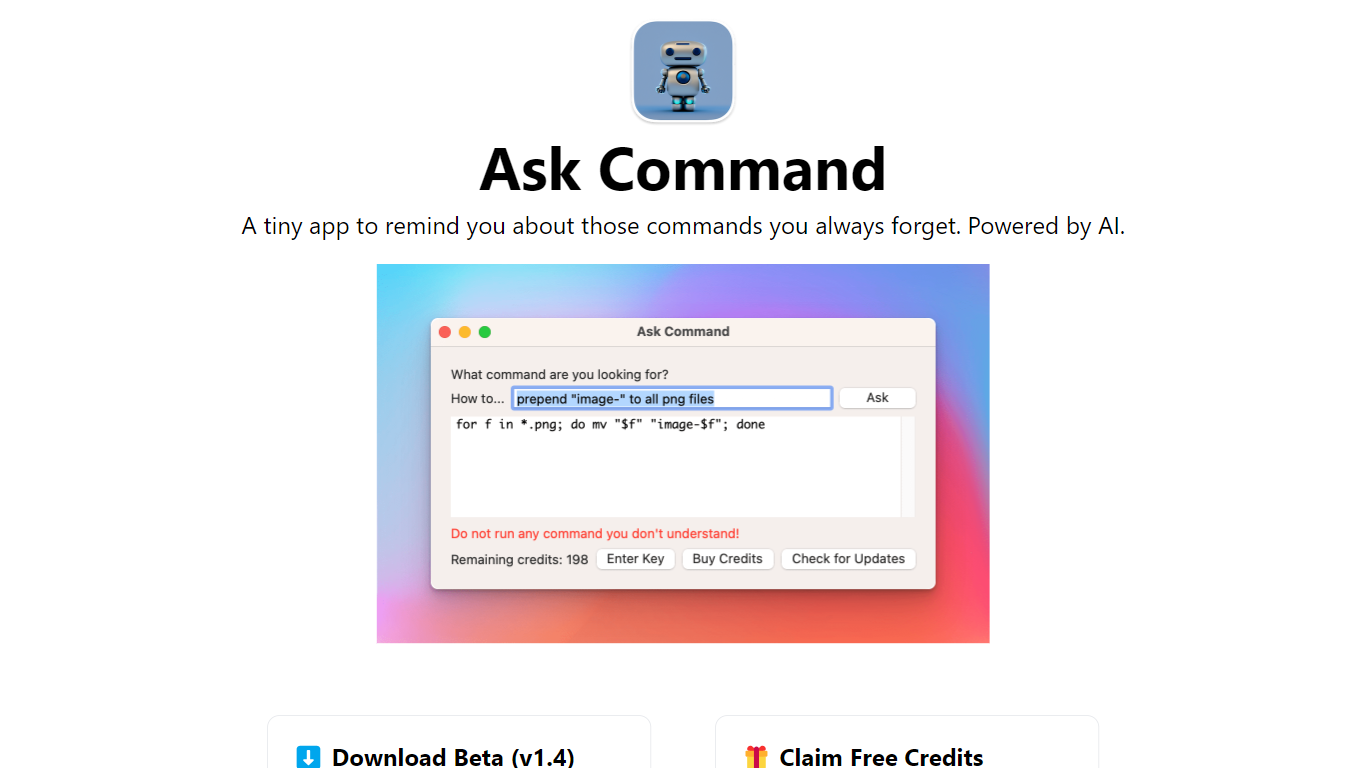
What is Ask Command?
Ask Command is an innovative AI-powered Developer Assistant designed as a native macOS application to help developers quickly recall commands they often forget. The app leverages OpenAI's GPT-3 to generate the most appropriate Unix commands in response to user queries. Designed for ease of use, it saves developers time by eliminating the need to search Google for forgotten commands. While using Ask Command, it is essential to verify each suggested command for safety and never execute commands without understanding them. The Beta version of Ask Command is currently available for download and requires macOS 10.15 or later. Adding to its reliability, the app is sandboxed, ensuring it cannot make changes to your system or run commands on your behalf.
CaptureKit Upvotes
Ask Command Upvotes
CaptureKit Top Features
Full-Page Screenshots: Capture entire webpages, including lazy-loaded content and infinite scrolling, ensuring no part of the page is missed.
Element Control: Use CSS selectors to hide specific elements like pop-ups and ads, resulting in clean and focused screenshots.
Multiple Output Formats: Export screenshots in various formats such as PNG, WebP, JPEG, or PDF, catering to different user needs.
Automatic S3 Upload: Effortlessly upload captured screenshots to Amazon S3 for easy storage and access, streamlining workflow management.
AI Summarization: Generate concise and meaningful summaries of web pages using AI, enhancing content analysis and reporting.
Ask Command Top Features
AI-Powered Command Suggestions: Utilizes GPT-3 technology to recommend Unix commands based on user queries.
Time-Saving: Designed to save the time spent on looking up forgotten commands in search engines.
Safe and Secure: The sandboxed macOS app cannot alter your system or execute commands ensuring safety in use.
Continuous Improvement: Questions and answers are recorded server-side to enhance app performance and accuracy.
User-Friendly Interface: A native application that avoids the need for web browsers and streamlines the developer's workflow.
CaptureKit Category
- Developer
Ask Command Category
- Developer
CaptureKit Pricing Type
- Freemium
Ask Command Pricing Type
- Freemium