
Last updated 07-23-2026
Category:
Reviews:
Join thousands of AI enthusiasts in the World of AI!
CaptureKit
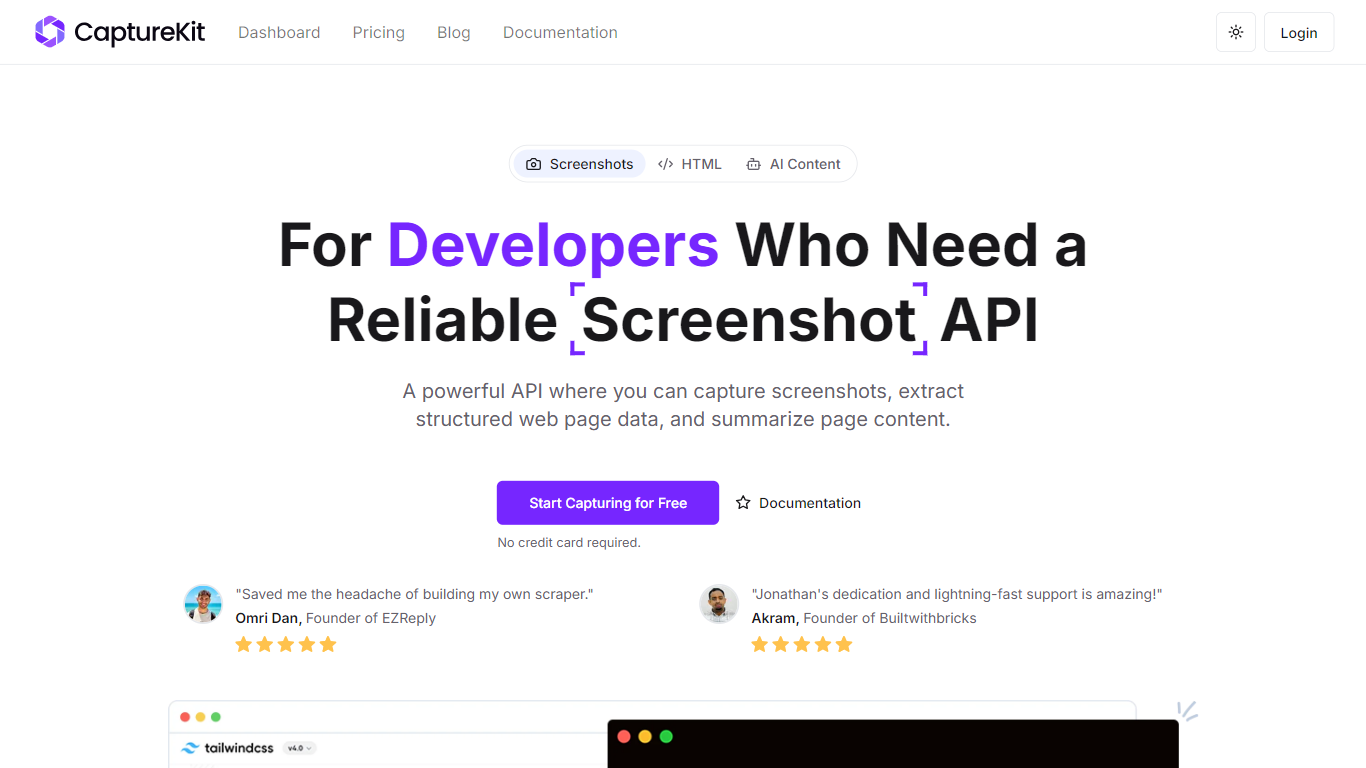
CaptureKit is a developer API for capturing website screenshots, extracting structured page content, and running AI analysis on any URL. You send a POST request with a target URL and get back PNG, JPEG, WebP, or PDF output, plus optional Markdown, HTML, metadata, or AI-generated summaries.
The platform runs headless browsers on managed infrastructure, so you skip maintaining Chromium clusters, proxy pools, or anti-bot workarounds. Features include full-page capture, CSS selector targeting, device emulation across 17+ profiles, cookie banner blocking, edge caching with custom TTLs up to 30 days, stealth mode with residential proxies, and direct S3 uploads.
CaptureKit targets developers and teams who need reliable web capture at scale for compliance archiving, visual testing, marketing previews, price monitoring, documentation, and LLM data pipelines. It integrates with Zapier, Make, n8n, and common AI platforms, and offers a free tier with 100 credits to start.
Capture full-page or viewport screenshots as PNG, JPEG, WebP, or PDF with one API call
Extract HTML, Markdown, links, sitemaps, and metadata from any URL without maintaining scrapers
Run AI summarization and custom prompts to get structured JSON insights from web pages
Block cookie banners, ads, and popups automatically for cleaner captures
Enable edge caching with custom TTLs up to 30 days so repeat requests resolve instantly
Free tier includes 100 credits with no credit card required.
Four APIs cover screenshots, content extraction, AI analysis, and device emulation from one platform.
Managed browser infrastructure removes the need to run and scale headless Chromium yourself.
Stealth mode and AI Summarizer API require paid plans, not available on the free tier.
Usage is credit-based, so high-volume workloads need Pro or Ultimate plans.
Is CaptureKit free to use?
Yes. CaptureKit offers a free plan with 100 credits and no credit card required. Paid plans start at $7 per month for 1,000 credits.
What is a credit on CaptureKit?
A credit is the unit CaptureKit uses to meter API usage. Each screenshot, content extraction, or AI analysis request consumes credits based on the API call type and options you select.
Can I test CaptureKit before paying?
Yes. Sign up for a free account to get 100 credits instantly. No sales call or credit card is required to start testing the Screenshot, Content, and Page Content APIs.
How many credits are included in each plan?
The Free plan includes 100 credits. Starter includes 1,000 credits for $7 per month, Pro includes 10,000 credits for $29 per month, and Ultimate includes 50,000 credits for $89 per month.
What happens if I go over my quota?
If you exceed your monthly credit quota, additional requests may be temporarily blocked until the next billing cycle or until you upgrade to a higher plan.
What level of support can I expect?
CaptureKit provides email support at [email protected]. Pro and Ultimate plans include priority support according to the plan comparison table on the pricing page.