
Last updated 08-14-2026
Category:
Reviews:
Join thousands of AI enthusiasts in the World of AI!
PSEUDO.AI
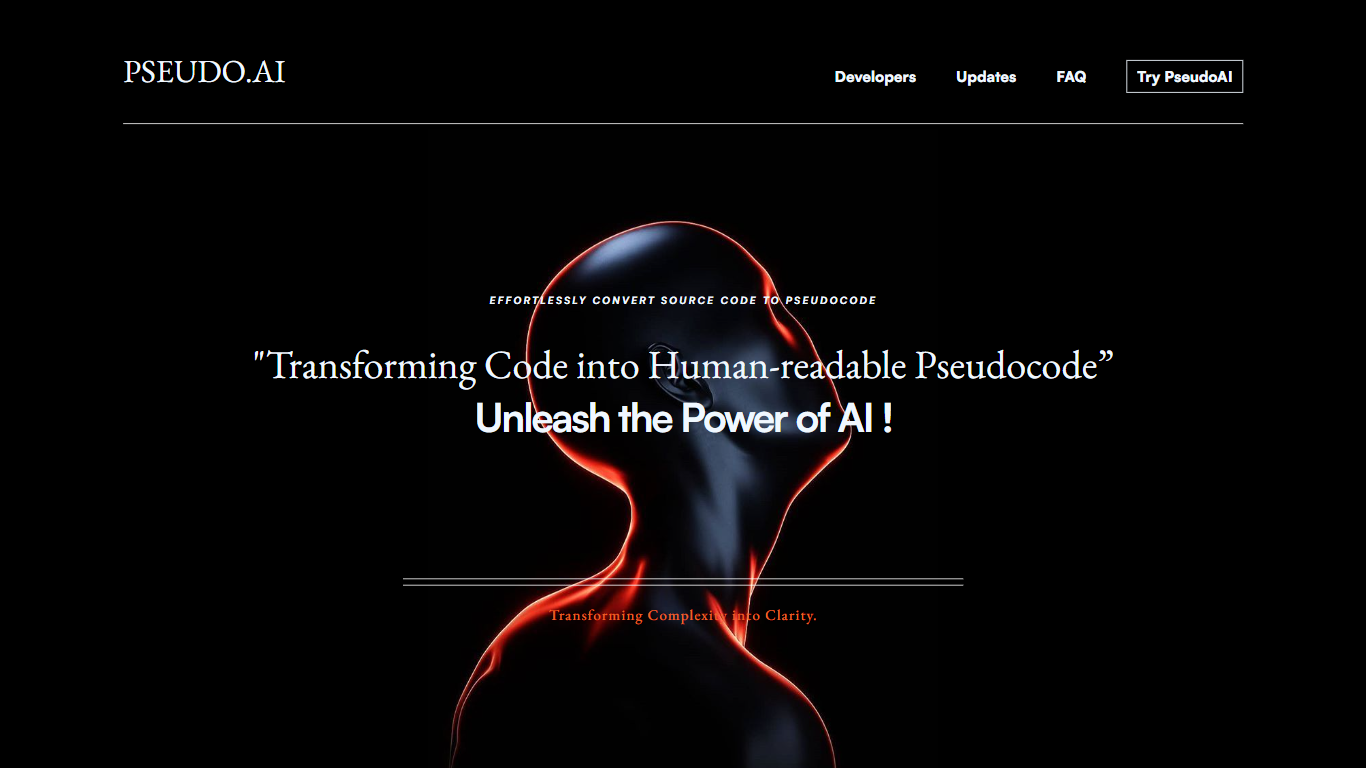
PSEUDO.AI turns source code into human-readable pseudocode in your browser. You enter a prompt or code snippet, pick a language, and the app returns plain-language steps that read like structured pseudocode rather than raw syntax. It runs on the web at pseudoai.vercel.app with no install, and targets teams who need to explain implementation details to people who do not read code daily.
Most code explainers summarize what a snippet does in prose. PSEUDO.AI keeps the output closer to pseudocode structure, which makes handoffs to designers, product owners, or junior developers easier to scan. The trade-off is focus: it is built for pseudocode conversion, not debugging, testing, or repo-wide documentation. That narrow scope is the point when the goal is shared comprehension, not a full IDE workflow.
Software developers use it to translate tricky logic before code reviews or stakeholder meetings. Computer science students and instructors lean on it when a textbook example needs a readable walkthrough. Product managers and mentors who sit in technical discussions but do not write production code get a format they can follow without parsing braces and semicolons.
Choose from 12 languages on the converter page, including C, C++, C#, Java, Python 3, JavaScript, Node.js, PHP, Kotlin, Swift, and SQL.
Runs entirely in the browser at pseudoai.vercel.app with no downloads required, per the homepage FAQ.
Uses an OpenAI-trained GPT model to generate pseudocode from your code input, according to the site FAQ.
Three-step workflow on the converter: enter a prompt or topic, pick a language, then click GO and copy the output.
Homepage FAQ lists Java, Python, C++, and JavaScript among supported languages, with a broader list on the live converter.
Browser access with no installation required, as stated on the PSEUDO.AI homepage FAQ.
Converter page lists 12 programming languages to choose before generating output.
Output stays in pseudocode form, which helps when explaining logic to non-coders.
OpenAI GPT-backed conversion per the site's how-it-works FAQ.
Site recommends the desktop version for the best experience, suggesting limited mobile usability.
Public updates on the homepage stop at June 2023, so feature freshness is unclear.
No published pricing page, API docs, or IDE plugin on the fetched pages.
Hosted on a vercel.app subdomain rather than a dedicated product domain.
Which programming languages does PSEUDO.AI support?
PSEUDO.AI supports Java, Python, C++, JavaScript, and more according to its homepage FAQ. The live converter page also lists C, C#, Python 3, Node.js, PHP, Kotlin, Swift, and SQL as selectable languages before you generate output.
Does PSEUDO.AI require installation or downloads?
No. PSEUDO.AI is a web-based platform you open in a browser without installing software or downloading files, as stated in the homepage FAQ.
How does PSEUDO.AI convert code to pseudocode?
PSEUDO.AI uses an OpenAI-trained GPT model to turn source code into human-readable pseudocode, per the homepage FAQ. On the converter page you enter a prompt, choose a language, and click GO to generate copyable output.
Can I use PSEUDO.AI for educational purposes?
Yes. PSEUDO.AI is described on its homepage as a valuable educational tool that helps students understand complex code structures through human-readable pseudocode translations.
Is PSEUDO.AI for beginners or experienced developers?
PSEUDO.AI caters to developers of all skill levels on its homepage FAQ. It simplifies code comprehension for beginners while helping experienced developers explain logic more clearly to others.
How much does PSEUDO.AI cost?
PSEUDO.AI does not publish a pricing page on pseudoai.vercel.app, and the fetched pages mention no paid plans or subscriptions. The converter is available to use in the browser without a listed fee.