Qdrant vs PSEUDO.AI
Dive into the comparison of Qdrant vs PSEUDO.AI and discover which AI Developer tool stands out. We examine alternatives, upvotes, features, reviews, pricing, and beyond.
In a comparison between Qdrant and PSEUDO.AI, which one comes out on top?
When we compare Qdrant and PSEUDO.AI, two exceptional developer tools powered by artificial intelligence, and place them side by side, several key similarities and differences come to light. PSEUDO.AI stands out as the clear frontrunner in terms of upvotes. PSEUDO.AI has 7 upvotes, and Qdrant has 6 upvotes.
Don't agree with the result? Cast your vote and be a part of the decision-making process!
Qdrant
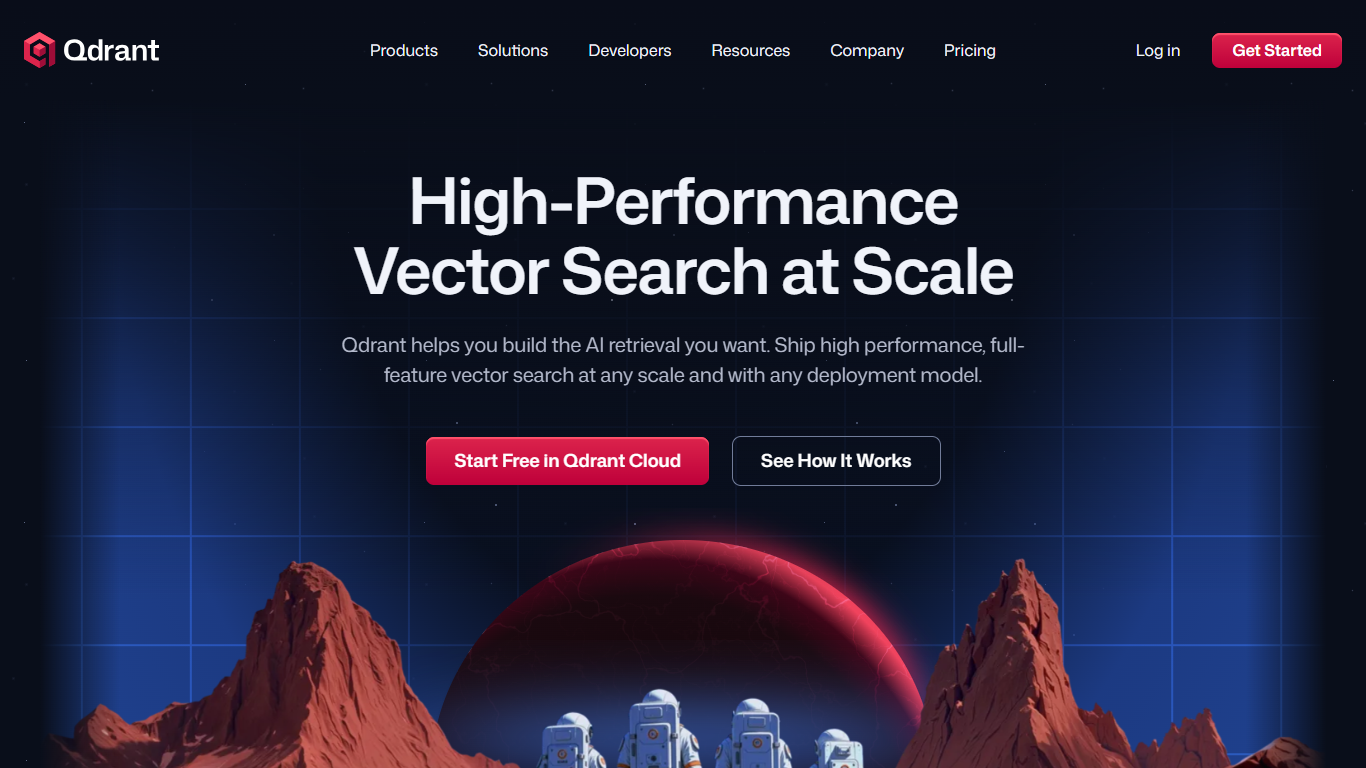

What is Qdrant?
Qdrant stores embeddings and runs fast similarity search with metadata filtering for production AI workloads like RAG chatbots, semantic search, recommendations, and agent memory. You can start on the free cloud tier, self-host the database, or scale on managed clusters across AWS, GCP, and Azure.
The engine is written in Rust and uses a customized HNSW algorithm for approximate nearest neighbor search. Qdrant stands out with native hybrid search that blends dense and sparse vectors in one query, one-stage filtering during graph traversal, and multivector support when a single object needs several embeddings. Compression options like scalar, product, and binary quantization help cut memory use on large collections.
Developers connect through REST, gRPC, or official client libraries, with a built-in Web UI for inspecting collections and running test queries. Qdrant Cloud adds managed backups, zero-downtime scaling, and optional cloud inference. The project launched on GitHub in 2021 and now backs enterprise deployments from companies like Tripadvisor, HubSpot, and Deutsche Telekom.
PSEUDO.AI
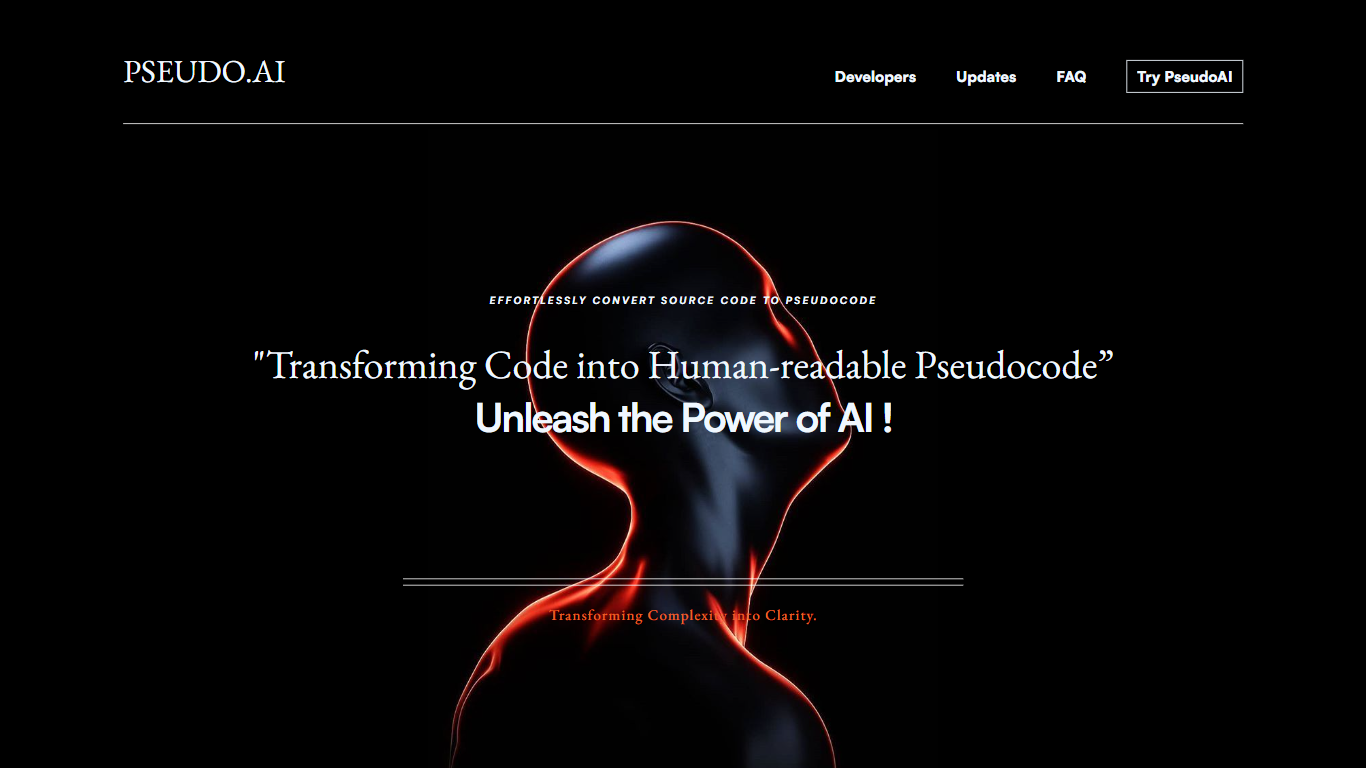
What is PSEUDO.AI?
PSEUDO.AI turns source code into human-readable pseudocode in your browser. You enter a prompt or code snippet, pick a language, and the app returns plain-language steps that read like structured pseudocode rather than raw syntax. It runs on the web at pseudoai.vercel.app with no install, and targets teams who need to explain implementation details to people who do not read code daily.
Most code explainers summarize what a snippet does in prose. PSEUDO.AI keeps the output closer to pseudocode structure, which makes handoffs to designers, product owners, or junior developers easier to scan. The trade-off is focus: it is built for pseudocode conversion, not debugging, testing, or repo-wide documentation. That narrow scope is the point when the goal is shared comprehension, not a full IDE workflow.
Software developers use it to translate tricky logic before code reviews or stakeholder meetings. Computer science students and instructors lean on it when a textbook example needs a readable walkthrough. Product managers and mentors who sit in technical discussions but do not write production code get a format they can follow without parsing braces and semicolons.
Qdrant Upvotes
PSEUDO.AI Upvotes
Qdrant Top Features
Hybrid dense and sparse search in one query, with BM25, SPLADE++, and miniCOIL support
Metadata filters run during HNSW traversal, not as a slow pre- or post-filter step
Written in Rust and benchmarked at up to 4x RPS versus alternatives
Free cloud tier includes 0.5 vCPU, 1GB RAM, and 4GB disk on a single node
REST, gRPC, and official clients for Python, JavaScript, Go, and more
Built-in Web UI to browse collections, test queries, and inspect results visually
Run managed on Qdrant Cloud, self-host OSS, or deploy Hybrid and Private Cloud options
PSEUDO.AI Top Features
Choose from 12 languages on the converter page, including C, C++, C#, Java, Python 3, JavaScript, Node.js, PHP, Kotlin, Swift, and SQL.
Runs entirely in the browser at pseudoai.vercel.app with no downloads required, per the homepage FAQ.
Uses an OpenAI-trained GPT model to generate pseudocode from your code input, according to the site FAQ.
Three-step workflow on the converter: enter a prompt or topic, pick a language, then click GO and copy the output.
Homepage FAQ lists Java, Python, C++, and JavaScript among supported languages, with a broader list on the live converter.
Qdrant Category
- Developer
PSEUDO.AI Category
- Developer
Qdrant Pricing Type
- Freemium
PSEUDO.AI Pricing Type
- Free