
Last updated 08-31-2026
Category:
Reviews:
Join thousands of AI enthusiasts in the World of AI!
Rectify (formerly Replicate So)
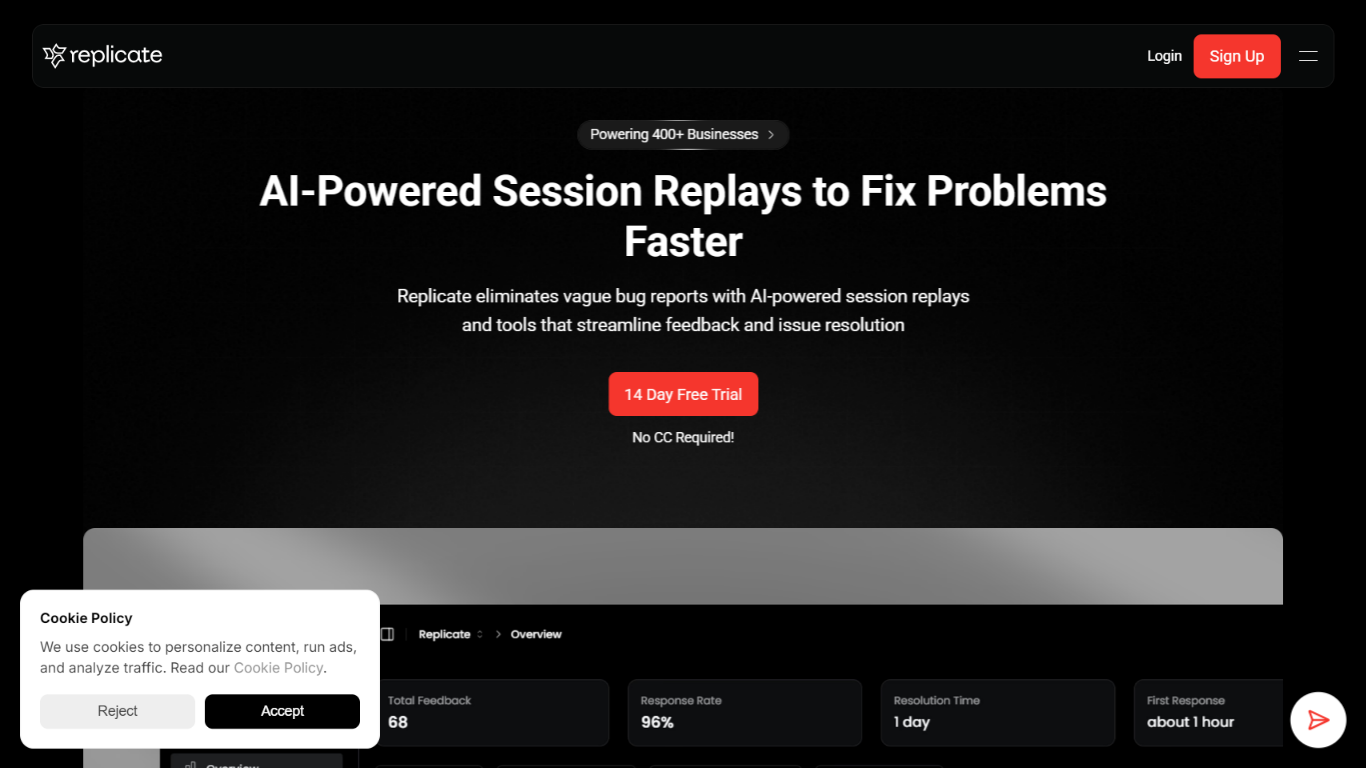
Rectify gives SaaS founders one developer-focused workspace to catch bugs, replay user sessions, monitor uptime, and run support without switching between a dozen tools. The product rebranded from Replicate and now centers on Quanta, an operations agent you steer through conversation rather than dashboards.
Most bug trackers make you configure filters and query builders before you see anything useful. Rectify flips that: you ask Quanta to surface rage-click sessions, draft changelogs from commits, or triage inbox patterns in plain English. The Chrome extension fits teams shipping with Cursor, Lovable, Bolt, Replit, or v0, capturing annotated screenshots, Loom clips, console logs, and network data with each report.
The stack covers monitoring across HTTP, HTTPS, TCP, DNS, and ICMP, on-demand GitHub code scans with file-level findings, roadmaps, changelogs, workflows, and an MCP server that links Claude or Cursor to your scan and feedback data. The site lists 100+ integrations and powers more than 1,000 products.
Pricing uses bring-your-own-key AI: connect OpenAI, Claude, Gemini, Deepseek, or Open Router with zero markup. Paid plans from $29 per month include a 14-day trial with no credit card, and an Idea tier stays free for solo builders.
Ask Quanta to find rage-click sessions and drop-offs in plain English
Bug reports ship with Loom clips, screenshots, console logs, and network data
Scan any GitHub repo on demand for bugs, vulnerabilities, and code smells
Monitors across HTTP, HTTPS, TCP, DNS, and ICMP with multi-channel alerts
Chrome extension records sessions, PRD prompts, and reusable code snippets
MCP server connects Claude, Cursor, and other IDEs to scan and feedback data
Workflows automate actions across feedback, roadmap, monitoring, and changelog events
Combines session replay, monitoring, support, code scans, and roadmaps in one platform instead of paying for separate tools.
BYOK AI pricing lets teams use their own OpenAI, Claude, Gemini, or Deepseek keys with zero markup.
14-day free trial on paid plans requires no credit card upfront.
Quanta agent answers operational questions in plain language without filter configuration.
Chrome extension fits AI coding workflows with session capture, PRD generation, and snippets.
Higher-tier session replay and code scan limits may require Accelerate for busy production apps.
Enterprise pricing is contact-sales only with no public rate card.
Many advanced features like MCP server and full BYOK unlock only on Accelerate and above.
What is Rectify?
Rectify is an agentic operations platform for SaaS teams that combines session replay, monitoring, support, code scanning, roadmaps, changelogs, and agent management. It rebranded from Replicate and is built for founders who want to run product operations from one visual workspace.
Does Rectify have a free plan?
Yes. Rectify offers an Idea plan at no cost for individuals getting started. It includes one user, one project, limited session replays, and access to core platform features without a credit card.
What is Quanta in Rectify?
Quanta is Rectify's operations agent. You control it through conversation to find problematic sessions, analyze support patterns, and generate changelogs without configuring filters or query builders.
What AI models does Rectify support with BYOK?
Rectify supports bring-your-own-key connections for Deepseek, Gemini, Claude (Anthropic), OpenAI (GPT-4/4o), and Open Router. AI usage runs through your own API keys with zero markup from Rectify.
Does Rectify integrate with GitHub?
Yes. Rectify includes on-demand GitHub code scanning that flags bugs, security vulnerabilities, and code smells with file paths, line numbers, and fix recommendations. GitHub is also listed among Rectify's integrations.
Is there a free trial for paid Rectify plans?
Yes. Build, Launch, and Accelerate plans include a 14-day free trial with no credit card required. Sign up through Rectify's pricing page to start the trial.
What technical data does Rectify collect in bug reports?
Rectify captures session replays plus console logs, network requests, browser details, and user action data for each bug report. Visual reports can include annotated screenshots and Loom recordings submitted by users.