CaptureKit vs Regex Generator By CodePal
When comparing CaptureKit vs Regex Generator By CodePal, which AI Developer tool shines brighter? We look at pricing, alternatives, upvotes, features, reviews, and more.
In a comparison between CaptureKit and Regex Generator By CodePal, which one comes out on top?
When we put CaptureKit and Regex Generator By CodePal side by side, both being AI-powered developer tools, The users have made their preference clear, CaptureKit leads in upvotes. CaptureKit has garnered 7 upvotes, and Regex Generator By CodePal has garnered 6 upvotes.
You don't agree with the result? Cast your vote to help us decide!
CaptureKit
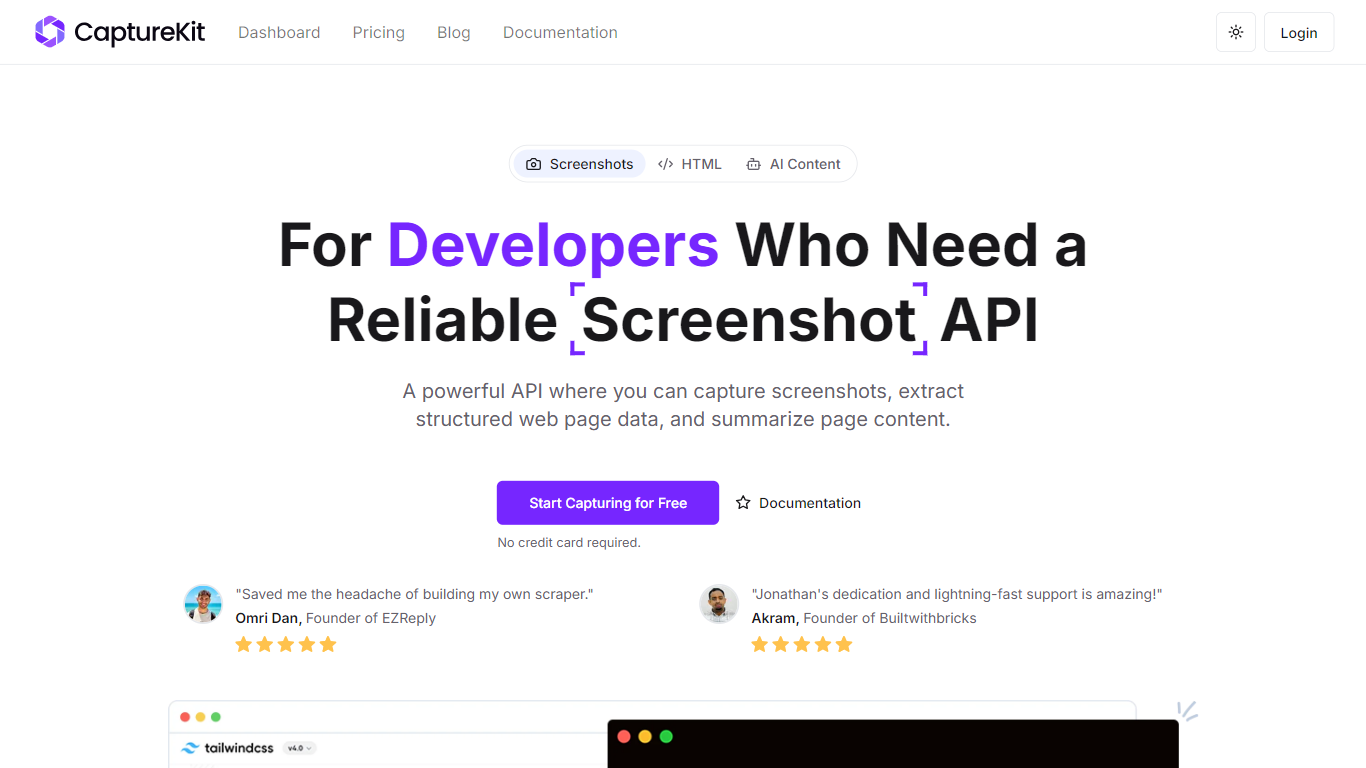

What is CaptureKit?
CaptureKit is a developer API for capturing website screenshots, extracting structured page content, and running AI analysis on any URL. You send a POST request with a target URL and get back PNG, JPEG, WebP, or PDF output, plus optional Markdown, HTML, metadata, or AI-generated summaries.
The platform runs headless browsers on managed infrastructure, so you skip maintaining Chromium clusters, proxy pools, or anti-bot workarounds. Features include full-page capture, CSS selector targeting, device emulation across 17+ profiles, cookie banner blocking, edge caching with custom TTLs up to 30 days, stealth mode with residential proxies, and direct S3 uploads.
CaptureKit targets developers and teams who need reliable web capture at scale for compliance archiving, visual testing, marketing previews, price monitoring, documentation, and LLM data pipelines. It integrates with Zapier, Make, n8n, and common AI platforms, and offers a free tier with 100 credits to start.
Regex Generator By CodePal
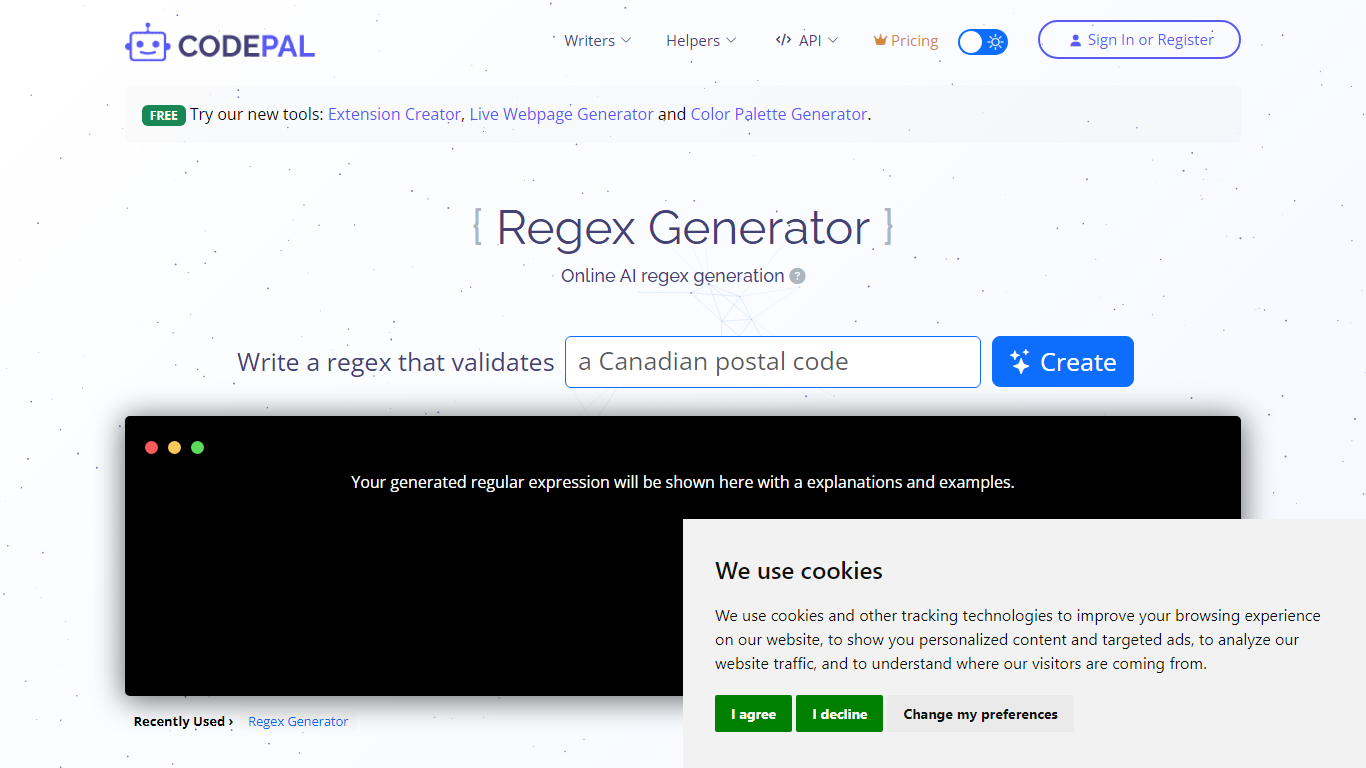
What is Regex Generator By CodePal?
Regex Generator By CodePal writes regular expressions from plain-English descriptions and explains every token before you paste the pattern into production code. You describe what you want to match, pick a flavor like JavaScript, Python, Go, or .NET, and get a working pattern plus sample strings that should and should not match.
Most regex helpers dump a pattern without context. CodePal's generator breaks down groups, anchors, character classes, and quantifiers line by line, and flags common pitfalls like catastrophic backtracking, greedy quantifiers, and missing anchors. That makes it closer to a teaching tool than a one-shot pattern printer, which matters when you are validating emails, parsing logs, or sanitizing user input.
Developers who touch multiple stacks use Regex Generator By CodePal when they need flavor-specific escaping rules without opening a cheat sheet. The tool sits inside the broader CodePal platform, so sign-in unlocks saved history and higher credit limits on the shared free and paid plans.
CaptureKit Upvotes
Regex Generator By CodePal Upvotes
CaptureKit Top Features
Capture full-page or viewport screenshots as PNG, JPEG, WebP, or PDF with one API call
Extract HTML, Markdown, links, sitemaps, and metadata from any URL without maintaining scrapers
Run AI summarization and custom prompts to get structured JSON insights from web pages
Block cookie banners, ads, and popups automatically for cleaner captures
Enable edge caching with custom TTLs up to 30 days so repeat requests resolve instantly
Regex Generator By CodePal Top Features
Generates regex for JavaScript, Python, PHP, Java, Go, .NET, and PCRE from plain-English prompts
Returns a token-by-token explanation of groups, anchors, and quantifiers with each pattern
Produces sample strings that should and should not match for immediate testing
Free Starter plan includes 2 daily credits and up to 30 credits per month across CodePal tools
Standard plan at $25 per month adds 100 monthly credits and unlimited private projects
Warns against pitfalls like nested quantifier backtracking and unescaped metacharacters
CaptureKit Category
- Developer
Regex Generator By CodePal Category
- Developer
CaptureKit Pricing Type
- Freemium
Regex Generator By CodePal Pricing Type
- Freemium