cc:Monet vs Expense Sorted
In the clash of cc:Monet vs Expense Sorted , which AI Finance tool emerges victorious? We assess reviews, pricing, alternatives, features, upvotes, and more.
When we put cc:Monet and Expense Sorted head to head, which one emerges as the victor?
Let's take a closer look at cc:Monet and Expense Sorted , both of which are AI-driven finance tools, and see what sets them apart. cc:Monet is the clear winner in terms of upvotes. cc:Monet has been upvoted 8 times by aitools.fyi users, and Expense Sorted has been upvoted 6 times.
Does the result make you go "hmm"? Cast your vote and turn that frown upside down!
cc:Monet

What is cc:Monet?
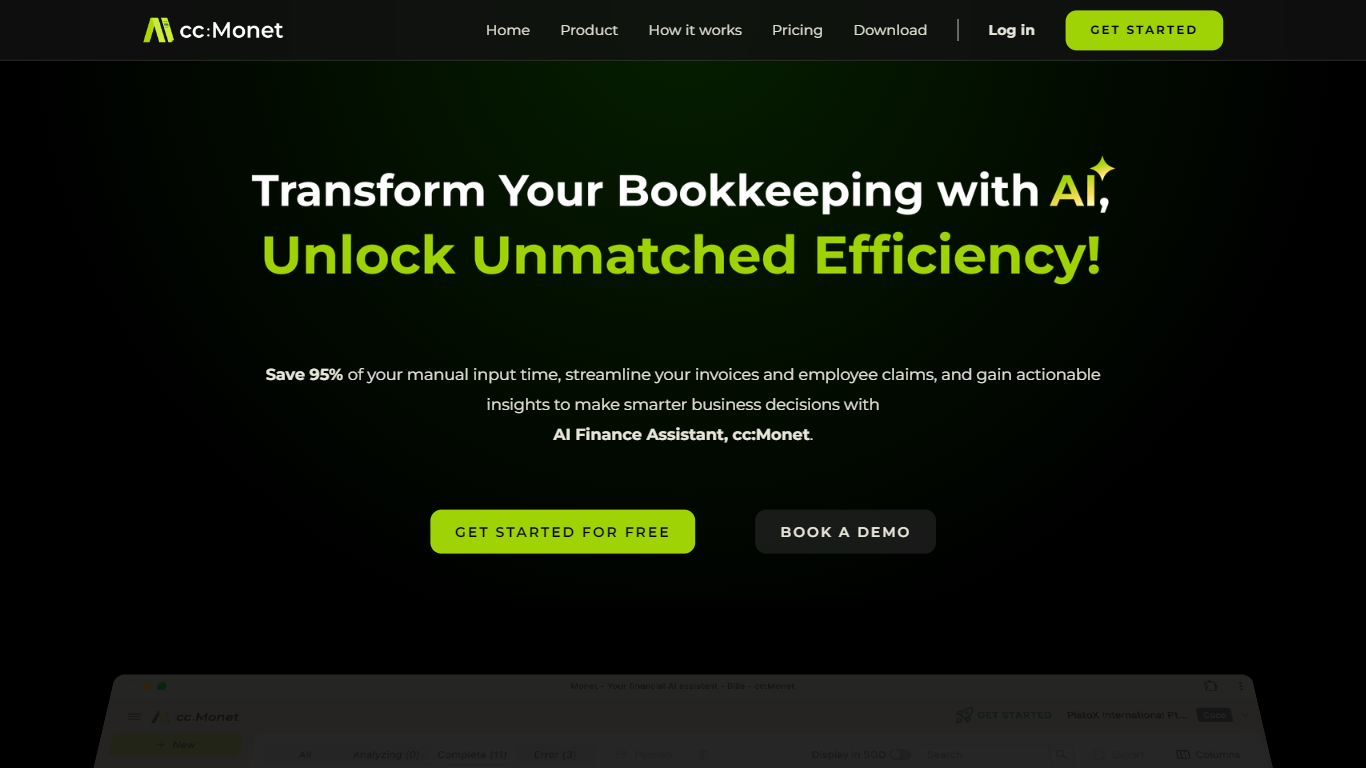
cc:Monet pairs AI bookkeeping with licensed accountants who review and sign off your books for small and medium businesses. You snap receipts or upload bank statements, and the platform extracts data, categorizes transactions, and keeps P&L, balance sheet, and cash flow dashboards current. Corporate tax, GST, payroll, and corporate secretarial work can run through the same account, with workflows tuned for Singapore IRAS and ACRA rules as well as multi-currency documents.
Unlike self-serve accounting software that stops at the ledger, cc:Monet bundles a dedicated accountant, bookkeeper, tax specialist, and customer success manager into the subscription. The AI pipeline handles an estimated 80-90% of document preprocessing, and human reviewers confirm the rest before filings go out. That mix targets owners who want compliant books without building an in-house finance team.
The platform serves F&B operators, clinic groups, manufacturers, and other receipt-heavy SMEs, plus accounting firms that white-label the backend. Bank feeds connect to DBS, OCBC, and UOB, integrations cover Xero and QuickBooks, and iOS and Android apps support capture on the go. A 14-day trial with no credit card is available before monthly or annual accounting plans kick in.
Expense Sorted
What is Expense Sorted ?
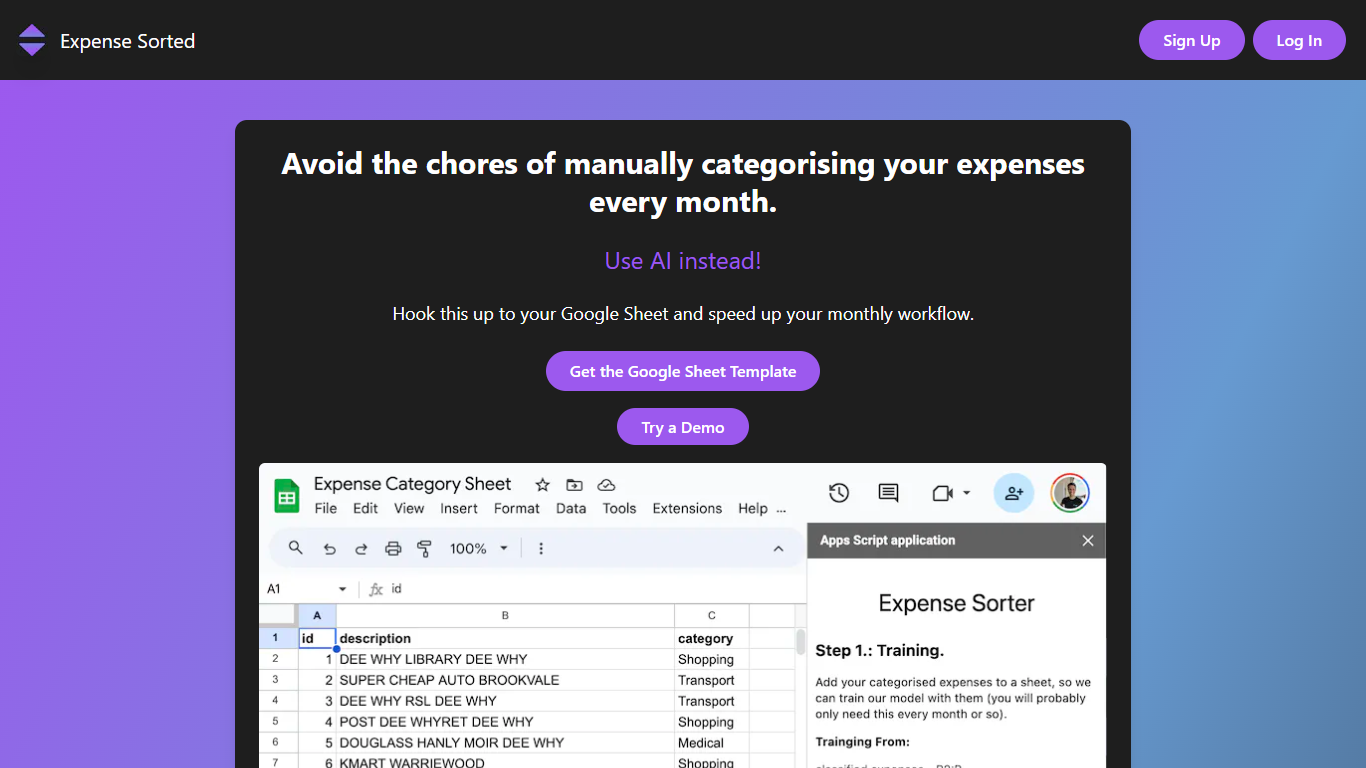
Expense Sorted Local imports bank CSV exports into a private database on your computer, then connects Claude, ChatGPT, or Cursor so your agent can categorize transactions and answer spending questions through MCP tools. No bank login, no cloud vault, and no subscription. You download the desktop app for macOS or Windows, drop in a CSV, and keep full control of the data file.
Cloud budgeting apps like Mint or YNAB sync through bank aggregators and store your history on their servers. Expense Sorted bets on local-first privacy instead: a small machine-learning model on your machine learns merchants and categorizes thousands of rows consistently, which chat models alone struggle to do without token burn or drift. The trade-off is manual CSV exports instead of automatic bank feeds.
Freelancers, privacy-conscious households, and small business owners who already use AI agents for other work are the natural fit. The free tier covers rule-based categorization, while Local Pro adds semantic search and smarter local AI for a $49 lifetime license after a 14-day trial.
cc:Monet Upvotes
Expense Sorted Upvotes
cc:Monet Top Features
Snap receipts or upload bank PDFs across 150+ document types and 20+ languages; OCR claims 99%+ extraction accuracy before accountant review
Bank feeds connect to DBS, OCBC, and UOB in Singapore with automatic transaction matching
Monthly accounting plans start at US$93 per month for businesses with up to US$77k annual revenue
AI handles an estimated 80-90% of preprocessing; certified accountants confirm the remaining entries
Real-time P&L, balance sheet, and cash flow dashboards update as transactions post
GST return filing available as a US$312 per quarter add-on with IRAS-ready tagging
ISO 27001 certified with GDPR and PDPA compliance for uploaded financial documents
Expense Sorted Top Features
Imports bank CSV exports with no bank login or aggregator
Local ML model categorizes thousands of transactions on your machine
MCP integration works with Claude, ChatGPT, and Cursor
Local Pro costs $49 once with a 14-day no-credit-card trial
Free Google Sheets template available as a cloud alternative
macOS and Windows desktop apps with offline database storage
cc:Monet Category
- Finance
Expense Sorted Category
- Finance
cc:Monet Pricing Type
- Paid
Expense Sorted Pricing Type
- Freemium