
Last updated 07-30-2026
Category:
Reviews:
Join thousands of AI enthusiasts in the World of AI!
Expense Sorted
Expense Sorted Local imports bank CSV exports into a private database on your computer, then connects Claude, ChatGPT, or Cursor so your agent can categorize transactions and answer spending questions through MCP tools. No bank login, no cloud vault, and no subscription. You download the desktop app for macOS or Windows, drop in a CSV, and keep full control of the data file.
Cloud budgeting apps like Mint or YNAB sync through bank aggregators and store your history on their servers. Expense Sorted bets on local-first privacy instead: a small machine-learning model on your machine learns merchants and categorizes thousands of rows consistently, which chat models alone struggle to do without token burn or drift. The trade-off is manual CSV exports instead of automatic bank feeds.
Freelancers, privacy-conscious households, and small business owners who already use AI agents for other work are the natural fit. The free tier covers rule-based categorization, while Local Pro adds semantic search and smarter local AI for a $49 lifetime license after a 14-day trial.
Imports bank CSV exports with no bank login or aggregator
Local ML model categorizes thousands of transactions on your machine
MCP integration works with Claude, ChatGPT, and Cursor
Local Pro costs $49 once with a 14-day no-credit-card trial
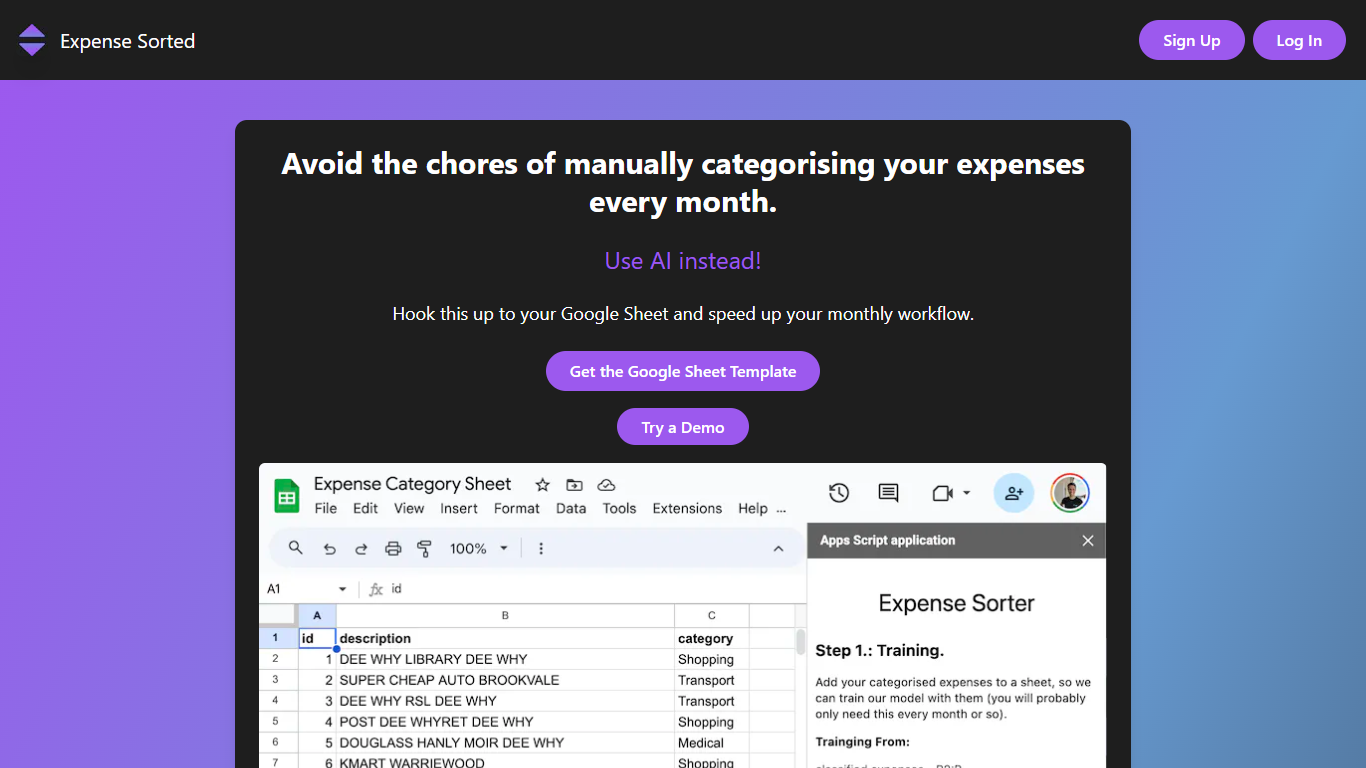
Free Google Sheets template available as a cloud alternative
macOS and Windows desktop apps with offline database storage
Keeps bank transaction data on your machine instead of a cloud vault
One-time $49 Pro license avoids recurring subscription fees
Connects to AI agents you already use via MCP
Handles bulk CSV categorization more reliably than pasting into chat
Requires manual bank CSV exports instead of live bank syncing
Desktop app limited to macOS and Windows
Hosted cloud plans from earlier versions are no longer sold
How much does Expense Sorted cost?
Expense Sorted Local is free to download with rule-based categorization. Local Pro costs $49 as a one-time lifetime license and includes local AI categorization, semantic search, and MCP agent tools. You can start a 14-day Pro trial without a credit card.
Does Expense Sorted connect to my bank?
No. Expense Sorted does not use bank logins or third-party aggregators. You export a CSV from your bank and import it into the local desktop app, which keeps transactions in a database on your computer.
Which AI agents work with Expense Sorted?
Expense Sorted Local Pro exposes MCP tools that connect to Claude, ChatGPT, and Cursor. Your agent can import transactions, categorize spending, and answer questions like where your money went using the local database.
Where is Expense Sorted data stored?
All transaction data lives in a private database on your computer. Expense Sorted does not upload statements for cloud AI processing. You can back up, move, or inspect the database file directly on your machine.
What happens after the Expense Sorted trial ends?
After the 14-day Expense Sorted Local Pro trial, Pro features pause until you buy the $49 lifetime license. Basic rule-based categorization keeps working on the free tier, and your local data remains on your machine.
Is there a free Expense Sorted option without the desktop app?
Yes. Expense Sorted offers a free Google Sheets template for manual expense tracking. The Local desktop app is the paid upgrade path when you want a real database and AI agent integration on your own hardware.