Expense Sorted vs Flyfin
In the face-off between Expense Sorted vs Flyfin, which AI Finance tool takes the crown? We scrutinize features, alternatives, upvotes, reviews, pricing, and more.
When we put Expense Sorted and Flyfin head to head, which one emerges as the victor?
If we were to analyze Expense Sorted and Flyfin, both of which are AI-powered finance tools, what would we find? The upvote count reveals a draw, with both tools earning the same number of upvotes. Join the aitools.fyi users in deciding the winner by casting your vote.
Not your cup of tea? Upvote your preferred tool and stir things up!
Expense Sorted
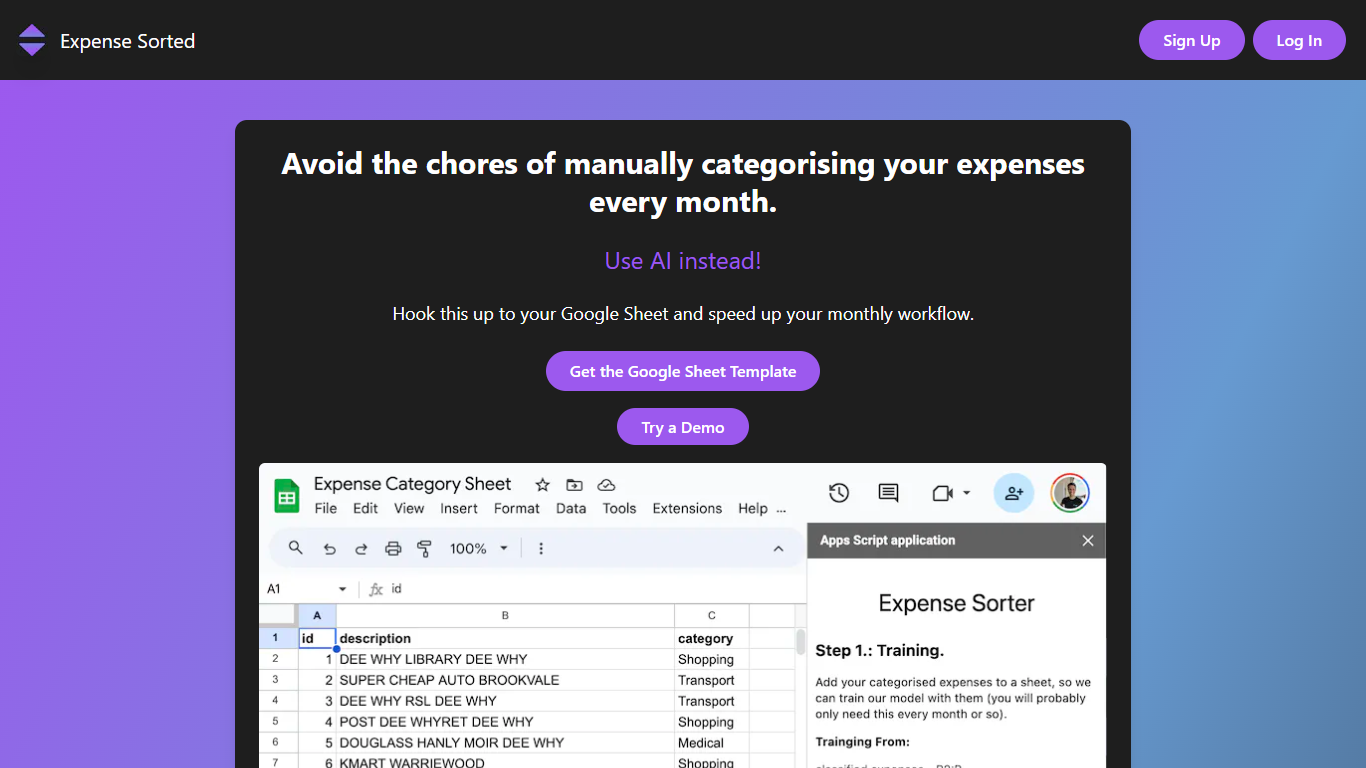

What is Expense Sorted ?
Expense Sorted Local imports bank CSV exports into a private database on your computer, then connects Claude, ChatGPT, or Cursor so your agent can categorize transactions and answer spending questions through MCP tools. No bank login, no cloud vault, and no subscription. You download the desktop app for macOS or Windows, drop in a CSV, and keep full control of the data file.
Cloud budgeting apps like Mint or YNAB sync through bank aggregators and store your history on their servers. Expense Sorted bets on local-first privacy instead: a small machine-learning model on your machine learns merchants and categorizes thousands of rows consistently, which chat models alone struggle to do without token burn or drift. The trade-off is manual CSV exports instead of automatic bank feeds.
Freelancers, privacy-conscious households, and small business owners who already use AI agents for other work are the natural fit. The free tier covers rule-based categorization, while Local Pro adds semantic search and smarter local AI for a $49 lifetime license after a 14-day trial.
Flyfin
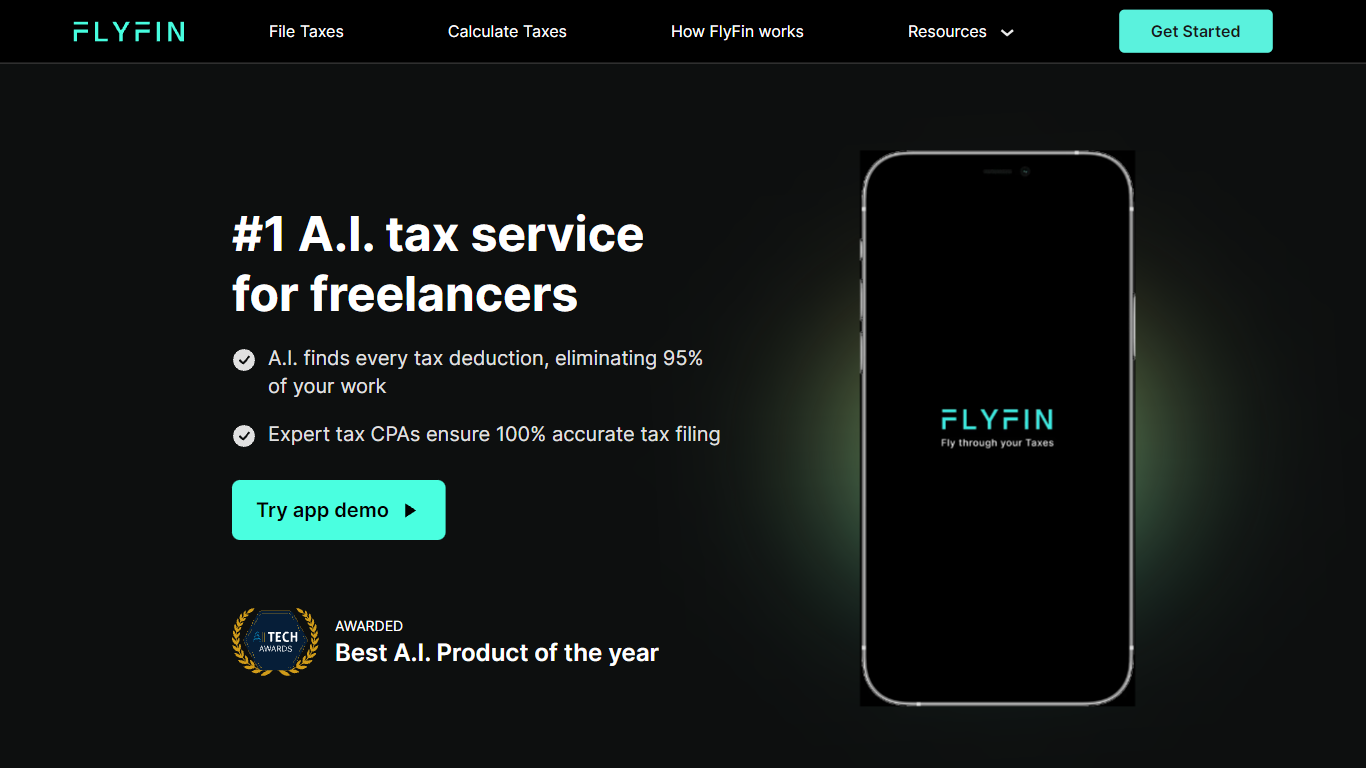
What is Flyfin?
Flyfin helps U.S. freelancers, contractors, and small business owners hunt tax deductions with AI while a CPA files the return. You connect expense accounts, Flyfin scans transactions against 200-plus deduction categories, and human CPAs review and e-file federal and state taxes when you pick a paid plan. The homepage cites 250,000-plus users, a 4.8 out of 5 rating, and average tax savings around $3,700.
Compared with DIY tax software, Flyfin pairs automated deduction tracking with unlimited CPA chat and optional Zoom calls on higher tiers. The Standard plan covers sole proprietors and single-member LLCs, while Premium adds S-Corp, K-1, and partnership filings plus a designated CPA. Flyfin also sells a separate workflow for CPA firms that want to automate client filings, so it is not just a consumer app with a chatbot bolted on.
Flyfin fits 1099 workers, W-2 employees with side income, and owners juggling quarterly estimates who hate spreadsheet math. Features include swipe-to-accept deductions, a quarterly tax calculator, audit insurance on filing plans, and member perks from partner brands. The company operates in the personal finance and tax prep space with headquarters in San Jose, California, and $8 million in venture funding since its 2020 founding.
Expense Sorted Upvotes
Flyfin Upvotes
Expense Sorted Top Features
Imports bank CSV exports with no bank login or aggregator
Local ML model categorizes thousands of transactions on your machine
MCP integration works with Claude, ChatGPT, and Cursor
Local Pro costs $49 once with a 14-day no-credit-card trial
Free Google Sheets template available as a cloud alternative
macOS and Windows desktop apps with offline database storage
Flyfin Top Features
AI deduction tracker that scans linked expense accounts across 200-plus write-off categories
CPA-prepared federal and state filing on paid plans with audit insurance included
Unlimited CPA advice by chat, plus Zoom calls on the Premium plan
Quarterly tax calculator that estimates payments from your income and deductions
Swipe interface to accept, reject, or ask a CPA about each suggested deduction
Support for W-2, 1099, Schedule C, LLC, S-Corp, partnership, and K-1 tax situations
Member perks marketplace with discounts on banking, hosting, coworking, and invoicing tools
Expense Sorted Category
- Finance
Flyfin Category
- Finance
Expense Sorted Pricing Type
- Freemium
Flyfin Pricing Type
- Freemium