cc:Monet vs Rocket Statements
Explore the showdown between cc:Monet vs Rocket Statements and find out which AI Finance tool wins. We analyze upvotes, features, reviews, pricing, alternatives, and more.
When comparing cc:Monet and Rocket Statements, which one rises above the other?
When we contrast cc:Monet with Rocket Statements, both of which are exceptional AI-operated finance tools, and place them side by side, we can spot several crucial similarities and divergences. cc:Monet is the clear winner in terms of upvotes. cc:Monet has been upvoted 8 times by aitools.fyi users, and Rocket Statements has been upvoted 7 times.
Not your cup of tea? Upvote your preferred tool and stir things up!
cc:Monet
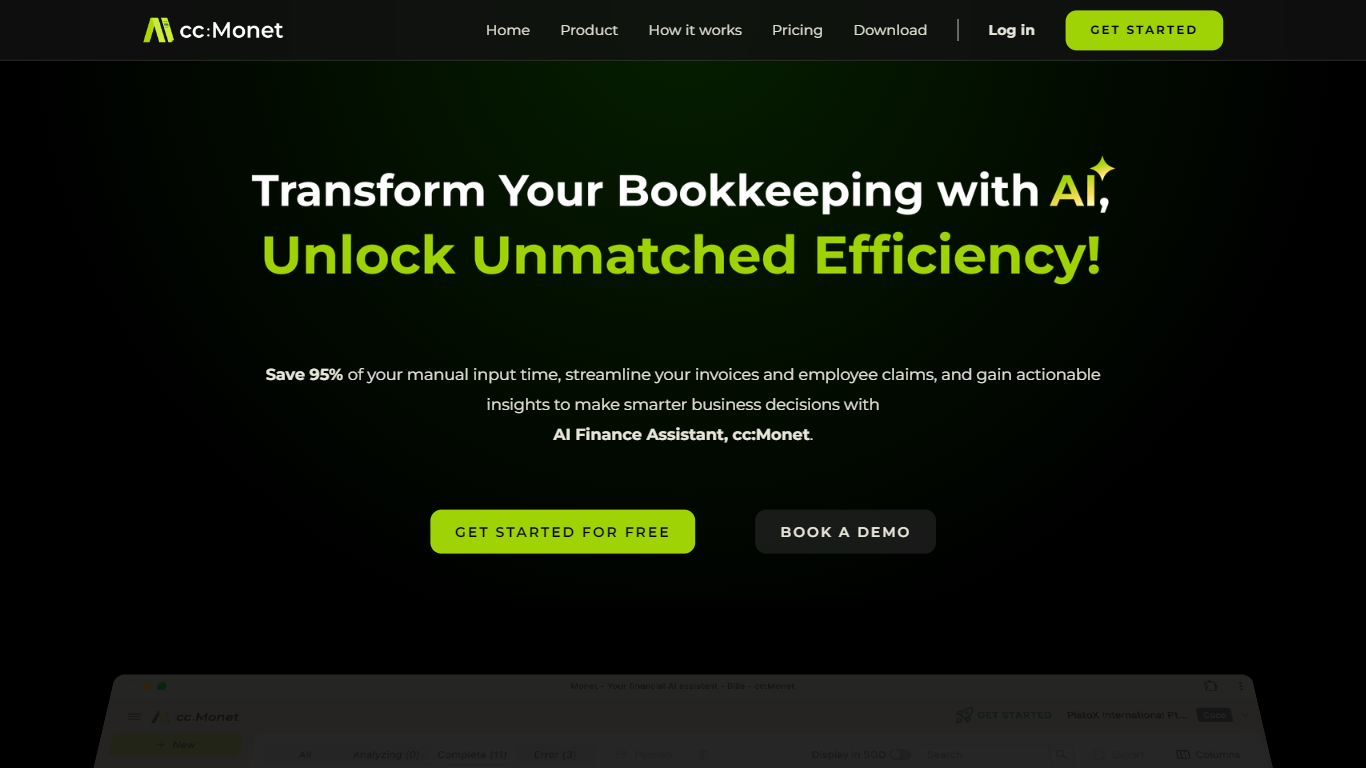

What is cc:Monet?
cc:Monet pairs AI bookkeeping with licensed accountants who review and sign off your books for small and medium businesses. You snap receipts or upload bank statements, and the platform extracts data, categorizes transactions, and keeps P&L, balance sheet, and cash flow dashboards current. Corporate tax, GST, payroll, and corporate secretarial work can run through the same account, with workflows tuned for Singapore IRAS and ACRA rules as well as multi-currency documents.
Unlike self-serve accounting software that stops at the ledger, cc:Monet bundles a dedicated accountant, bookkeeper, tax specialist, and customer success manager into the subscription. The AI pipeline handles an estimated 80-90% of document preprocessing, and human reviewers confirm the rest before filings go out. That mix targets owners who want compliant books without building an in-house finance team.
The platform serves F&B operators, clinic groups, manufacturers, and other receipt-heavy SMEs, plus accounting firms that white-label the backend. Bank feeds connect to DBS, OCBC, and UOB, integrations cover Xero and QuickBooks, and iOS and Android apps support capture on the go. A 14-day trial with no credit card is available before monthly or annual accounting plans kick in.
Rocket Statements
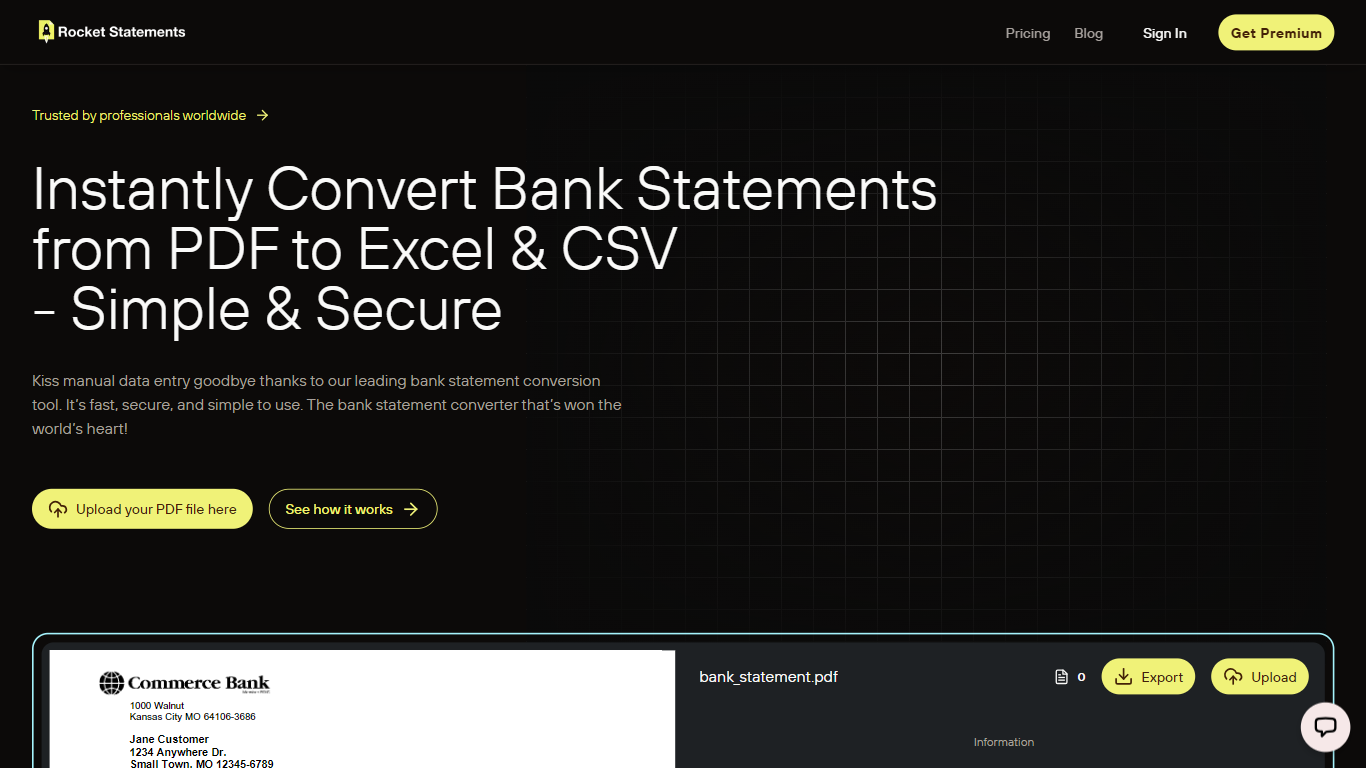
What is Rocket Statements?
Rocket Statements converts bank statement PDFs and images into structured Excel, CSV, and JSON files ready for accounting work. Upload a statement and get normalized transaction data you can import into spreadsheets or bookkeeping software, without building templates or cleaning rows by hand. It targets solo bookkeepers, small businesses, and accounting firms that process statements regularly.
The platform runs uploaded documents through a multi-stage OCR pipeline that recognizes layouts from hundreds of banks worldwide, including major institutions in the US, Canada, UK, and Australia. It handles PDF, PNG, JPG, and TIF files, auto-detects bank formats, and outputs data formatted for reconciliation, analysis, or import into tools like QuickBooks Online.
Beyond one-off conversions, Rocket Statements includes cloud document management, team workspaces with role-based permissions, and client portals for collecting statements from customers. Google Sheets and Microsoft Excel add-ons let you process statements inside spreadsheets, and higher tiers add live bank account syncing, automatic transaction categorization, and bulk processing for firm-scale workloads.
cc:Monet Upvotes
Rocket Statements Upvotes
cc:Monet Top Features
Snap receipts or upload bank PDFs across 150+ document types and 20+ languages; OCR claims 99%+ extraction accuracy before accountant review
Bank feeds connect to DBS, OCBC, and UOB in Singapore with automatic transaction matching
Monthly accounting plans start at US$93 per month for businesses with up to US$77k annual revenue
AI handles an estimated 80-90% of preprocessing; certified accountants confirm the remaining entries
Real-time P&L, balance sheet, and cash flow dashboards update as transactions post
GST return filing available as a US$312 per quarter add-on with IRAS-ready tagging
ISO 27001 certified with GDPR and PDPA compliance for uploaded financial documents
Rocket Statements Top Features
Upload PDFs or images and get transaction rows in Excel, CSV, or JSON
Recognizes statement layouts from hundreds of banks without manual templates
Merge up to 12 converted statements into one consolidated export
Google Sheets and Microsoft Excel add-ons import data straight into your workbook
Client portals let firms collect statements from customers in one branded upload flow
Higher tiers sync live bank transactions and auto-categorize expenses during conversion
cc:Monet Category
- Finance
Rocket Statements Category
- Finance
cc:Monet Pricing Type
- Paid
Rocket Statements Pricing Type
- Freemium