
Last updated 07-24-2026
Category:
Reviews:
Join thousands of AI enthusiasts in the World of AI!
Rocket Statements
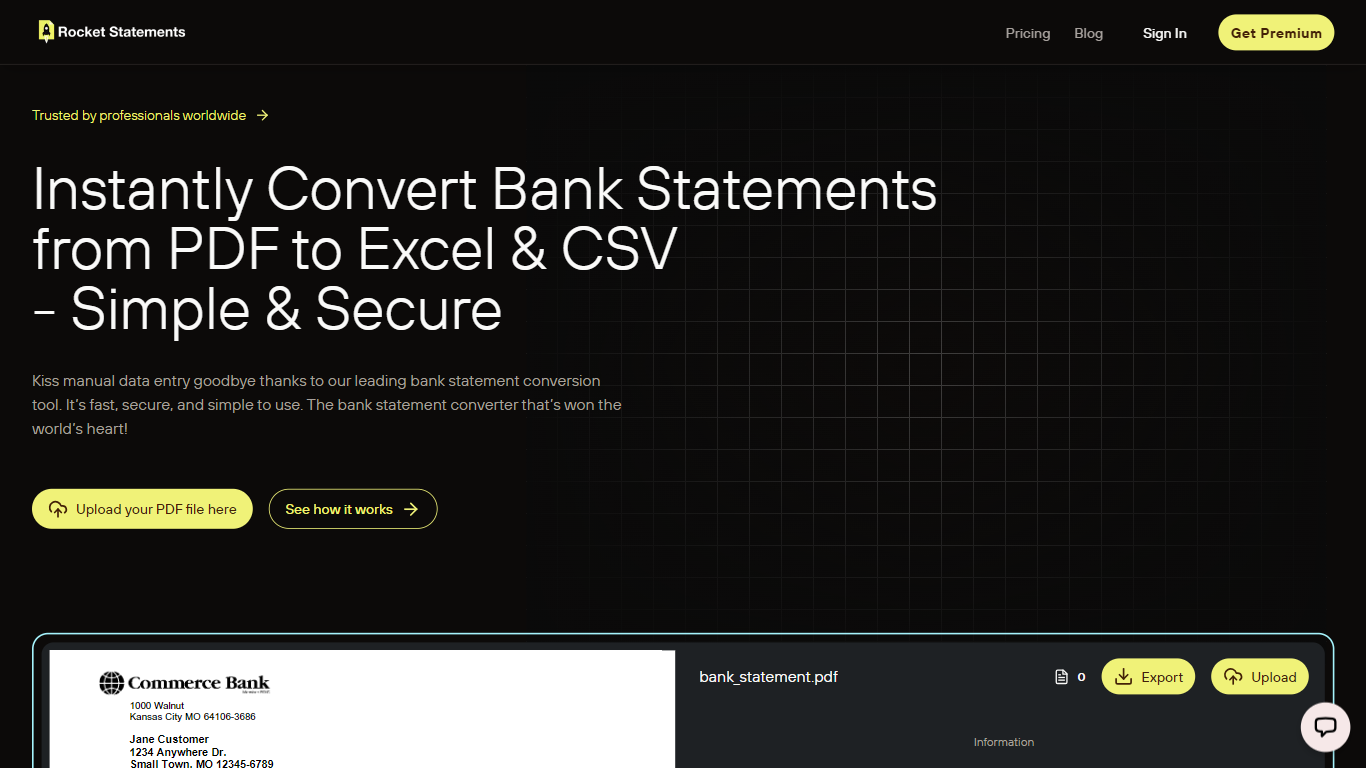
Rocket Statements converts bank statement PDFs and images into structured Excel, CSV, and JSON files ready for accounting work. Upload a statement and get normalized transaction data you can import into spreadsheets or bookkeeping software, without building templates or cleaning rows by hand. It targets solo bookkeepers, small businesses, and accounting firms that process statements regularly.
The platform runs uploaded documents through a multi-stage OCR pipeline that recognizes layouts from hundreds of banks worldwide, including major institutions in the US, Canada, UK, and Australia. It handles PDF, PNG, JPG, and TIF files, auto-detects bank formats, and outputs data formatted for reconciliation, analysis, or import into tools like QuickBooks Online.
Beyond one-off conversions, Rocket Statements includes cloud document management, team workspaces with role-based permissions, and client portals for collecting statements from customers. Google Sheets and Microsoft Excel add-ons let you process statements inside spreadsheets, and higher tiers add live bank account syncing, automatic transaction categorization, and bulk processing for firm-scale workloads.
Upload PDFs or images and get transaction rows in Excel, CSV, or JSON
Recognizes statement layouts from hundreds of banks without manual templates
Merge up to 12 converted statements into one consolidated export
Google Sheets and Microsoft Excel add-ons import data straight into your workbook
Client portals let firms collect statements from customers in one branded upload flow
Higher tiers sync live bank transactions and auto-categorize expenses during conversion
7-day free trial includes 20 pages with no credit card required.
Supports hundreds of global bank statement formats without manual templates.
Native Google Sheets and Microsoft Excel add-ons for in-spreadsheet workflows.
Transaction categorization and live bank sync require Essentials tier or higher.
Plans are capped by annual page allocation rather than unlimited conversions.
No dedicated mobile app; access is through the web app and spreadsheet add-ons.
Does Rocket Statements offer a free trial?
Yes. Rocket Statements includes a 7-day free trial with 20 free pages and no credit card required. You can register at rocketstatements.com to start converting statements immediately.
What file formats can Rocket Statements convert?
Rocket Statements accepts bank statement PDFs and image files in PDF, PNG, JPG, and TIF formats. Output can be exported as Excel (XLSX), CSV, JSON, or ZIP depending on your workflow.
Does Rocket Statements integrate with QuickBooks or Google Sheets?
Yes. Rocket Statements offers a QuickBooks Online integration with column mapping for import-ready exports, plus native Google Sheets and Microsoft Excel add-ons that sync converted transaction data directly into your spreadsheet.
Which banks does Rocket Statements support?
Rocket Statements supports hundreds of banks globally, including Chase, Bank of America, Wells Fargo, HSBC, Barclays, and major institutions across the US, Canada, UK, Australia, Singapore, and Hong Kong. A full verified bank list is published on the Rocket Statements website.
Can accounting firms use Rocket Statements for multiple clients?
Yes. Rocket Statements is built for firms with team collaboration, role-based permissions, cloud folder organization by client, branded client portals for document collection, and bulk processing for high-volume statement workflows.
How does Rocket Statements handle data security?
Rocket Statements uses 256-bit encryption, end-to-end transaction security, PCI DSS compliant processing, and regular security audits. Users can request permanent data deletion by contacting [email protected].
What are Rocket Statements pricing plans?
Rocket Statements offers four paid tiers: Basic from $15/month, Essentials from $25/month, Business from $60/month, and Advanced from $90/month, each with annual billing discounts. Plans are priced by annual page allocation, ranging from 1,200 to 36,000 pages per year.