Chat-docs vs ChatPDF
Compare Chat-docs vs ChatPDF and see which AI PDF tool is better when we compare features, reviews, pricing, alternatives, upvotes, etc.
Which one is better? Chat-docs or ChatPDF?
When we compare Chat-docs with ChatPDF, which are both AI-powered pdf tools, The users have made their preference clear, ChatPDF leads in upvotes. ChatPDF has garnered 19 upvotes, and Chat-docs has garnered 7 upvotes.
You don't agree with the result? Cast your vote to help us decide!
Chat-docs

What is Chat-docs?
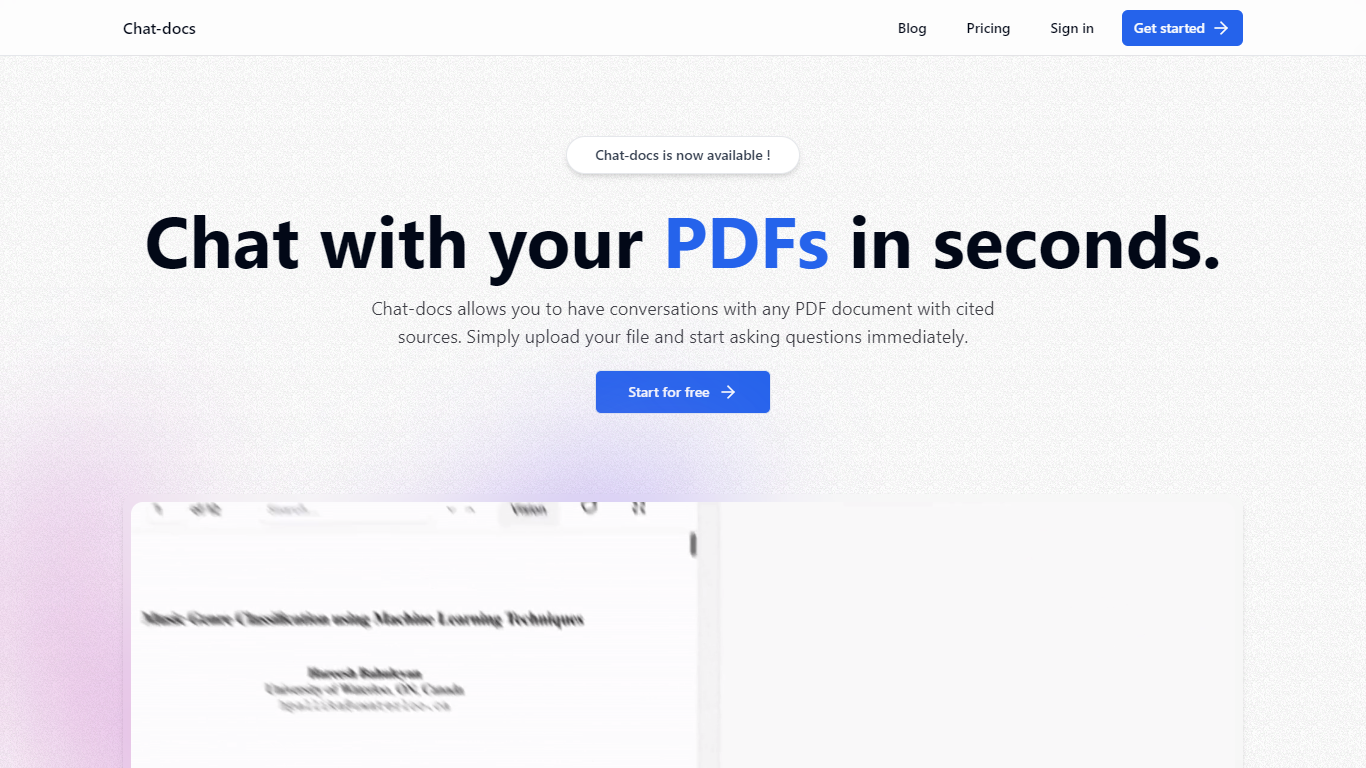
Chat-docs is an innovative AI tool designed to transform the way you interact with your PDF documents.
This free, powerful assistant enables you to summarize large documents, explain complex concepts, analyze images, and find information with ease.
Chat-docs is perfect for students, researchers, and professionals seeking a more efficient way to engage with their PDF files.
With its user-friendly interface, you can start a conversation with any uploaded PDF and receive real-time answers, complete with cited sources. Chat-docs offers a seamless registration process, and within minutes, you can upload and start dialoguing with your PDFs.
The tool ensures data security with end-to-end encryption and strict privacy policies to protect your information. Furthermore, Chat-docs supports multiple languages, making it accessible to users worldwide. Join the community now and explore the full potential of your documents without any financial commitment!
ChatPDF
What is ChatPDF?
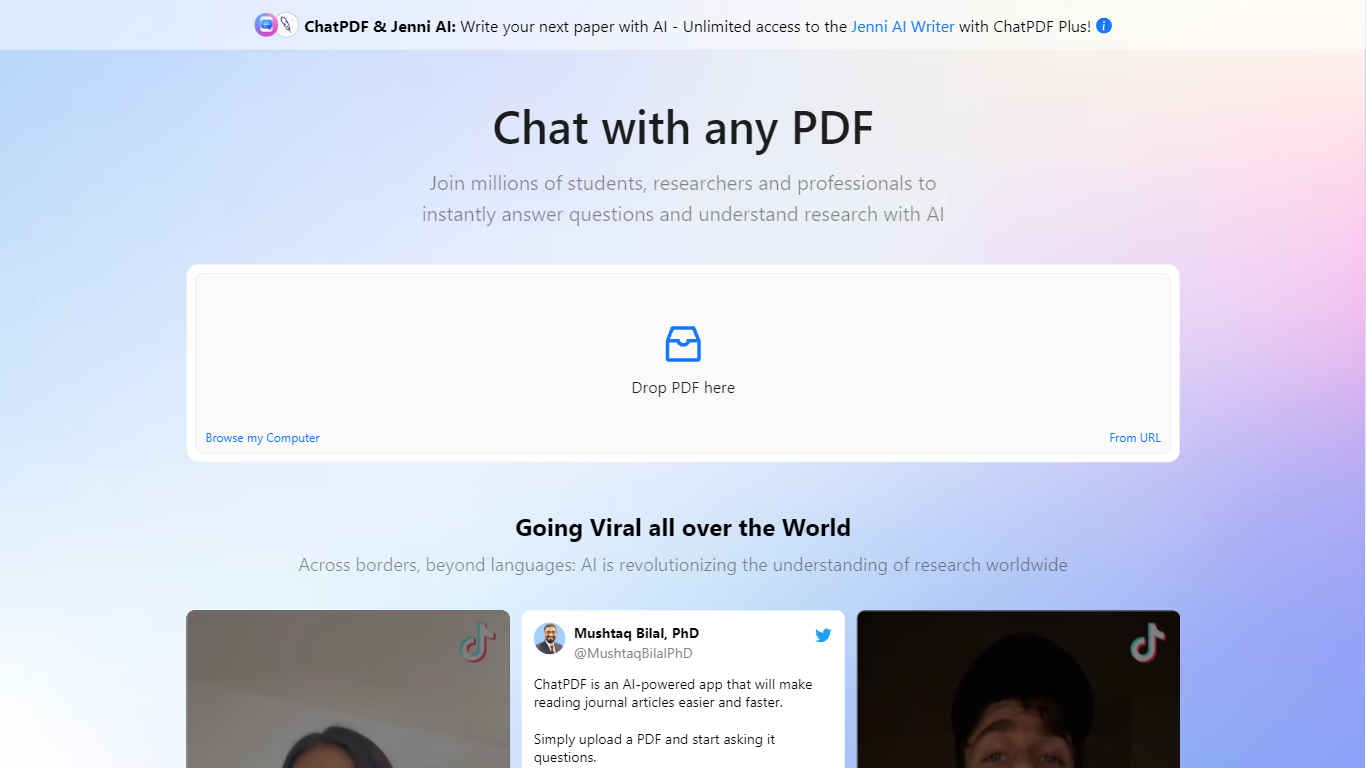
ChatPDF lets you upload a PDF and ask questions about it in plain language, the way you would with a chat assistant. It maps document content so answers point back to specific pages, which makes it useful when you are working through research papers, contracts, manuals, or long reports.
The product goes beyond a single PDF chat. You can summarize files, compare documents in one conversation, translate content, and work with Word, PowerPoint, Markdown, and text files in addition to PDFs. Built-in citations jump to the source passage, and a side-by-side layout keeps the chat next to the document.
ChatPDF also bundles research, writing, and detection tools on the same platform. AI Research helps you find academic papers, AI Detector checks whether text looks machine-written, and additional tools cover YouTube chats, flashcards, and slides. The service is used widely by students and researchers, with the site citing more than 10 million users.
Chat-docs Upvotes
ChatPDF Upvotes
Chat-docs Top Features
Vision: Analyzes visual elements in documents to provide comprehensive understanding.
Source Citation: Supports responses with references and citations for credibility.
Multilingual Support: Chat-docs can interact in various languages to cater to global users.
User-Friendly Interface: Designed for ease of use without the need for special training.
Summarization Capability: Quickly extracts key points from lengthy PDF documents.
ChatPDF Top Features
Ask questions about any uploaded PDF and get answers linked to the exact source page
Summarize full documents or chapters in seconds, including scanned PDFs
Chat across multiple files at once by organizing them into folders
Works with PDF, Word, PowerPoint, Markdown, and plain text uploads
Built-in AI Research finds academic papers and lets you chat with open-access PDFs
Side-by-side view keeps your document open next to the chat for quick verification
Routes queries between GPT-4o and GPT-4o-mini for a balance of speed and quality
Chat-docs Category
- PDF
ChatPDF Category
- PDF
Chat-docs Pricing Type
- Freemium
ChatPDF Pricing Type
- Freemium