PDFGPT.IO vs ChatPDF
Compare PDFGPT.IO vs ChatPDF and see which AI PDF tool is better when we compare features, reviews, pricing, alternatives, upvotes, etc.
Which one is better? PDFGPT.IO or ChatPDF?
When we compare PDFGPT.IO with ChatPDF, which are both AI-powered pdf tools, The users have made their preference clear, ChatPDF leads in upvotes. ChatPDF has received 19 upvotes from aitools.fyi users, while PDFGPT.IO has received 6 upvotes.
Feeling rebellious? Cast your vote and shake things up!
PDFGPT.IO
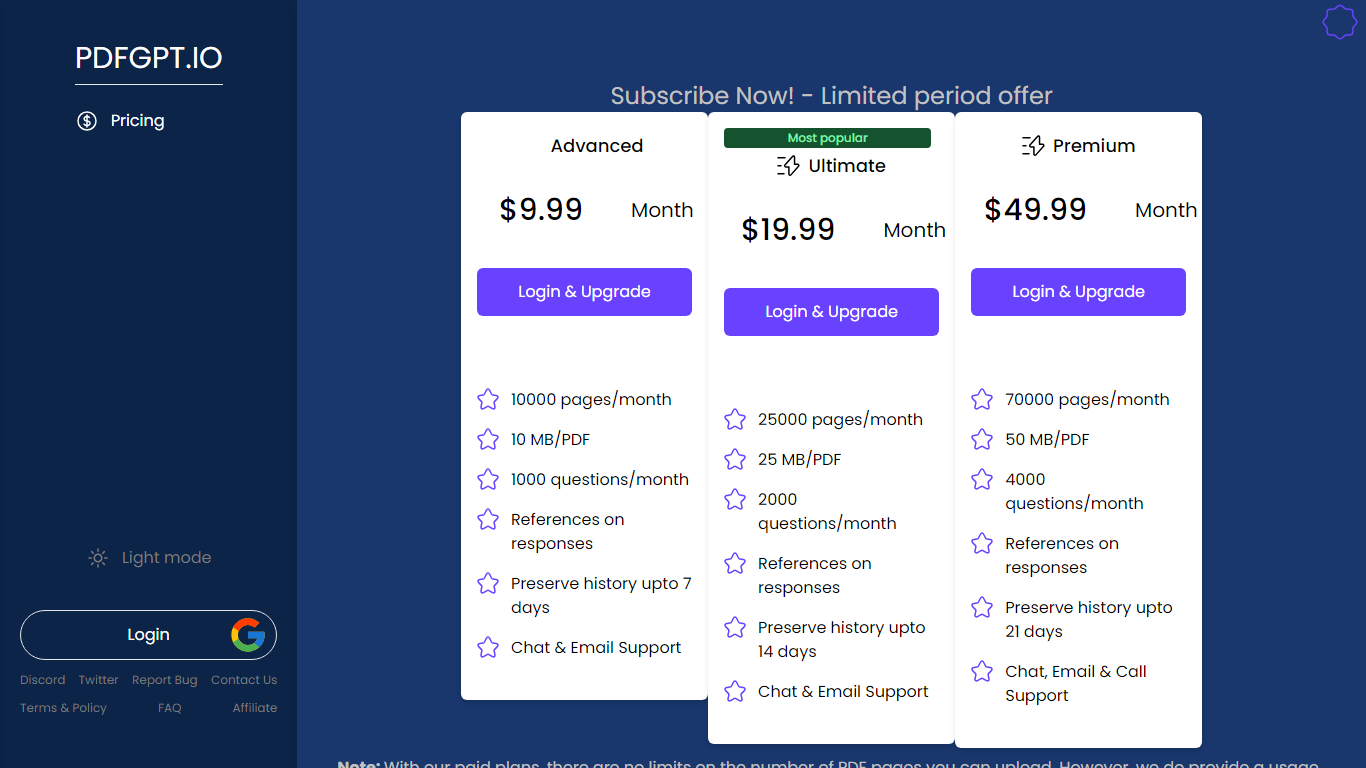

What is PDFGPT.IO?
Empower your communication and enhance your workflow efficiencies with the Chat With PDF website. Dive into a platform that simplifies your interactions with PDF documents through advanced chatting capabilities. Our intuitive interface provides seamless navigation, allowing users to effortlessly manage PDFs without the need for extensive technical know-how.
Unlock the potential of your PDFs through powerful chat features, where assistance is just a message away. Striving to cater to a variety of PDF-related needs, our services are designed to maximize your productivity and make PDF management a breeze. Whether you're looking to extract data, merge documents, or require immediate assistance, Chat With PDF is your go-to solution.
ChatPDF
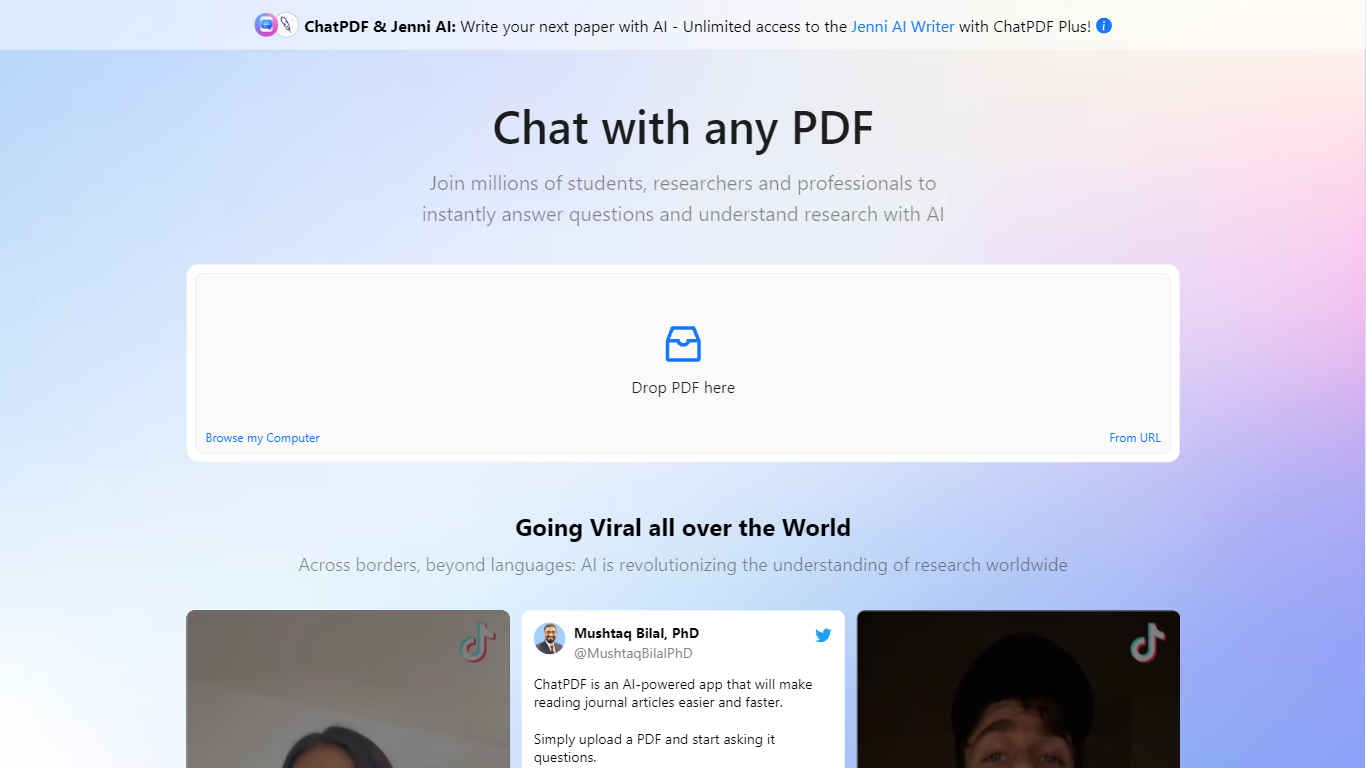
What is ChatPDF?
ChatPDF lets you upload a PDF and ask questions about it in plain language, the way you would with a chat assistant. It maps document content so answers point back to specific pages, which makes it useful when you are working through research papers, contracts, manuals, or long reports.
The product goes beyond a single PDF chat. You can summarize files, compare documents in one conversation, translate content, and work with Word, PowerPoint, Markdown, and text files in addition to PDFs. Built-in citations jump to the source passage, and a side-by-side layout keeps the chat next to the document.
ChatPDF also bundles research, writing, and detection tools on the same platform. AI Research helps you find academic papers, AI Detector checks whether text looks machine-written, and additional tools cover YouTube chats, flashcards, and slides. The service is used widely by students and researchers, with the site citing more than 10 million users.
PDFGPT.IO Upvotes
ChatPDF Upvotes
PDFGPT.IO Top Features
Easy Navigation: Users can swiftly manage PDFs with our intuitive user interface.
Advanced Chat Capabilities: Engage with PDF documents using dynamic chat features.
Productivity Enhancement: Our service is tailored to improve efficiency in handling PDF-related tasks.
Accessible Assistance: Immediate help and support are available through the chat function.
Versatile PDF Tools: From data extraction to document merging a range of tools caters to diverse needs.
ChatPDF Top Features
Ask questions about any uploaded PDF and get answers linked to the exact source page
Summarize full documents or chapters in seconds, including scanned PDFs
Chat across multiple files at once by organizing them into folders
Works with PDF, Word, PowerPoint, Markdown, and plain text uploads
Built-in AI Research finds academic papers and lets you chat with open-access PDFs
Side-by-side view keeps your document open next to the chat for quick verification
Routes queries between GPT-4o and GPT-4o-mini for a balance of speed and quality
PDFGPT.IO Category
- PDF
ChatPDF Category
- PDF
PDFGPT.IO Pricing Type
- Paid
ChatPDF Pricing Type
- Freemium