Chat-docs vs Boss Hub | AI (formerly DocGPT & ChatPDF➶)
In the battle of Chat-docs vs Boss Hub | AI (formerly DocGPT & ChatPDF➶), which AI PDF tool comes out on top? We compare reviews, pricing, alternatives, upvotes, features, and more.
Between Chat-docs and Boss Hub | AI (formerly DocGPT & ChatPDF➶), which one is superior?
Upon comparing Chat-docs with Boss Hub | AI (formerly DocGPT & ChatPDF➶), which are both AI-powered pdf tools, The upvote count shows a clear preference for Chat-docs. Chat-docs has received 7 upvotes from aitools.fyi users, while Boss Hub | AI (formerly DocGPT & ChatPDF➶) has received 6 upvotes.
Disagree with the result? Upvote your favorite tool and help it win!
Chat-docs

What is Chat-docs?
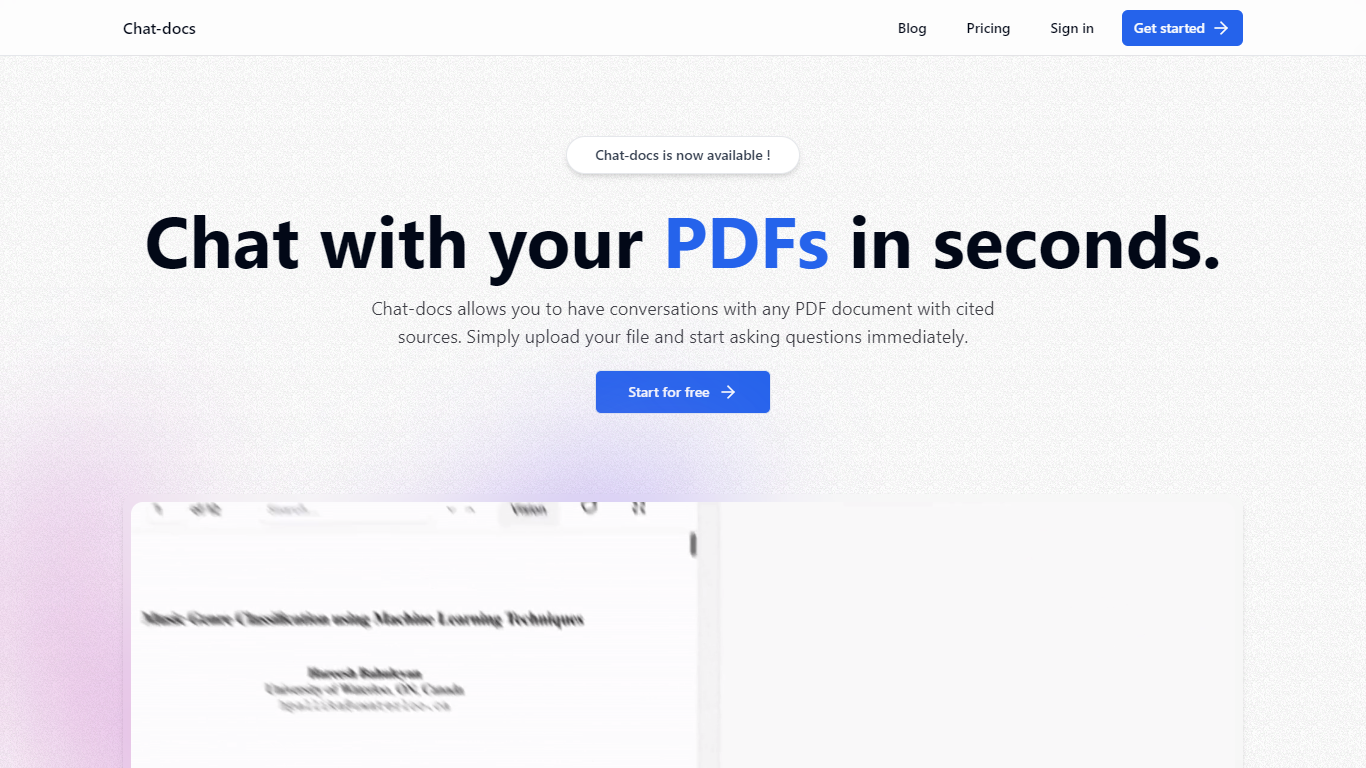
Chat-docs is an innovative AI tool designed to transform the way you interact with your PDF documents.
This free, powerful assistant enables you to summarize large documents, explain complex concepts, analyze images, and find information with ease.
Chat-docs is perfect for students, researchers, and professionals seeking a more efficient way to engage with their PDF files.
With its user-friendly interface, you can start a conversation with any uploaded PDF and receive real-time answers, complete with cited sources. Chat-docs offers a seamless registration process, and within minutes, you can upload and start dialoguing with your PDFs.
The tool ensures data security with end-to-end encryption and strict privacy policies to protect your information. Furthermore, Chat-docs supports multiple languages, making it accessible to users worldwide. Join the community now and explore the full potential of your documents without any financial commitment!
Boss Hub | AI (formerly DocGPT & ChatPDF➶)
What is Boss Hub | AI (formerly DocGPT & ChatPDF➶)?
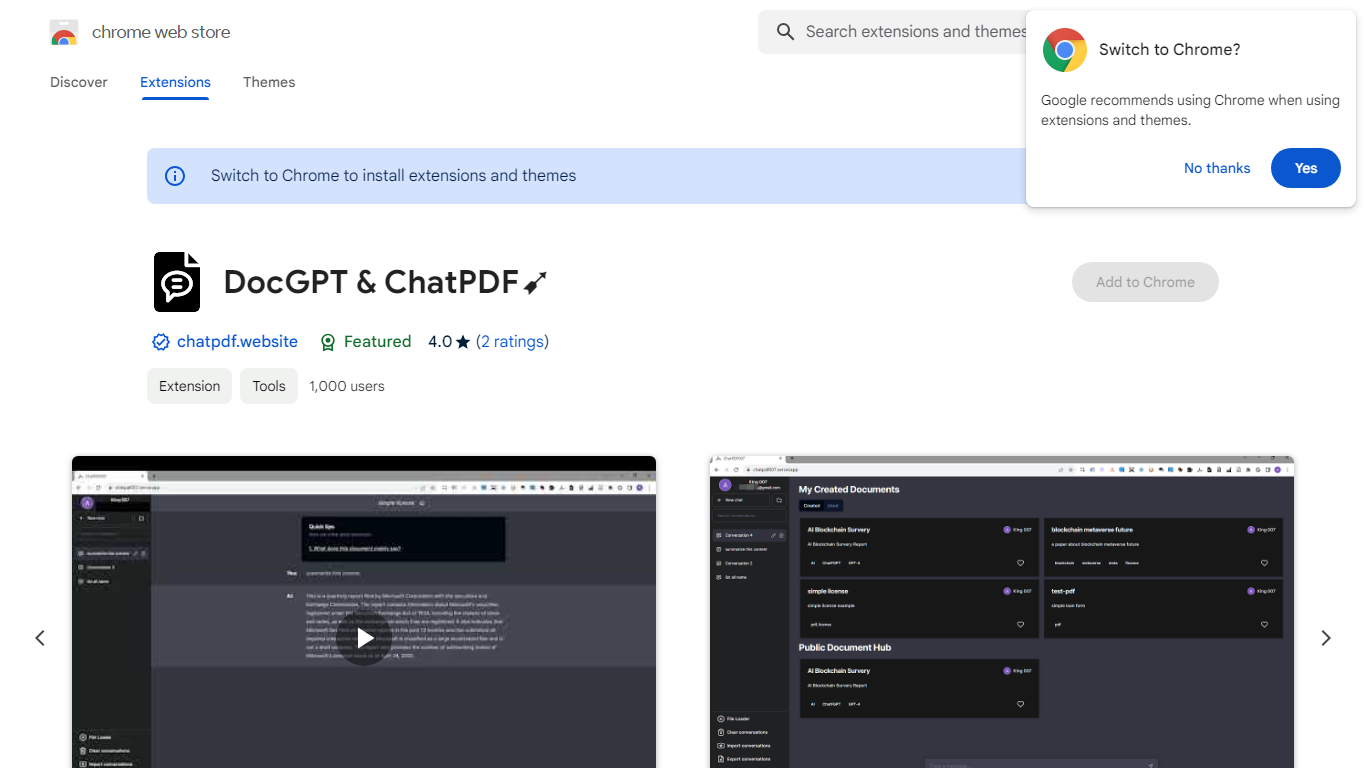
Boss Hub | AI is a Chrome extension sidebar for chatting with uploaded documents using ChatGPT and GPT-4. You upload a PDF, Markdown, Epub, or FB2 file, then ask questions, request summaries, and see highlighted source passages inside the side panel. It targets anyone who wants document Q&A without leaving the browser.
Compared with standalone ChatPDF sites, Boss Hub runs as a Chrome side panel and stores data locally on your machine. The listing highlights a built-in token usage tracker, periodic deletion of uploaded files, and support for Markdown alongside PDF. That local-first angle matters if you are comparing browser extensions rather than cloud-only upload tools.
Researchers, students, and office workers who already live in Chrome can use it to skim contracts, reports, or ebooks faster. The developer site is iambuffett.net, and the extension last updated to version 1.3.5 in July 2024.
Chat-docs Upvotes
Boss Hub | AI (formerly DocGPT & ChatPDF➶) Upvotes
Chat-docs Top Features
Vision: Analyzes visual elements in documents to provide comprehensive understanding.
Source Citation: Supports responses with references and citations for credibility.
Multilingual Support: Chat-docs can interact in various languages to cater to global users.
User-Friendly Interface: Designed for ease of use without the need for special training.
Summarization Capability: Quickly extracts key points from lengthy PDF documents.
Boss Hub | AI (formerly DocGPT & ChatPDF➶) Top Features
Upload PDF, Markdown, Epub, and FB2 files, with best support called out for PDF and Markdown
Ask questions, summarize documents, and highlight source passages in the sidebar
Built-in token usage tracker for monitoring ChatGPT and GPT-4 consumption
Stores data locally on your device and deletes uploaded documents regularly
Uses ChatGPT, GPT-4, LangChain, llama_index, and vector storage under the hood
Chrome side panel workflow so document chat stays beside your browsing session
Chat-docs Category
- PDF
Boss Hub | AI (formerly DocGPT & ChatPDF➶) Category
- PDF
Chat-docs Pricing Type
- Freemium
Boss Hub | AI (formerly DocGPT & ChatPDF➶) Pricing Type
- Freemium