Chat-docs vs Doclime
In the battle of Chat-docs vs Doclime, which AI PDF tool comes out on top? We compare reviews, pricing, alternatives, upvotes, features, and more.
Between Chat-docs and Doclime, which one is superior?
Upon comparing Chat-docs with Doclime, which are both AI-powered pdf tools, The users have made their preference clear, Chat-docs leads in upvotes. Chat-docs has 7 upvotes, and Doclime has 6 upvotes.
Feeling rebellious? Cast your vote and shake things up!
Chat-docs
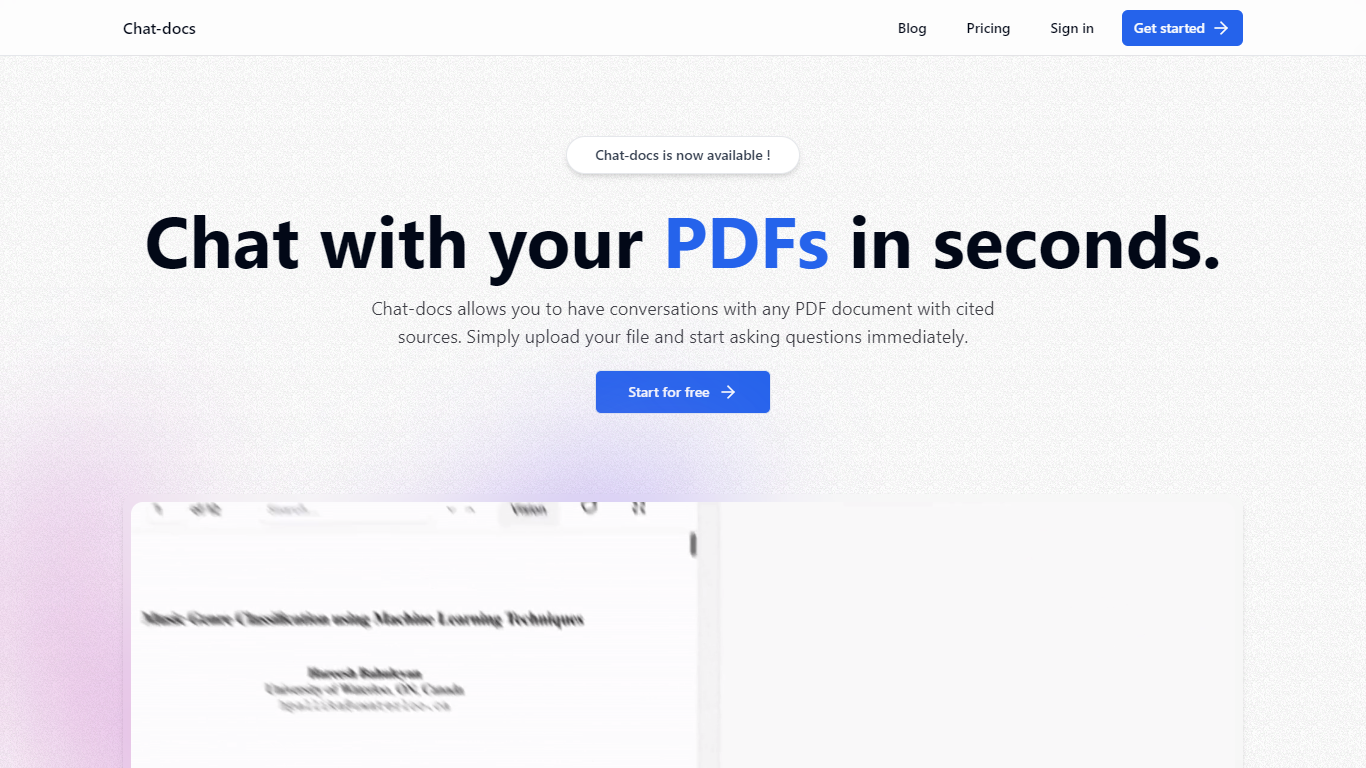

What is Chat-docs?
Chat-docs is an innovative AI tool designed to transform the way you interact with your PDF documents.
This free, powerful assistant enables you to summarize large documents, explain complex concepts, analyze images, and find information with ease.
Chat-docs is perfect for students, researchers, and professionals seeking a more efficient way to engage with their PDF files.
With its user-friendly interface, you can start a conversation with any uploaded PDF and receive real-time answers, complete with cited sources. Chat-docs offers a seamless registration process, and within minutes, you can upload and start dialoguing with your PDFs.
The tool ensures data security with end-to-end encryption and strict privacy policies to protect your information. Furthermore, Chat-docs supports multiple languages, making it accessible to users worldwide. Join the community now and explore the full potential of your documents without any financial commitment!
Doclime
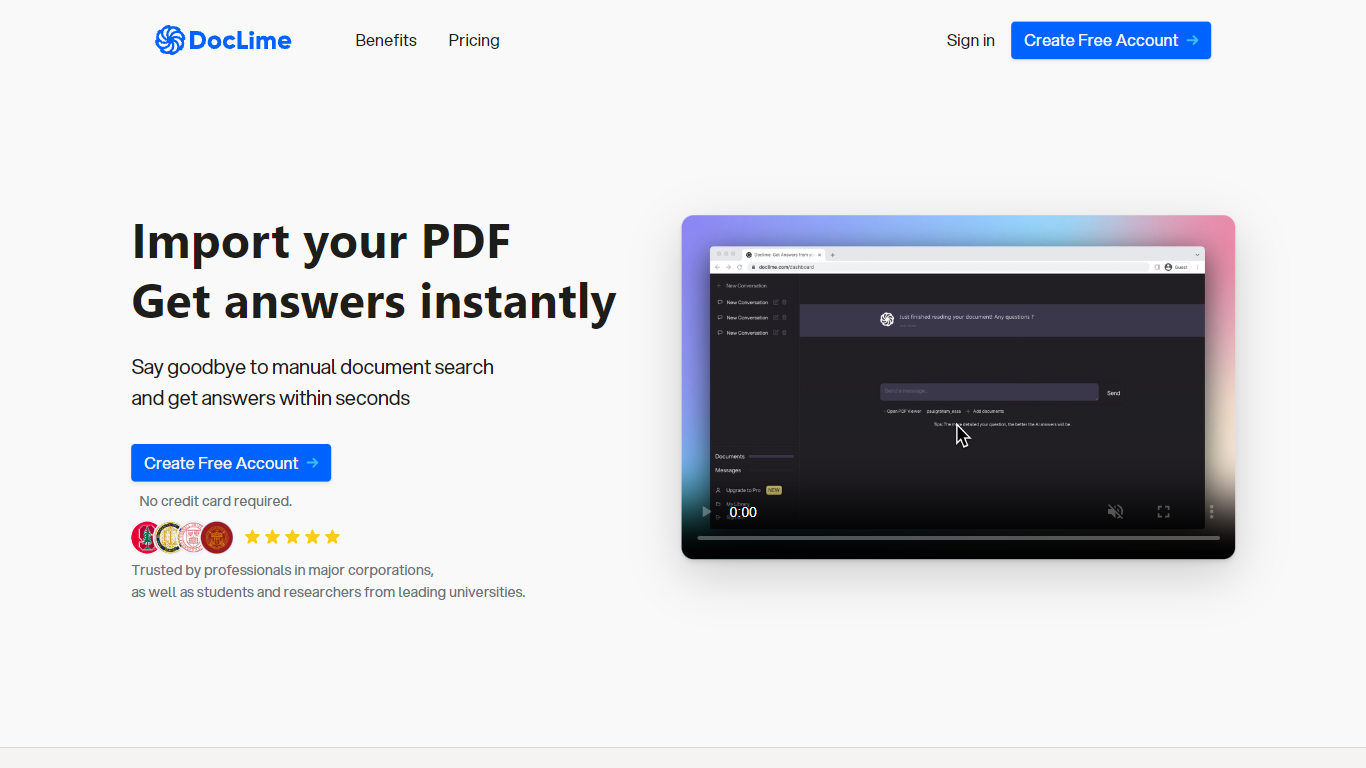
What is Doclime?
Doclime lets you upload PDFs and ask questions that come back with cited answers pulled from the file. You get a built-in PDF viewer with search and page navigation, a notes editor with version history, and a split-screen layout that keeps chat, documents, and notes open at once. It also reads scanned PDFs through OCR and accepts screenshot questions through its Vision feature.
Most PDF chat tools stop at a single file and a text box. Doclime stacks a hierarchical file tree, multi-document context for one conversation, and frontier models from OpenAI and Anthropic in the same workspace. That combination targets people cross-referencing textbooks, contracts, or research papers rather than doing one-off summaries.
The homepage lists use cases like lesson planning from textbooks, chapter summaries, and pulling obligations from contract sections, with example answers showing bracketed source references. Stanford, Berkeley, Cornell, and USC logos appear on the landing page, and the interface ships in nine languages including English, Spanish, French, German, Japanese, Korean, Arabic, and Chinese.
Chat-docs Upvotes
Doclime Upvotes
Chat-docs Top Features
Vision: Analyzes visual elements in documents to provide comprehensive understanding.
Source Citation: Supports responses with references and citations for credibility.
Multilingual Support: Chat-docs can interact in various languages to cater to global users.
User-Friendly Interface: Designed for ease of use without the need for special training.
Summarization Capability: Quickly extracts key points from lengthy PDF documents.
Doclime Top Features
Ask questions about uploaded PDFs and receive answers with bracketed citation references to source passages
Built-in PDF viewer includes search, zoom, and page navigation alongside the chat panel
Split-screen layout opens PDF, notes, and chat views simultaneously in one workspace
Vision support lets you screenshot any document section and ask questions about that image
OCR converts scanned PDF files into searchable text before answering questions
Context-aware search adds multiple PDFs and notes as context files to a single AI conversation
Chat-docs Category
- PDF
Doclime Category
- PDF
Chat-docs Pricing Type
- Freemium
Doclime Pricing Type
- Freemium