Chat with AI - LetsView Chat vs ChatWP
Dive into the comparison of Chat with AI - LetsView Chat vs ChatWP and discover which AI Chat Bot tool stands out. We examine alternatives, upvotes, features, reviews, pricing, and beyond.
When comparing Chat with AI - LetsView Chat and ChatWP, which one rises above the other?
When we compare Chat with AI - LetsView Chat and ChatWP, two exceptional chat bot tools powered by artificial intelligence, and place them side by side, several key similarities and differences come to light. Both tools are equally favored, as indicated by the identical upvote count. Since other aitools.fyi users could decide the winner, the ball is in your court now to cast your vote and help us determine the winner.
Does the result make you go "hmm"? Cast your vote and turn that frown upside down!
Chat with AI - LetsView Chat

What is Chat with AI - LetsView Chat?
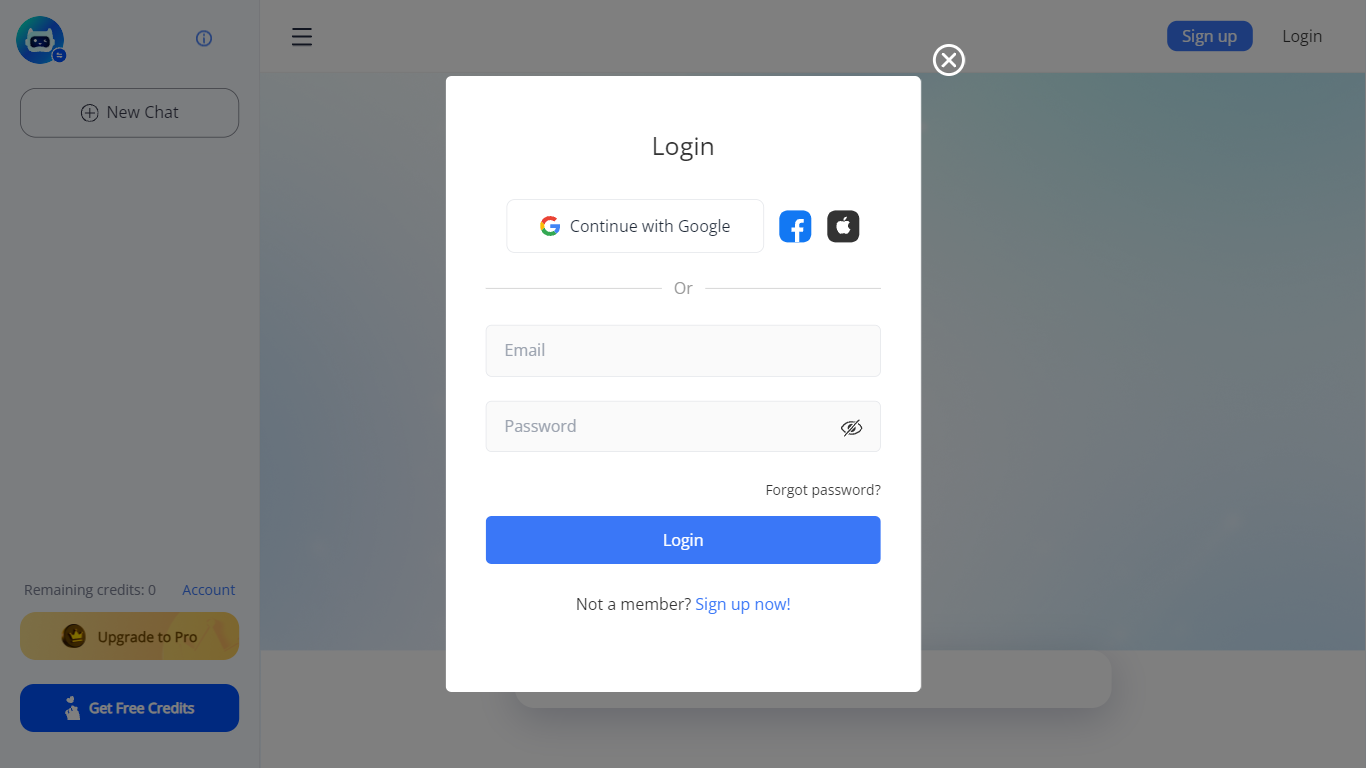
LetsView Chat is a browser-based AI chatbot from LetsView where you sign in, pick an assistant, and send prompts through a web interface. The chatbot page shows credit balances, a free-credit promo, and an Upgrade to Pro path, so usage runs on credits rather than an open-ended free session.
Unlike LetsView's screen-mirroring apps, this product is a standalone chat workspace with assistant switching, recommended prompts, and an Inspiration Library to browse starter ideas. You can continue with Google or create a LetsView account before chatting.
The public page exposes little technical detail beyond those workflow pieces, so teams evaluating LetsView Chat should sign in to test assistant quality and credit limits directly on letsview.com/chatbot.
ChatWP
What is ChatWP?
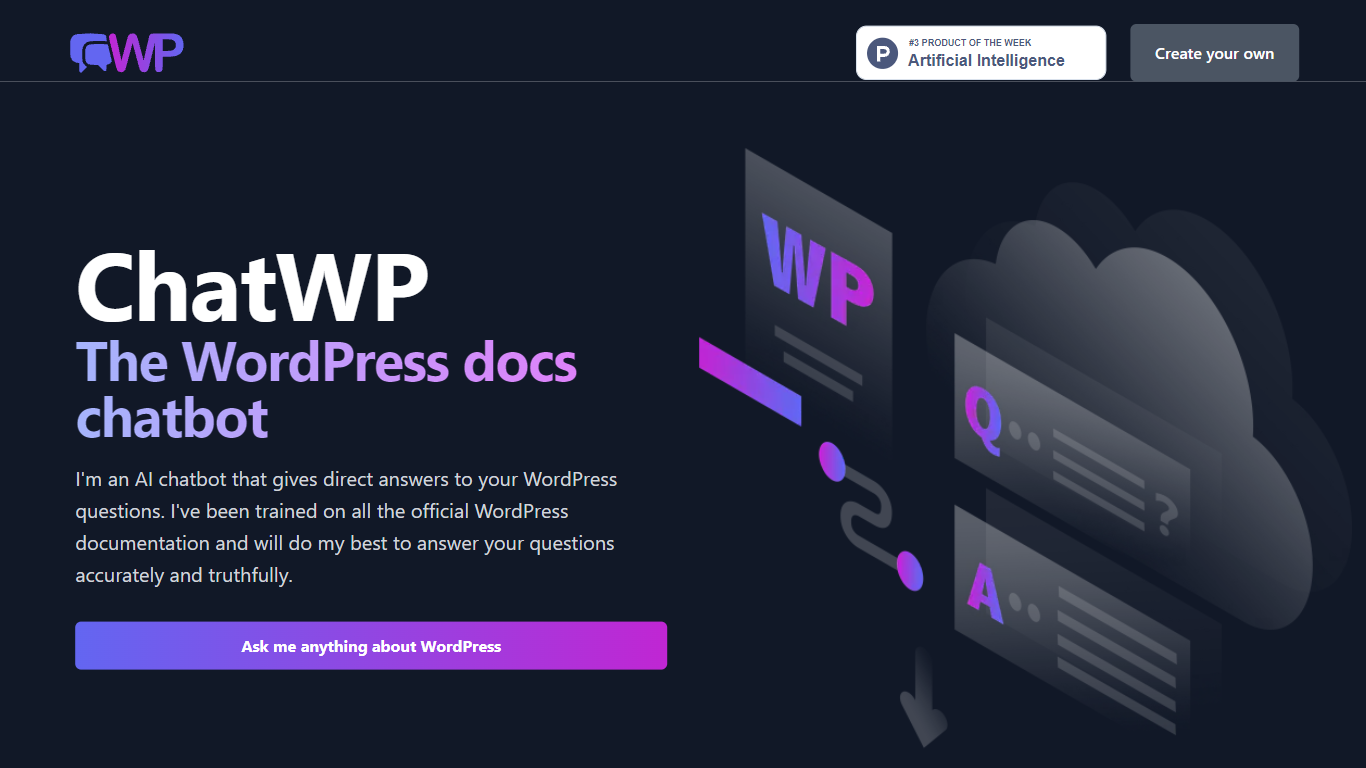
ChatWP is a free WordPress documentation chatbot that answers questions drawn from the official WordPress.org docs corpus. You type a full question on wpdocs.chat and get a direct answer instead of hunting through support articles. The bot cites its sources so you can verify what it says, though it warns it may occasionally invent details.
Most WordPress help chatbots scrape plugin marketplaces or theme docs. ChatWP sticks to core WordPress.org documentation only, which means plugin-specific questions get a clear refusal rather than a guess. That narrow scope trades breadth for fewer wrong answers about third-party products you do not run.
Site owners learning WordPress basics, freelance developers checking core APIs, and anyone migrating a site who needs step-by-step guidance benefit most. You can also ask for code examples, lists, or responses in languages like Spanish by specifying the format in your prompt.
Chat with AI - LetsView Chat Upvotes
ChatWP Upvotes
Chat with AI - LetsView Chat Top Features
Browser-based chat at letsview.com/chatbot with no desktop download mentioned on the page
Switch assistant profiles before starting a new chat session
Credit balance displayed in the interface with Upgrade to Pro and Get Free Credits options
Inspiration Library for browsing prompt ideas inside the chat workspace
Google sign-in plus standard email signup and login
Recommended prompt shortcuts surfaced on the chat landing screen
ChatWP Top Features
Trained exclusively on official WordPress.org documentation, not plugin or theme docs
Ask full questions like "How do I install a plugin?" instead of keyword searches
Request output as code examples, lists, or in Spanish by specifying the format
Source citations included with answers so you can verify claims
No signup required at wpdocs.chat, with a Random button for sample questions
Built by Aaron Edwards, former CTO at WPMU DEV and founder of DocsBot AI
Chat with AI - LetsView Chat Category
- Chat Bot
ChatWP Category
- Chat Bot
Chat with AI - LetsView Chat Pricing Type
- Freemium
ChatWP Pricing Type
- Free