Chat with AI - LetsView Chat vs MyMap.AI
Compare Chat with AI - LetsView Chat vs MyMap.AI and see which AI Chat Bot tool is better when we compare features, reviews, pricing, alternatives, upvotes, etc.
Which one is better? Chat with AI - LetsView Chat or MyMap.AI?
When we compare Chat with AI - LetsView Chat with MyMap.AI, which are both AI-powered chat bot tools, In the race for upvotes, MyMap.AI takes the trophy. The number of upvotes for MyMap.AI stands at 7, and for Chat with AI - LetsView Chat it's 6.
Not your cup of tea? Upvote your preferred tool and stir things up!
Chat with AI - LetsView Chat

What is Chat with AI - LetsView Chat?
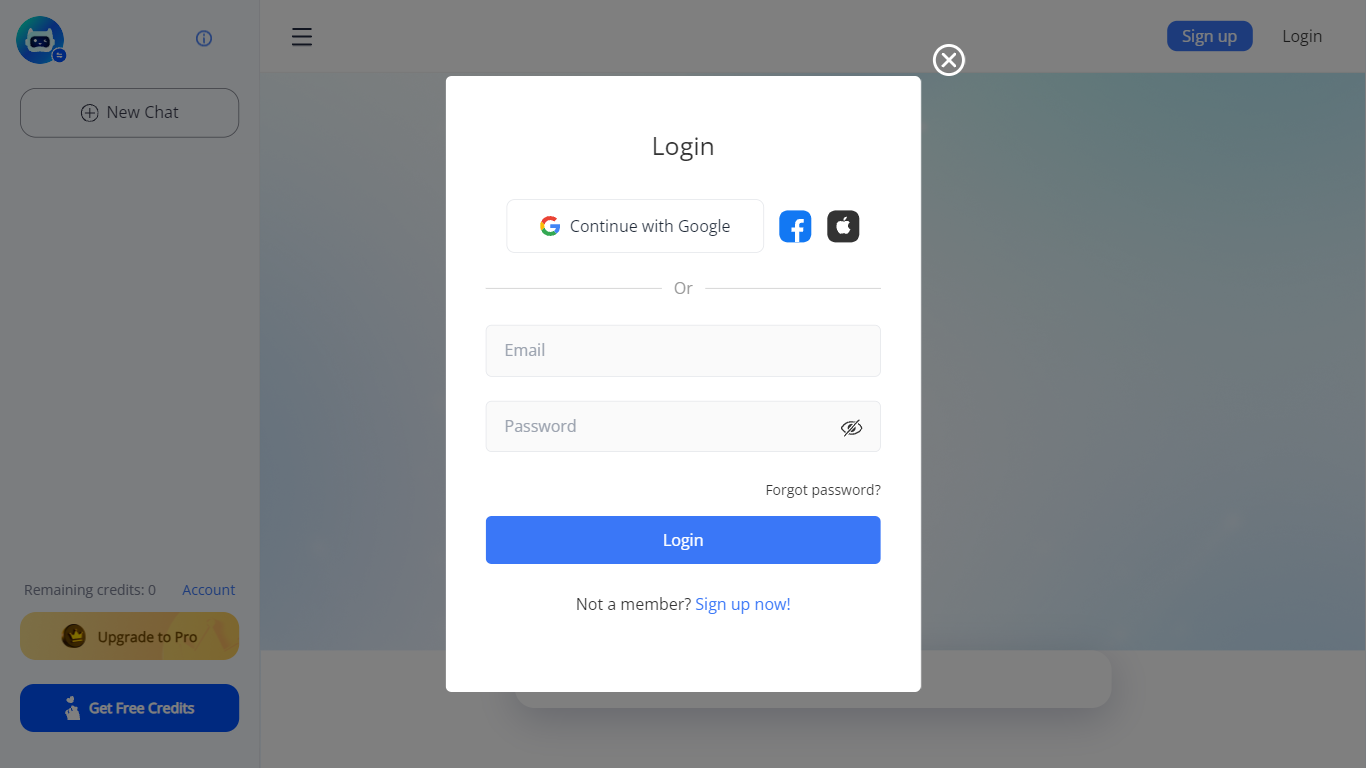
LetsView Chat is a browser-based AI chatbot from LetsView where you sign in, pick an assistant, and send prompts through a web interface. The chatbot page shows credit balances, a free-credit promo, and an Upgrade to Pro path, so usage runs on credits rather than an open-ended free session.
Unlike LetsView's screen-mirroring apps, this product is a standalone chat workspace with assistant switching, recommended prompts, and an Inspiration Library to browse starter ideas. You can continue with Google or create a LetsView account before chatting.
The public page exposes little technical detail beyond those workflow pieces, so teams evaluating LetsView Chat should sign in to test assistant quality and credit limits directly on letsview.com/chatbot.
MyMap.AI
What is MyMap.AI?
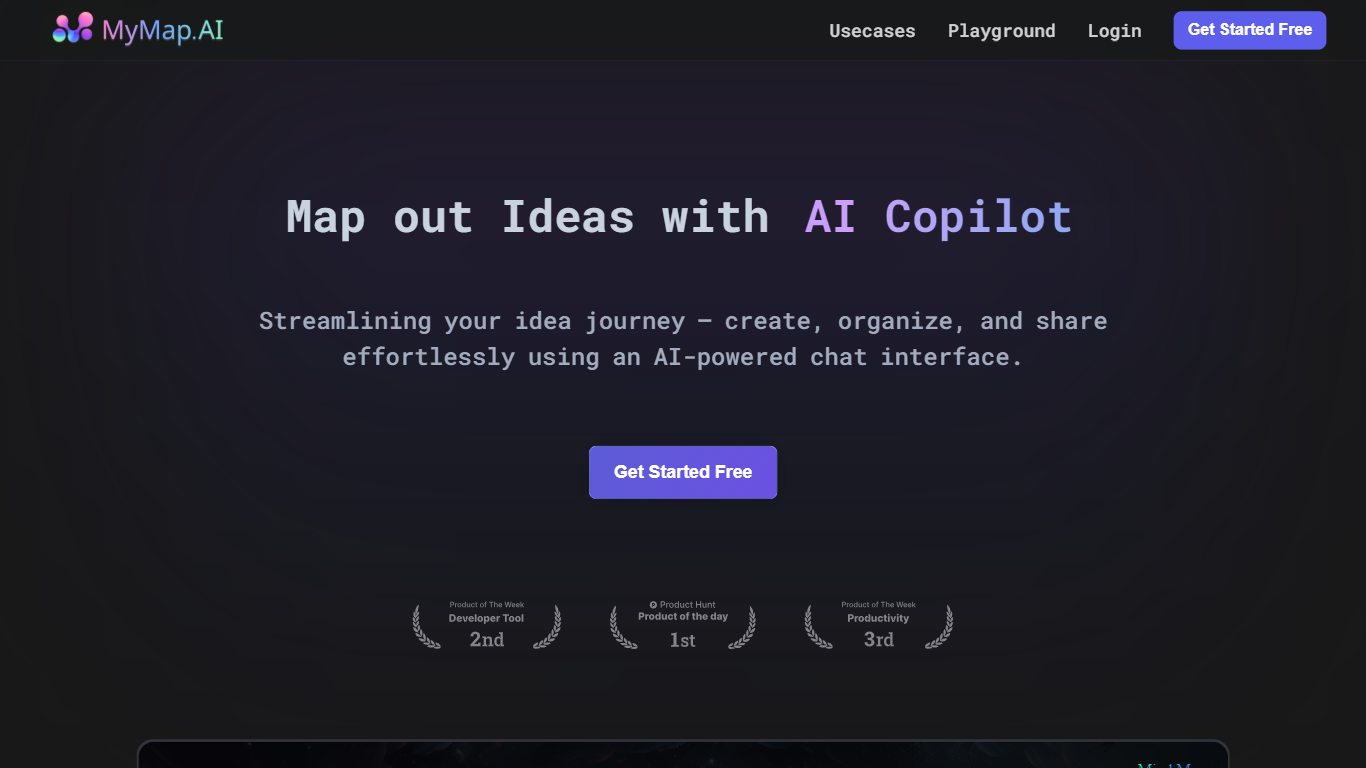
MyMap.AI is a chat-driven visual canvas that turns natural language prompts into mind maps, flowcharts, diagrams, and other structured layouts on an infinite board. You describe what you want to think through, and the AI builds nodes, connections, and branches directly on the canvas instead of returning a wall of text.
Where most AI chatbots stop at paragraphs, MyMap.AI treats spatial layout as part of the answer. The AI reads node positions, neighbors, and links on your canvas, so follow-up prompts build on what is already there. You can switch among 10 models from 7 providers, generate Flux images onto the board, and watch nodes stream in live as the map grows.
The free tier includes 20 credits per month and up to 3 saved maps, with guest mode on the homepage so you can try prompts before signing up. Product teams, students, consultants, and anyone who thinks in branches rather than bullet lists will get the most from it.
Chat with AI - LetsView Chat Upvotes
MyMap.AI Upvotes
Chat with AI - LetsView Chat Top Features
Browser-based chat at letsview.com/chatbot with no desktop download mentioned on the page
Switch assistant profiles before starting a new chat session
Credit balance displayed in the interface with Upgrade to Pro and Get Free Credits options
Inspiration Library for browsing prompt ideas inside the chat workspace
Google sign-in plus standard email signup and login
Recommended prompt shortcuts surfaced on the chat landing screen
MyMap.AI Top Features
Context-aware AI reads node positions, neighbors, and connections on your canvas
Switch among 10 models from 7 providers including Qwen 3, GPT-5 mini, Claude Sonnet 4.6, and Gemini 3 Flash
Create mind maps, flowcharts, Kanban boards, SWOT analyses, and database schemas from one chat
Generate Flux images directly onto the canvas with 5 model options and any aspect ratio
Nodes and edges stream onto the board in real time as the AI generates them
Free tier includes 20 credits per month and up to 3 canvas maps with no credit card
Chat with AI - LetsView Chat Category
- Chat Bot
MyMap.AI Category
- Chat Bot
Chat with AI - LetsView Chat Pricing Type
- Freemium
MyMap.AI Pricing Type
- Freemium