Chatbot UI vs Dante AI
Explore the showdown between Chatbot UI vs Dante AI and find out which AI Customer Support tool wins. We analyze upvotes, features, reviews, pricing, alternatives, and more.
When comparing Chatbot UI and Dante AI, which one rises above the other?
When we contrast Chatbot UI with Dante AI, both of which are exceptional AI-operated customer support tools, and place them side by side, we can spot several crucial similarities and divergences. With more upvotes, Dante AI is the preferred choice. The number of upvotes for Dante AI stands at 7, and for Chatbot UI it's 6.
Disagree with the result? Upvote your favorite tool and help it win!
Chatbot UI

What is Chatbot UI?
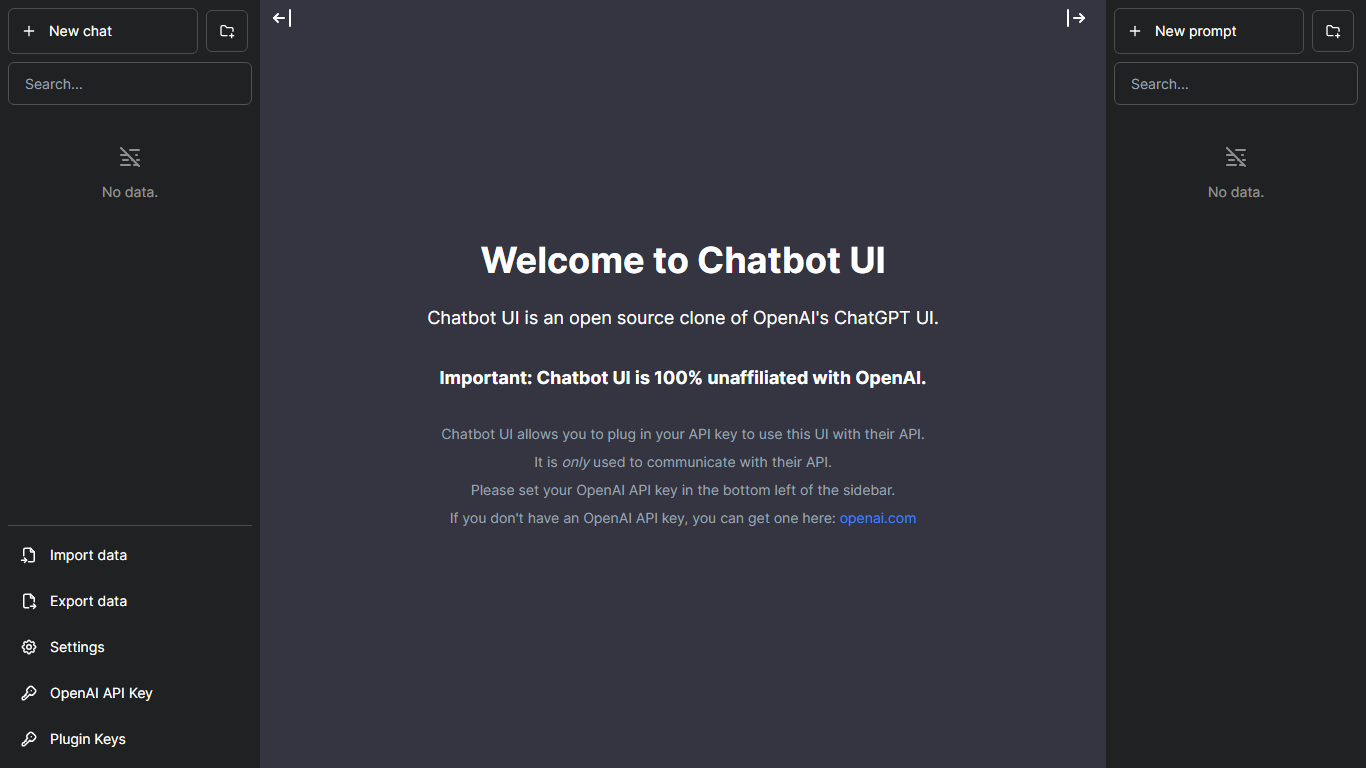
Chatbot UI gives you a browser chat workspace where you can talk to more than 80 AI models from one login. The hosted app at chatbotui.com pairs a simple start-chat flow with the open source Chatbot UI project that lists 33.3k GitHub stars on its homepage badge.
Compared with single-model chat sites, Chatbot UI's pitch is model choice inside one interface rather than a custom bot builder or helpdesk widget. The marketing site points to the public GitHub repo for self-hosting and to a hosted demo for users who want the multi-model UI without running infrastructure.
Developers evaluating chat front ends, power users switching between providers, and teams testing model responses side by side are the natural audience. Takeoff AI is credited as the builder of the hosted experience on the current homepage.
Dante AI
What is Dante AI?
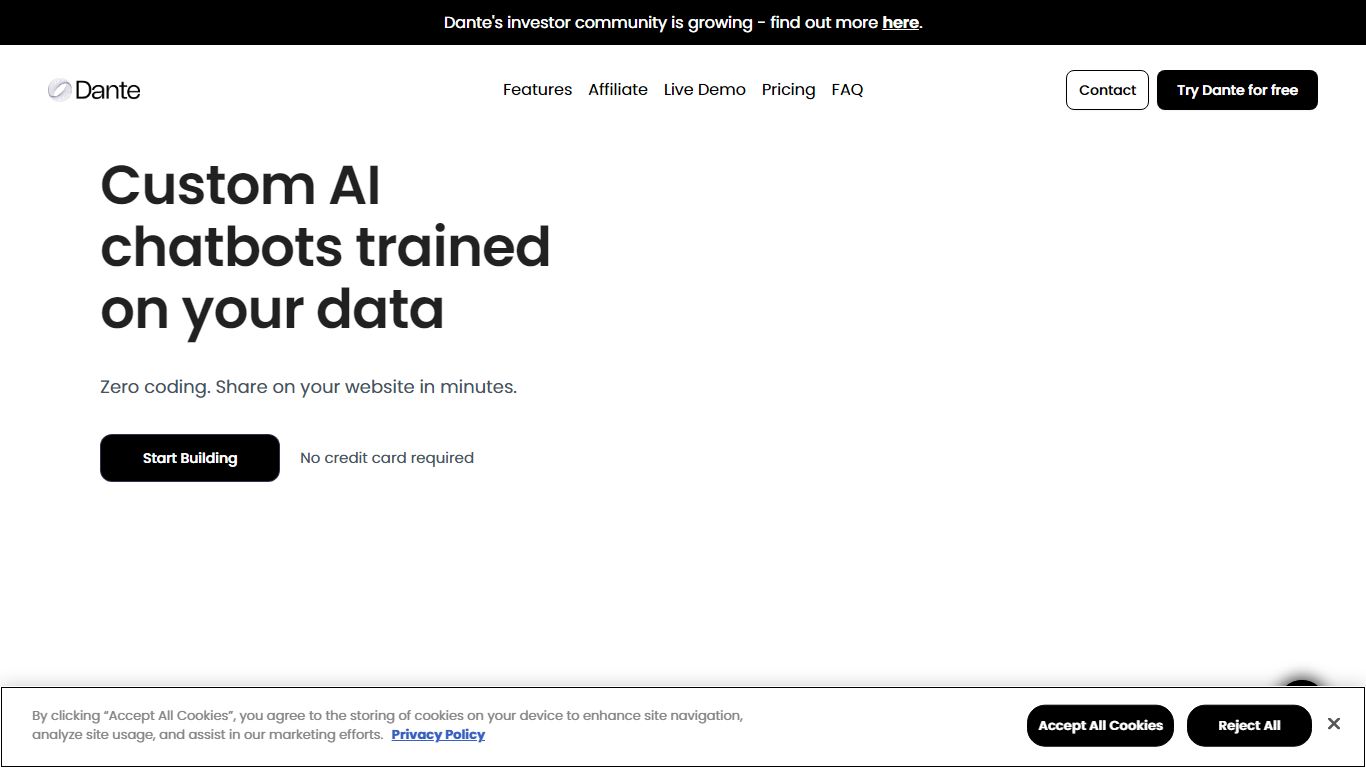
Dante AI builds customer support chatbots that train on your website, PDFs, and help docs, then answer visitor questions from an embeddable widget. Paste a URL, upload files, or write Q&A pairs and the agent can go live in under 60 seconds with no code. Over 100,000 agents have been built on the platform, and the free tier lets you test before adding a script tag to your site.
Most chatbot builders charge per resolution or per conversation, which means costs climb when the bot works well. Dante uses flat monthly plans with no per-ticket fees, and paid tiers add lead capture, CRM sync, and human handover when the AI cannot finish a thread. White-label branding, custom domains, and SSO sit on higher plans for agencies and larger teams.
Support leads use Dante to deflect repeat questions about refunds, shipping, and passwords while keeping a live inbox for escalations. Starter at $40 per month fits side projects, Advanced at $120 adds weekly knowledge refreshes and lead capture, and Pro at $400 unlocks API access, daily auto-updates, and full white-label removal of Dante branding.
Chatbot UI Upvotes
Dante AI Upvotes
Chatbot UI Top Features
Hosted chat interface advertises access to more than 80 AI models
Homepage links to the open source repo showing 33.3k GitHub stars
Offers account sign-up and login at chatbotui.com for cloud usage
Points self-hosters to the GitHub project for local deployments
Minimal UI focused on starting a chat session in one click
Dante AI Top Features
Paste a website URL and Dante crawls content to launch an AI agent in under 60 seconds
Free plan includes 100 monthly credits after 700 onboarding credits with GPT-4o mini access
Starter plan at $40 per month includes 2,000 credits and 25M characters of training data
Advanced plan at $120 per month adds lead capture, weekly knowledge refreshes, and 8,000 credits
Human Handover passes full chat history to a live teammate when the AI cannot answer
Deploy via one script tag on HTML, WordPress, Webflow, or connect 9,000+ apps through Zapier
Chatbot UI Category
- Customer Support
Dante AI Category
- Customer Support
Chatbot UI Pricing Type
- Freemium
Dante AI Pricing Type
- Freemium