ChatGate (formerly ChatGPT AI) vs Microsoft Loop
In the contest of ChatGate (formerly ChatGPT AI) vs Microsoft Loop, which AI All In One tool is the champion? We evaluate pricing, alternatives, upvotes, features, reviews, and more.
If you had to choose between ChatGate (formerly ChatGPT AI) and Microsoft Loop, which one would you go for?
When we examine ChatGate (formerly ChatGPT AI) and Microsoft Loop, both of which are AI-enabled all in one tools, what unique characteristics do we discover? Neither tool takes the lead, as they both have the same upvote count. Since other aitools.fyi users could decide the winner, the ball is in your court now to cast your vote and help us determine the winner.
Think we got it wrong? Cast your vote and show us who's boss!
ChatGate (formerly ChatGPT AI)
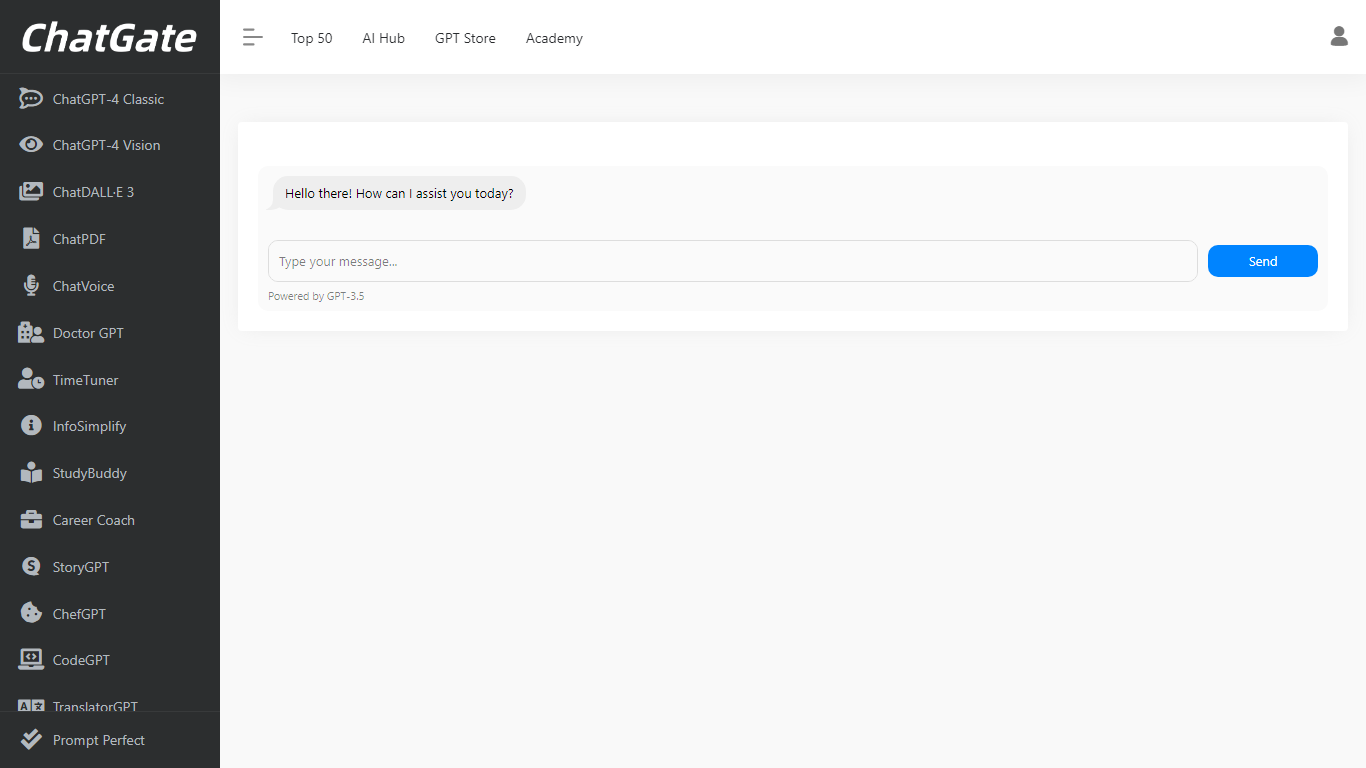

What is ChatGate (formerly ChatGPT AI)?
ChatGate at chatgpt.ai is a third-party AI gateway that routes chat, image, and video requests across ChatGPT, Gemini, Claude, and other major models from one web interface. You pick a model manually or leave routing on Auto, then generate without juggling separate provider accounts.
Unlike signing up directly with OpenAI or Google, ChatGate sells consolidated access through tiered subscriptions and adds a Discover feed that ranks newly launched AI apps by category. The chatgpt.ai domain redirects to chatgate.ai, so the product brands as ChatGate even though the listing URL predates the rename.
Builders, marketers, and researchers who want one bill for multiple frontier models fit here, especially if they also browse the Discover leaderboard for fresh tools. It is not the official OpenAI ChatGPT product at chat.openai.com.
Microsoft Loop
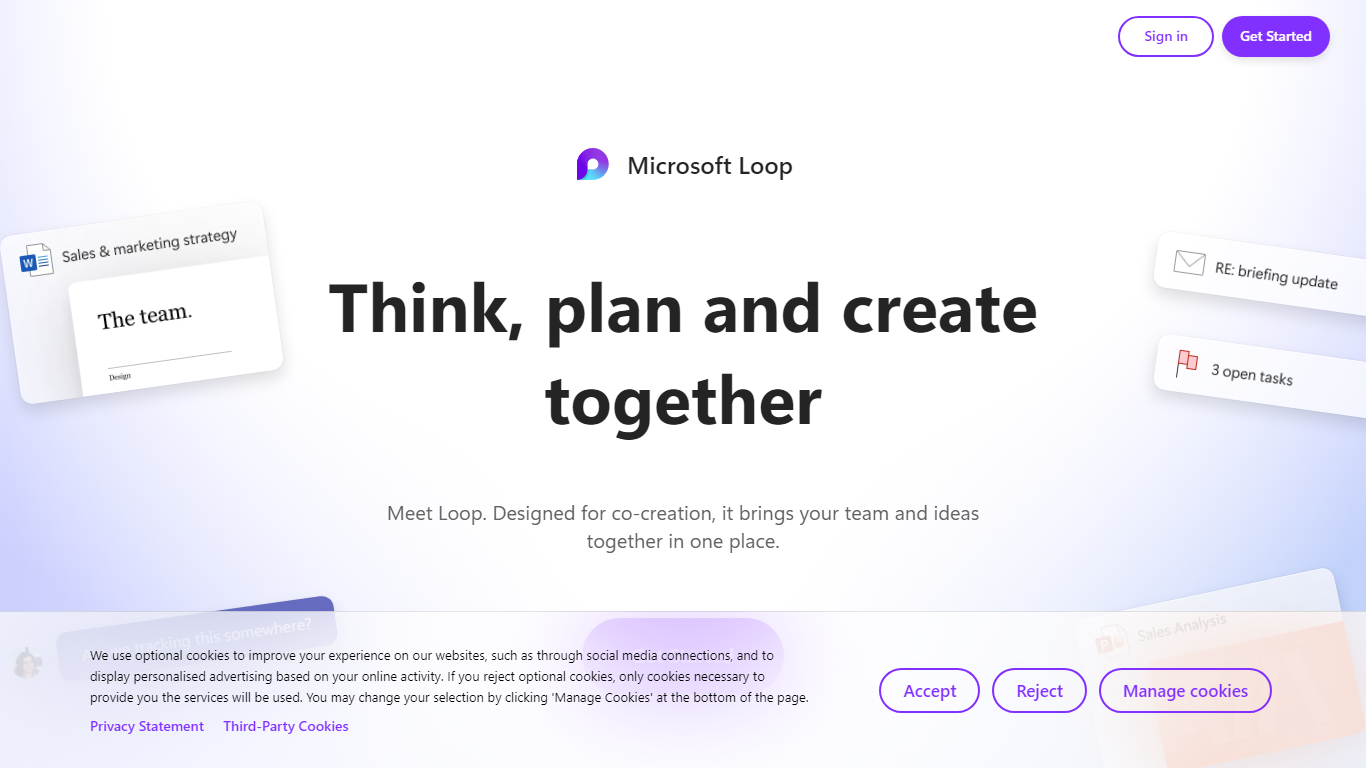
What is Microsoft Loop?
Microsoft Loop lets teams capture ideas, tasks, and notes on flexible pages that stay connected across Microsoft 365. Work lives in shared workspaces and portable Loop components you can drop into Teams chats, Outlook emails, OneNote notebooks, and Whiteboard sessions. Edits sync in real time whether someone works in the Loop web app, on iOS, or on Android.
Most planning tools trap content in one app. Loop components are built to travel: paste a task tracker or voting table into a Teams message or Outlook draft, and changes in either place update everywhere. That cross-app portability is the core design, not an integration add-on. Copilot blocks add group AI co-authoring when your organization has a Copilot for Microsoft 365 plan.
Loop fits teams already on Microsoft 365 who want an all-in-one surface for notes, tasks, tables, and decisions without leaving chat and email. Project leads spin up pages from templates like Team Decision, Project Plan, and Meeting Notes. Remote and hybrid groups use mentions, nudges, status changes, and task assignments to stay aligned across time zones.
ChatGate (formerly ChatGPT AI) Upvotes
Microsoft Loop Upvotes
ChatGate (formerly ChatGPT AI) Top Features
Reach ChatGPT, Gemini, Claude, and other models from one chat workspace
Generate text, images, and video without switching provider sites
Switch models manually or leave routing on Auto
Web research workflows included on every paid plan from $20 per month
Discover feed ranks new AI apps across 15 product categories
Yearly billing saves 20% compared with monthly payments
Microsoft Loop Top Features
Loop components (lists, tables, notes, task trackers) stay in sync when pasted into Teams, Outlook, OneNote, or Whiteboard
Page templates include Team Decision, Project Plan, Project Goals, and Meeting Notes
Type "/" to open an insert menu for lists, tables, @mentions, files, and other block types
Copilot blocks support Create, Brainstorm, Summarize, and Answer modes for group co-authoring
Apps run on the web at loop.cloud.microsoft plus native iOS and Android clients
Voting tables let teammates rank options with live multi-user editing
ChatGate (formerly ChatGPT AI) Category
- All In One
Microsoft Loop Category
- All In One
ChatGate (formerly ChatGPT AI) Pricing Type
- Freemium
Microsoft Loop Pricing Type
- Freemium