
Last updated 07-30-2026
Category:
Reviews:
Join thousands of AI enthusiasts in the World of AI!
Microsoft Loop
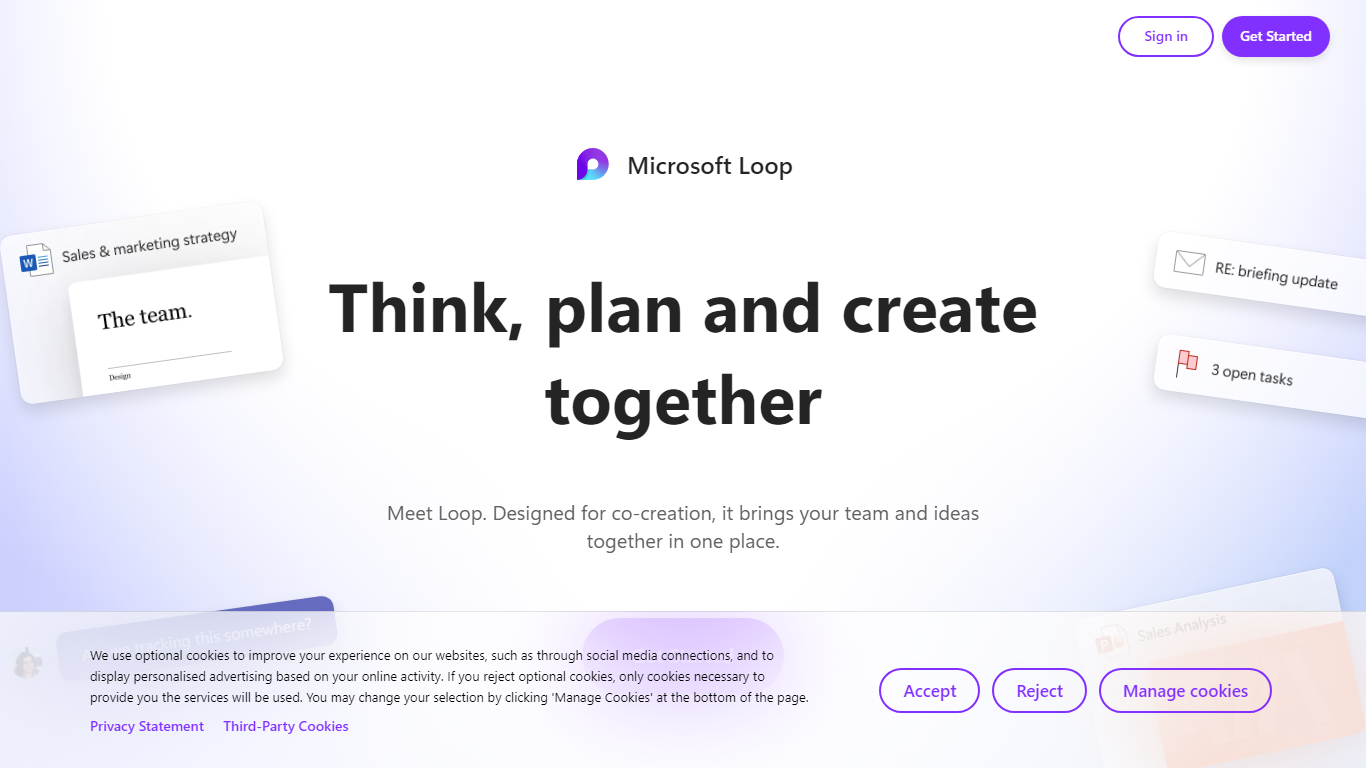
Microsoft Loop lets teams capture ideas, tasks, and notes on flexible pages that stay connected across Microsoft 365. Work lives in shared workspaces and portable Loop components you can drop into Teams chats, Outlook emails, OneNote notebooks, and Whiteboard sessions. Edits sync in real time whether someone works in the Loop web app, on iOS, or on Android.
Most planning tools trap content in one app. Loop components are built to travel: paste a task tracker or voting table into a Teams message or Outlook draft, and changes in either place update everywhere. That cross-app portability is the core design, not an integration add-on. Copilot blocks add group AI co-authoring when your organization has a Copilot for Microsoft 365 plan.
Loop fits teams already on Microsoft 365 who want an all-in-one surface for notes, tasks, tables, and decisions without leaving chat and email. Project leads spin up pages from templates like Team Decision, Project Plan, and Meeting Notes. Remote and hybrid groups use mentions, nudges, status changes, and task assignments to stay aligned across time zones.
Loop components (lists, tables, notes, task trackers) stay in sync when pasted into Teams, Outlook, OneNote, or Whiteboard
Page templates include Team Decision, Project Plan, Project Goals, and Meeting Notes
Type "/" to open an insert menu for lists, tables, @mentions, files, and other block types
Copilot blocks support Create, Brainstorm, Summarize, and Answer modes for group co-authoring
Apps run on the web at loop.cloud.microsoft plus native iOS and Android clients
Voting tables let teammates rank options with live multi-user editing
Loop components update in real time across Teams, Outlook, OneNote, and Whiteboard without duplicate copies
Templates like Team Decision, Project Plan, and Meeting Notes speed up structured page setup
Native iOS and Android apps plus web access at loop.cloud.microsoft cover desk and mobile workflows
Copilot blocks let a whole team brainstorm, summarize, or draft content in one shared page
Granular notifications for mentions, nudges, status changes, and task assignments reduce noise
External guest sharing is not supported on Loop workspaces
Copilot features in Loop require a separate Copilot for Microsoft 365 plan
Personal workspace creation requires an active OneDrive site and license
Loop pages and workspaces count toward Microsoft cloud storage quotas
What is Microsoft Loop?
Microsoft Loop is a co-creation workspace that combines flexible pages, portable Loop components, and shared workspaces. Components are lists, tables, notes, and task trackers that stay in sync across Microsoft 365 apps. Teams use Loop to think, plan, and create together from the web or mobile apps.
Where can I use Microsoft Loop?
Microsoft Loop runs as a web app at loop.cloud.microsoft and has native iOS and Android apps. Loop components also work inside Microsoft Teams, Outlook, OneNote, and Whiteboard. Sign in with a personal or work Microsoft account to open workspaces and pages.
Does Microsoft Loop cost money?
Microsoft Loop is included with eligible Microsoft 365 plans that provide SharePoint or OneDrive storage for work and school accounts. Personal Microsoft accounts can sign in at loop.cloud.microsoft without a separate Loop purchase. Loop workspaces and components count toward your Microsoft cloud storage quota.
What are Loop components in Microsoft Loop?
Loop components are portable blocks such as lists, tables, notes, and task trackers that stay in sync wherever they are shared. In Microsoft Loop you build them on pages, then paste them into Teams chats, Outlook emails, OneNote, or Whiteboard. Everyone always sees the latest version.
Does Microsoft Loop include Copilot?
Microsoft Loop offers Copilot blocks for Create, Brainstorm, Summarize, and Answer workflows, but a Copilot for Microsoft 365 plan is required to use those AI features in the Loop app. The rest of Loop, including components, pages, and workspaces, works without Copilot.
Which apps support Loop components?
Microsoft Loop components are supported in Microsoft Teams, Outlook, OneNote, and Whiteboard, in addition to the Loop app itself. Edits made in any of those apps update the same component everywhere it was shared, so teams do not maintain duplicate copies.
Can guests access Microsoft Loop workspaces?
Microsoft Loop does not support external sharing for guests or external users on workspaces. Only users inside your organization can collaborate on Loop workspaces under the documented known issues. Internal teammates with Microsoft Entra work accounts get full workspace access when storage requirements are met.