Microsoft Loop vs AI Awesome
In the clash of Microsoft Loop vs AI Awesome, which AI All In One tool emerges victorious? We assess reviews, pricing, alternatives, features, upvotes, and more.
When we put Microsoft Loop and AI Awesome head to head, which one emerges as the victor?
Let's take a closer look at Microsoft Loop and AI Awesome, both of which are AI-driven all in one tools, and see what sets them apart. In the race for upvotes, Microsoft Loop takes the trophy. The upvote count for Microsoft Loop is 6, and for AI Awesome it's 3.
Think we got it wrong? Cast your vote and show us who's boss!
Microsoft Loop

What is Microsoft Loop?
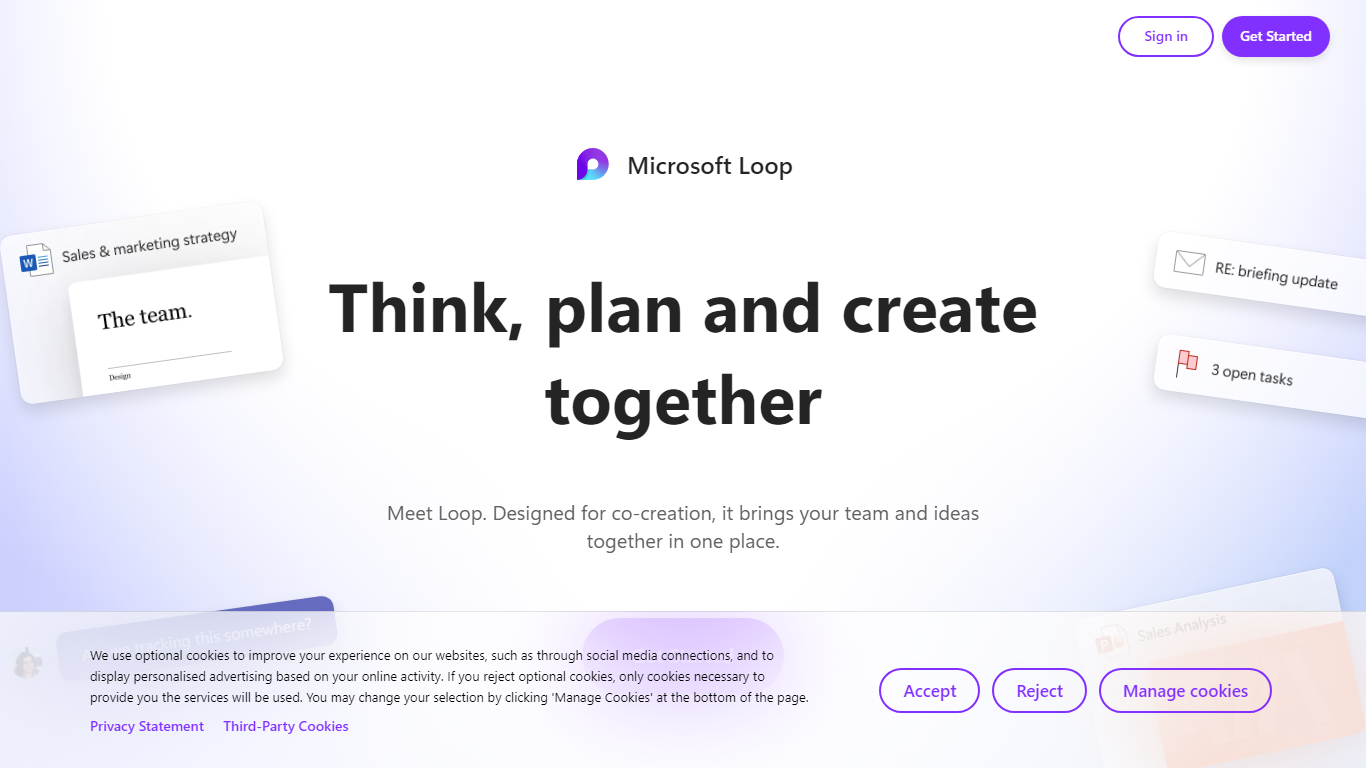
Microsoft Loop lets teams capture ideas, tasks, and notes on flexible pages that stay connected across Microsoft 365. Work lives in shared workspaces and portable Loop components you can drop into Teams chats, Outlook emails, OneNote notebooks, and Whiteboard sessions. Edits sync in real time whether someone works in the Loop web app, on iOS, or on Android.
Most planning tools trap content in one app. Loop components are built to travel: paste a task tracker or voting table into a Teams message or Outlook draft, and changes in either place update everywhere. That cross-app portability is the core design, not an integration add-on. Copilot blocks add group AI co-authoring when your organization has a Copilot for Microsoft 365 plan.
Loop fits teams already on Microsoft 365 who want an all-in-one surface for notes, tasks, tables, and decisions without leaving chat and email. Project leads spin up pages from templates like Team Decision, Project Plan, and Meeting Notes. Remote and hybrid groups use mentions, nudges, status changes, and task assignments to stay aligned across time zones.
AI Awesome
What is AI Awesome?
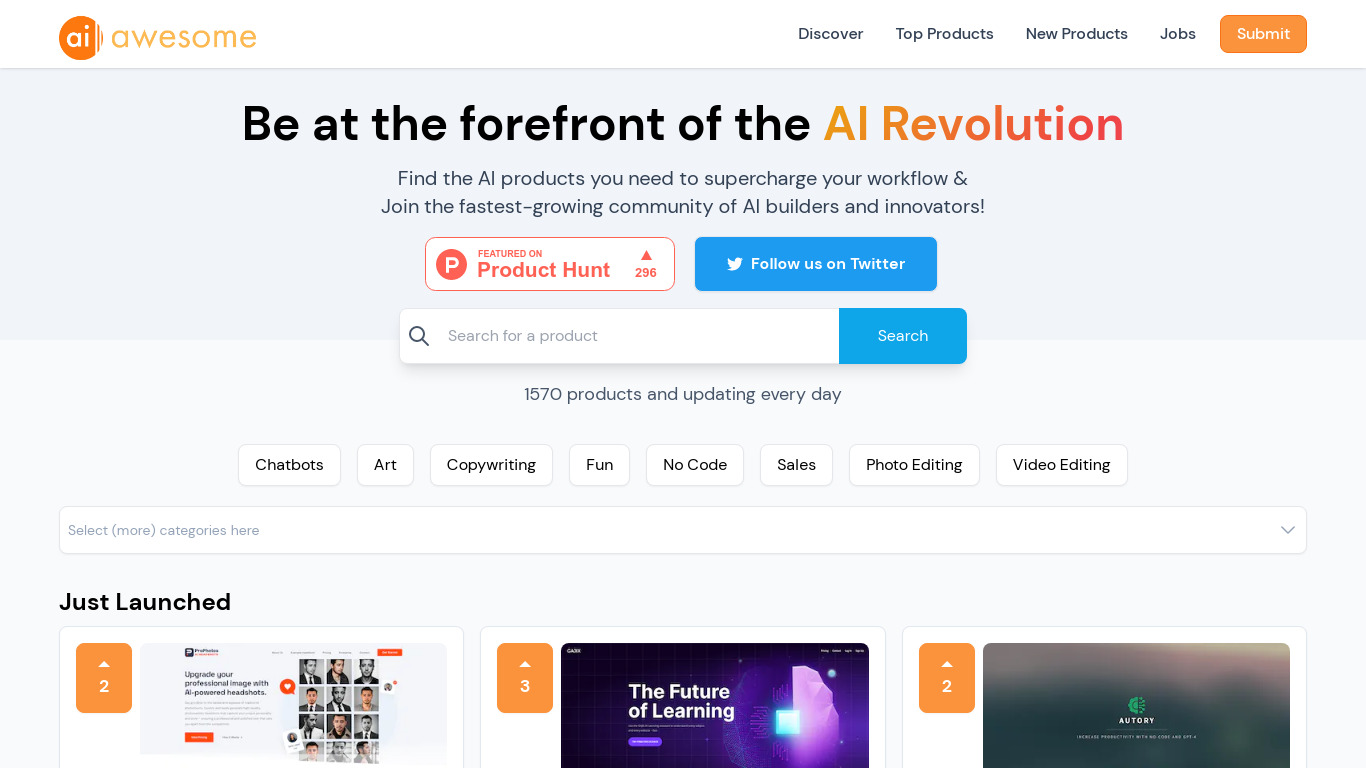
AI Awesome is an all-in-one hub for discovering AI tools, jobs, and builder projects. The directory lists 1,570 products across categories like chatbots, copywriting, photo editing, and no-code, with new tools added daily. You can browse top and newest listings, search by category, and follow a newsletter that promises AI news in three minutes or less.
Most AI directories only catalog tools. AI Awesome also runs an AI jobs board with engineering, marketing, and LLM filters, plus HustleGPT project submissions and sponsor slots for builders who want reach. That mix turns a discovery site into a small community hub rather than a static list.
Startup founders hunting tools, indie builders comparing launches, and job seekers looking for AI roles use AI Awesome to scan what's new without jumping between separate job boards and directories. Product submissions go through a Typeform, and sponsors can advertise to the newsletter audience followed by teams at OpenAI, Google, a16z, Microsoft, and Sequoia.
Microsoft Loop Upvotes
AI Awesome Upvotes
Microsoft Loop Top Features
Loop components (lists, tables, notes, task trackers) stay in sync when pasted into Teams, Outlook, OneNote, or Whiteboard
Page templates include Team Decision, Project Plan, Project Goals, and Meeting Notes
Type "/" to open an insert menu for lists, tables, @mentions, files, and other block types
Copilot blocks support Create, Brainstorm, Summarize, and Answer modes for group co-authoring
Apps run on the web at loop.cloud.microsoft plus native iOS and Android clients
Voting tables let teammates rank options with live multi-user editing
AI Awesome Top Features
1,570 AI products listed across chatbots, copywriting, photo editing, video editing, and no-code categories
Top Products and New Products pages with search and category filters
AI jobs board with Engineering, Marketing, Sales, Image Generation, and LLM filters
Newsletter delivers AI news in 3 minutes or less to subscribers
Submit products, jobs, and HustleGPT projects through dedicated submission flows
Sponsor and advertise options to reach the AI Awesome builder audience
Microsoft Loop Category
- All In One
AI Awesome Category
- All In One
Microsoft Loop Pricing Type
- Freemium
AI Awesome Pricing Type
- Free