Microsoft Loop vs Cogram
Explore the showdown between Microsoft Loop vs Cogram and find out which AI All In One tool wins. We analyze upvotes, features, reviews, pricing, alternatives, and more.
In a face-off between Microsoft Loop and Cogram, which one takes the crown?
When we contrast Microsoft Loop with Cogram, both of which are exceptional AI-operated all in one tools, and place them side by side, we can spot several crucial similarities and divergences. The upvote count reveals a draw, with both tools earning the same number of upvotes. Every vote counts! Cast yours and contribute to the decision of the winner.
Disagree with the result? Upvote your favorite tool and help it win!
Microsoft Loop

What is Microsoft Loop?
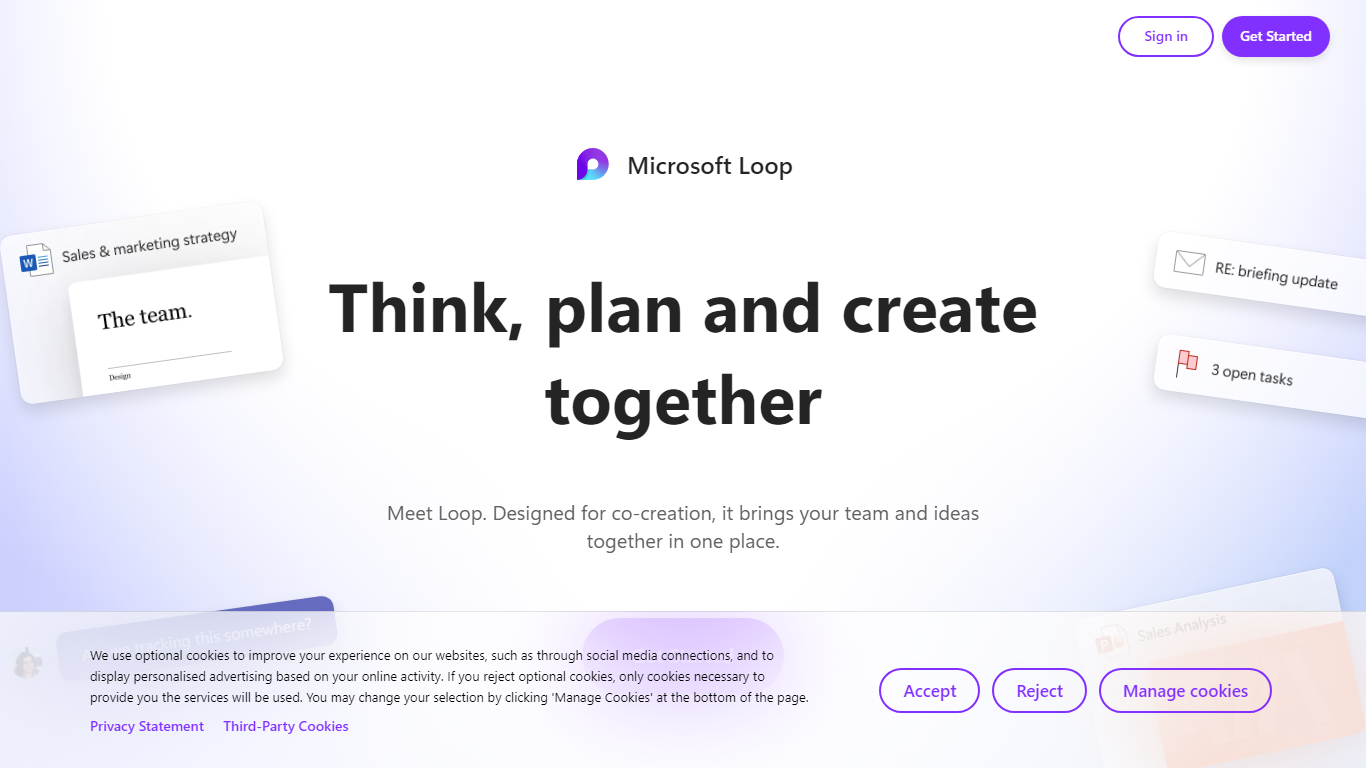
Microsoft Loop lets teams capture ideas, tasks, and notes on flexible pages that stay connected across Microsoft 365. Work lives in shared workspaces and portable Loop components you can drop into Teams chats, Outlook emails, OneNote notebooks, and Whiteboard sessions. Edits sync in real time whether someone works in the Loop web app, on iOS, or on Android.
Most planning tools trap content in one app. Loop components are built to travel: paste a task tracker or voting table into a Teams message or Outlook draft, and changes in either place update everywhere. That cross-app portability is the core design, not an integration add-on. Copilot blocks add group AI co-authoring when your organization has a Copilot for Microsoft 365 plan.
Loop fits teams already on Microsoft 365 who want an all-in-one surface for notes, tasks, tables, and decisions without leaving chat and email. Project leads spin up pages from templates like Team Decision, Project Plan, and Meeting Notes. Remote and hybrid groups use mentions, nudges, status changes, and task assignments to stay aligned across time zones.
Cogram
What is Cogram?
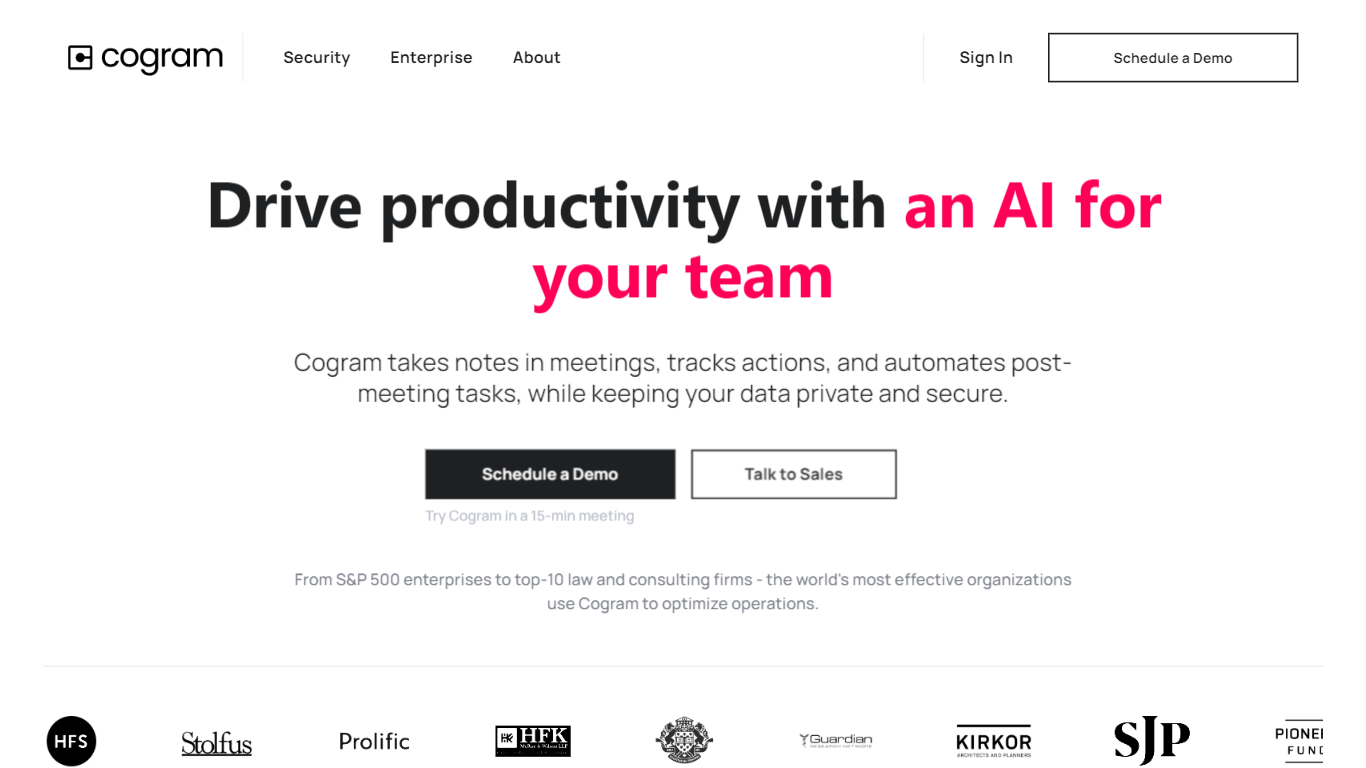
Cogram gives architects and engineers one workspace for project documentation, from meeting minutes and field reports to RFIs, submittals, and project email. The platform connects to Procore, Deltek, Unanet, Microsoft Teams, Outlook, Autodesk, Zoom, and Google Meet, then outputs drafts in your firm's templates instead of generic summaries.
Generic meeting assistants capture call notes. Cogram is built around AEC workflows: RFIs and submittals sync with Procore, field reports come from voice and photos on site, and the project Agent answers questions against drawings and correspondence. Modular pricing lets firms buy only the modules they need, and external collaborator accounts are free.
Project managers, design leads, and construction administrators use Cogram to cut repetitive admin work the homepage estimates can save several hours per week. Individuals can start a 14-day trial; team pricing is quoted per seat after a demo.
Microsoft Loop Upvotes
Cogram Upvotes
Microsoft Loop Top Features
Loop components (lists, tables, notes, task trackers) stay in sync when pasted into Teams, Outlook, OneNote, or Whiteboard
Page templates include Team Decision, Project Plan, Project Goals, and Meeting Notes
Type "/" to open an insert menu for lists, tables, @mentions, files, and other block types
Copilot blocks support Create, Brainstorm, Summarize, and Answer modes for group co-authoring
Apps run on the web at loop.cloud.microsoft plus native iOS and Android clients
Voting tables let teammates rank options with live multi-user editing
Cogram Top Features
Project Agent answers questions and analyzes AEC documents with project context
Meeting minutes and field reports generated in your firm's templates from calls or site visits
RFI and submittal logging integrated with Procore for faster review cycles
Email filing and search across all project correspondence
Integrations with Procore, Deltek, Unanet, Microsoft Teams, Outlook, Autodesk, Zoom, and Google Meet
SOC 2 Type II certified with SAML SSO, MFA, and no training on customer data
14-day free trial for individuals; external collaborator accounts are free on team plans
Microsoft Loop Category
- All In One
Cogram Category
- All In One
Microsoft Loop Pricing Type
- Freemium
Cogram Pricing Type
- Freemium