Kalos.art vs Microsoft Loop
In the clash of Kalos.art vs Microsoft Loop, which AI All In One tool emerges victorious? We assess reviews, pricing, alternatives, features, upvotes, and more.
When we put Kalos.art and Microsoft Loop head to head, which one emerges as the victor?
Let's take a closer look at Kalos.art and Microsoft Loop, both of which are AI-driven all in one tools, and see what sets them apart. In the race for upvotes, Kalos.art takes the trophy. Kalos.art has been upvoted 7 times by aitools.fyi users, and Microsoft Loop has been upvoted 6 times.
You don't agree with the result? Cast your vote to help us decide!
Kalos.art

What is Kalos.art?
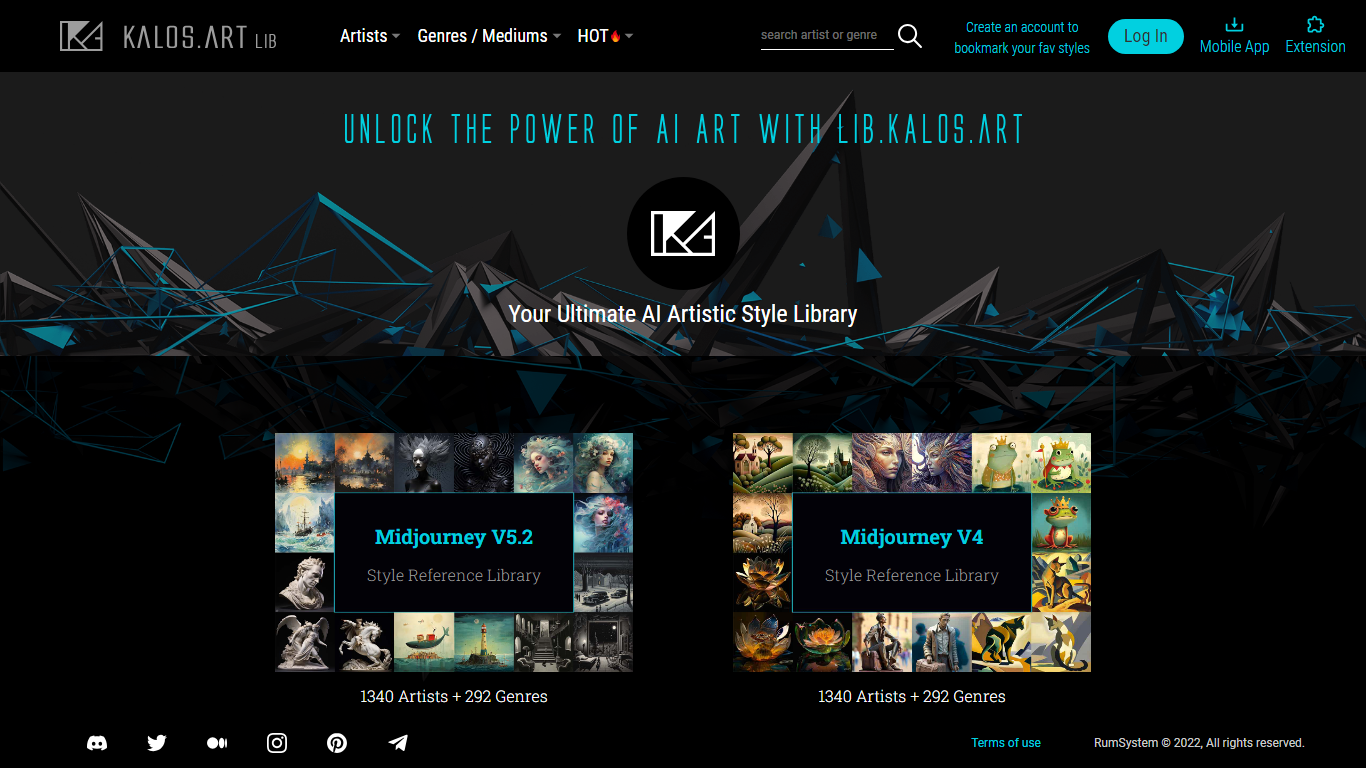
lib.KALOS.art is a browsable style reference library for AI image generation. It catalogs artist names and art genres organized for Midjourney v5.2, Midjourney v4, SDXL, Stable Diffusion 2.1, and Stable Diffusion 1.5. Each model gets its own library slice so you can see which prompts and references work on the engine you actually run.
Most prompt libraries dump the same artist list for every model. lib.KALOS.art sizes each library to what that model recognizes, from 767 artists on SD 2.1 up to 1,340 on MJ v5.2 and SDXL, with 292 genre and medium categories alongside the artist index. Every artist and genre entry ships with 8 to 11 themed example galleries so you compare outcomes before copying a prompt.
AI art hobbyists and working prompt engineers use it to look up a style, copy a tuned prompt through the built-in copier, and save favorites once they log in. It sits beside the broader Kalos.art marketplace but stays focused on reference browsing rather than selling artwork.
Microsoft Loop
What is Microsoft Loop?
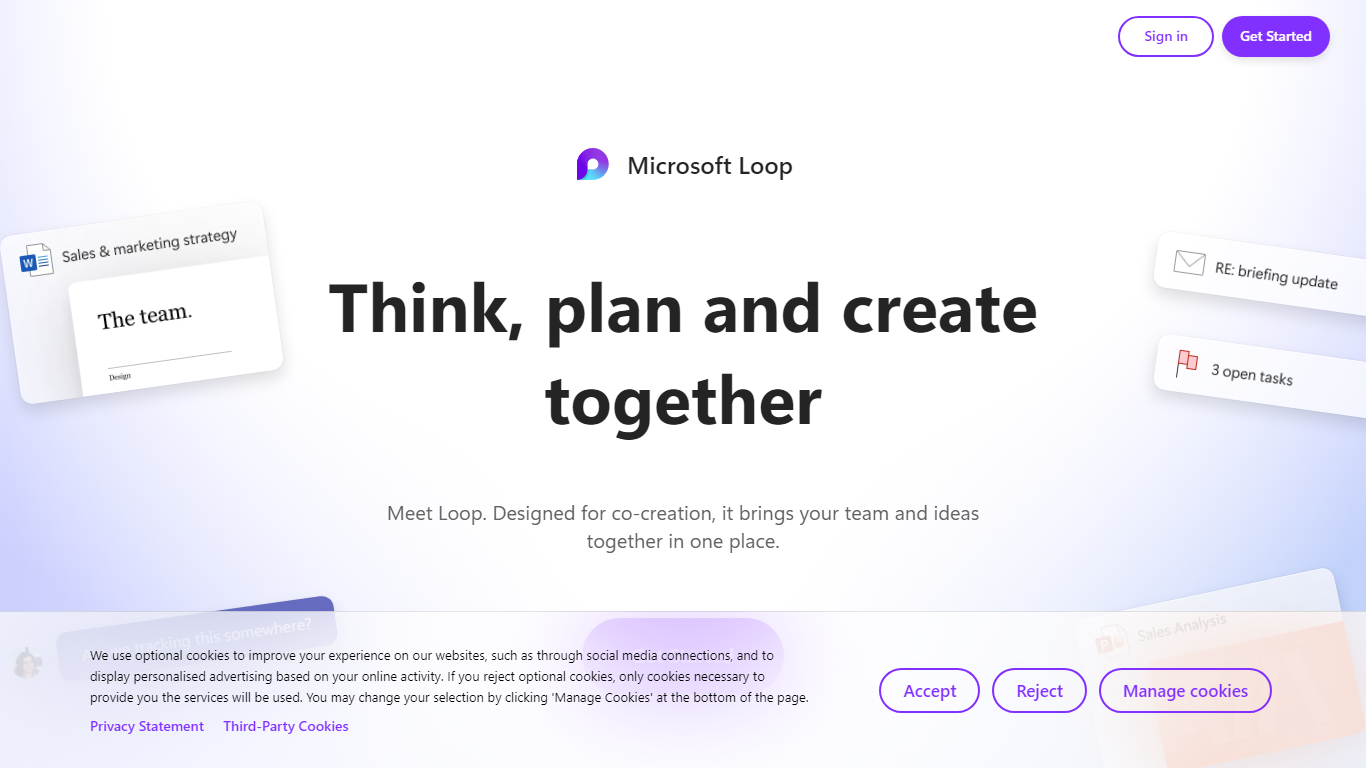
Microsoft Loop lets teams capture ideas, tasks, and notes on flexible pages that stay connected across Microsoft 365. Work lives in shared workspaces and portable Loop components you can drop into Teams chats, Outlook emails, OneNote notebooks, and Whiteboard sessions. Edits sync in real time whether someone works in the Loop web app, on iOS, or on Android.
Most planning tools trap content in one app. Loop components are built to travel: paste a task tracker or voting table into a Teams message or Outlook draft, and changes in either place update everywhere. That cross-app portability is the core design, not an integration add-on. Copilot blocks add group AI co-authoring when your organization has a Copilot for Microsoft 365 plan.
Loop fits teams already on Microsoft 365 who want an all-in-one surface for notes, tasks, tables, and decisions without leaving chat and email. Project leads spin up pages from templates like Team Decision, Project Plan, and Meeting Notes. Remote and hybrid groups use mentions, nudges, status changes, and task assignments to stay aligned across time zones.
Kalos.art Upvotes
Microsoft Loop Upvotes
Kalos.art Top Features
Midjourney v5.2 library lists 1,340 artists and 292 genre categories with separate model-specific indexes
Each artist or genre page shows 8 to 11 themed example galleries before you copy a prompt
Libraries cover five engines: MJ v5.2, MJ v4, SDXL, SD 2.1, and SD 1.5 with counts sized per model
Customizable Prompt Copier copies, edits, and pastes parameters in one step
Popularity rankings surface trending artist styles and theme outcomes across the library
Logged-in accounts can bookmark and build a personal collection of favorite artistic styles
Microsoft Loop Top Features
Loop components (lists, tables, notes, task trackers) stay in sync when pasted into Teams, Outlook, OneNote, or Whiteboard
Page templates include Team Decision, Project Plan, Project Goals, and Meeting Notes
Type "/" to open an insert menu for lists, tables, @mentions, files, and other block types
Copilot blocks support Create, Brainstorm, Summarize, and Answer modes for group co-authoring
Apps run on the web at loop.cloud.microsoft plus native iOS and Android clients
Voting tables let teammates rank options with live multi-user editing
Kalos.art Category
- All In One
Microsoft Loop Category
- All In One
Kalos.art Pricing Type
- Free
Microsoft Loop Pricing Type
- Freemium