ChatGPT Finder vs NocoAI
When comparing ChatGPT Finder vs NocoAI, which AI Web Apps tool shines brighter? We look at pricing, alternatives, upvotes, features, reviews, and more.
In a comparison between ChatGPT Finder and NocoAI, which one comes out on top?
When we put ChatGPT Finder and NocoAI side by side, both being AI-powered web apps tools, There's no clear winner in terms of upvotes, as both tools have received the same number. Your vote matters! Help us decide the winner among aitools.fyi users by casting your vote.
You don't agree with the result? Cast your vote to help us decide!
ChatGPT Finder
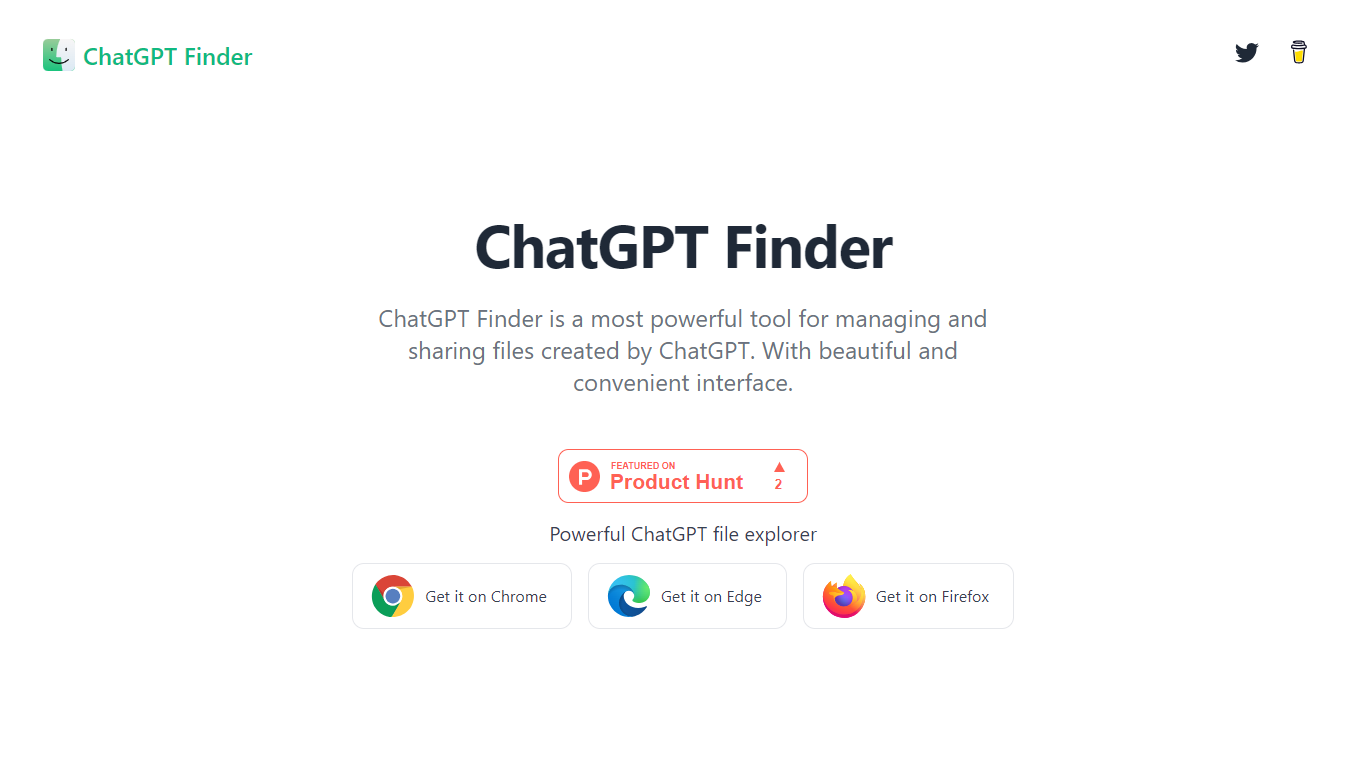

What is ChatGPT Finder ?
ChatGPT Finder is a browser extension for Chrome and Edge that adds a file explorer to ChatGPT. It helps you view, organize, and download files generated across your conversations, including DALL-E 3 images and code files from ChatGPT tools.
From a unified interface inside ChatGPT, you can browse creations grouped by conversation, download everything from one chat or your full library, and copy or export DALL-E 3 prompts individually or in bulk.
Downloads run in the background so you can keep working while files queue up. The extension stays in your browser and does not collect personal data according to its privacy policy.
Built for ChatGPT users who generate images, code, and other files regularly and want a simpler way to find and save them without digging through individual chats.
NocoAI
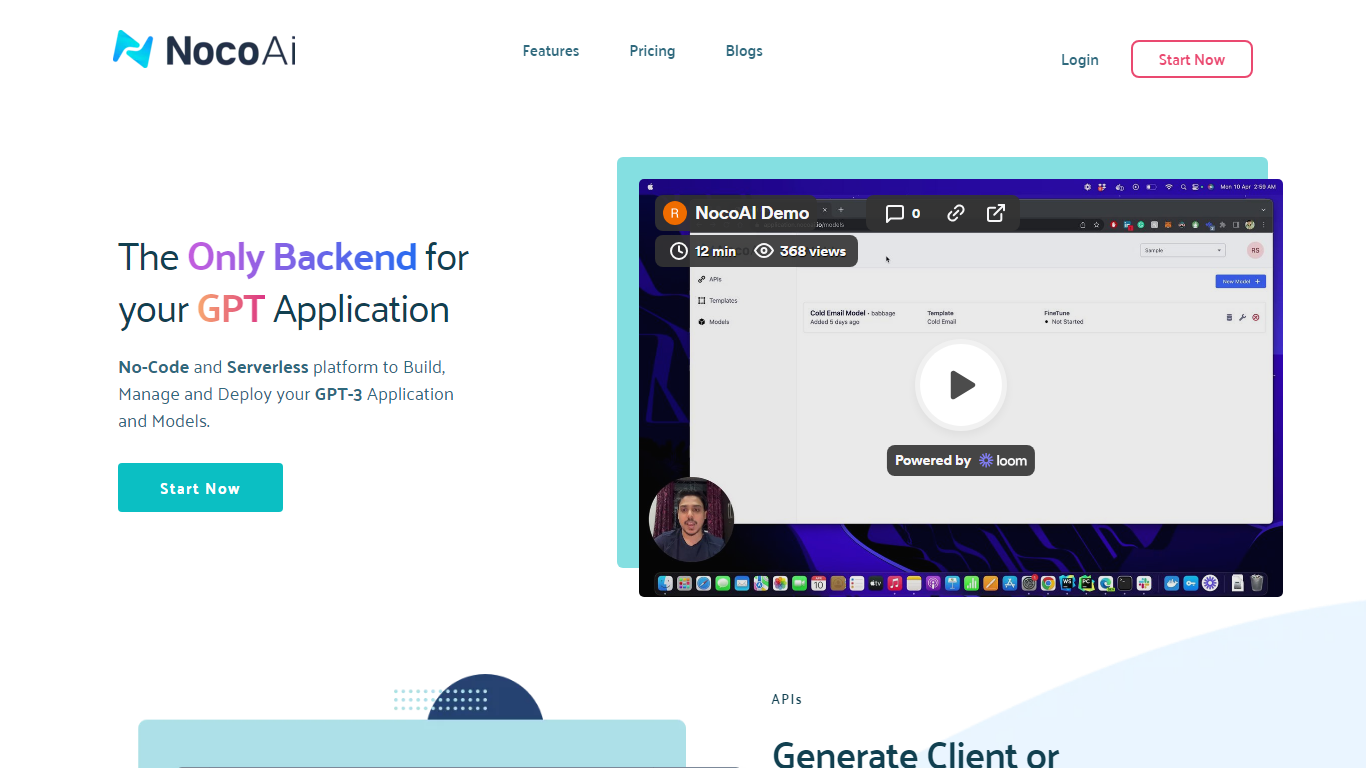
What is NocoAI?
NocoAI revolutionizes the deployment of GPT-based applications with its no-code, serverless platform, designed for simplicity and effectiveness. It empowers businesses to create custom models and API endpoints that cater to the client or backend needs. With NocoAI, you gain the ability to define prompt templates using the Mustache template engine, leading to highly personalized input for fine-tuning applications. The platform offers a unique feature enabling you to control OpenAI costs with request and user limits on your APIs, while the upcoming feature to analyze API usage promises an even more refined custom model optimization. Moreover, the NocoAI team stands ready to assist non-developers in adding datasets for further model fine-tuning via a user-friendly interface.
ChatGPT Finder Upvotes
NocoAI Upvotes
ChatGPT Finder Top Features
Browse every ChatGPT creation grouped by conversation, including DALL-E 3 images and code files
Download one conversation's files or your entire library in a single click
Copy or bulk-export every DALL-E 3 prompt from your ChatGPT history
Runs as a Chrome or Edge extension directly inside the ChatGPT interface
Queues multiple downloads in the background while you keep chatting
NocoAI Top Features
No-Code Platform: Utilize a serverless environment to build and deploy GPT applications without coding.
API Generation: Easily generate client or backend APIs with custom or inbuilt models.
Template Customization: Define prompt templates and variables with the Mustache template engine for personalized API inputs.
Cost Control: Implement request and user limits to manage OpenAI costs effectively.
Non-Developer Friendly: Engage the NocoAI team for assistance in dataset addition and model fine-tuning.
ChatGPT Finder Category
- Web Apps
NocoAI Category
- Web Apps
ChatGPT Finder Pricing Type
- Free
NocoAI Pricing Type
- Freemium