ChatGPT for Outlook vs BestRegards
Dive into the comparison of ChatGPT for Outlook vs BestRegards and discover which AI Email Assistant tool stands out. We examine alternatives, upvotes, features, reviews, pricing, and beyond.
In a comparison between ChatGPT for Outlook and BestRegards, which one comes out on top?
When we compare ChatGPT for Outlook and BestRegards, two exceptional email assistant tools powered by artificial intelligence, and place them side by side, several key similarities and differences come to light. Both tools have received the same number of upvotes from aitools.fyi users. The power is in your hands! Cast your vote and have a say in deciding the winner.
Don't agree with the result? Cast your vote and be a part of the decision-making process!
ChatGPT for Outlook

What is ChatGPT for Outlook?
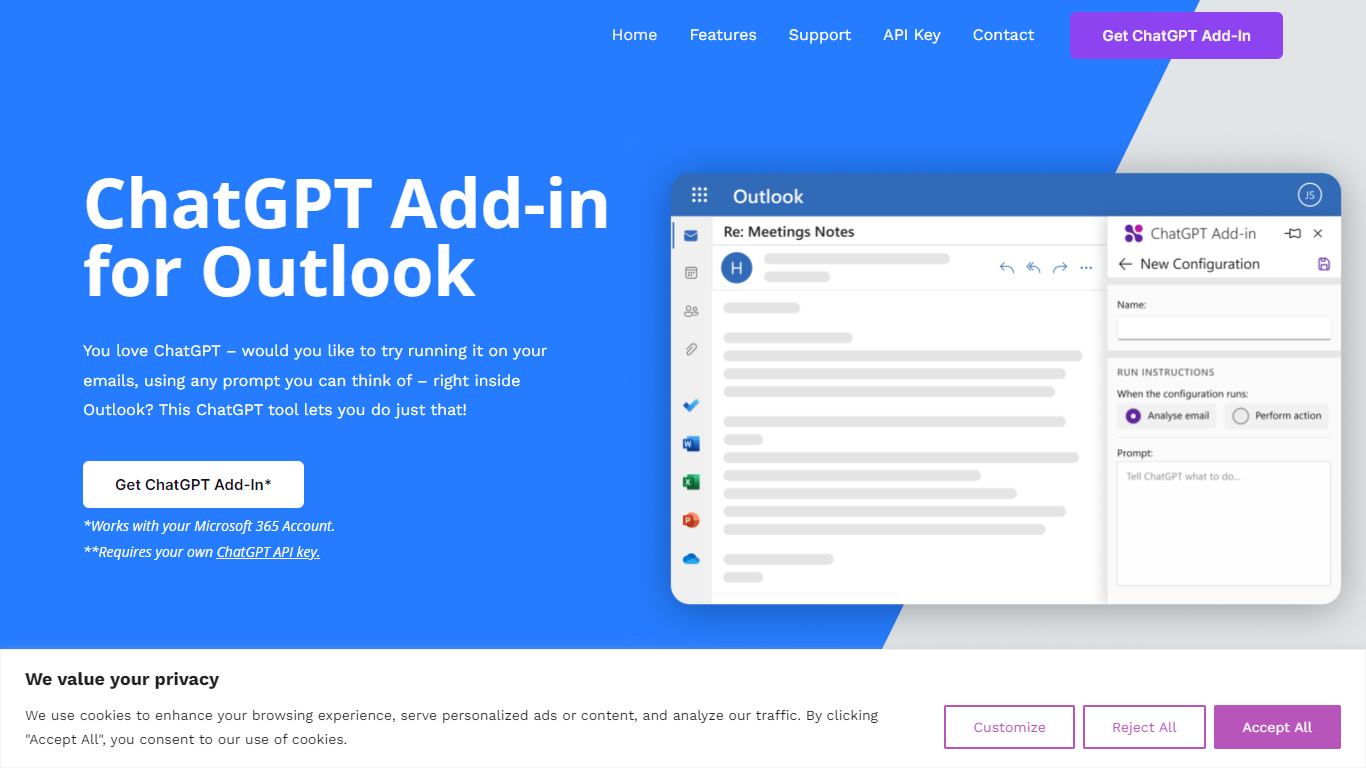
ChatGPT for Outlook is a free Outlook add-in from Blueberry Consultants that runs OpenAI's ChatGPT on messages in your inbox or while you compose new mail. You install it with a manifest URL, connect your own ChatGPT API key, and write custom prompts to summarize threads, pull out key details, or reshape email text without leaving Outlook.
The add-in is built for people who already rely on ChatGPT and want that workflow inside email. You can process a full message or narrow the scope to the body, subject, or attachments, then view results in a separate window or replace the original content. Multiple prompt configurations let you match different inbox scenarios.
Blueberry also offers custom branded versions for teams and resellers, with prompts and API keys tailored to a Microsoft 365 domain. The product is not affiliated with OpenAI or Microsoft, though Blueberry is a Microsoft Partner.
BestRegards
What is BestRegards?
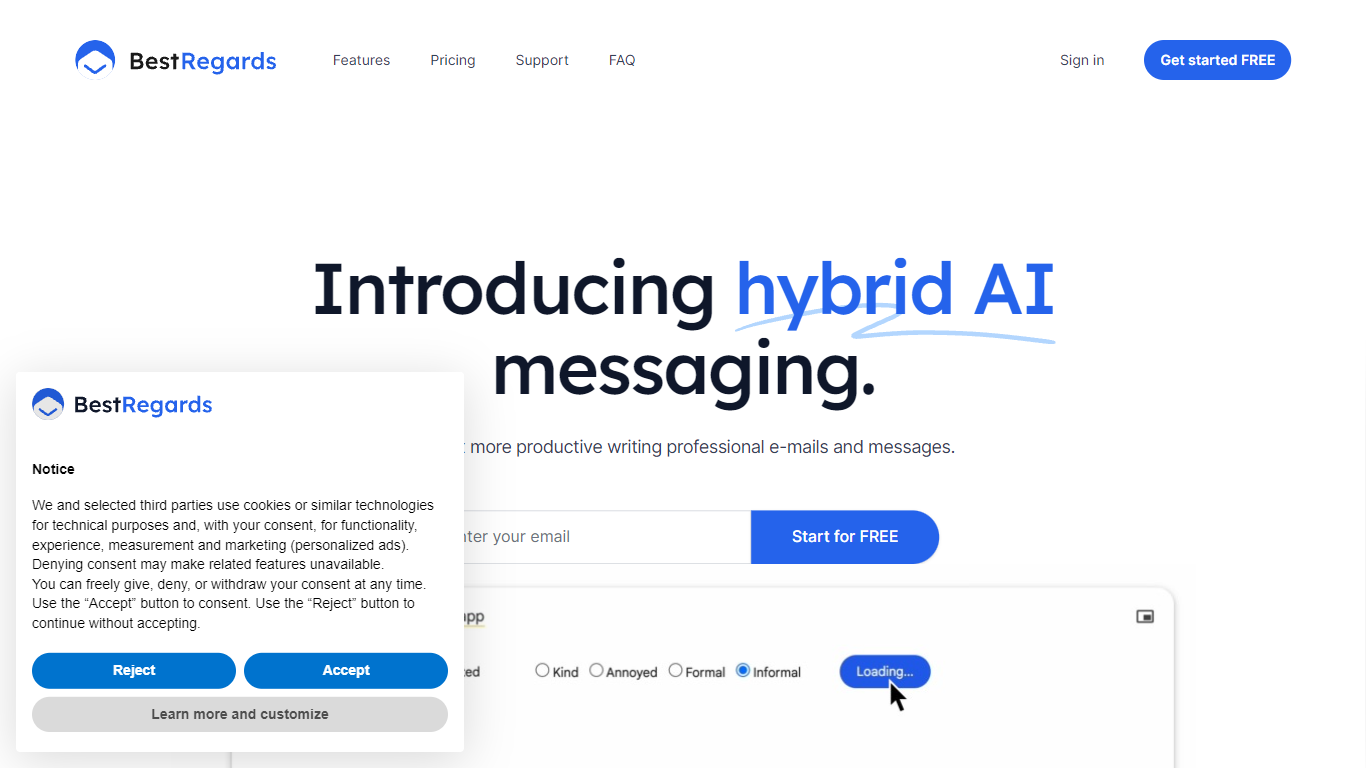
BestRegards is an innovative Chrome extension designed to enhance your productivity by automating the process of writing emails and messages. With its advanced AI capabilities, BestRegards can understand the context of the emails you receive and generate personalized replies in seconds. Whether you're dealing with professional correspondence or casual messaging, BestRegards simplifies the task, allowing you to reply quickly and effectively. It supports all main languages and works seamlessly with any email service, particularly Gmail, where it offers enhanced context detection.
ChatGPT for Outlook Upvotes
BestRegards Upvotes
ChatGPT for Outlook Top Features
Install via a manifest URL and connect your own ChatGPT API key in minutes
Write custom prompts to summarize emails, highlight details, or rewrite message text
Process the full email or filter by body, subject, or attachments only
Show ChatGPT output in a separate window or replace the original email body
Flag or mark importance automatically based on generated output
Save multiple prompt configurations for different email types or workflows
BestRegards Top Features
Context Detection: BestRegards reads the email and understands its context to generate the most appropriate response.
Magic Composing: With minimal input BestRegards composes a full message streamlining the email writing process.
Polyglot Capability: This tool supports all main languages allowing you to respond in the same language as your interlocutor.
Use Anywhere: The extension is accessible from any website making it convenient to use across different platforms.
No Programming Skills Required: BestRegards is designed for ease of use making it accessible to users without technical backgrounds.
ChatGPT for Outlook Category
- Email Assistant
BestRegards Category
- Email Assistant
ChatGPT for Outlook Pricing Type
- Freemium
BestRegards Pricing Type
- Freemium