ChatGPT for Outlook vs Parsio
In the battle of ChatGPT for Outlook vs Parsio, which AI Email Assistant tool comes out on top? We compare reviews, pricing, alternatives, upvotes, features, and more.
Between ChatGPT for Outlook and Parsio, which one is superior?
Upon comparing ChatGPT for Outlook with Parsio, which are both AI-powered email assistant tools, With more upvotes, Parsio is the preferred choice. Parsio has 7 upvotes, and ChatGPT for Outlook has 6 upvotes.
Disagree with the result? Upvote your favorite tool and help it win!
ChatGPT for Outlook

What is ChatGPT for Outlook?
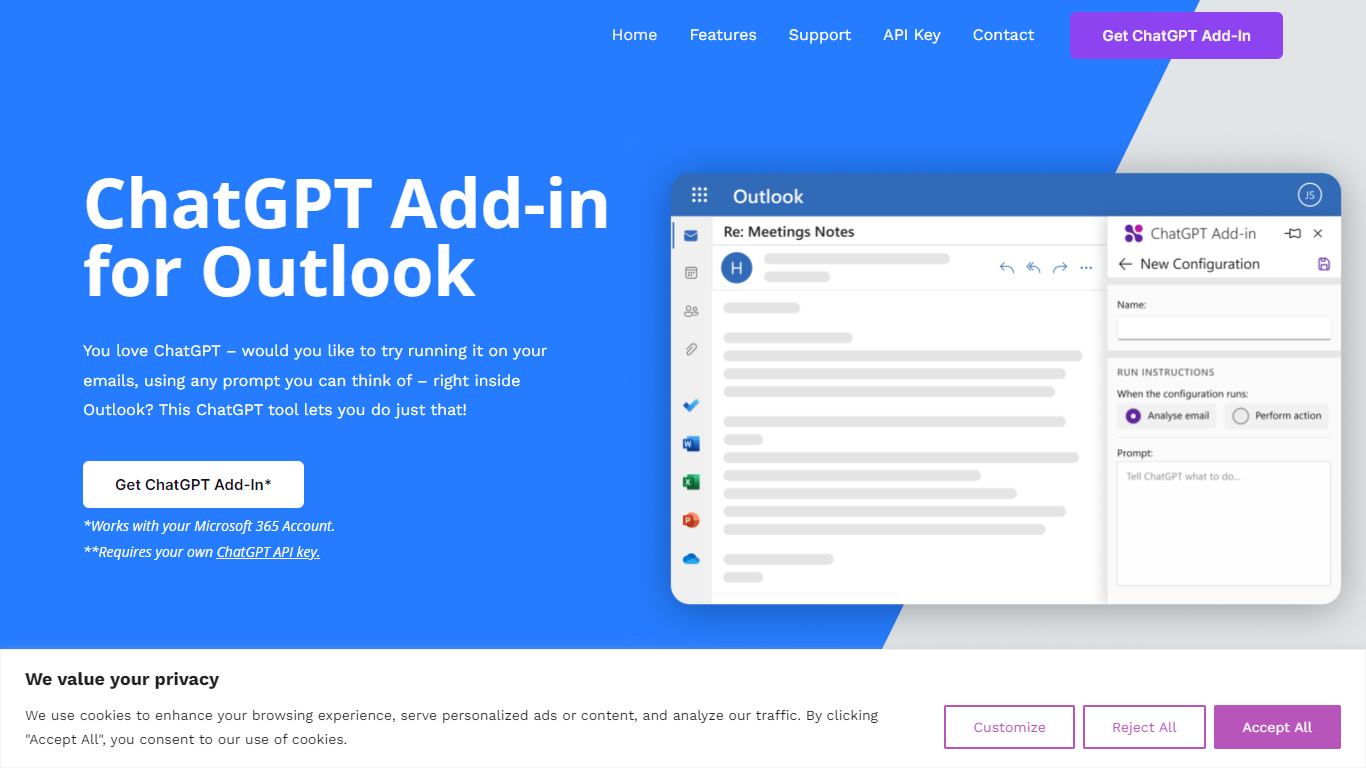
ChatGPT for Outlook is a free Outlook add-in from Blueberry Consultants that runs OpenAI's ChatGPT on messages in your inbox or while you compose new mail. You install it with a manifest URL, connect your own ChatGPT API key, and write custom prompts to summarize threads, pull out key details, or reshape email text without leaving Outlook.
The add-in is built for people who already rely on ChatGPT and want that workflow inside email. You can process a full message or narrow the scope to the body, subject, or attachments, then view results in a separate window or replace the original content. Multiple prompt configurations let you match different inbox scenarios.
Blueberry also offers custom branded versions for teams and resellers, with prompts and API keys tailored to a Microsoft 365 domain. The product is not affiliated with OpenAI or Microsoft, though Blueberry is a Microsoft Partner.
Parsio
What is Parsio?
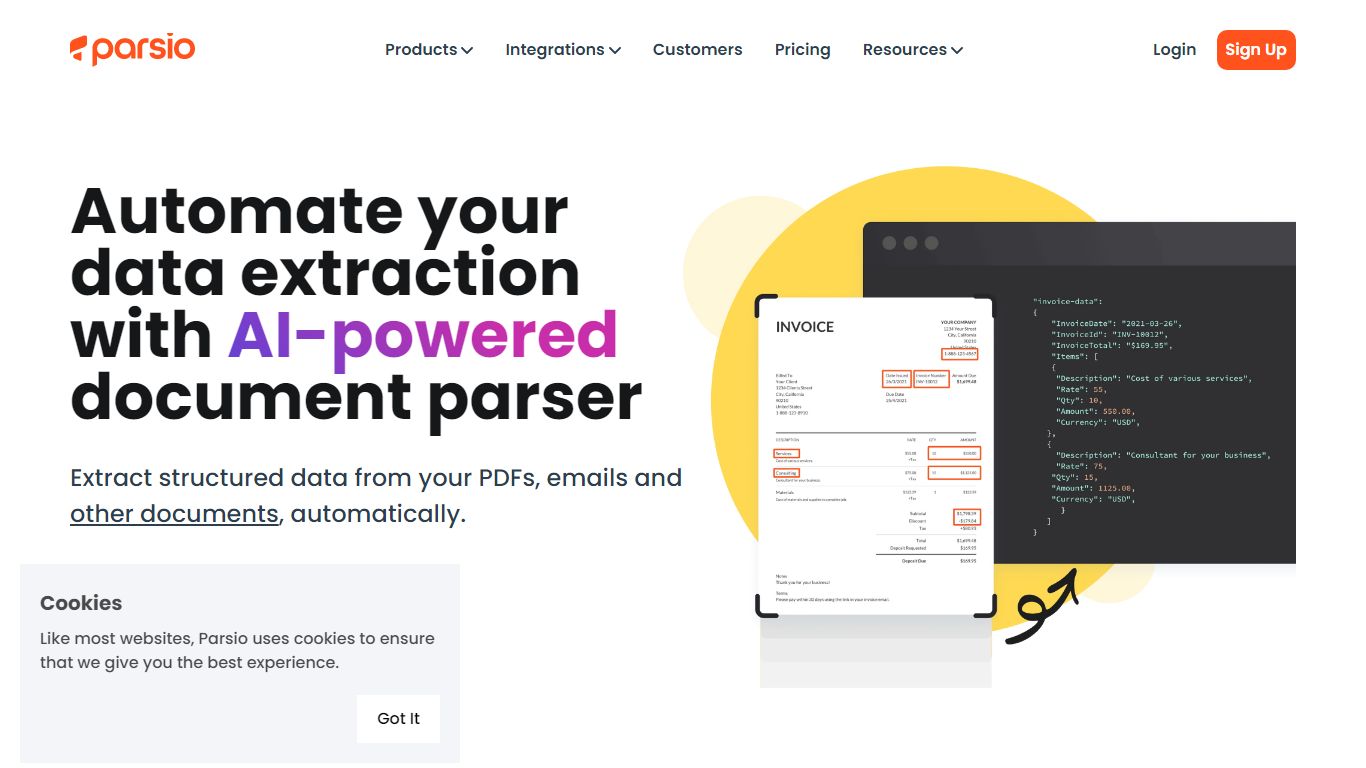
Parsio is an email assistant that turns incoming messages and attached documents into structured data you can export to spreadsheets or automation tools. It routes each file through one of four parser engines: template rules, AI extraction, GPT parsing, or OCR for scanned PDFs.
Where basic email parsers rely on brittle regex, Parsio lets you pick the engine that matches the document. Template mode handles fixed layouts like invoices, while GPT parsing covers changing formats, and the AI parser auto-extracts 15+ common document types including bank statements and receipts.
Operations teams, bookkeepers, and RevOps leads use Parsio to pull fields from vendor emails, bank alerts, and PDF attachments into Google Sheets, Zapier, Make, n8n, or webhooks. Credit-based pricing starts free at 30 parses per month.
ChatGPT for Outlook Upvotes
Parsio Upvotes
ChatGPT for Outlook Top Features
Install via a manifest URL and connect your own ChatGPT API key in minutes
Write custom prompts to summarize emails, highlight details, or rewrite message text
Process the full email or filter by body, subject, or attachments only
Show ChatGPT output in a separate window or replace the original email body
Flag or mark importance automatically based on generated output
Save multiple prompt configurations for different email types or workflows
Parsio Top Features
Four parser engines: AI, GPT, template, and OCR for scanned PDFs
Free Sandbox plan includes 30 credits per month with no credit card
Starter plan from $24 per month with 100 to 1000 monthly credits
Exports to Excel, CSV, JSON, and Google Sheets plus Zapier, Make, and n8n
Parses invoices, receipts, bank statements, IDs, and email signatures
Webhook and API access on every plan including the free tier
1 to 3 credits per parsed page depending on the parser engine used
ChatGPT for Outlook Category
- Email Assistant
Parsio Category
- Email Assistant
ChatGPT for Outlook Pricing Type
- Freemium
Parsio Pricing Type
- Freemium