ChatGPT Microphone vs SpeechGPT
Dive into the comparison of ChatGPT Microphone vs SpeechGPT and discover which AI Audio Generation tool stands out. We examine alternatives, upvotes, features, reviews, pricing, and beyond.
In a comparison between ChatGPT Microphone and SpeechGPT, which one comes out on top?
When we compare ChatGPT Microphone and SpeechGPT, two exceptional audio generation tools powered by artificial intelligence, and place them side by side, several key similarities and differences come to light. Both tools have received the same number of upvotes from aitools.fyi users. Your vote matters! Help us decide the winner among aitools.fyi users by casting your vote.
Does the result make you go "hmm"? Cast your vote and turn that frown upside down!
ChatGPT Microphone
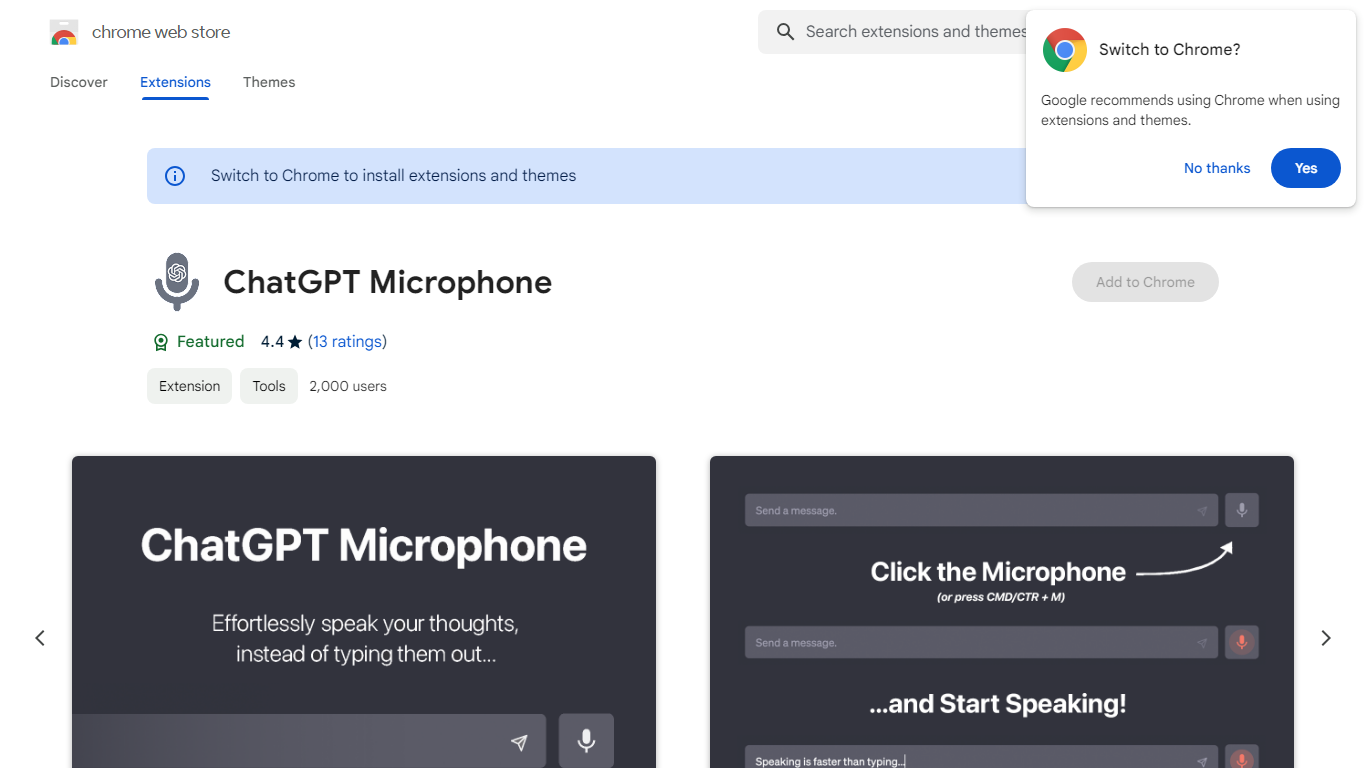

What is ChatGPT Microphone?
Enhance your ChatGPT experience with the revolutionary ChatGPT Microphone extension, available now on the Chrome Web Store. This cutting-edge tool equips ChatGPT users with the convenience of voice-to-text functionality, streamlining the way you communicate with the AI. Say goodbye to manual typing and hello to efficient, voice-driven conversations.
Additionally, take advantage of the custom shortcut snippets, a game-changer for quick access to your most-used phrases and commands. With this innovative feature, you can navigate through ChatGPT's capabilities with unparalleled speed and ease. The ChatGPT Microphone extension is not just a tool; it's an upgrade to your productivity and ChatGPT interactions.
SpeechGPT

What is SpeechGPT?
SpeechGPT lets you hold voice conversations in the browser using your own OpenAI API key. You type or record messages, send them through a chat interface, and hear spoken replies without installing desktop software.
Unlike hosted TTS services that bundle model costs into a subscription, SpeechGPT runs in the browser and bills you only through the OpenAI, Azure Speech Services, or Amazon Polly accounts you connect. That makes it a lightweight option for developers and language learners who already have API access and want a simple voice chat front end.
The interface supports English, Spanish, and Chinese UI labels, includes a record button for speech input, and stores session data locally in the browser. It suits developers testing voice chat flows, language learners practicing spoken prompts, and anyone who wants a minimal ChatGPT voice client on mobile or desktop.
ChatGPT Microphone Upvotes
SpeechGPT Upvotes
ChatGPT Microphone Top Features
Voice-to-Text Functionality: Enables you to speak directly to ChatGPT transforming your voice into text.
Shortcut Snippets: Offers custom shortcuts for frequently used text enhancing efficiency.
Seamless Integration: Easily integrates with the ChatGPT platform for a smooth user experience.
Productivity Boost: Saves time and effort with quick voice commands instead of typing.
Chrome Web Store Accessibility: Conveniently available for download and installation through the Chrome Web Store.
SpeechGPT Top Features
Chat interface accepts typed messages or recorded speech input with Enter to send
Requires your OpenAI API key in settings before the app will run conversations
Optional Azure Speech Services or Amazon Polly access keys for alternate text-to-speech backends
UI available in English, Spanish, and Chinese from the in-app language selector
Shift plus Enter inserts a newline without sending the message
Runs as a web app on Vercel with no separate desktop install required
ChatGPT Microphone Category
- Audio Generation
SpeechGPT Category
- Audio Generation
ChatGPT Microphone Pricing Type
- Freemium
SpeechGPT Pricing Type
- Free